?unique=1d6fd7c)

















































Community
Enterprise
Odoo.sh
Preview Options For PDF Report
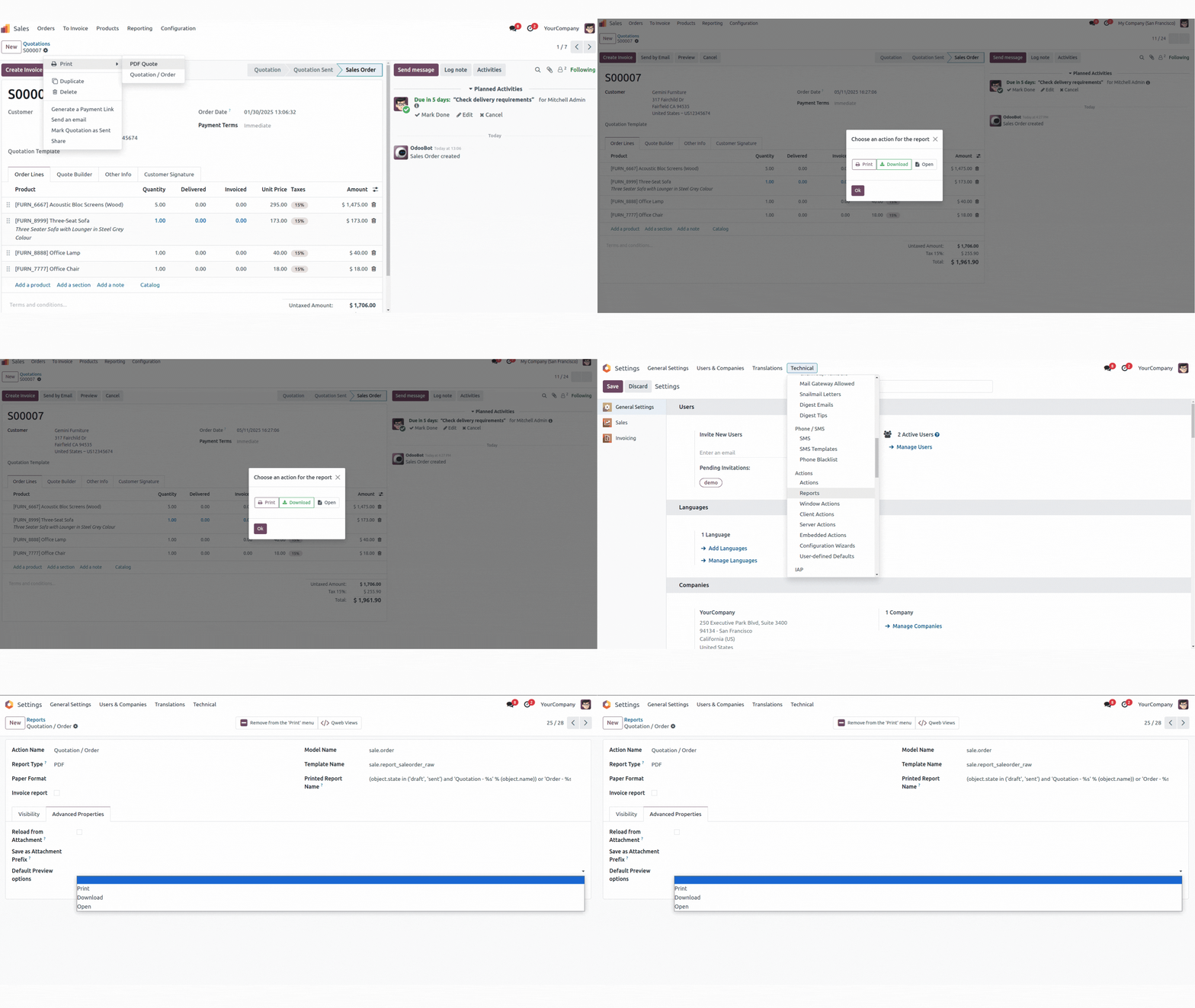
The Preview Options module is useful for select your preferred action for the PDF report: print it directly, save it to your computer, or view it in a new browser window. You can also customize the default action for each report.

Explore This Module

Overview
This module implements for select your preferred action for the PDF report: print it directly, save it to your computer, or view it in a new browser window. You can also customize the default action for each report.

Features
Available in Odoo 19.0 Community and Enterprise.
Additional Action Options : Expand the range of actions beyond print, download, and open report.
Customizable Action Buttons : Allow users to create and customize action buttons for specific workflows.

Screenshots
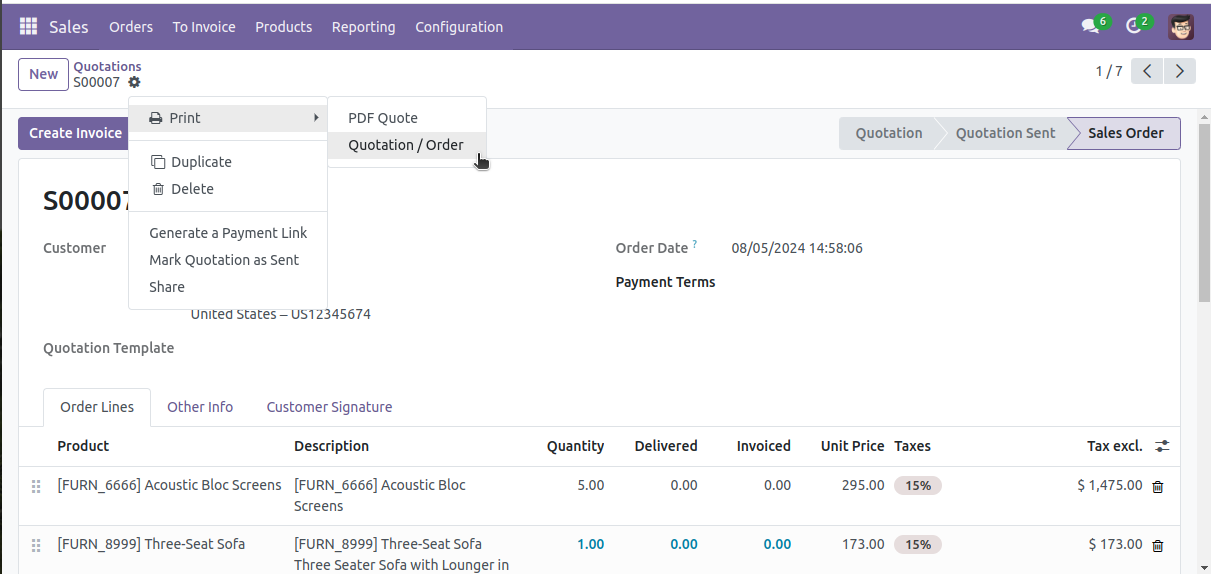
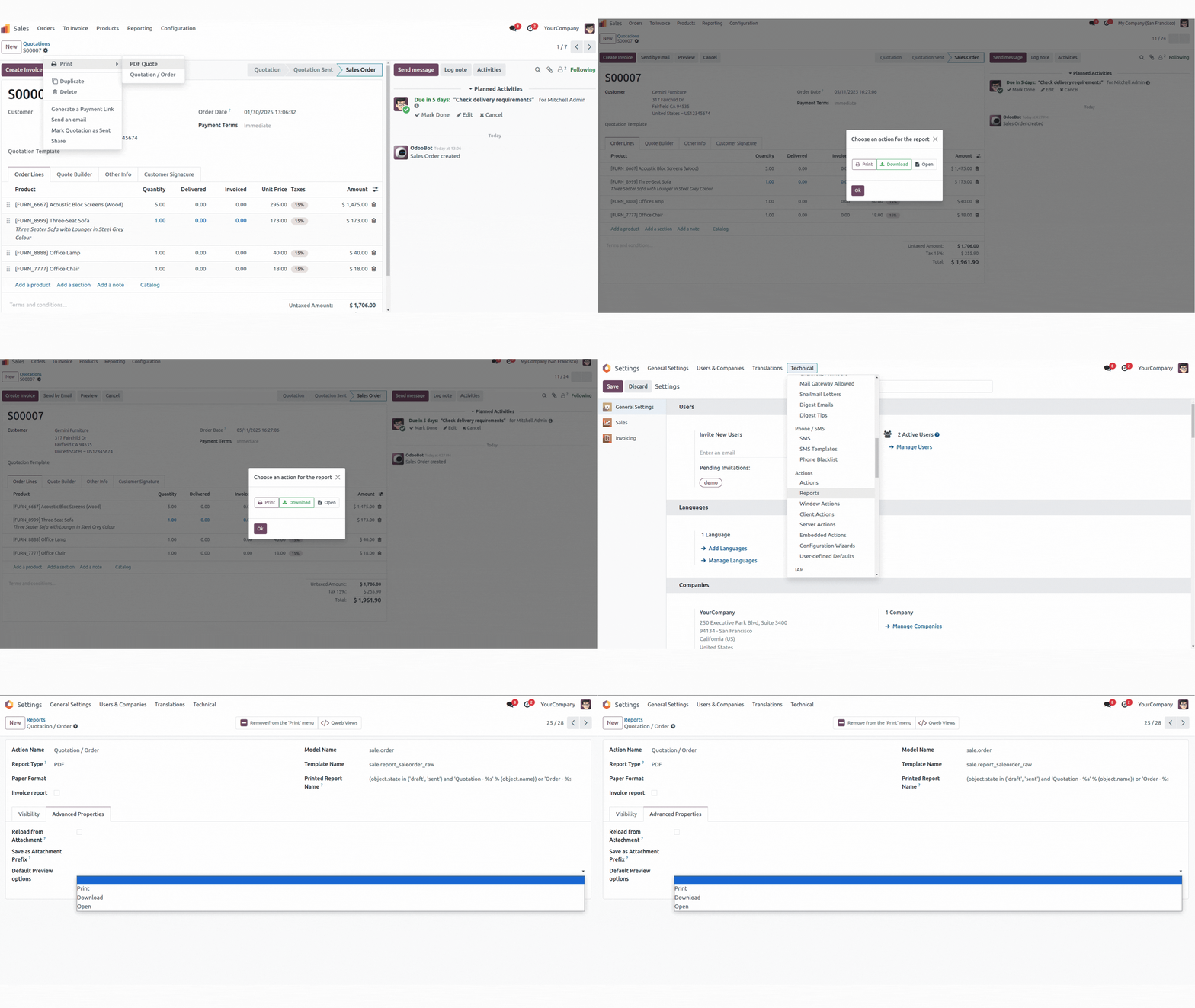
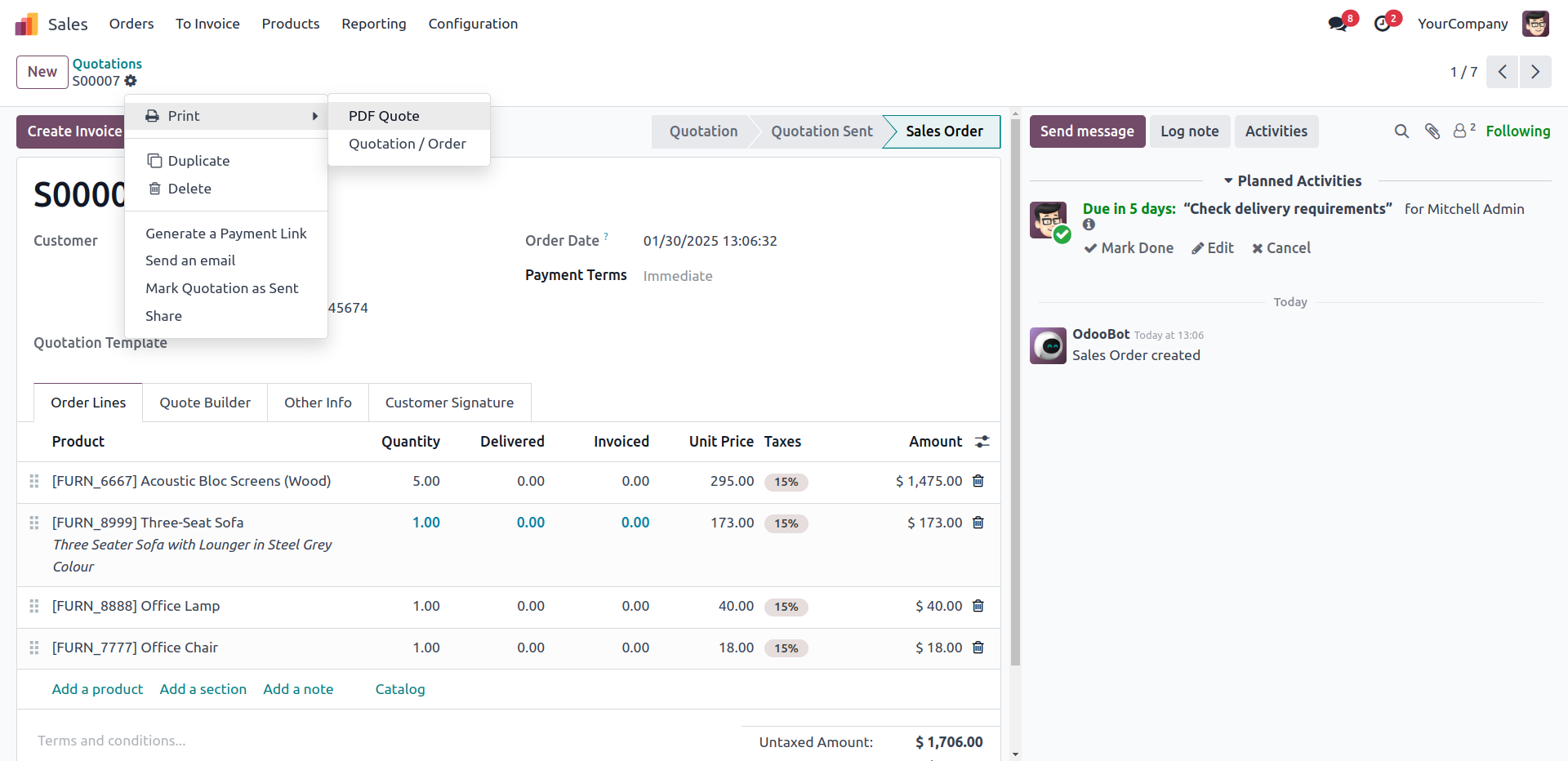
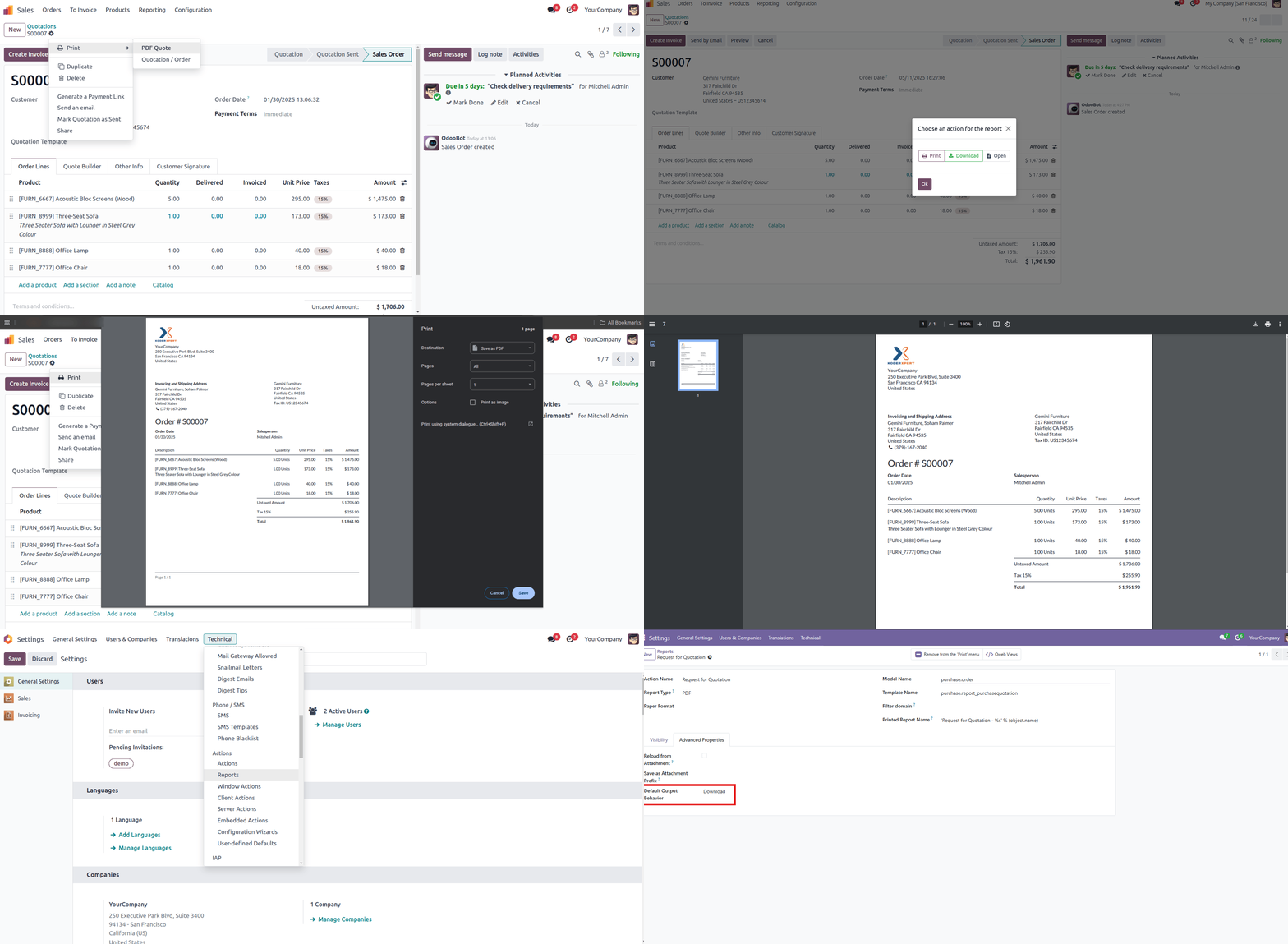
Select Pdf Report
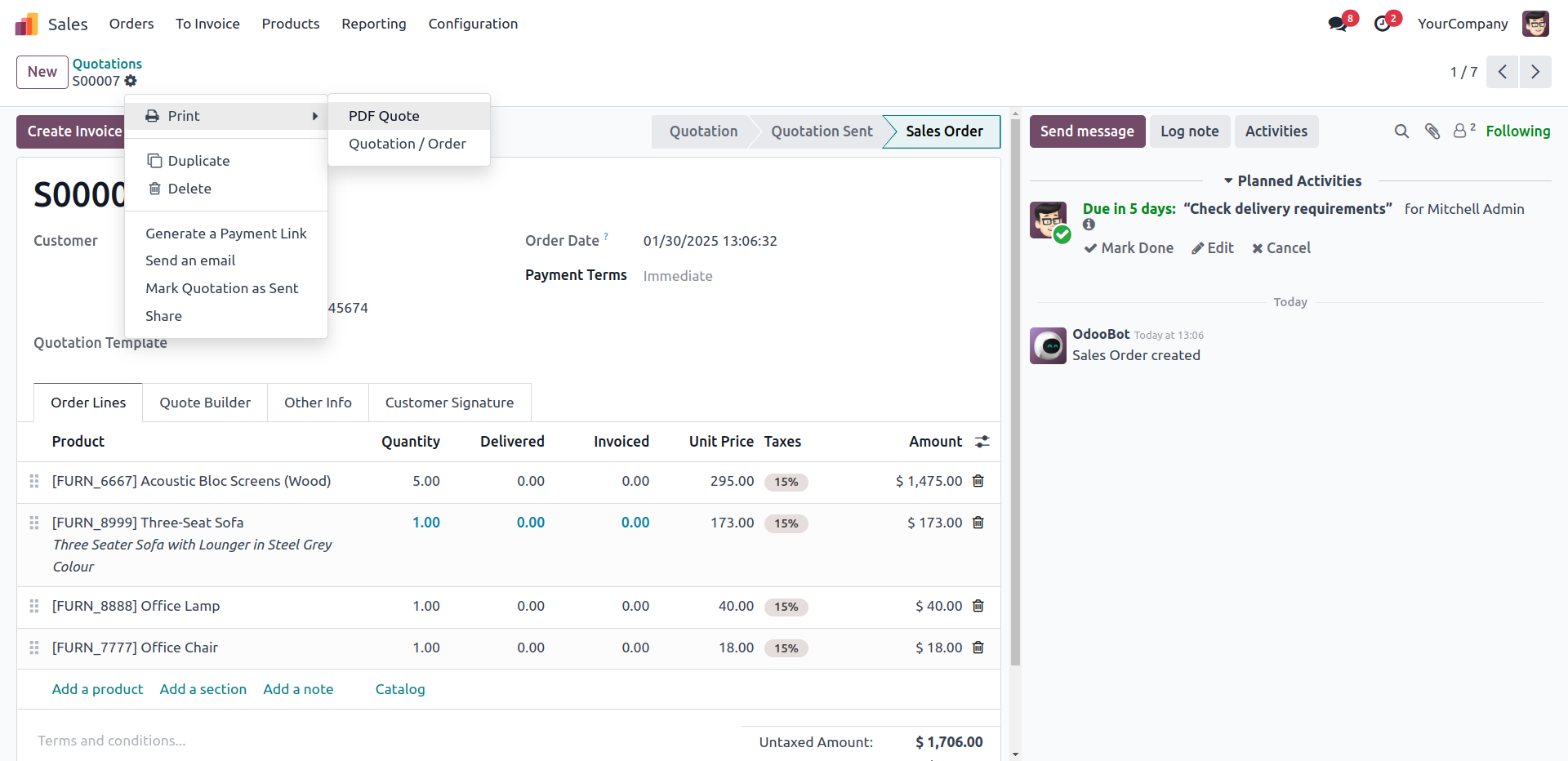
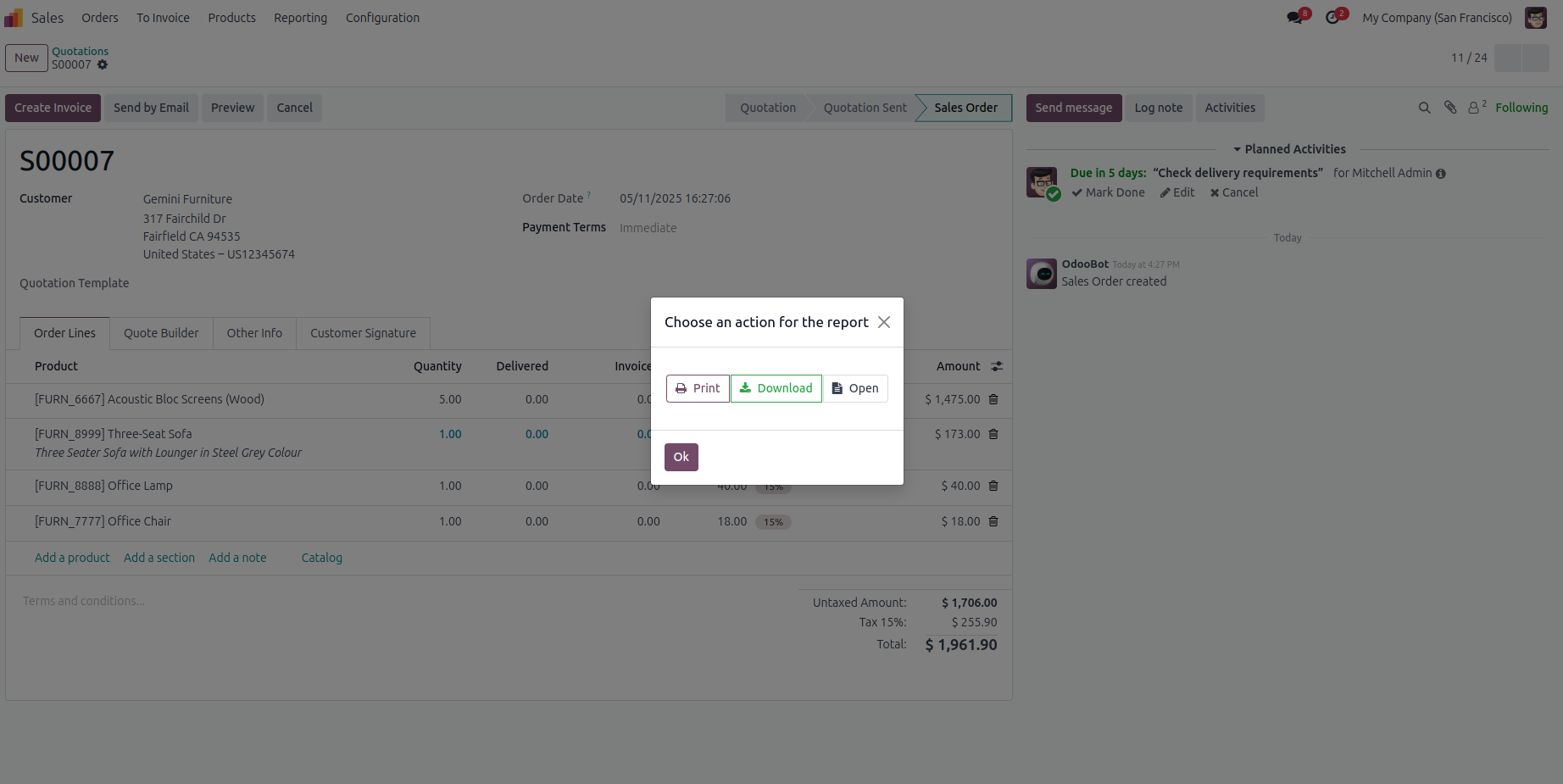
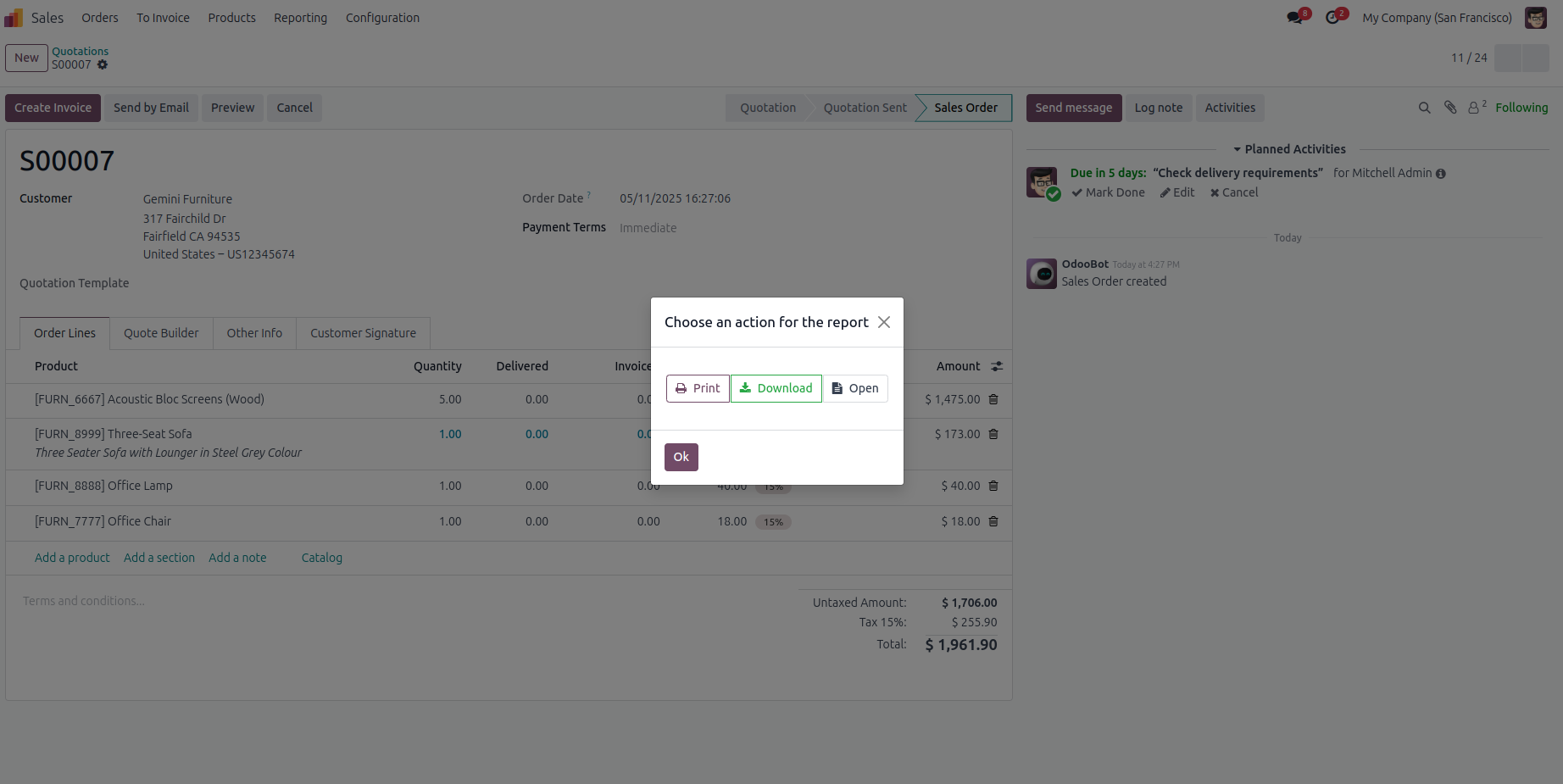
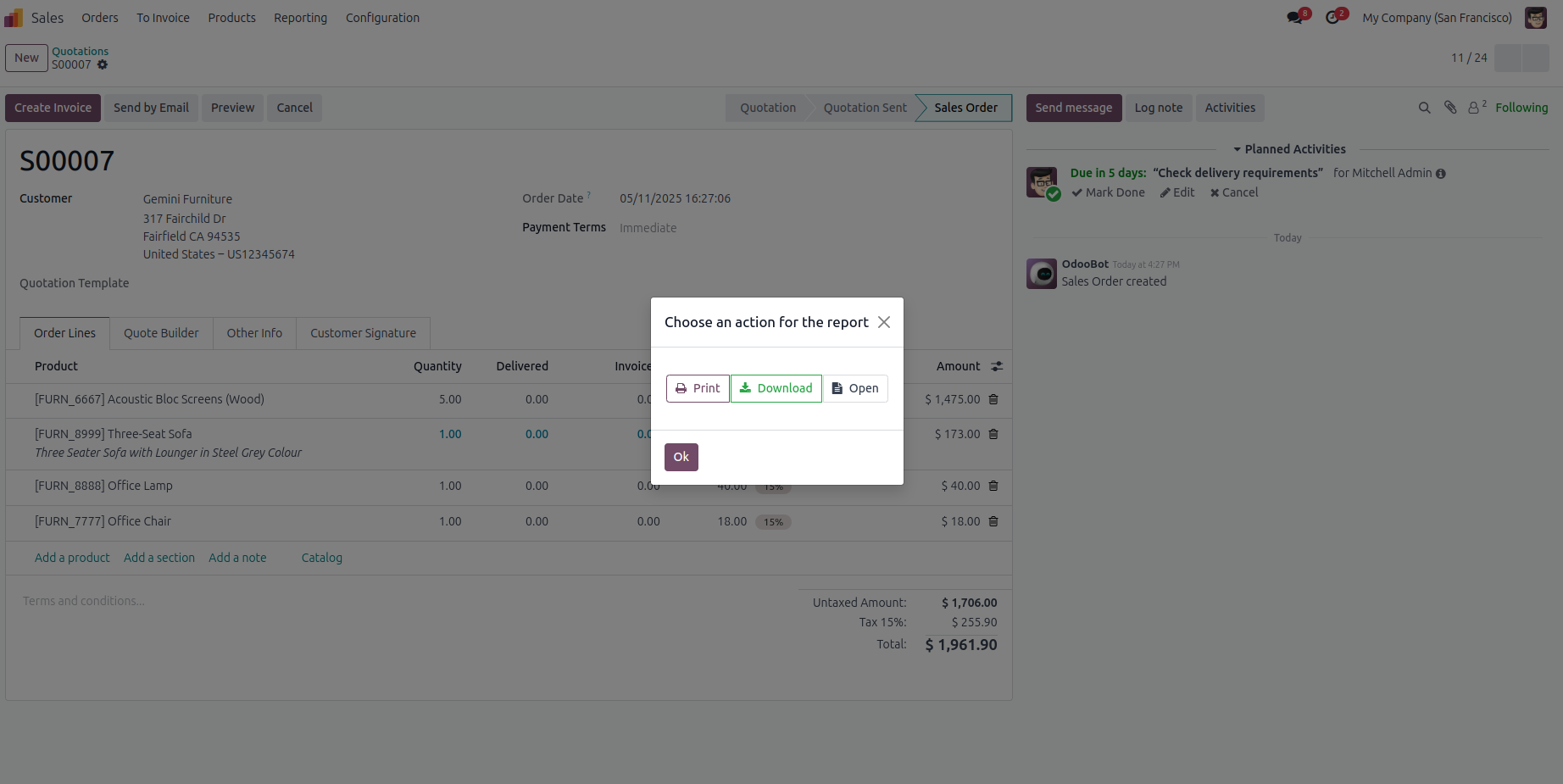
You Can Select Your PDF Report Options
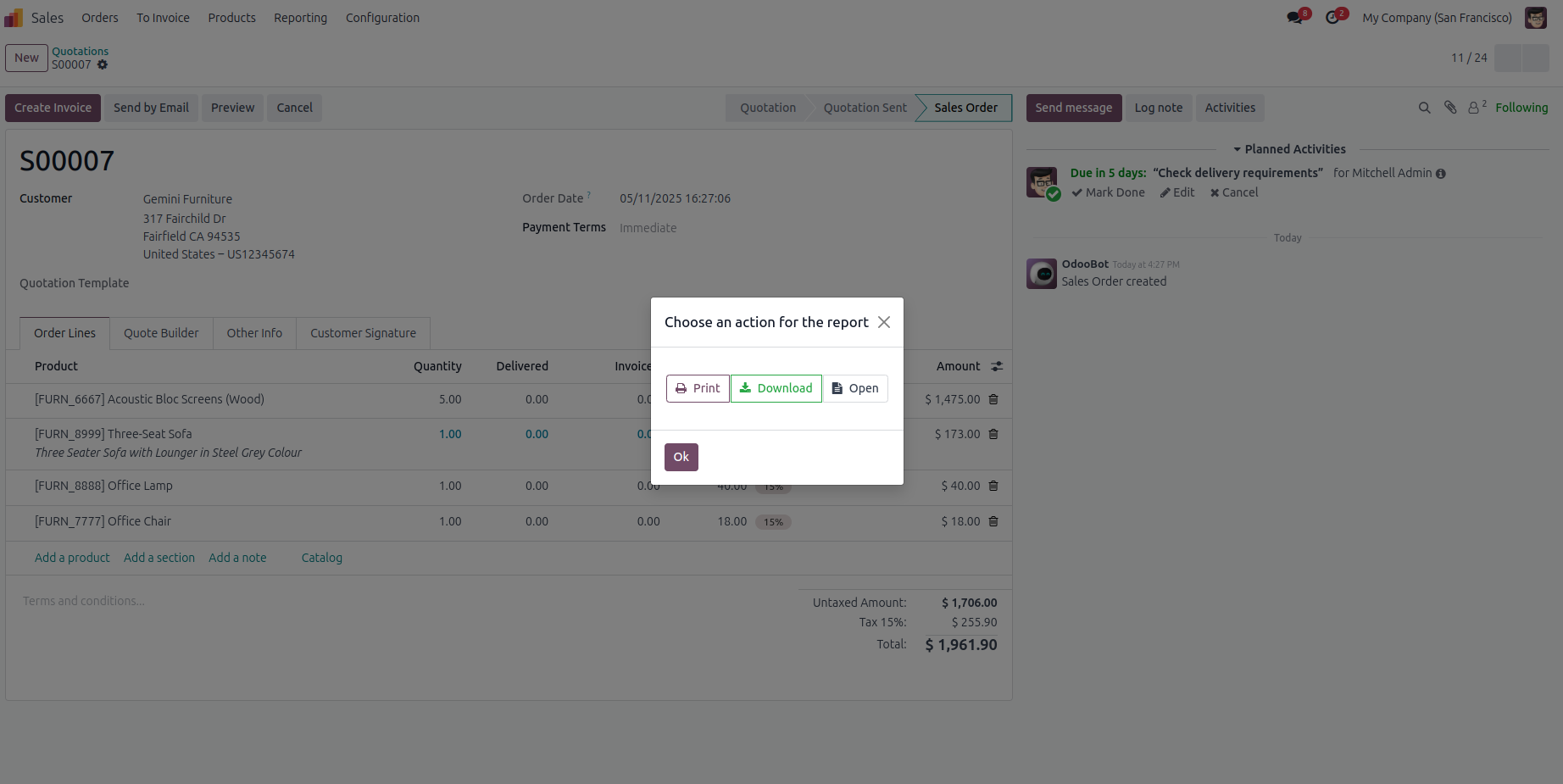
Select your preferred action for the PDF report: print, download, or open it in a new browser tab.
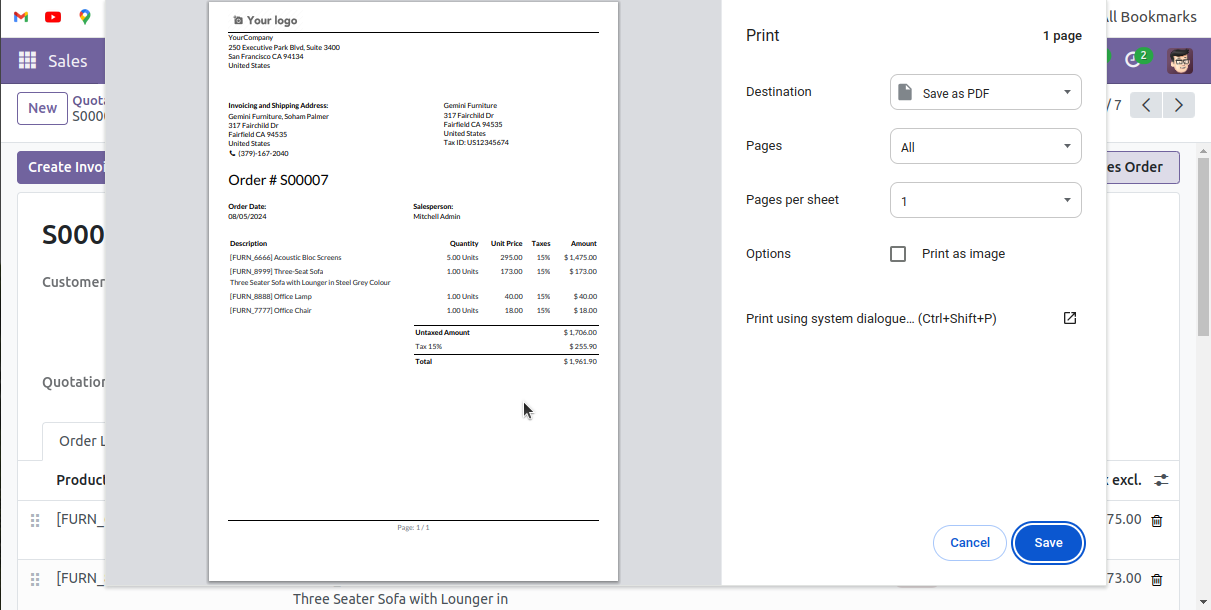
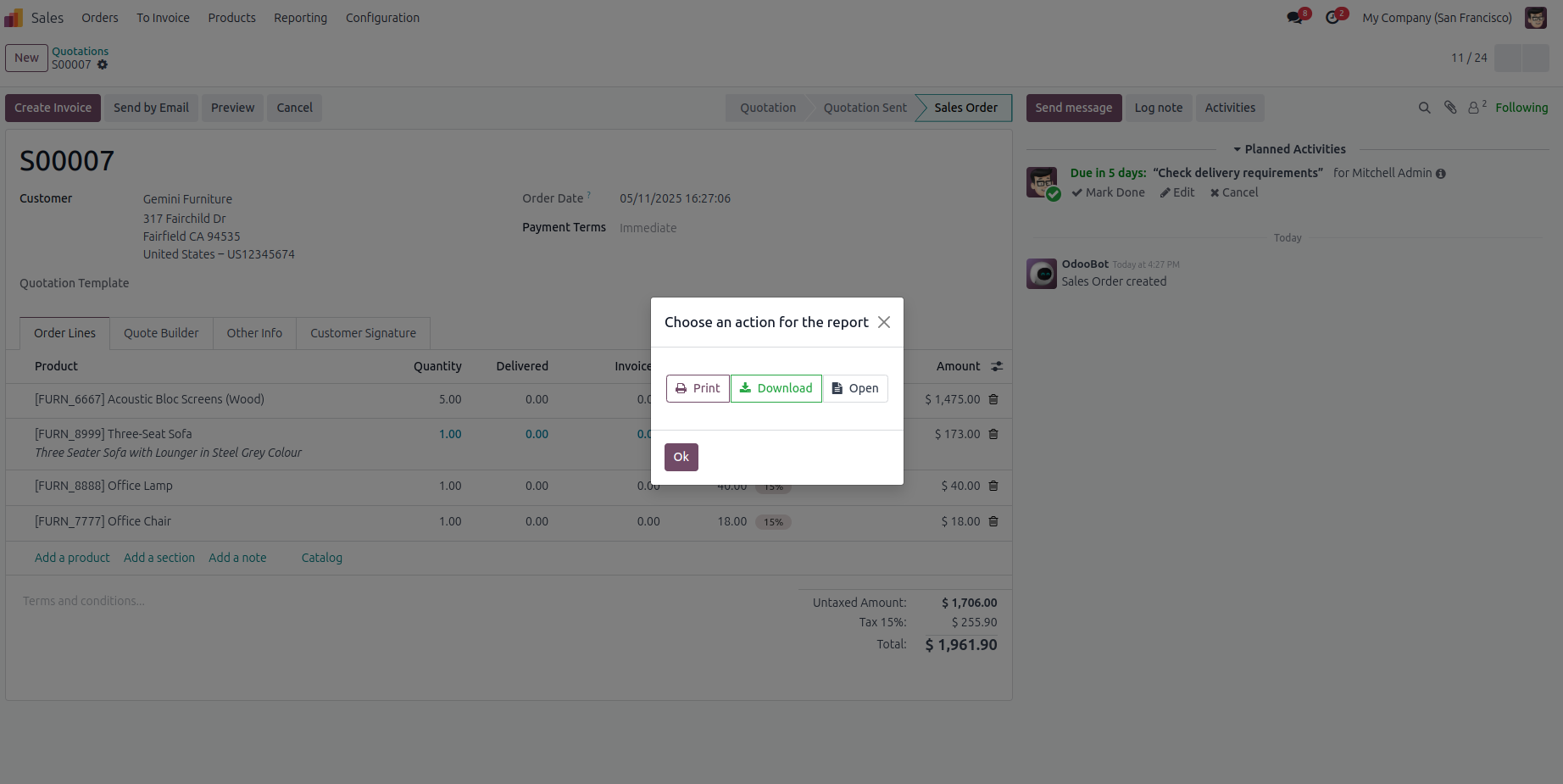
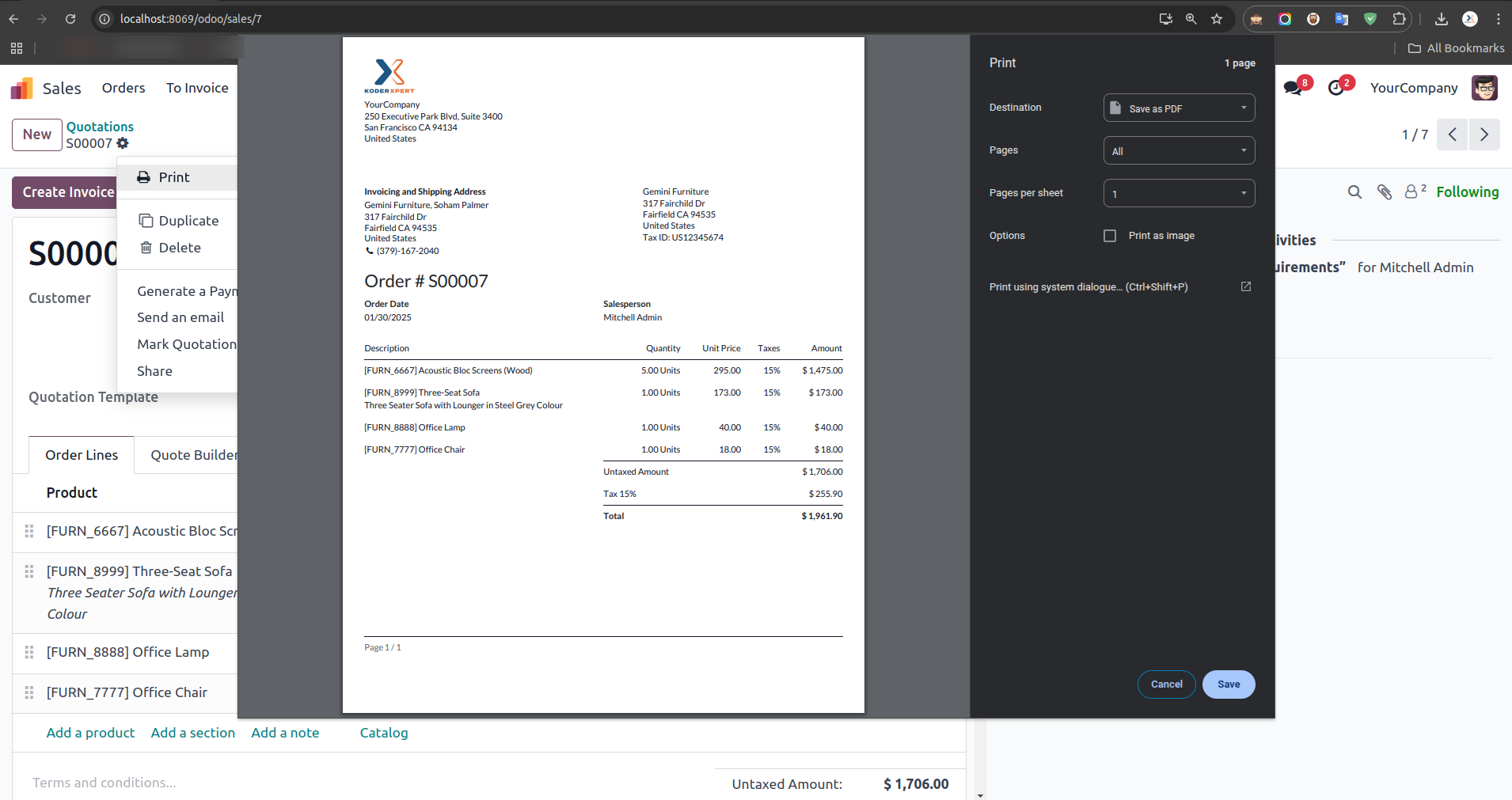
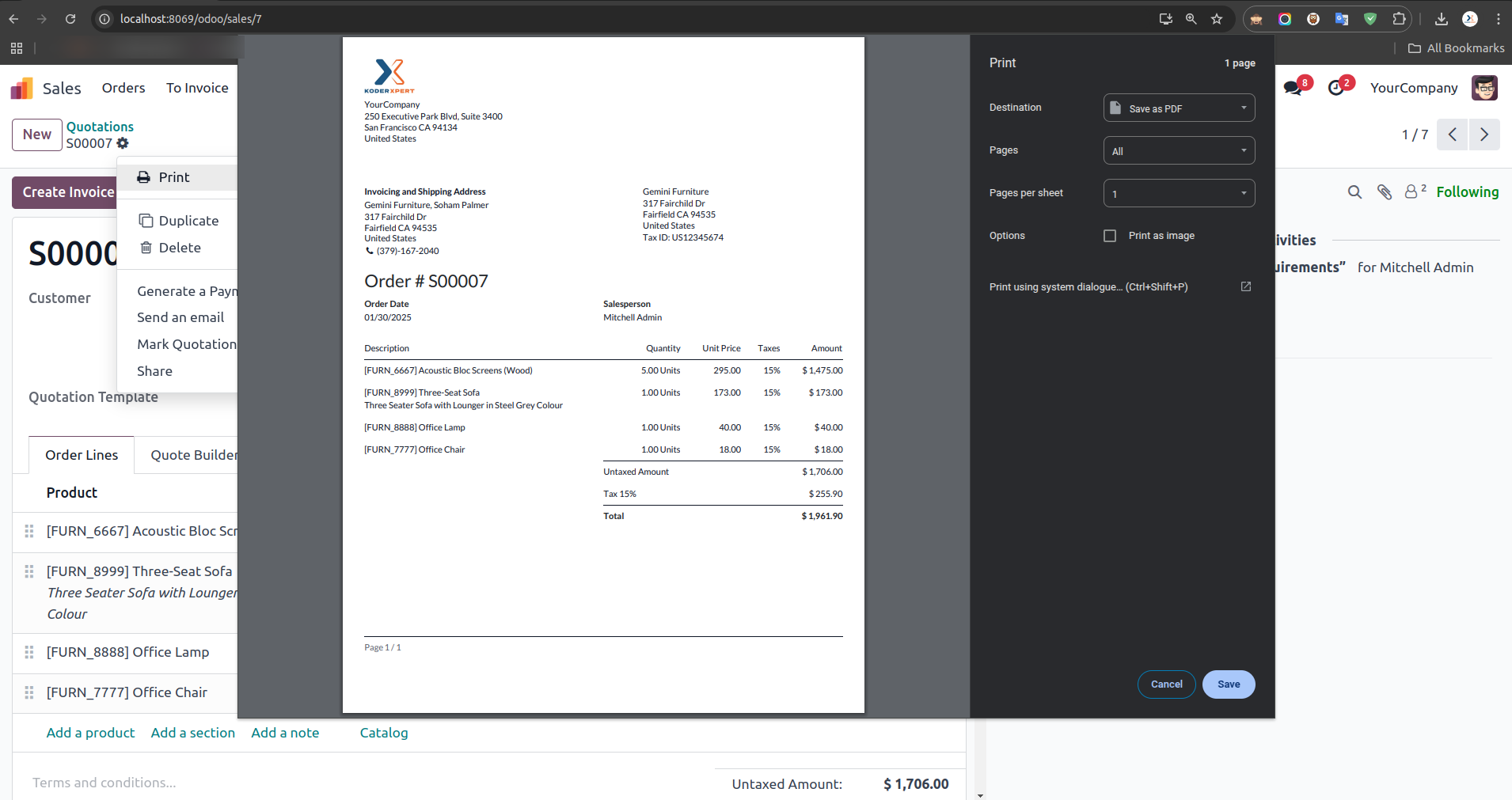
PDF Report 'Print' Option View
Selecting the 'Print' option displays the View.
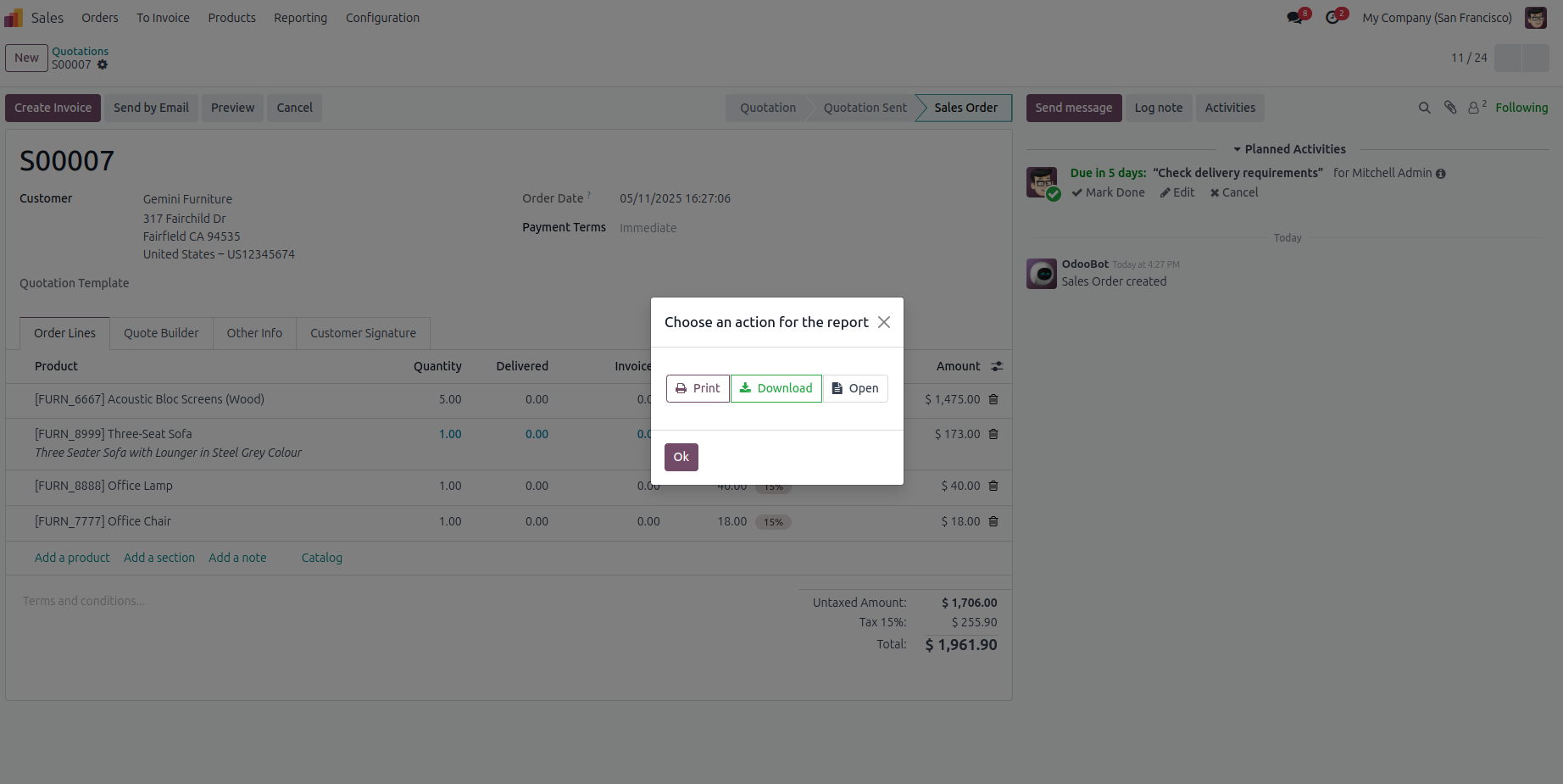
You Can Select Your PDF Report 'Open' Option
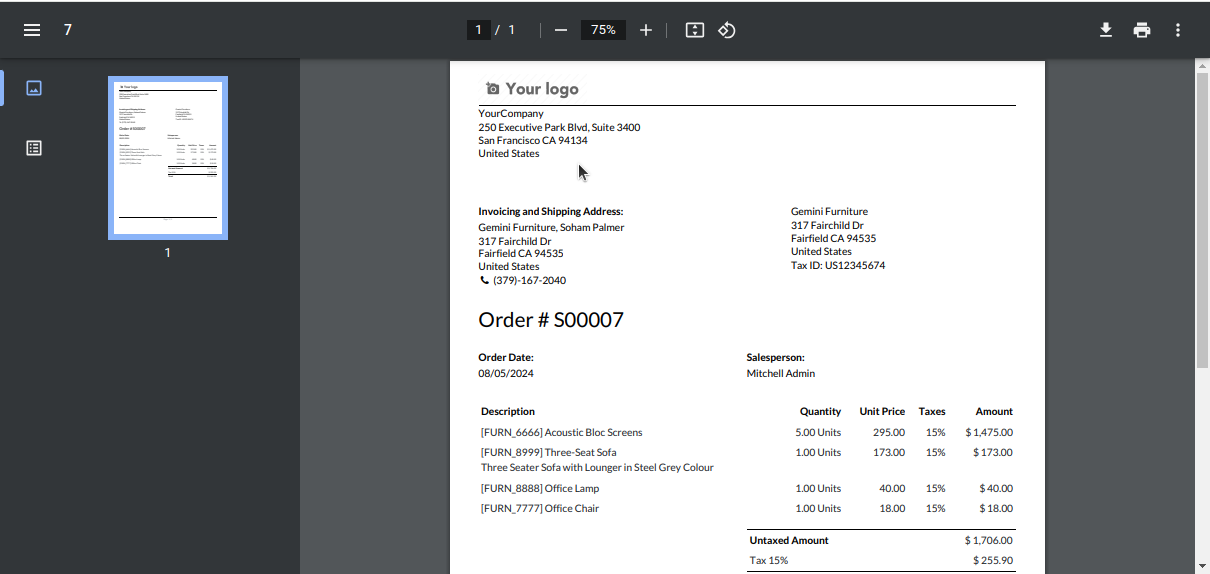
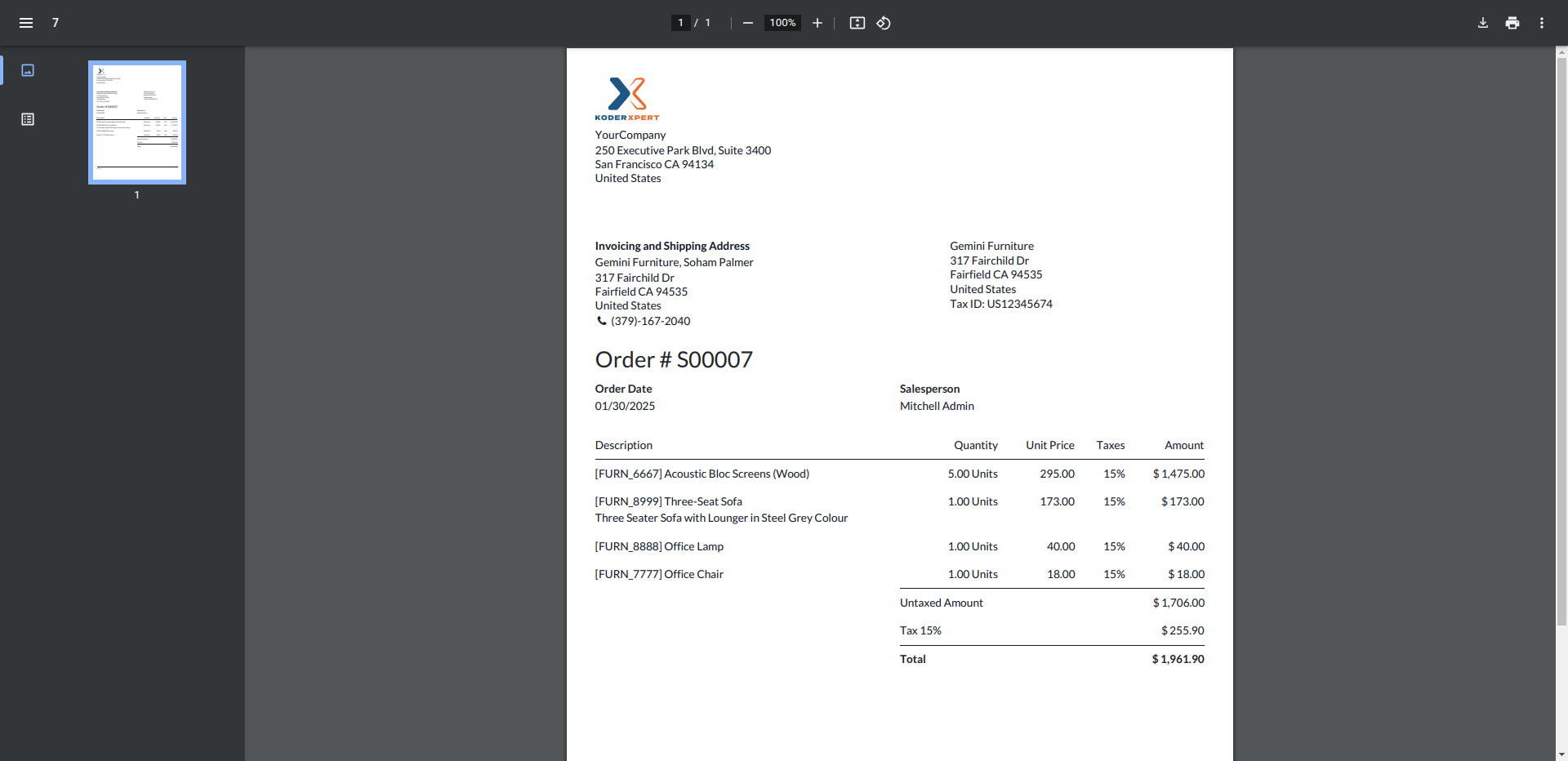
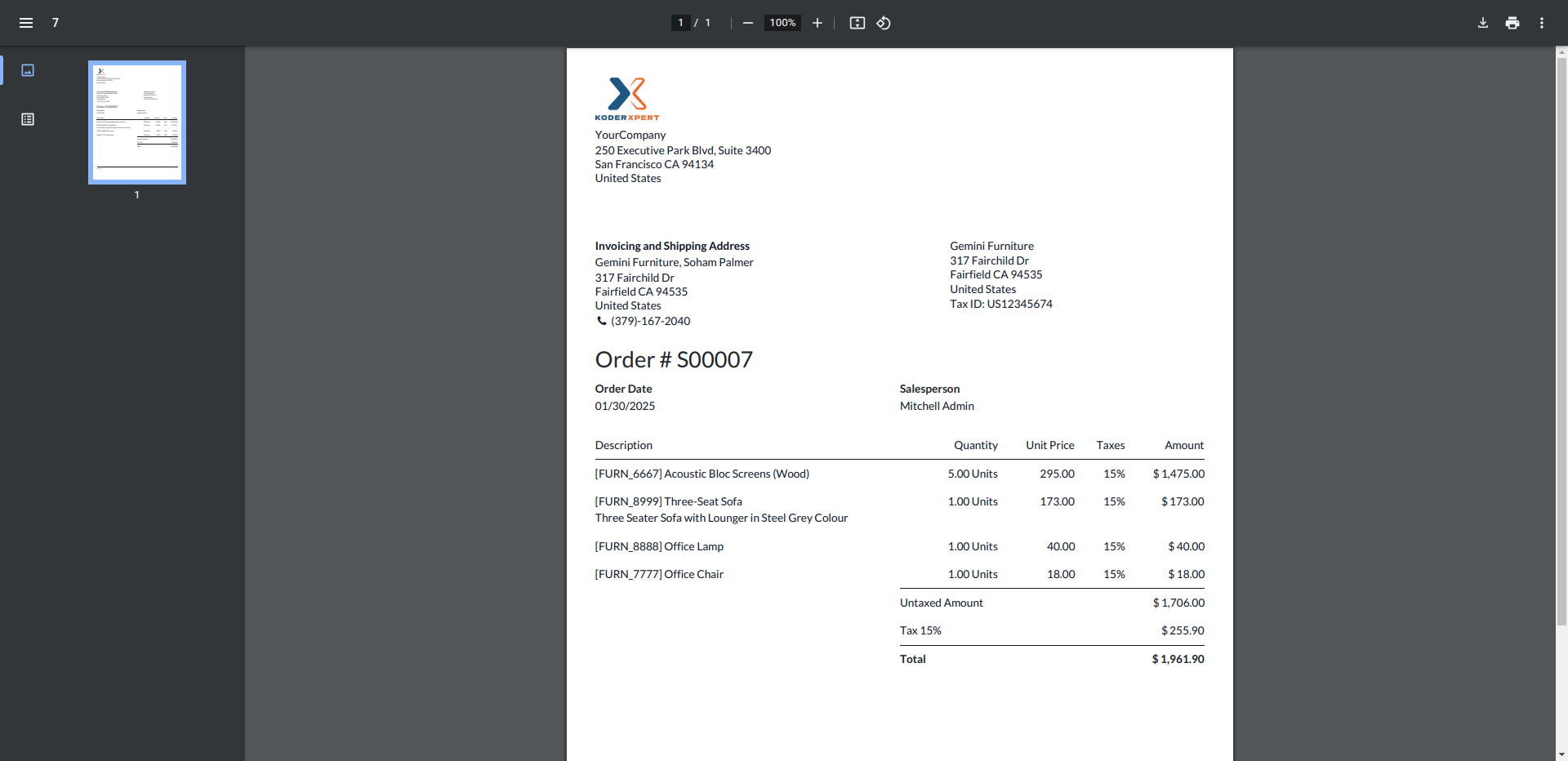
PDF Report 'Open' Option View
Selecting the 'Open' option displays the View.
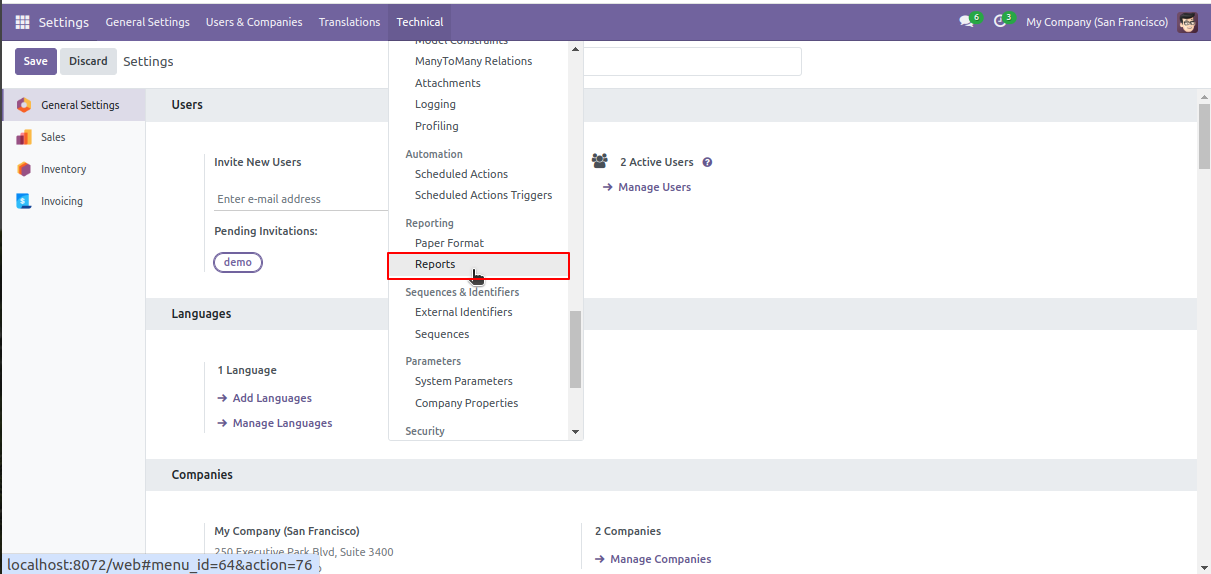
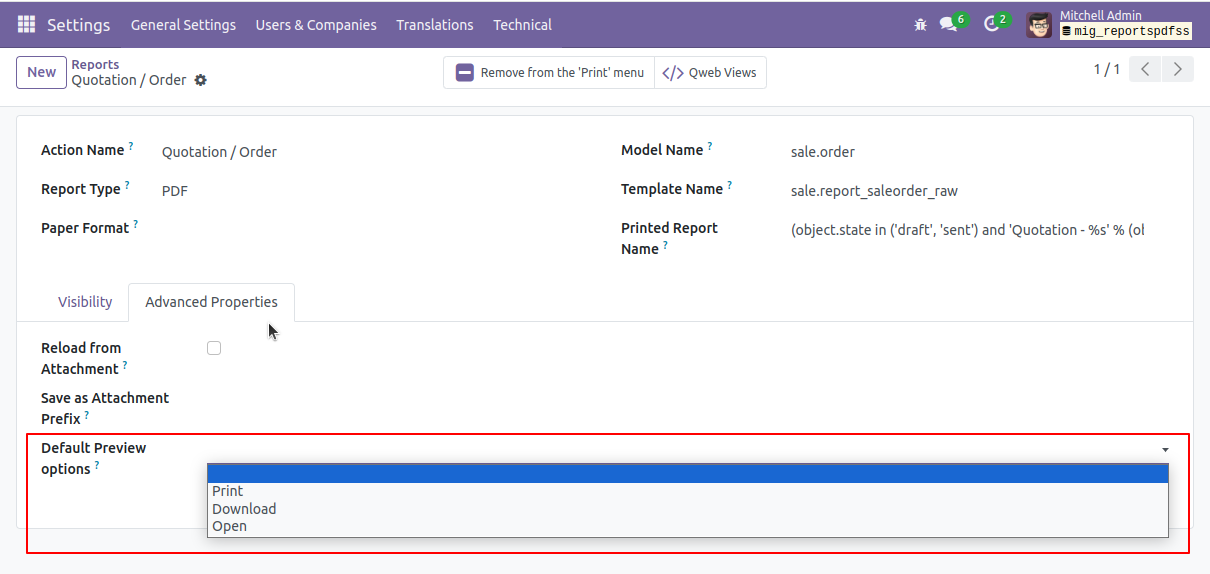
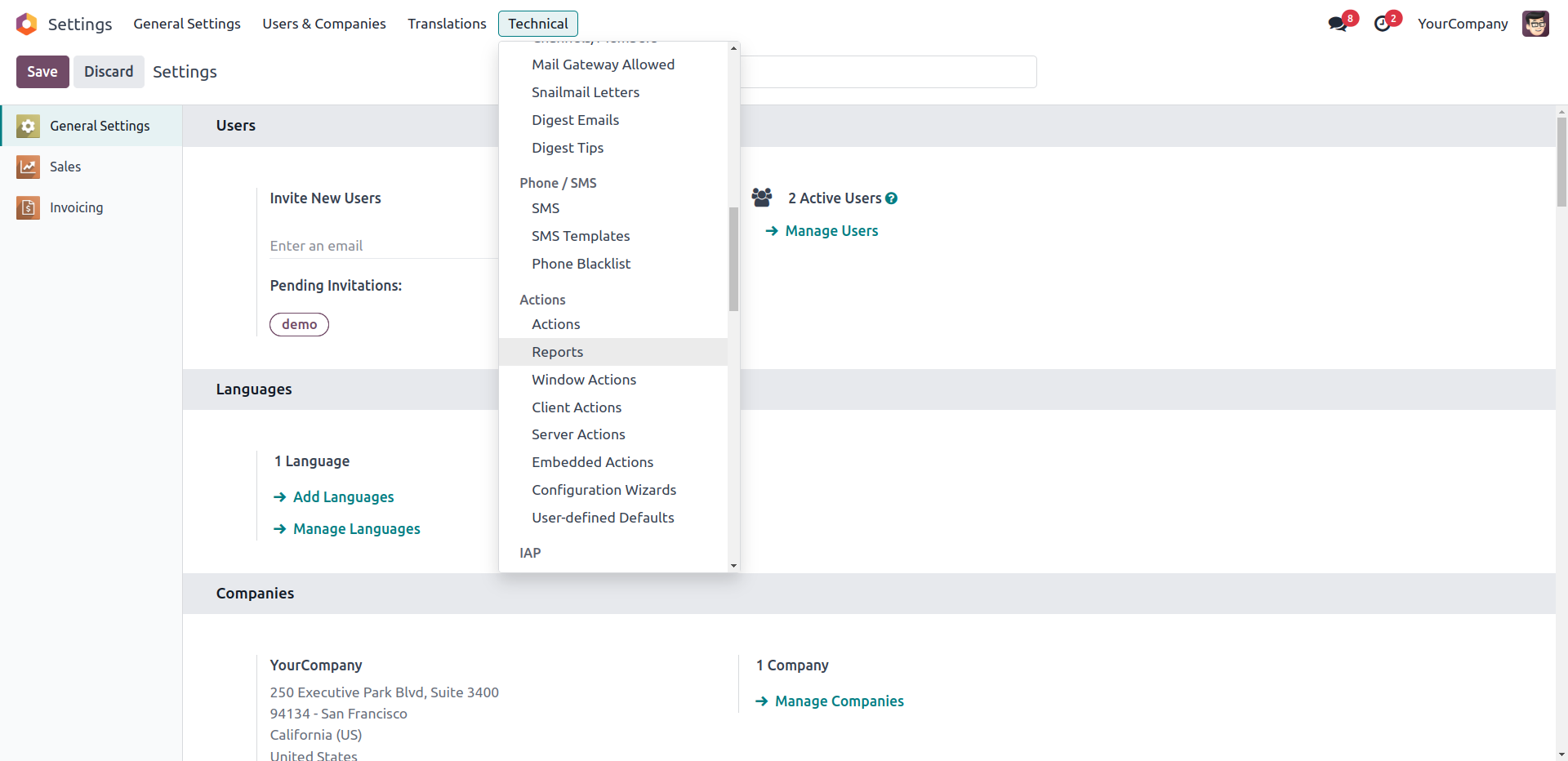
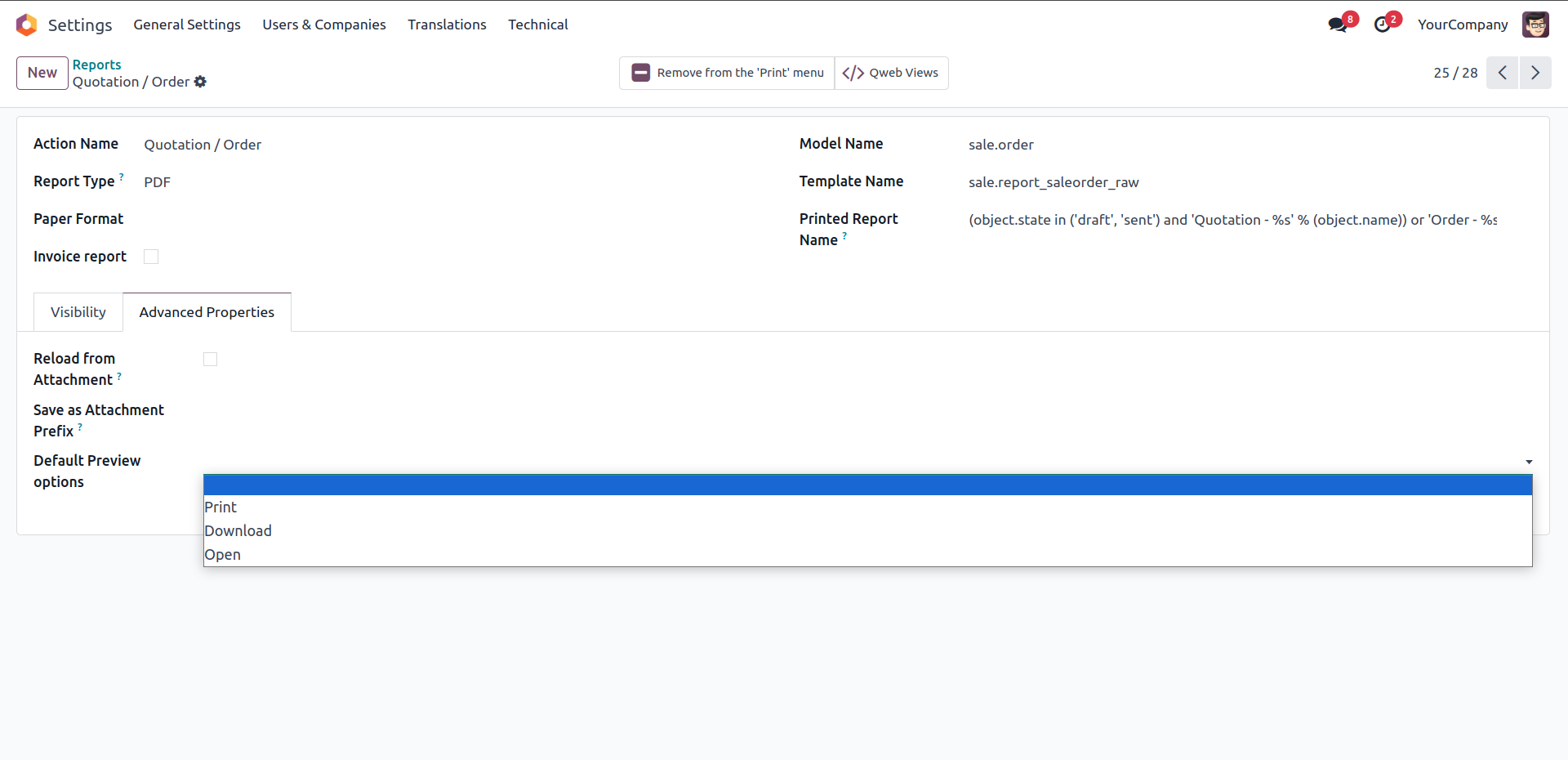
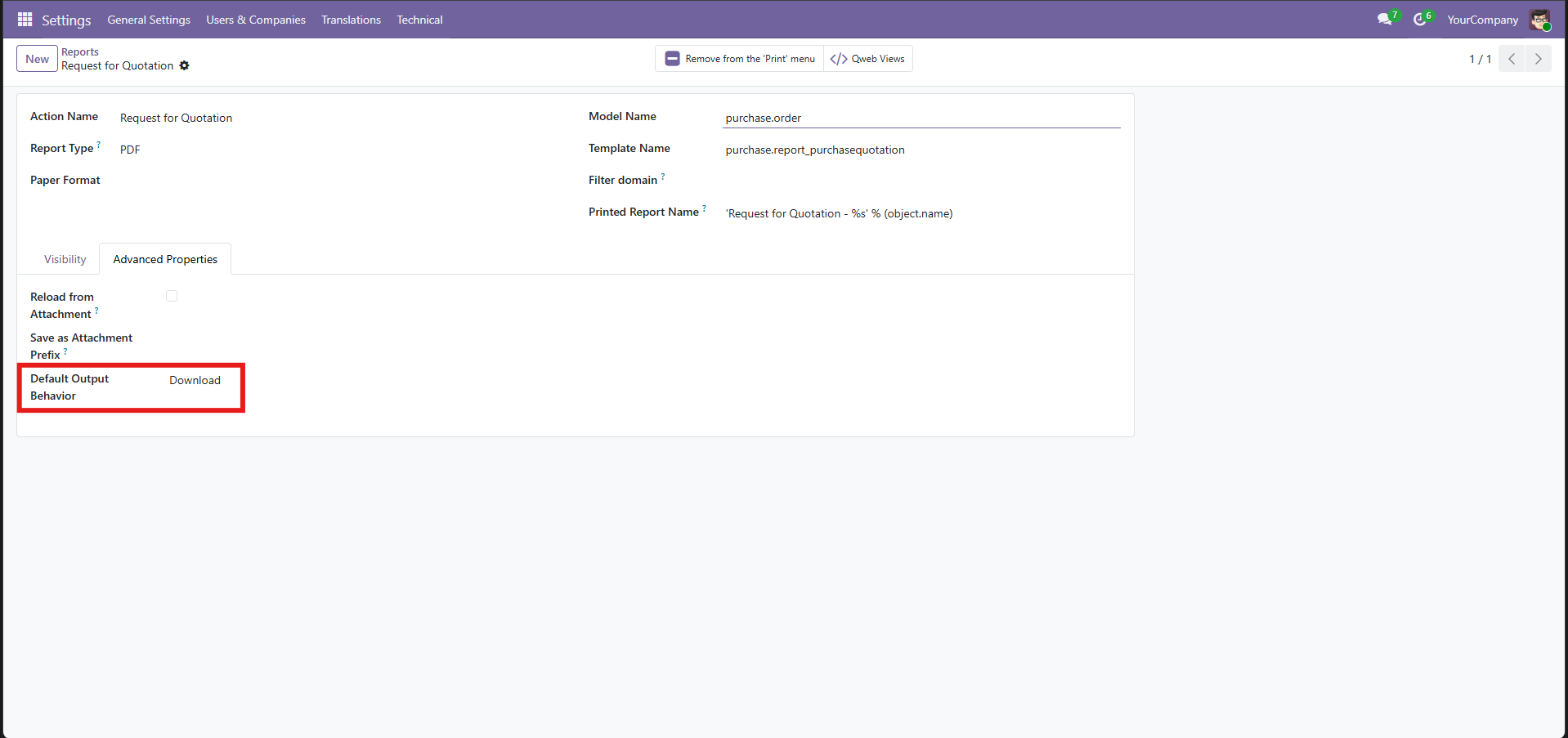
Set a Default Action For Each Report
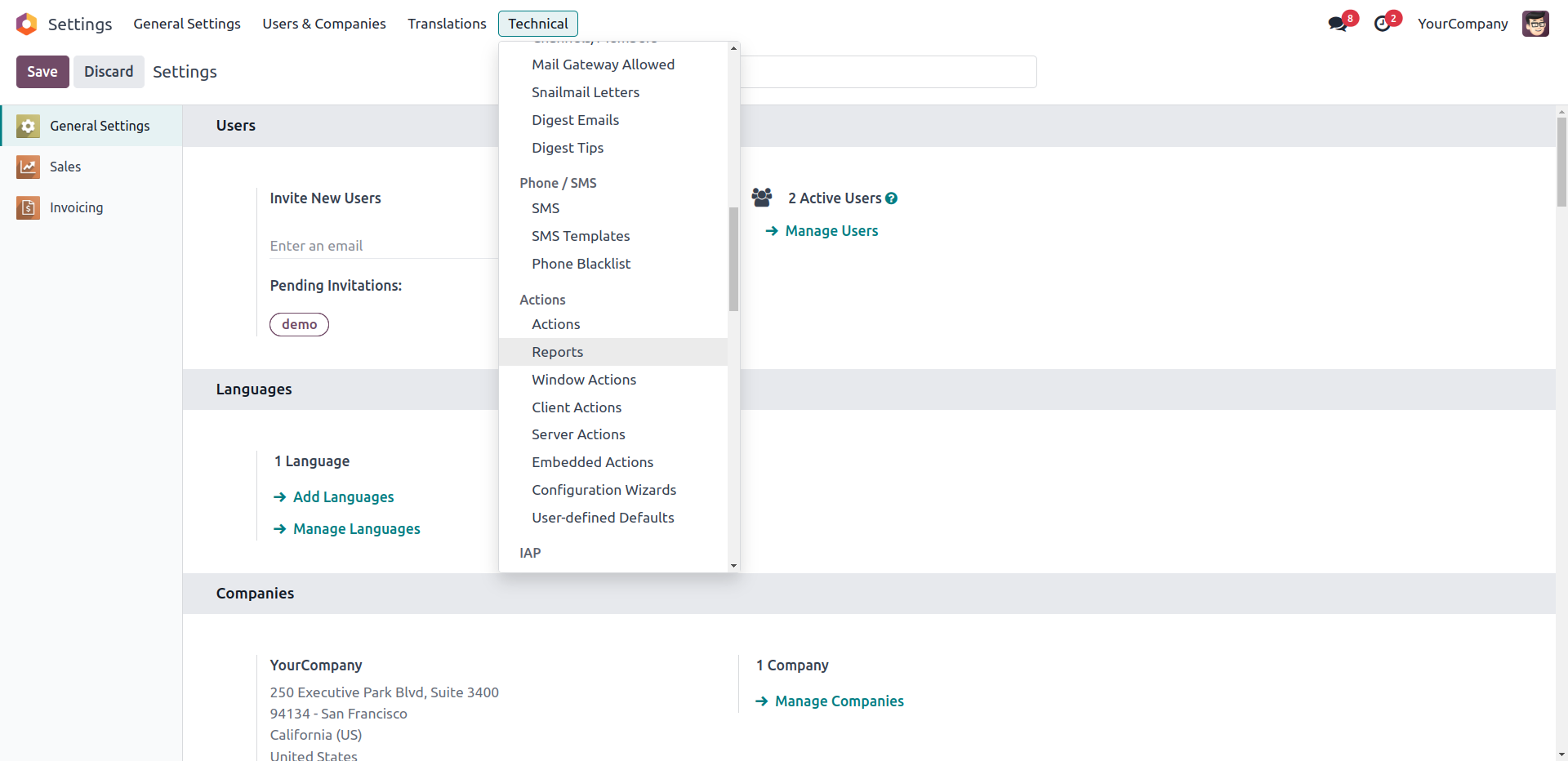
Customize how your reports print by selecting default options.

Our Services

Our Industries

Support


Technical Information
kx_preview_options
web
Supported Versions
17.0.1.0.1
₹ 3,698.88
18.0.1.0.1
₹ 3,698.88
19.0.1.0.0
₹ 3,698.88