?unique=1d6fd7c)


Screenshots
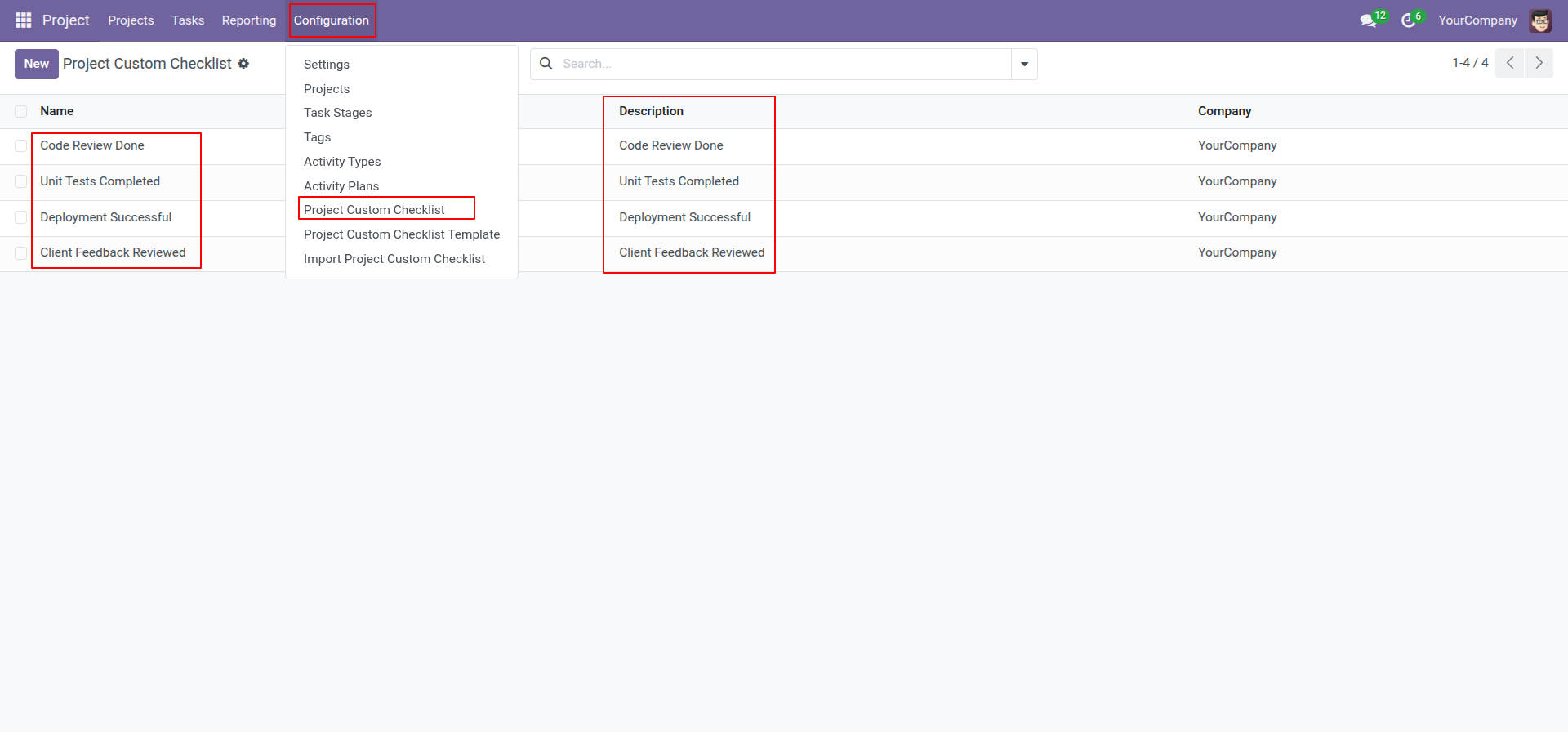
Go to the "Configuration" => Project Custom Checklist.
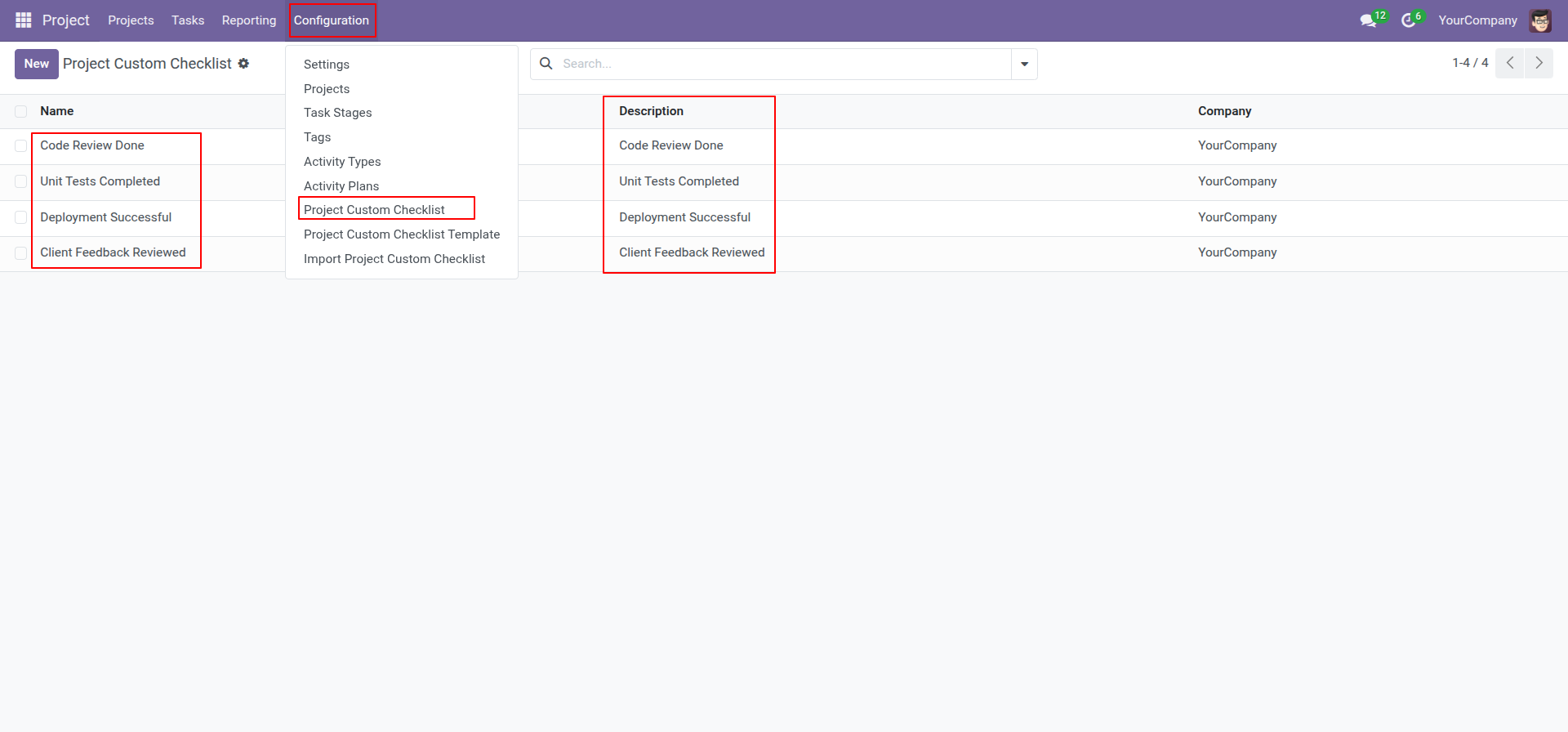
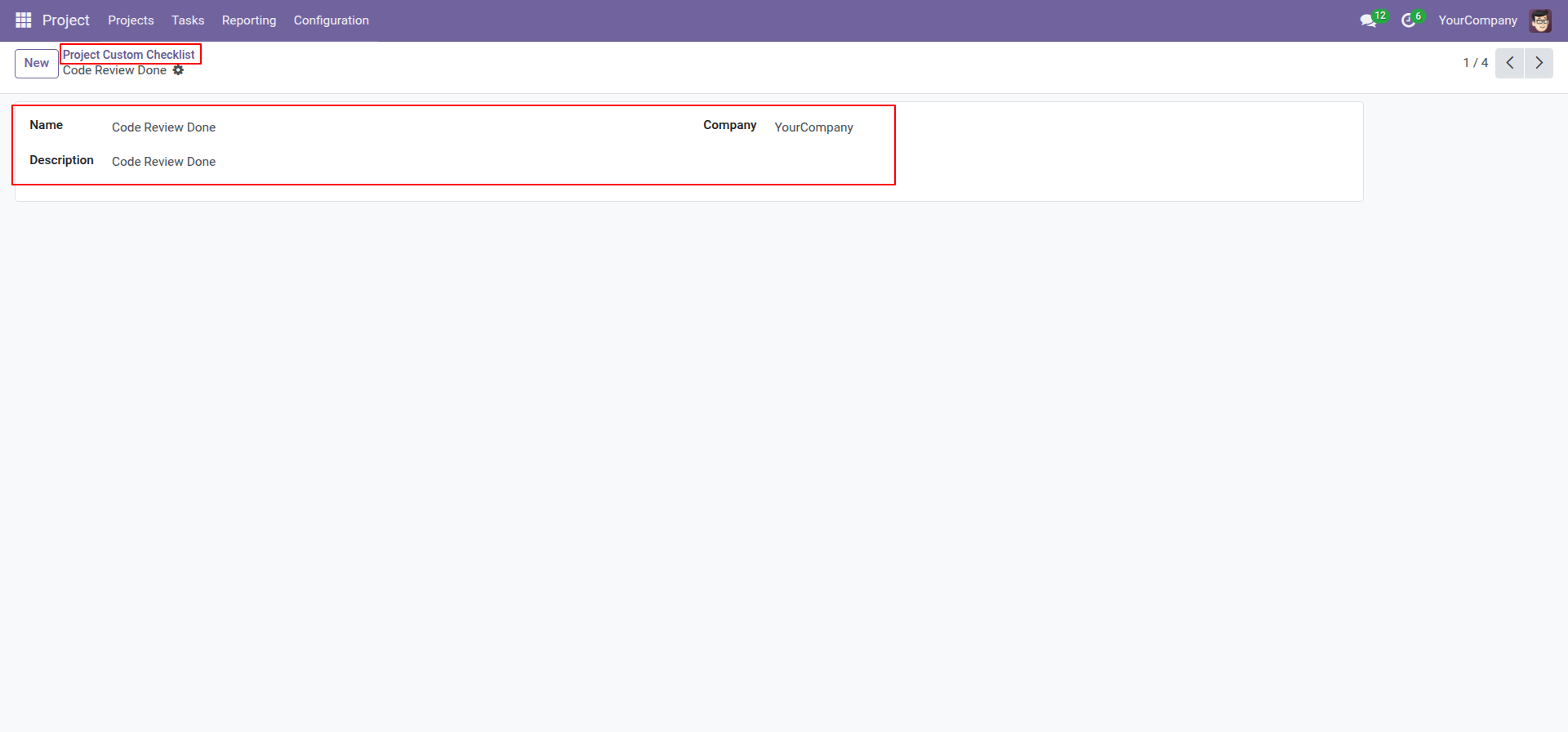
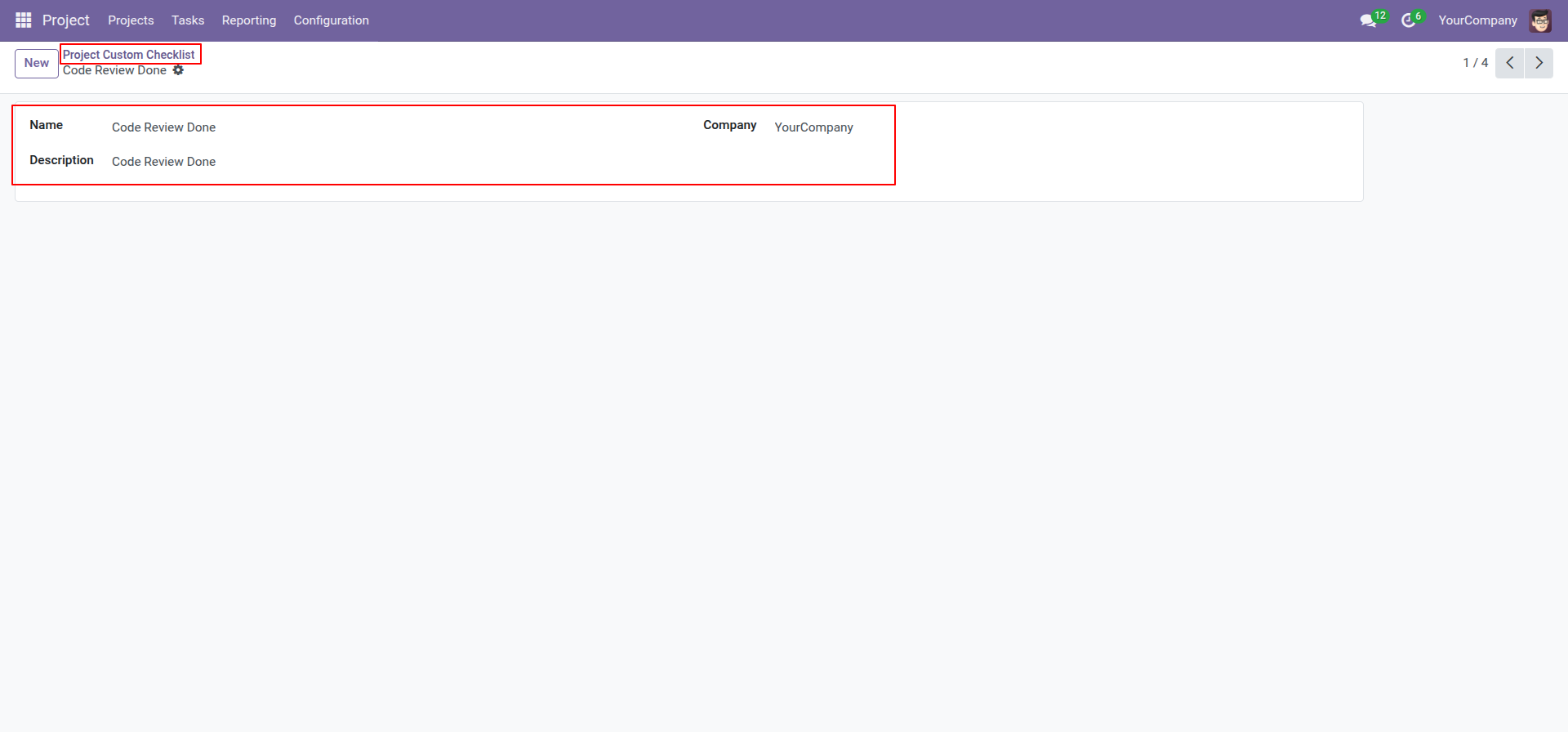
Create project checklist.
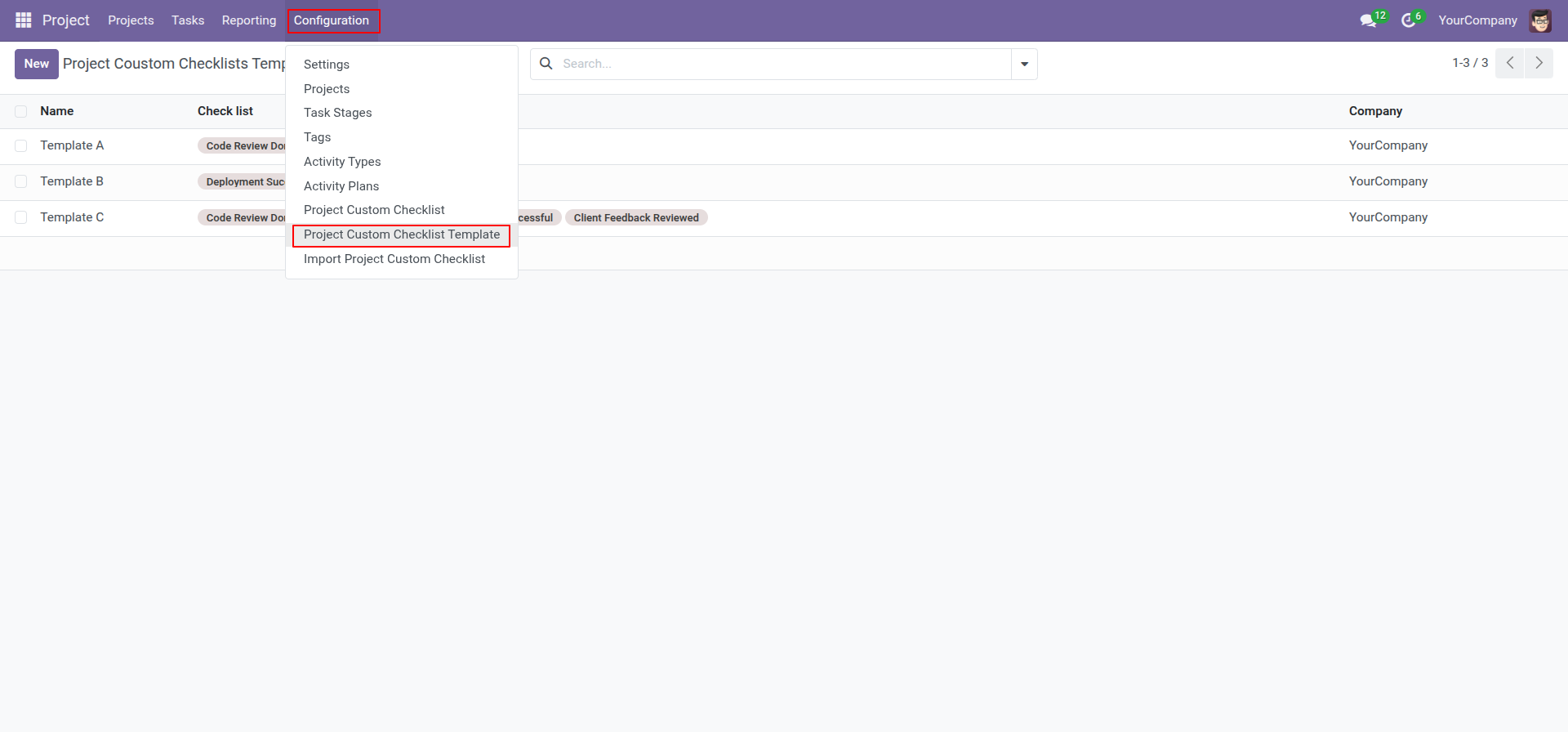
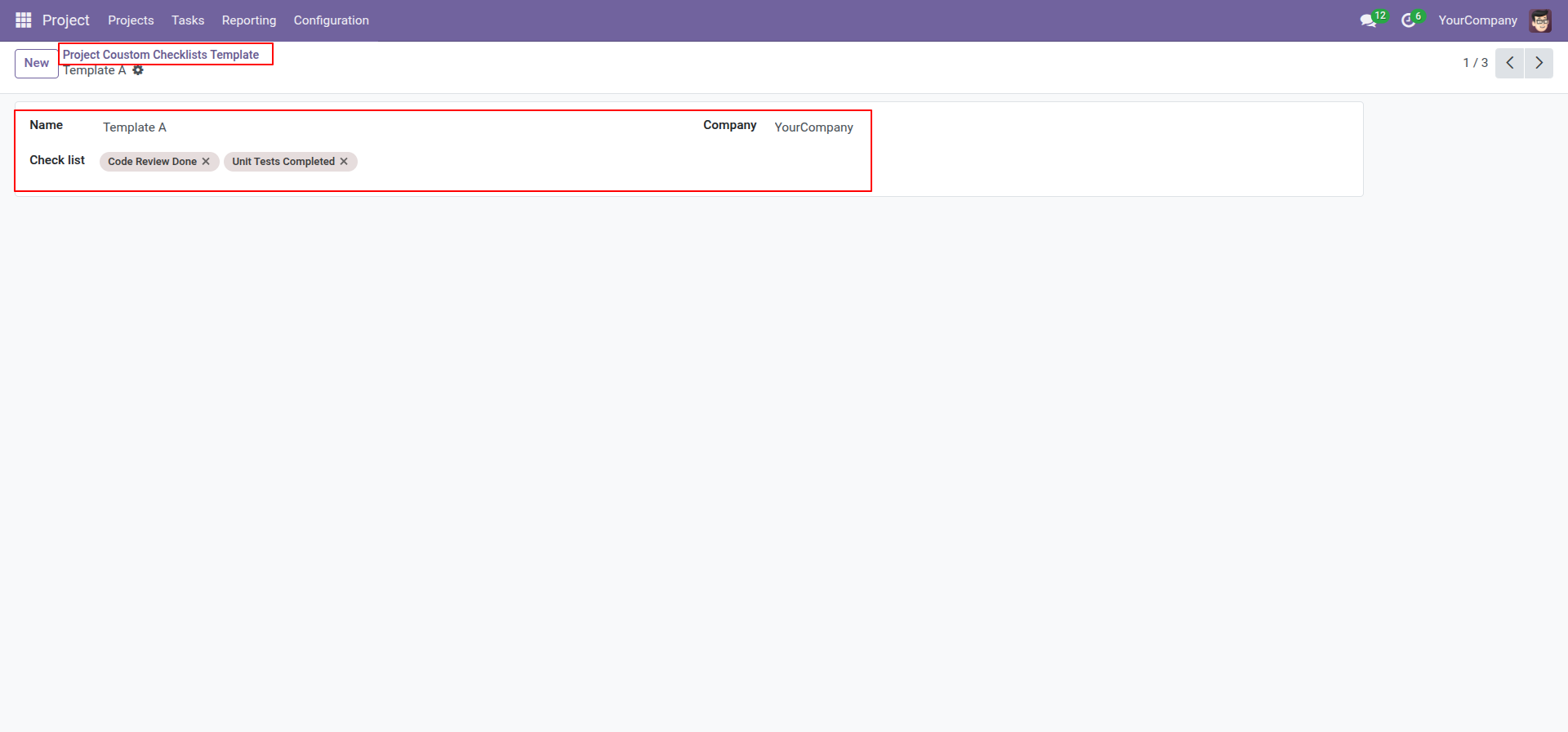
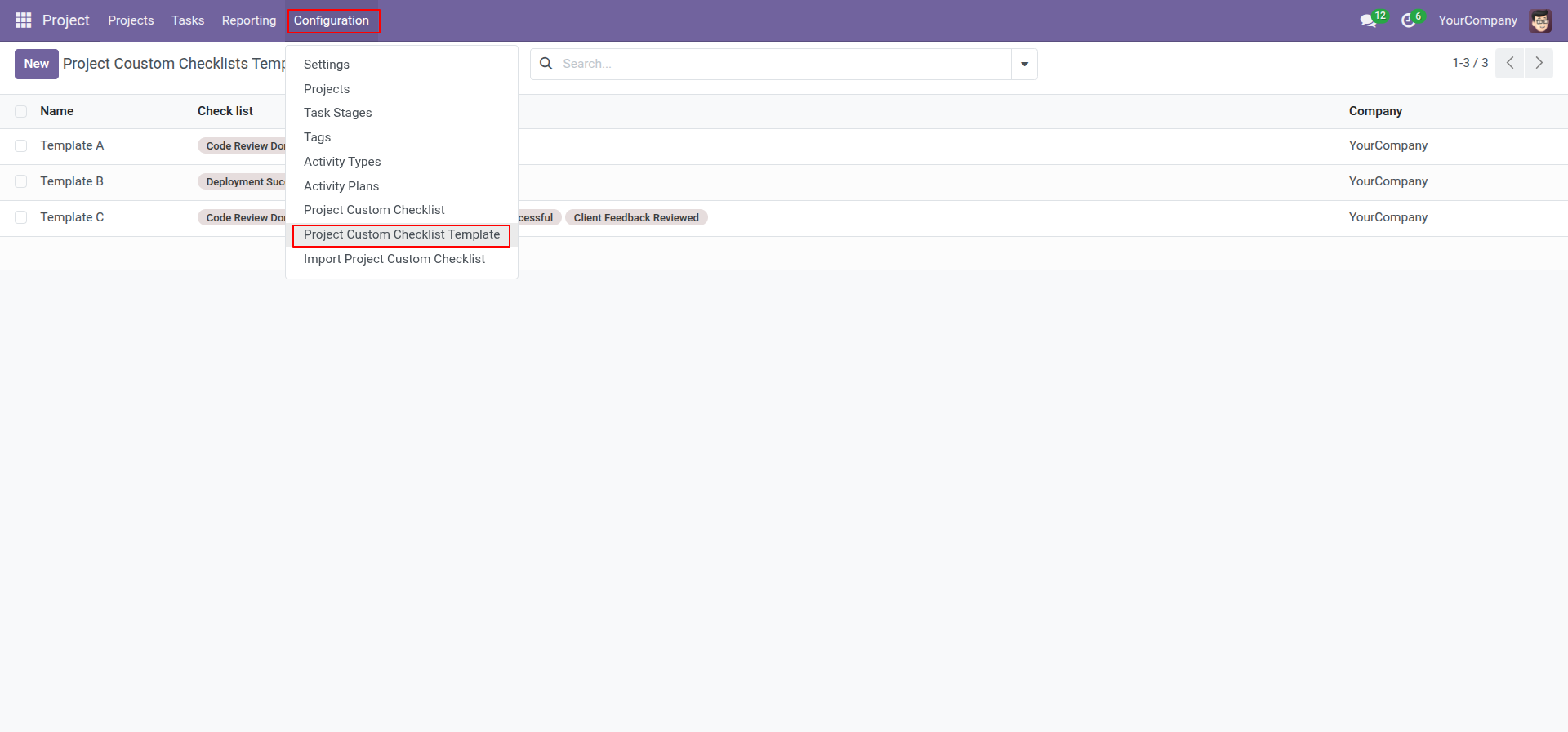
Go to the "Configuration" => Project Custom Checklist Template.
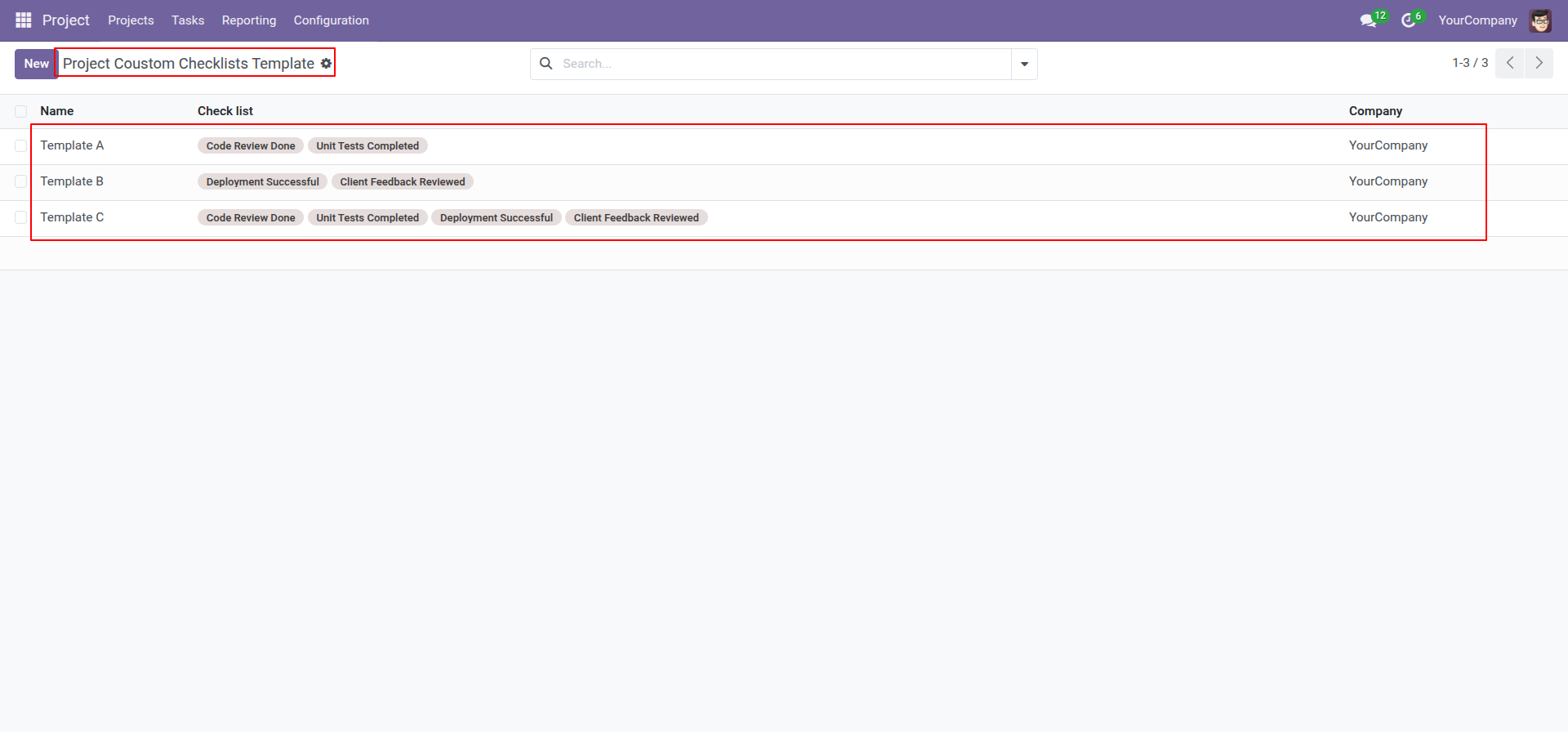
Project checklist template list view looks like this
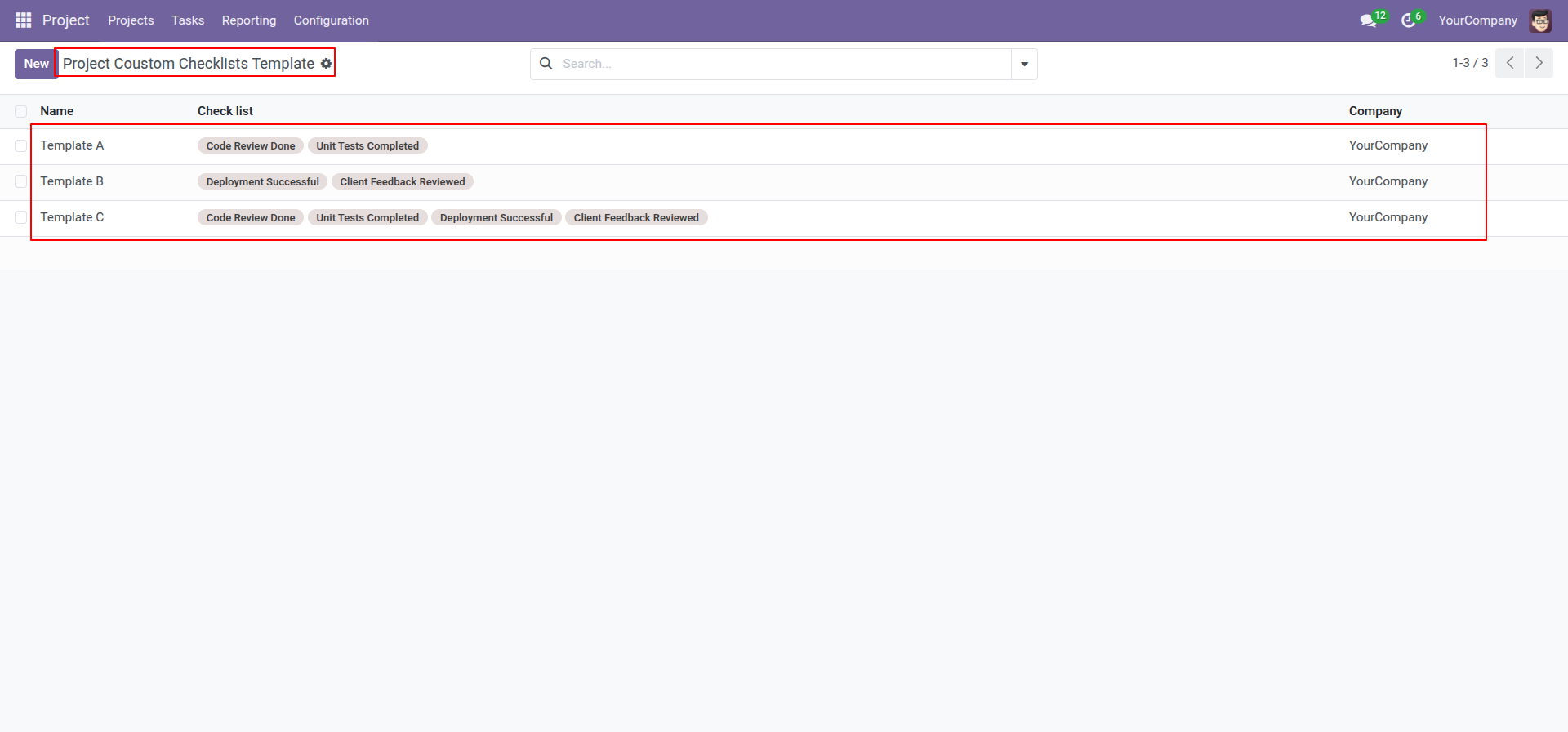
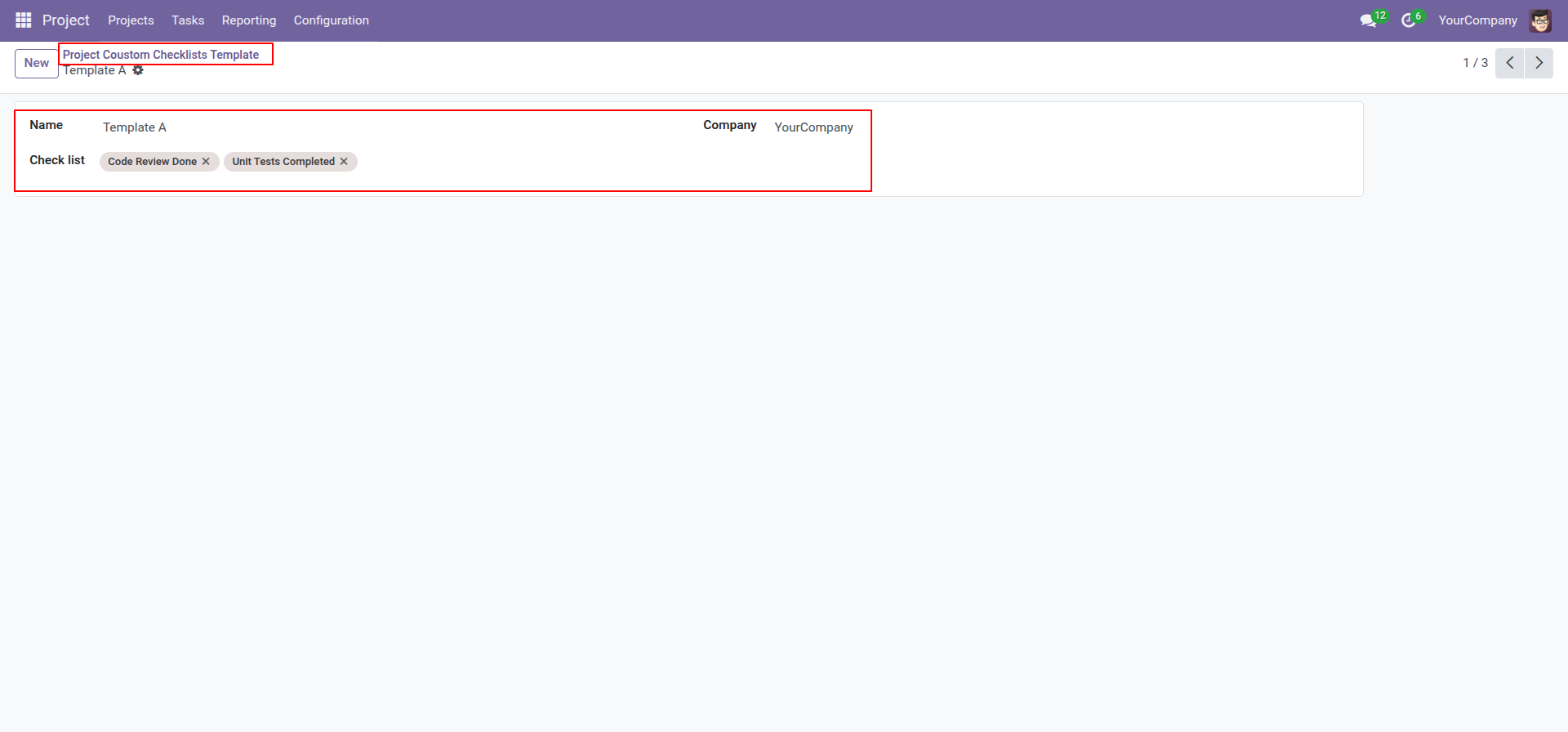
Now we create a project checklist template, checklist template form view looks like this.
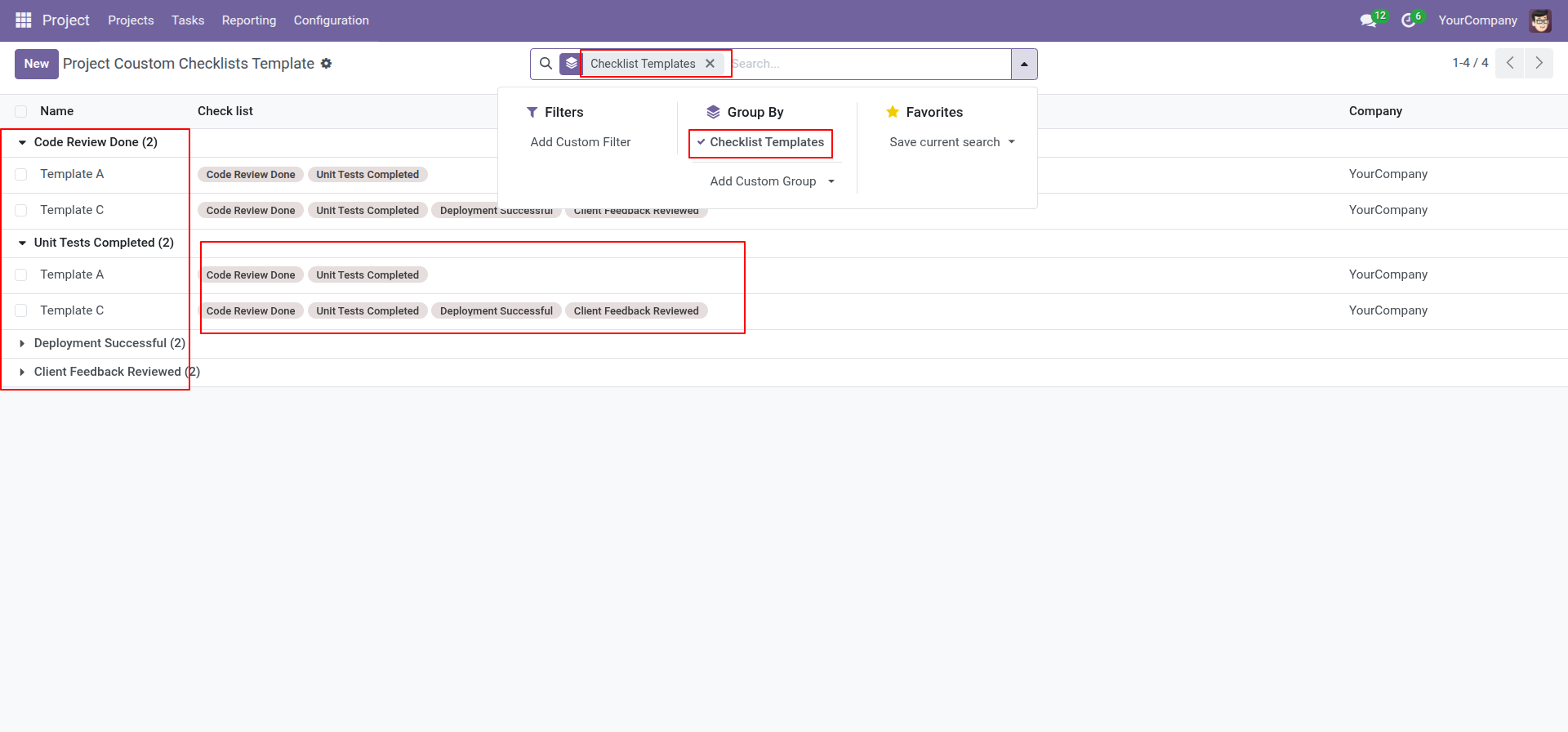
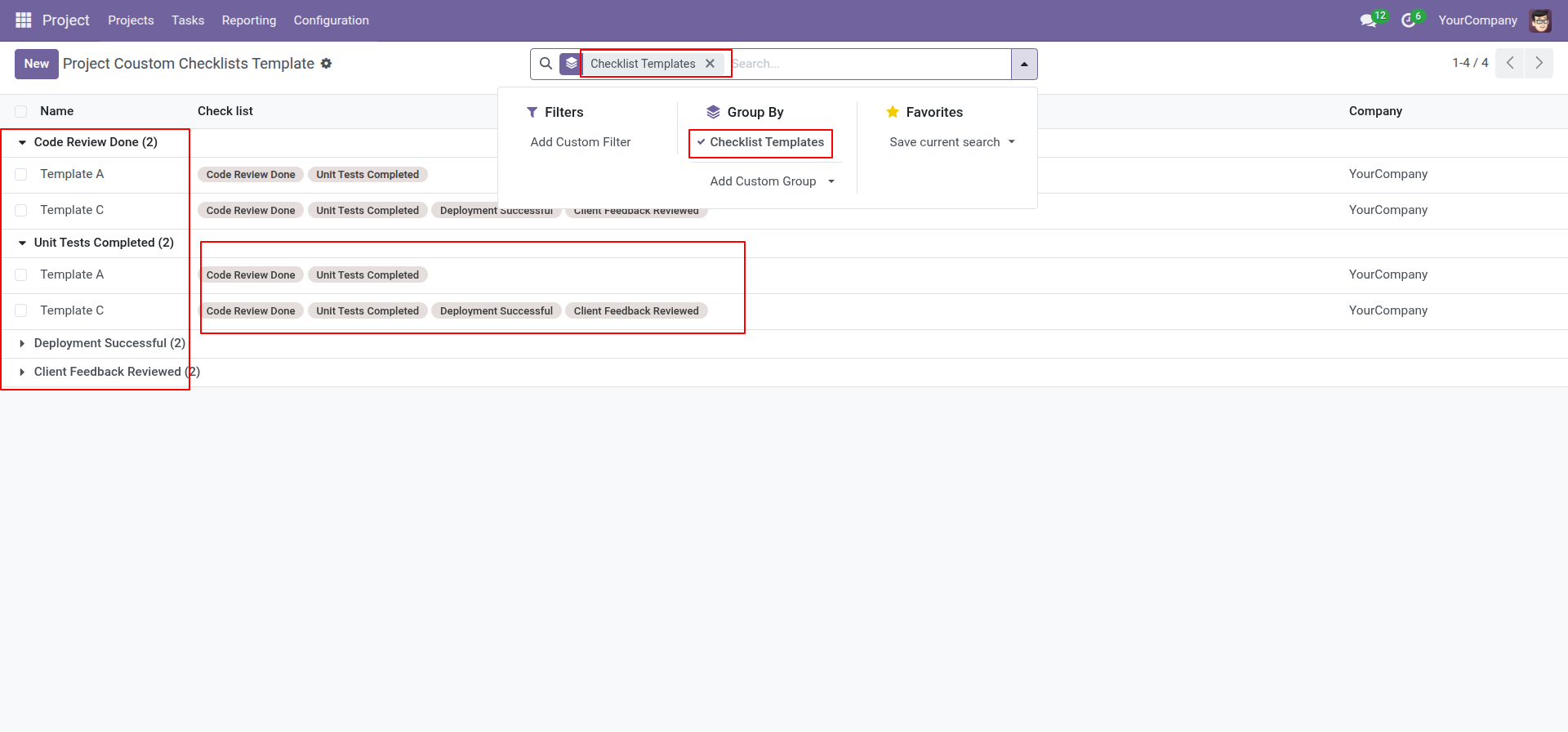
You can group by checklist templates.
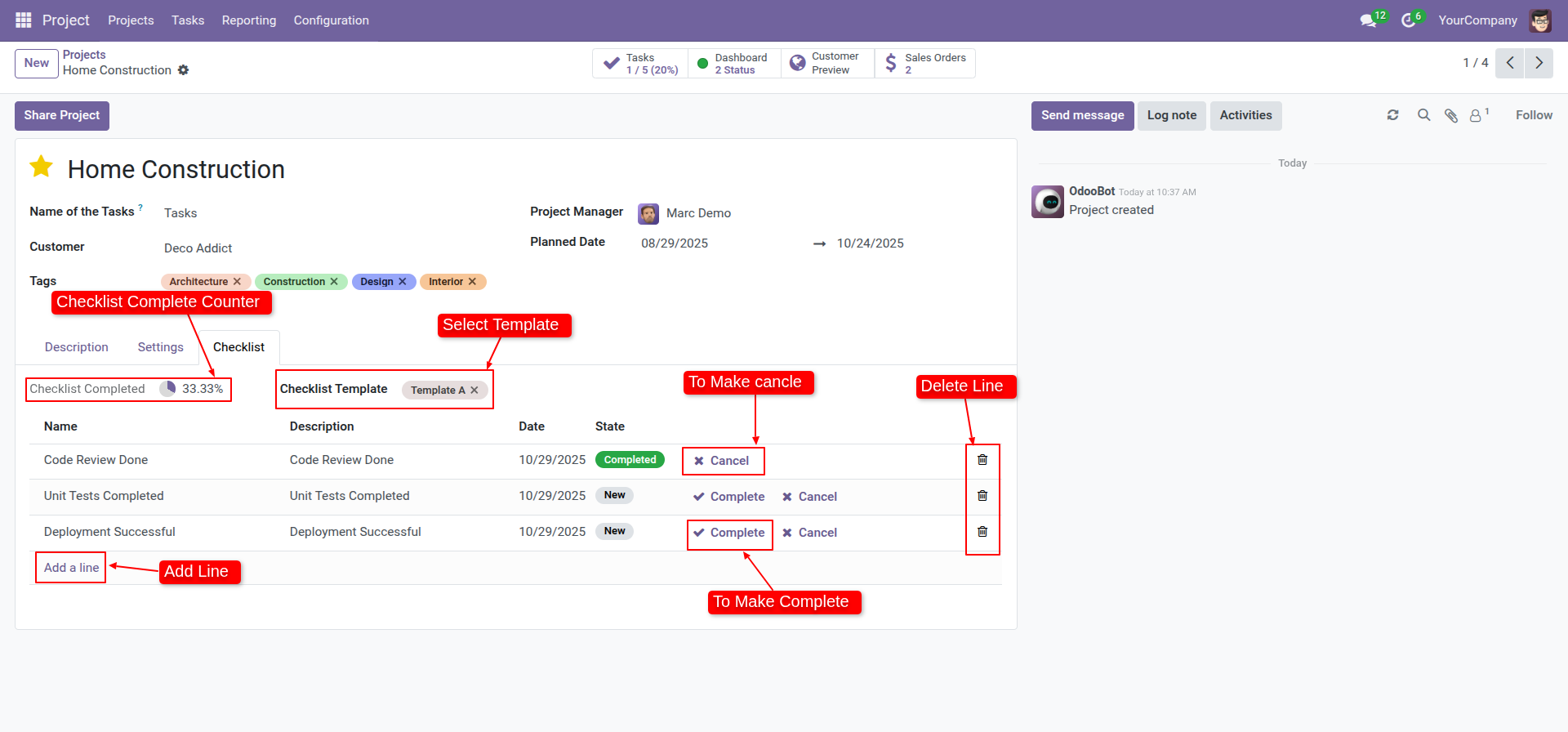
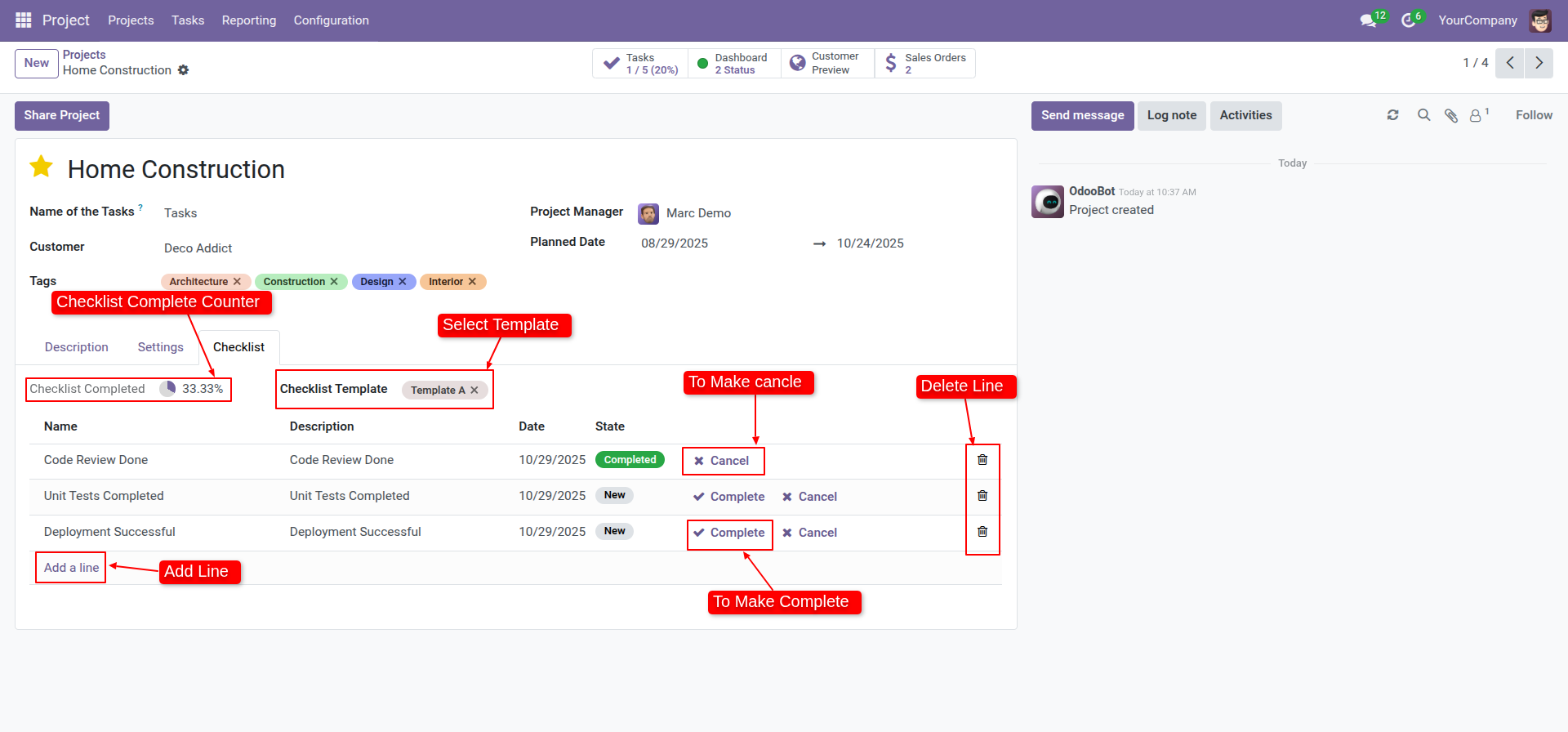
Now we fill the checklist by selecting the checklist template, When we select checklist template, it adds a record by default. Project checklist with state New, Completed and Cancelled. Click on Check Icon To Complete Checklist & Cancel Icon to Cancel Checklist.
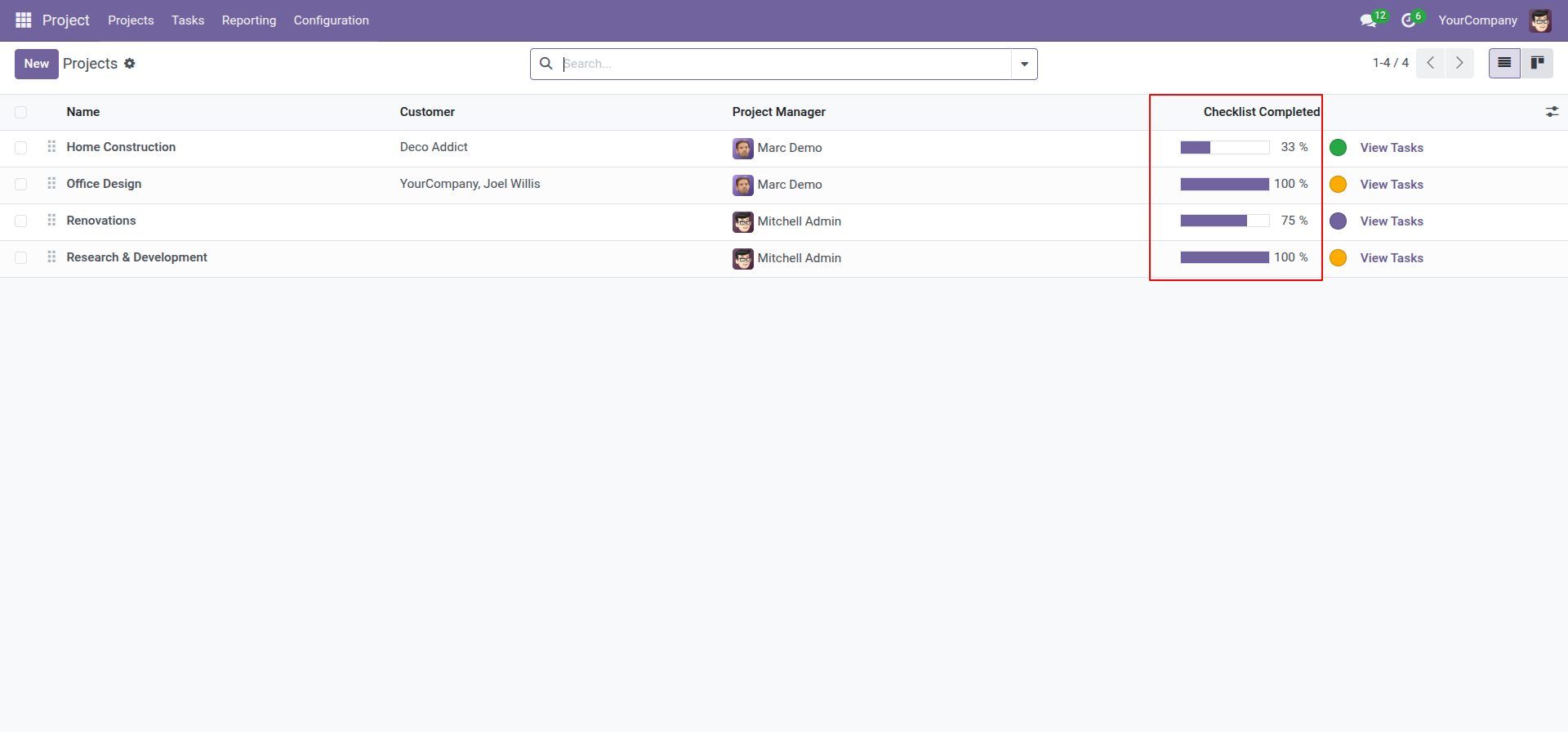
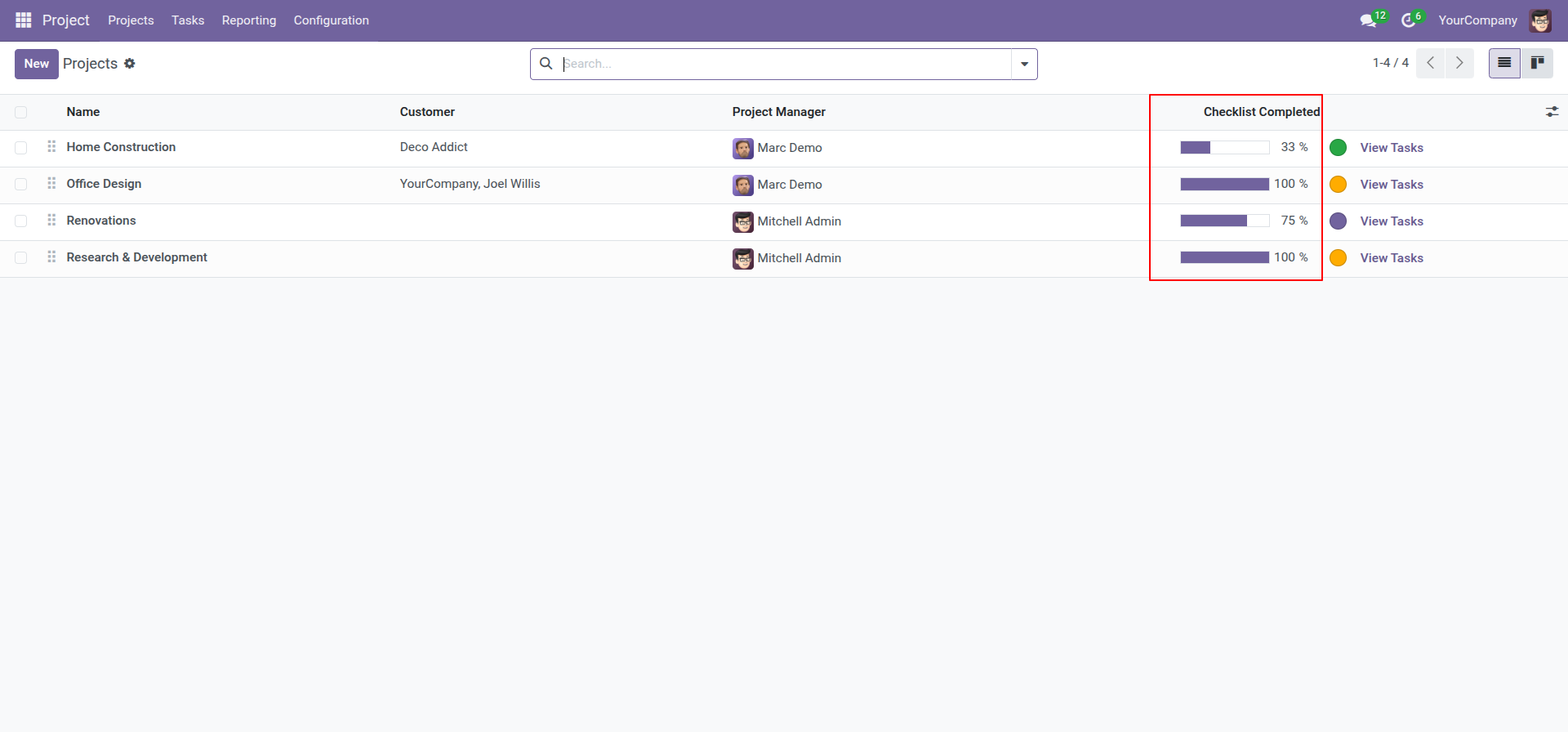
Checklist completed percentage on list view.
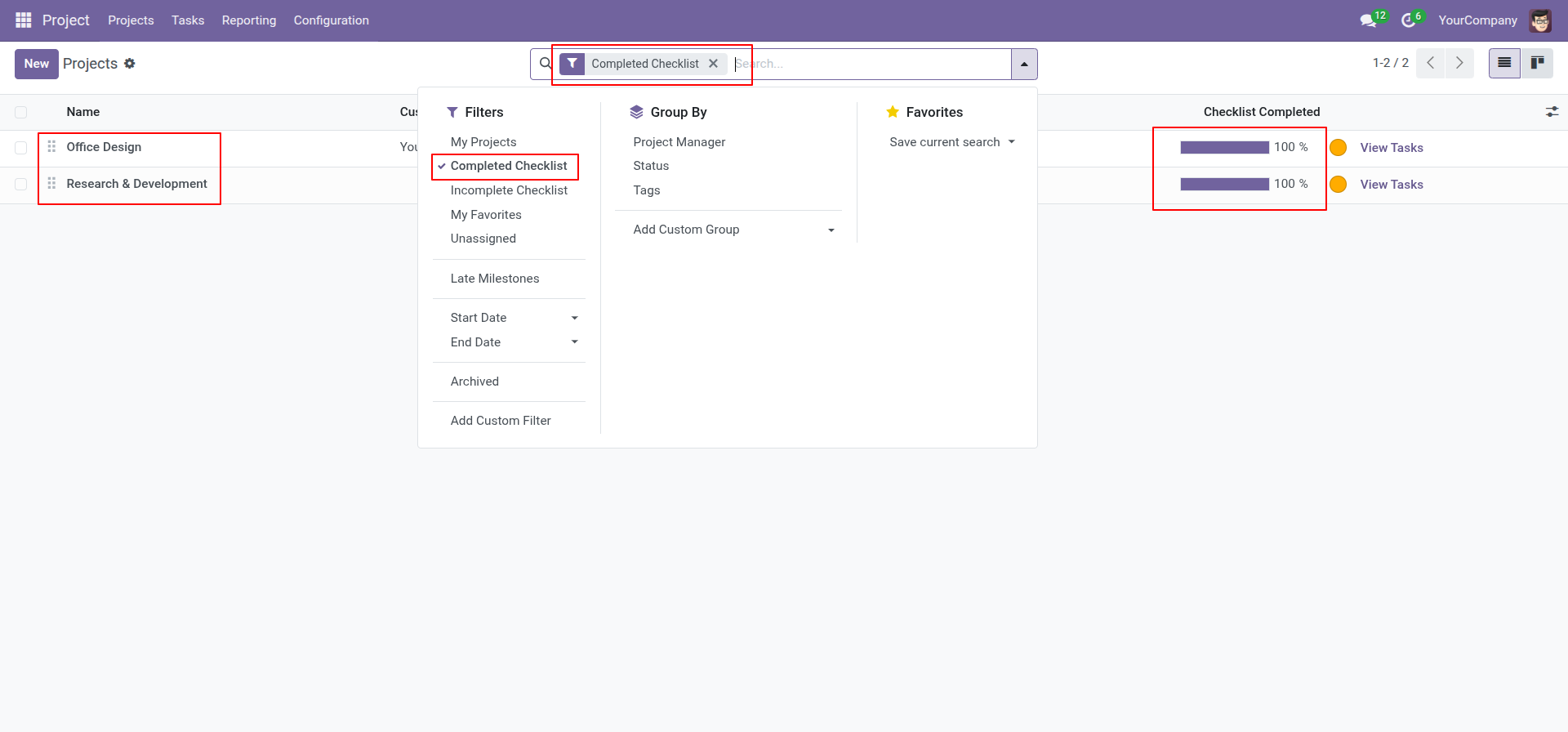
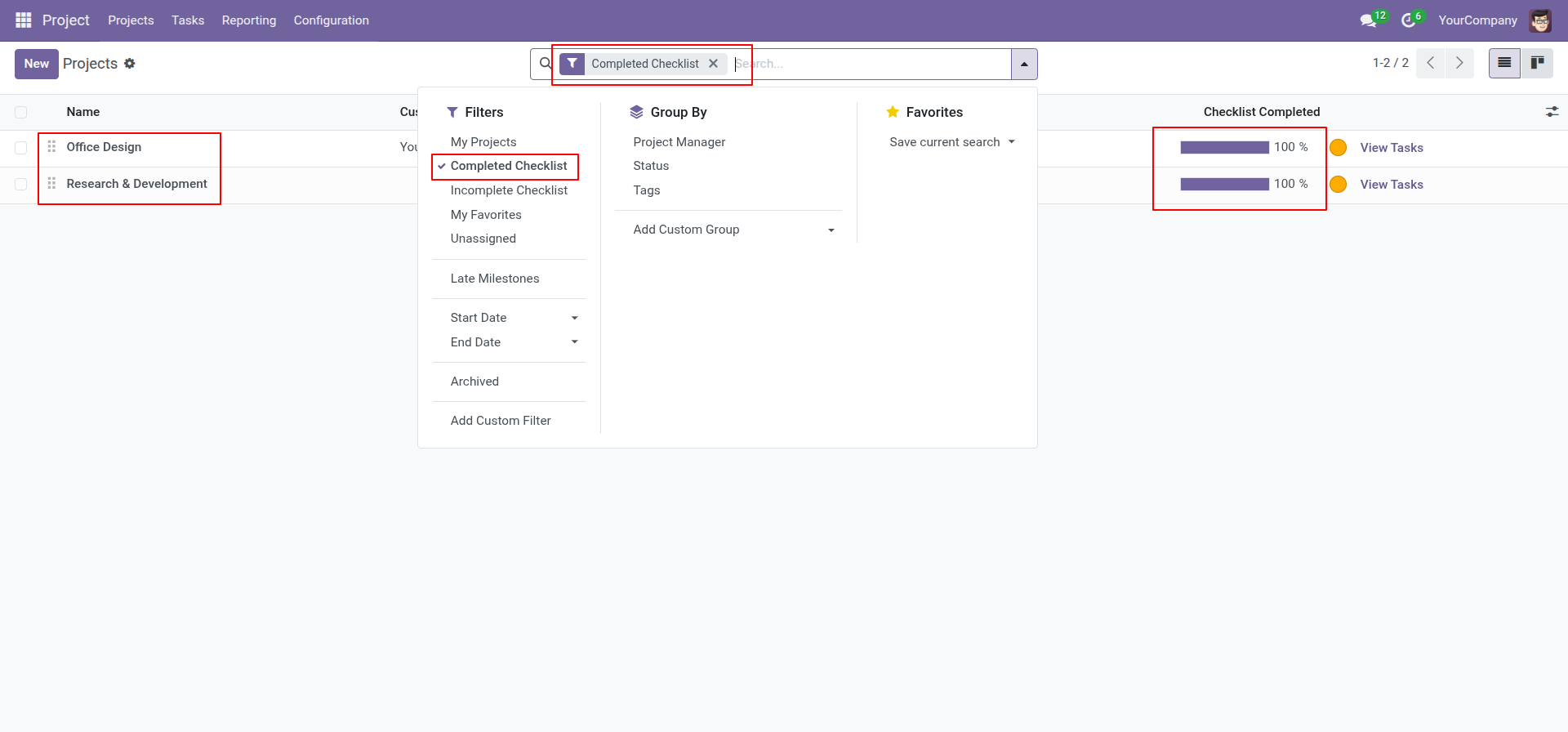
You can filter checklists by complete checklist.
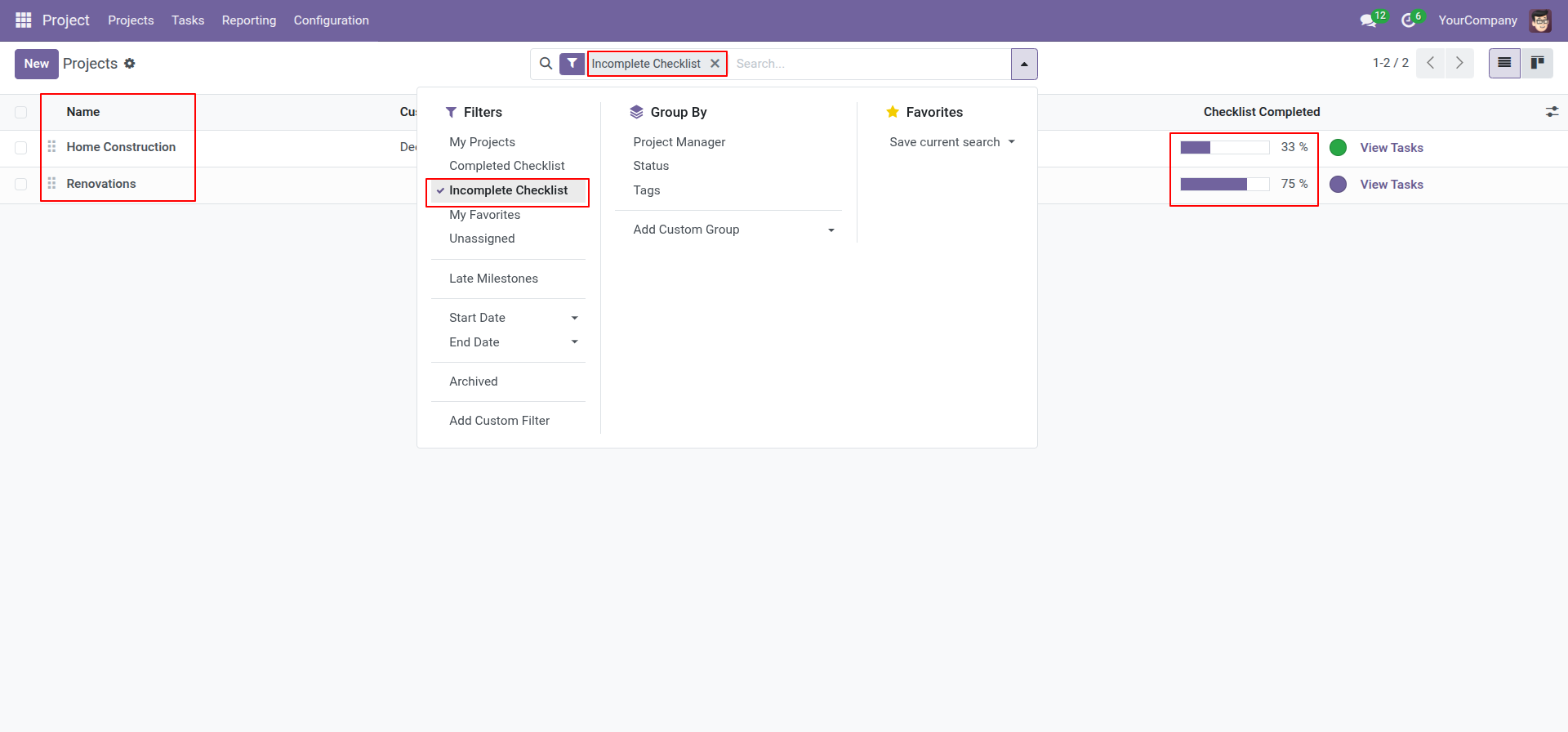
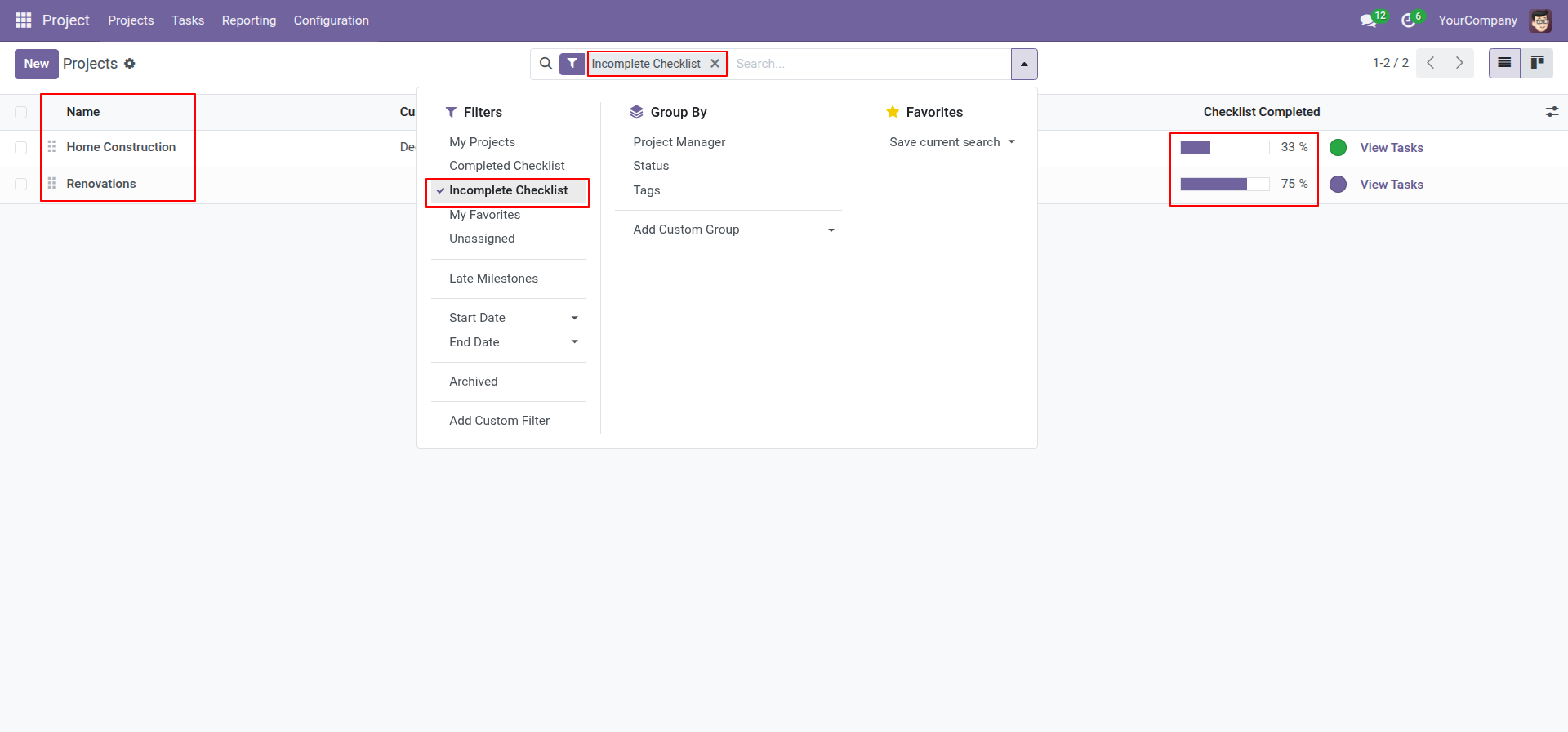
You can filter checklists by incomplete checklist.
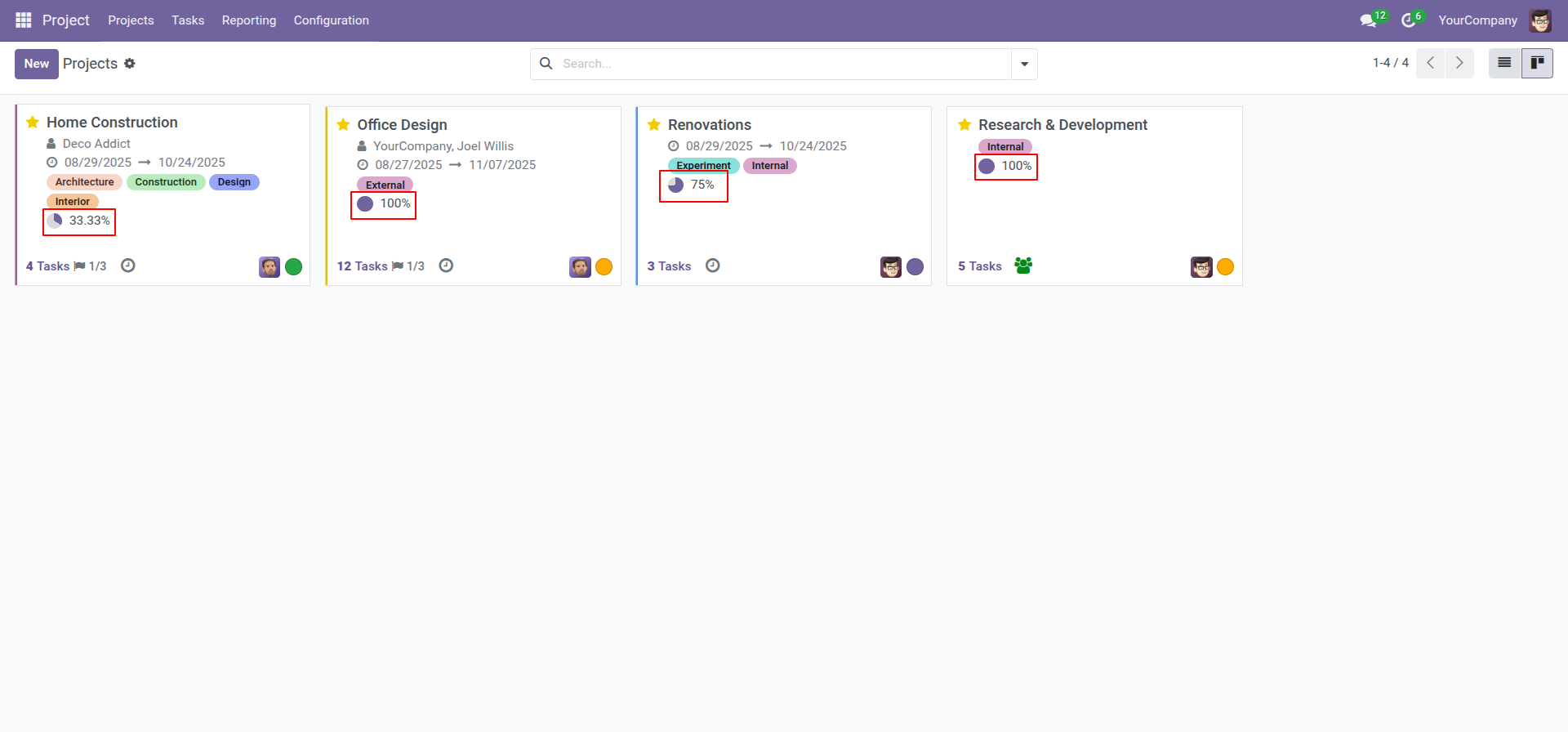
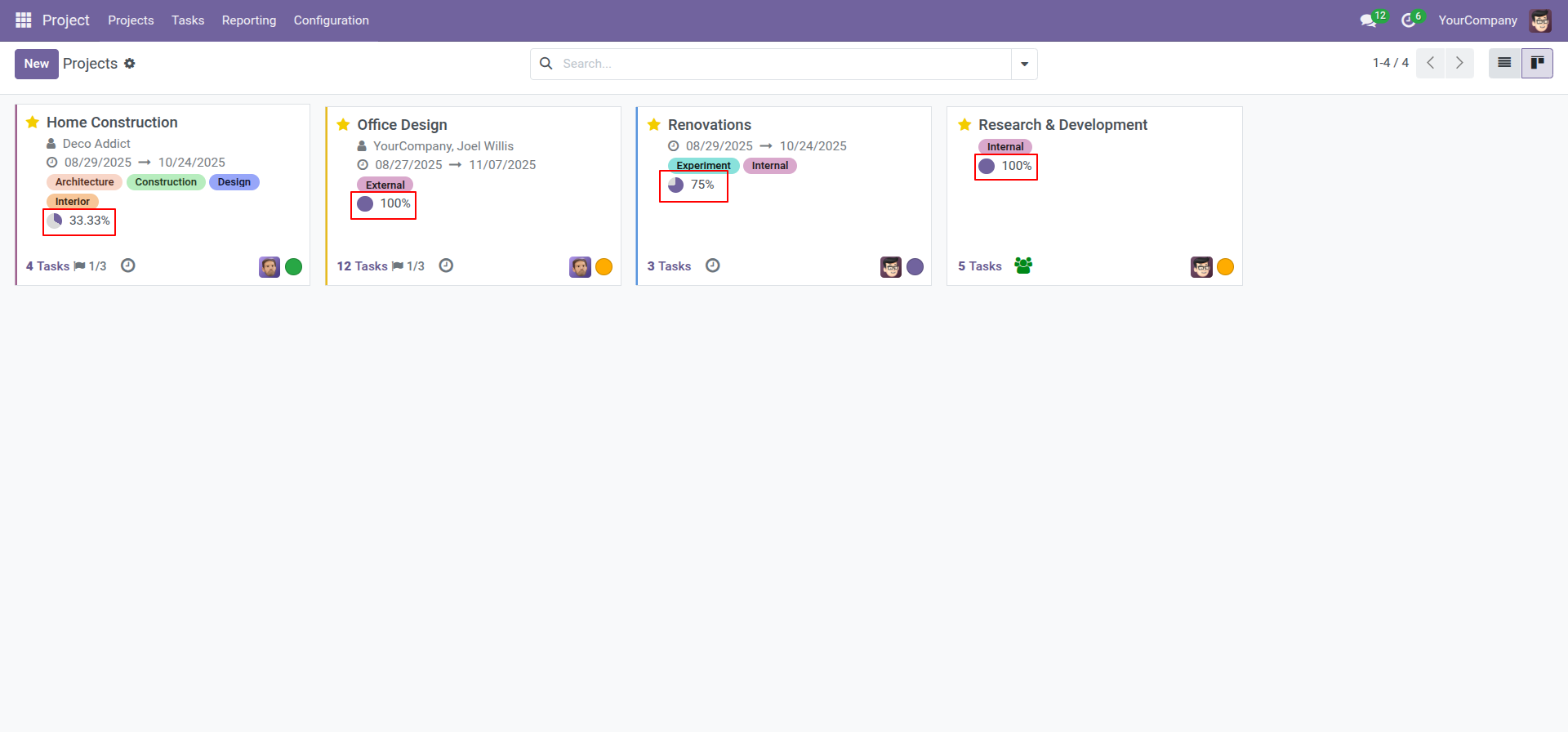
Checklist completed percentage on kanban view.
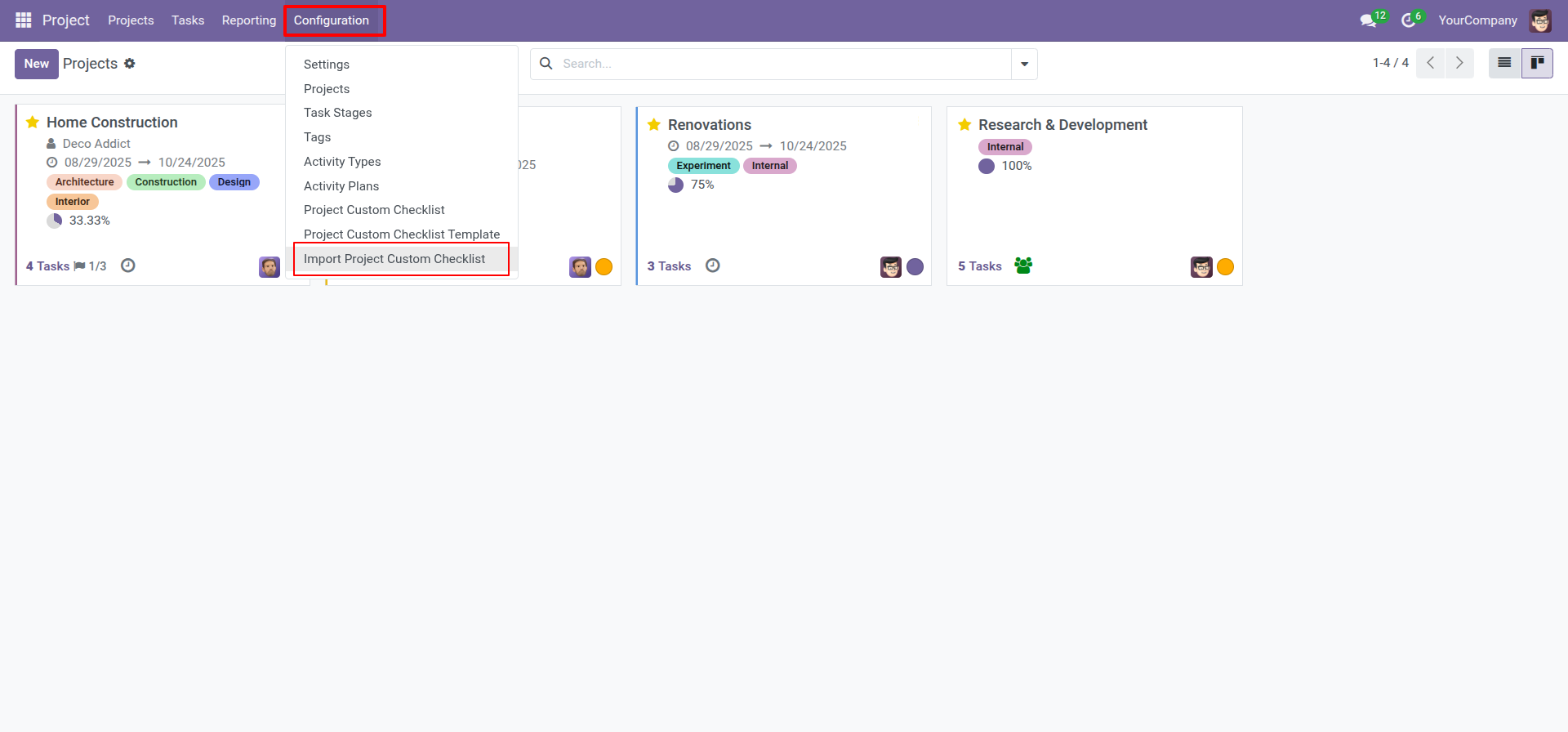
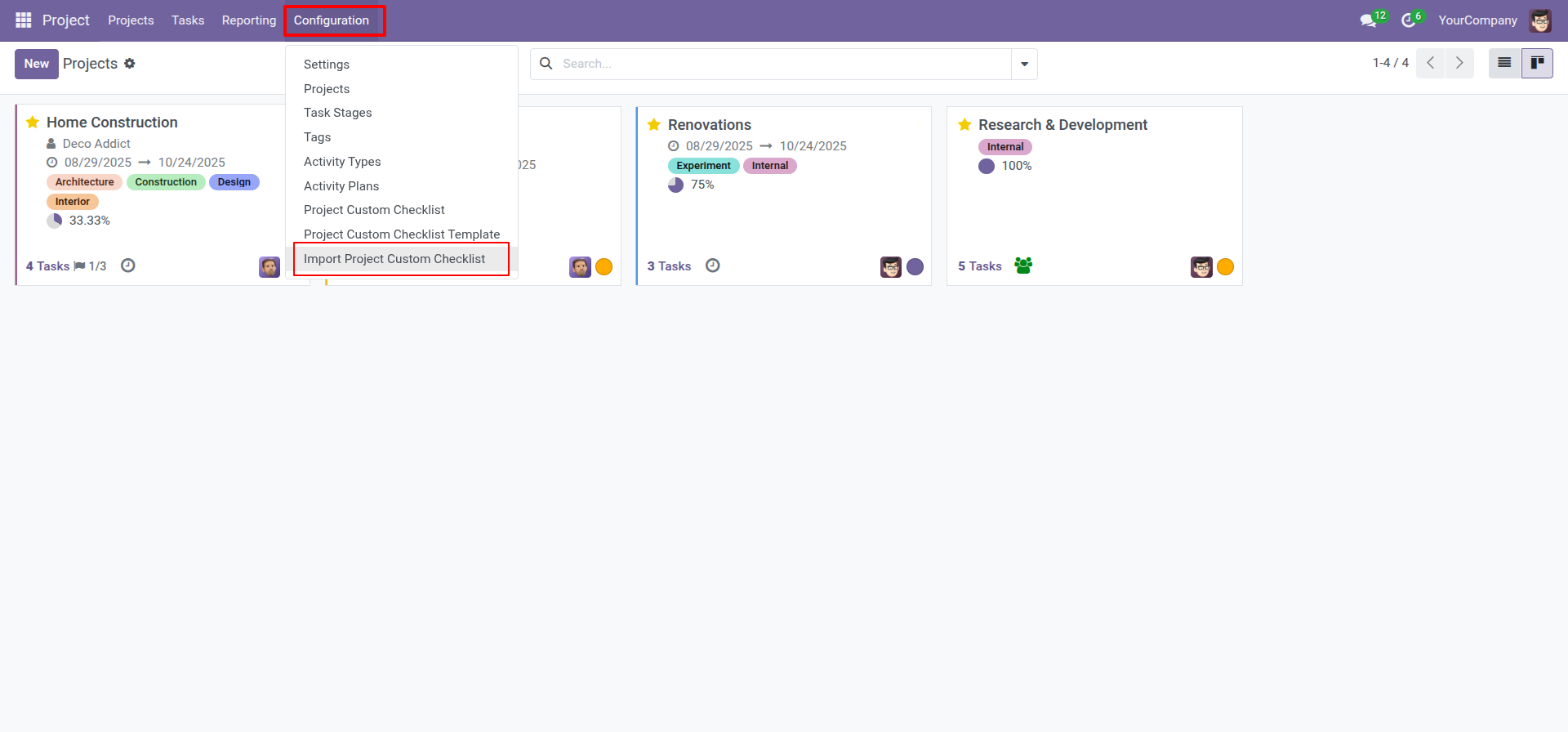
Import checklist menu.
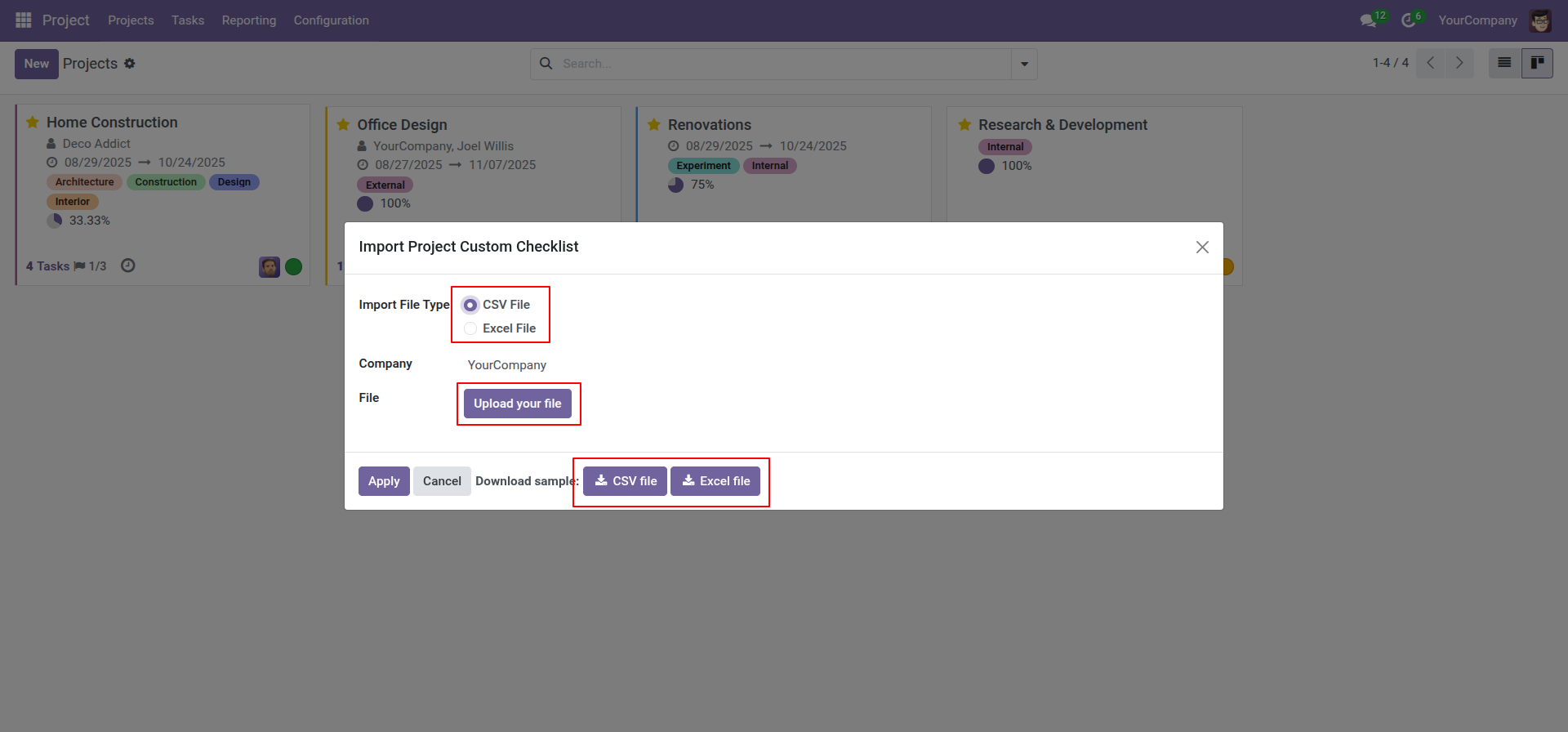
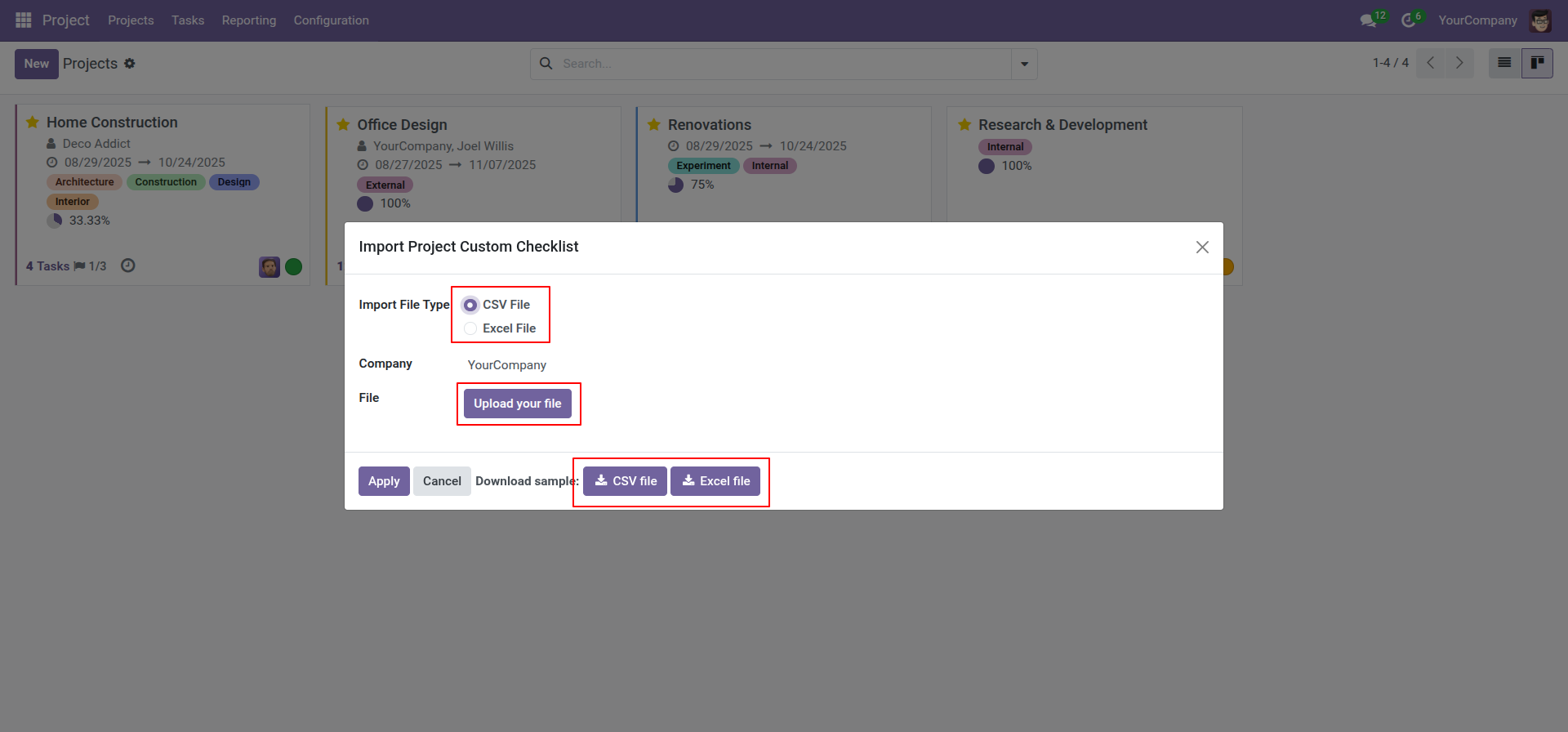
Import checklist wizard, select file type & upload file. You can download sample sheet from here.
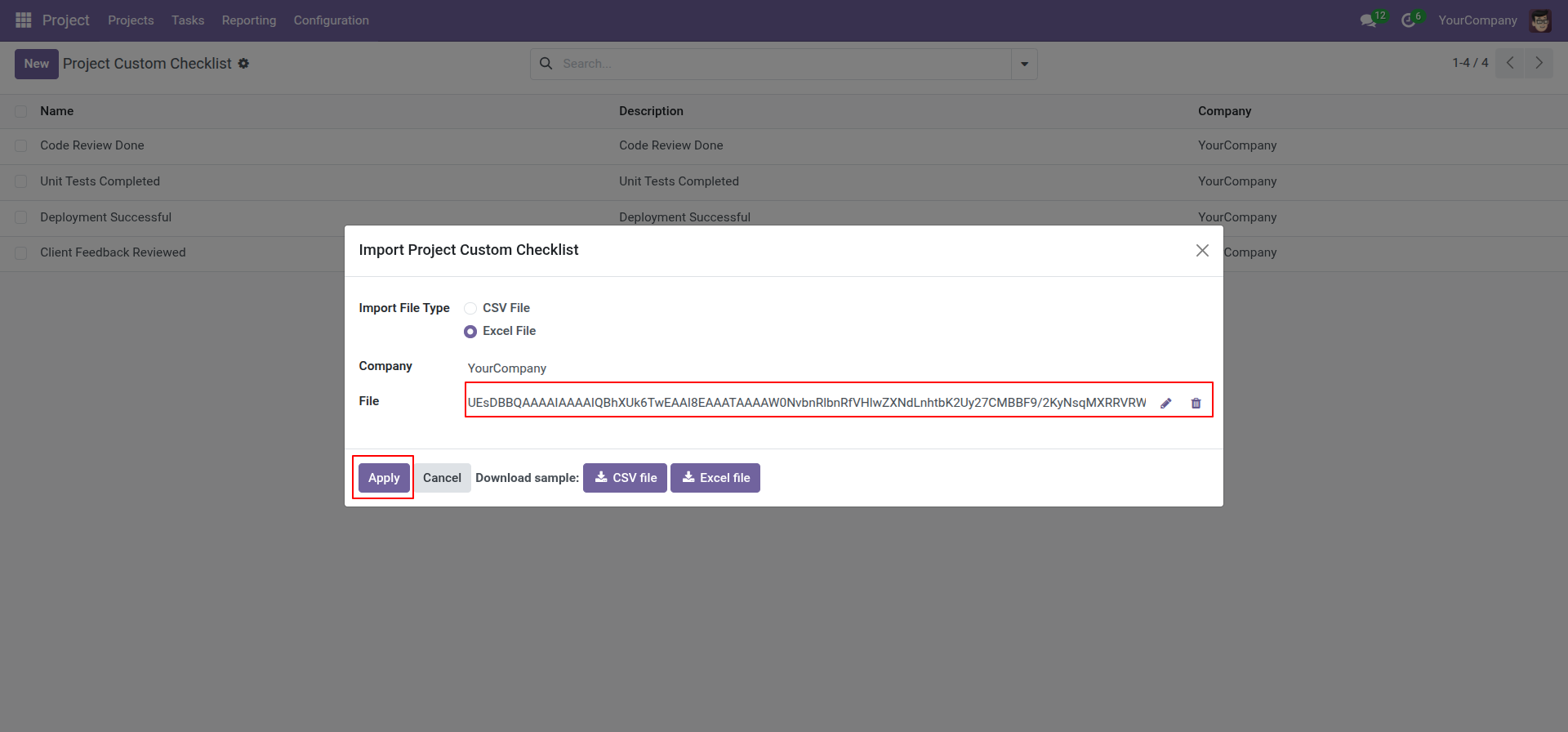
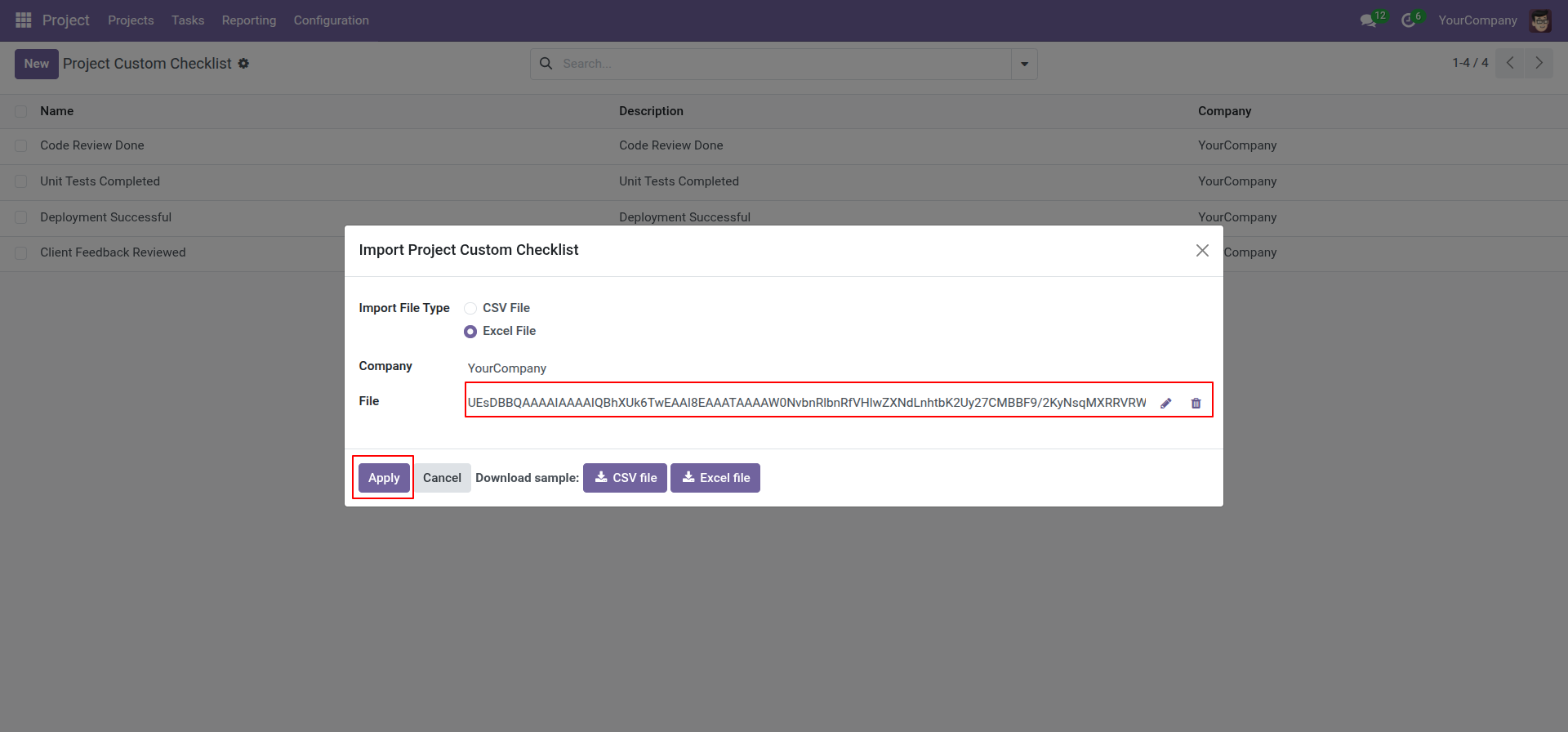
Click apply after the file is uploaded.
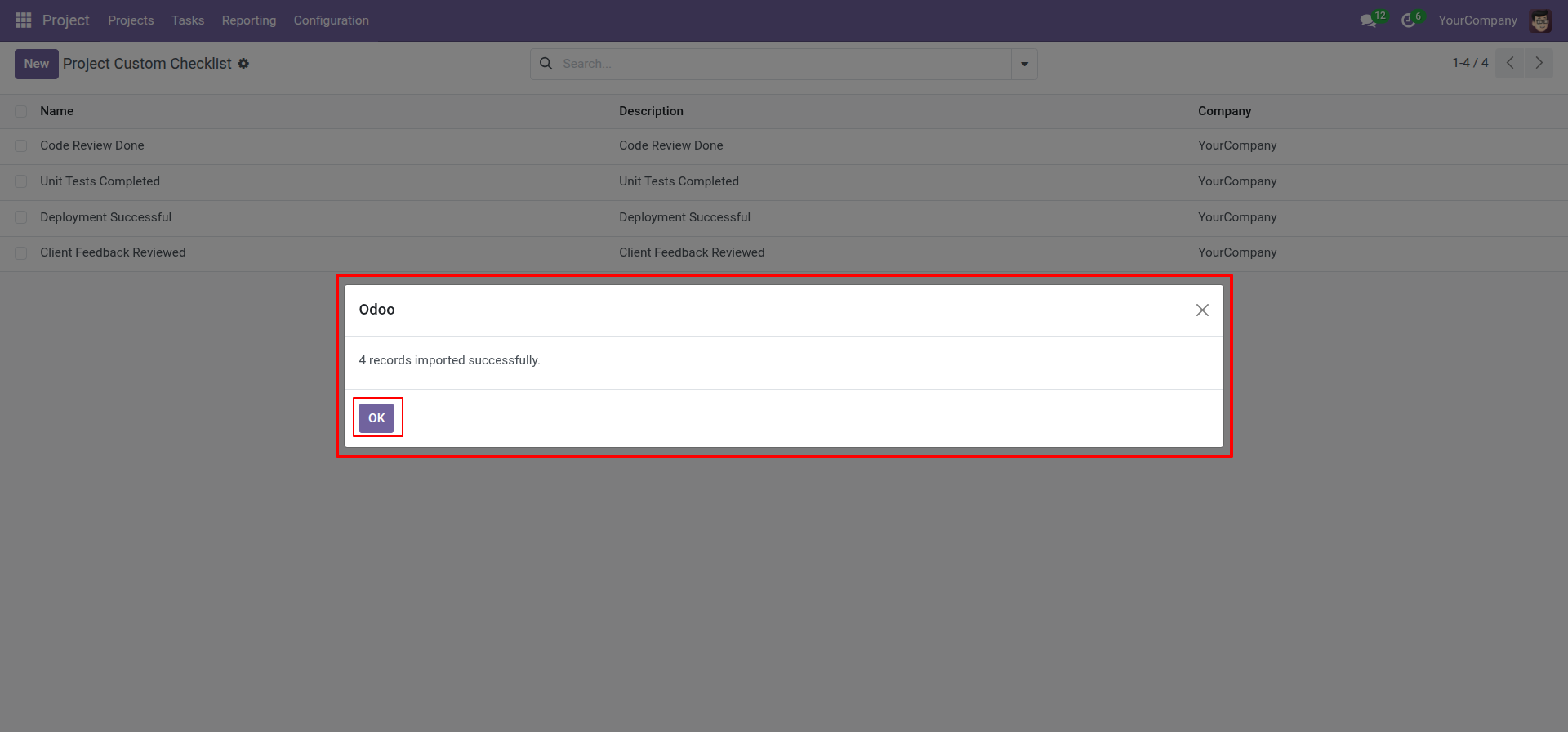
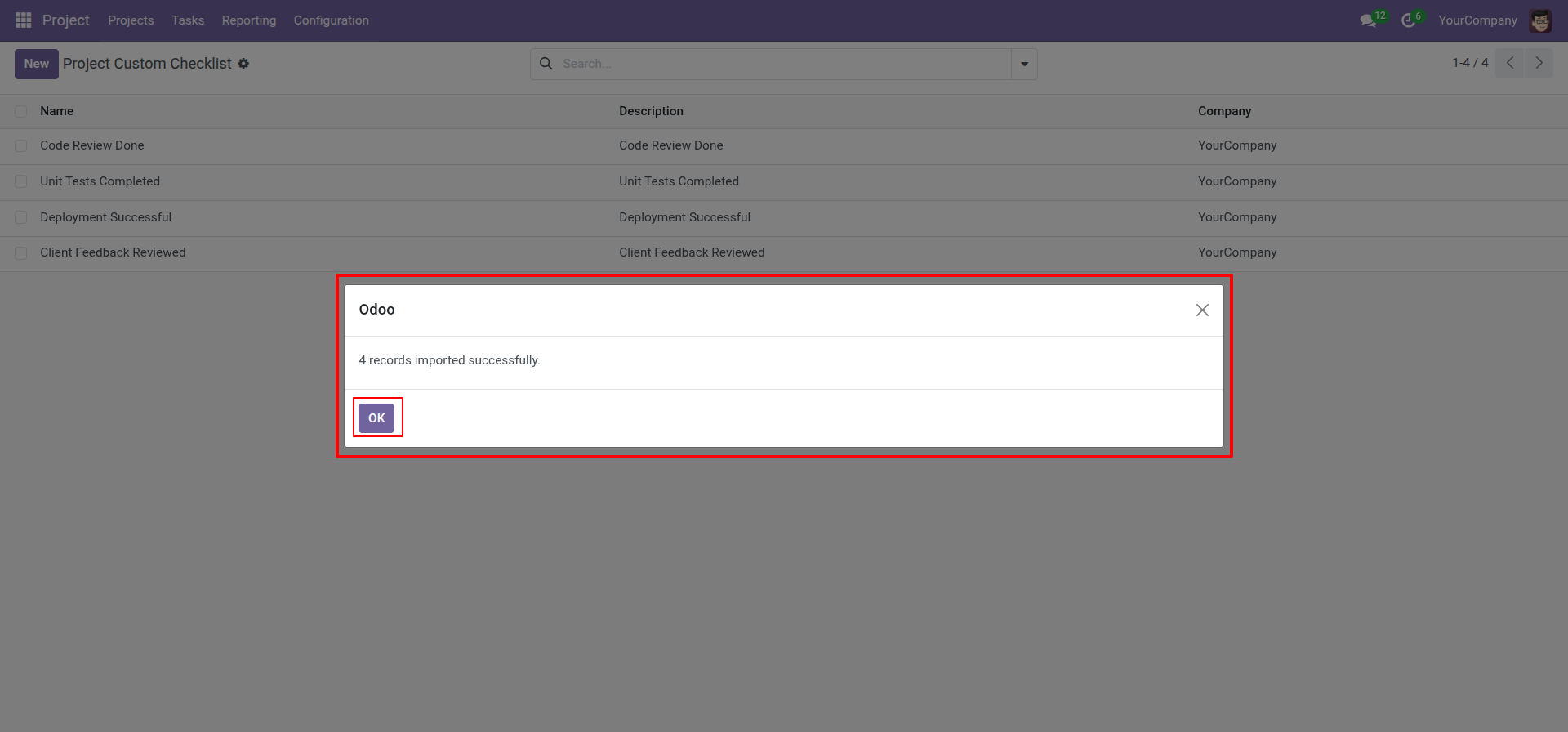
Success message looks like below it's shows successfully imported records.
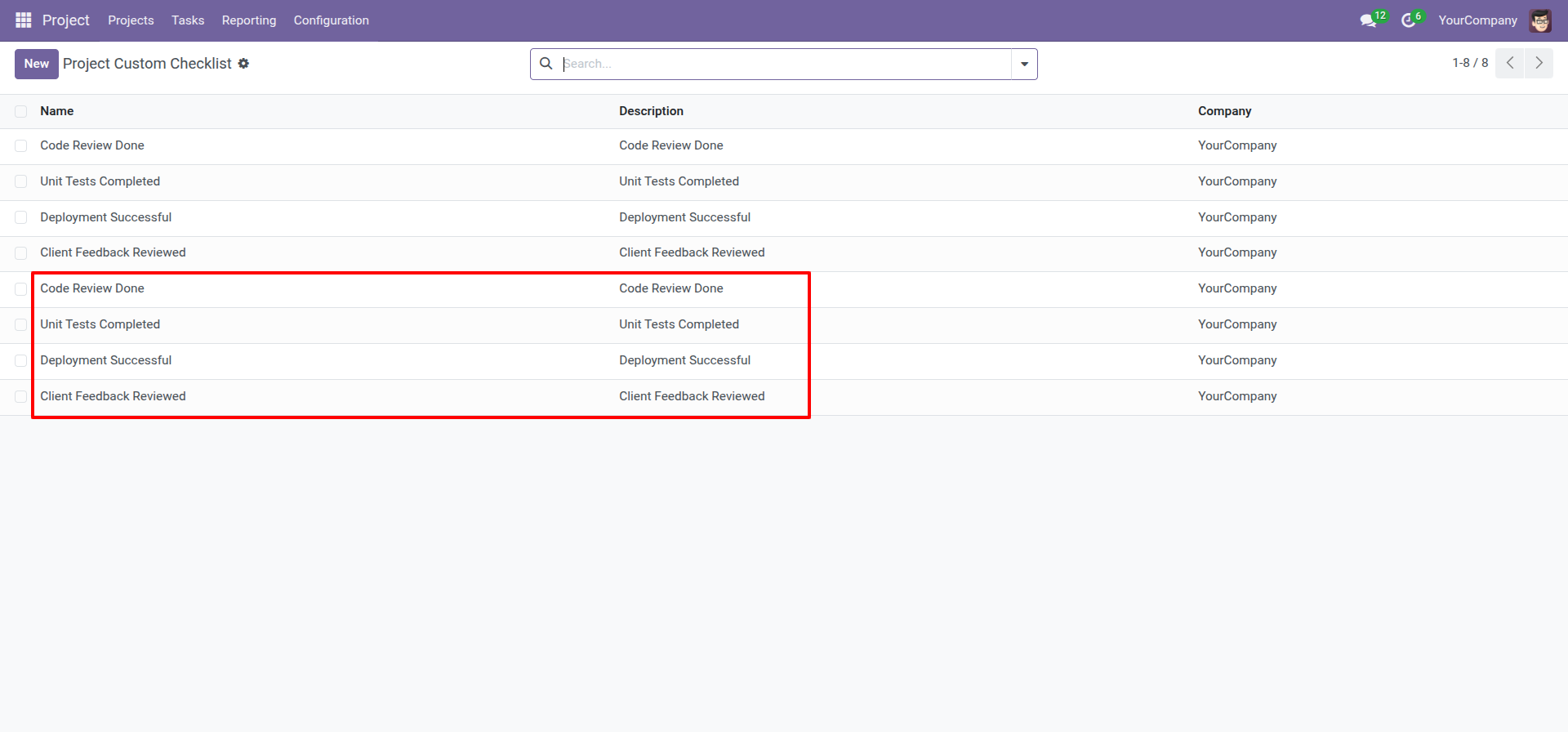
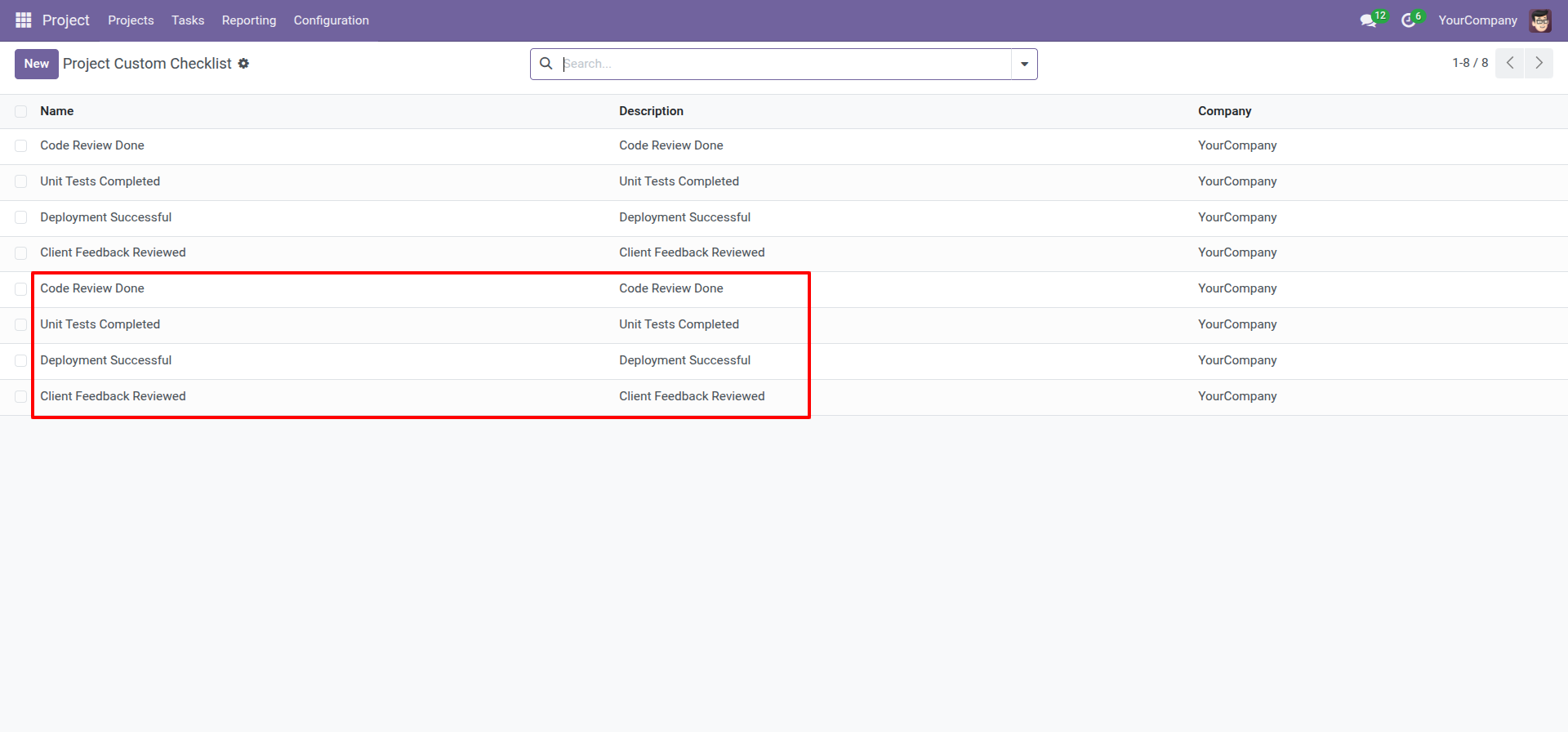
Following checklists are imported.
Technical Information
kx_project_custom_checklist
project
Supported Versions
18.0.1.0.0
₹ 1,422.65
19.0.1.0.0
₹ 1,422.65