?unique=1d6fd7c)




























Community
Enterprise
Odoo.sh
Advanced Stock Analysis Reports
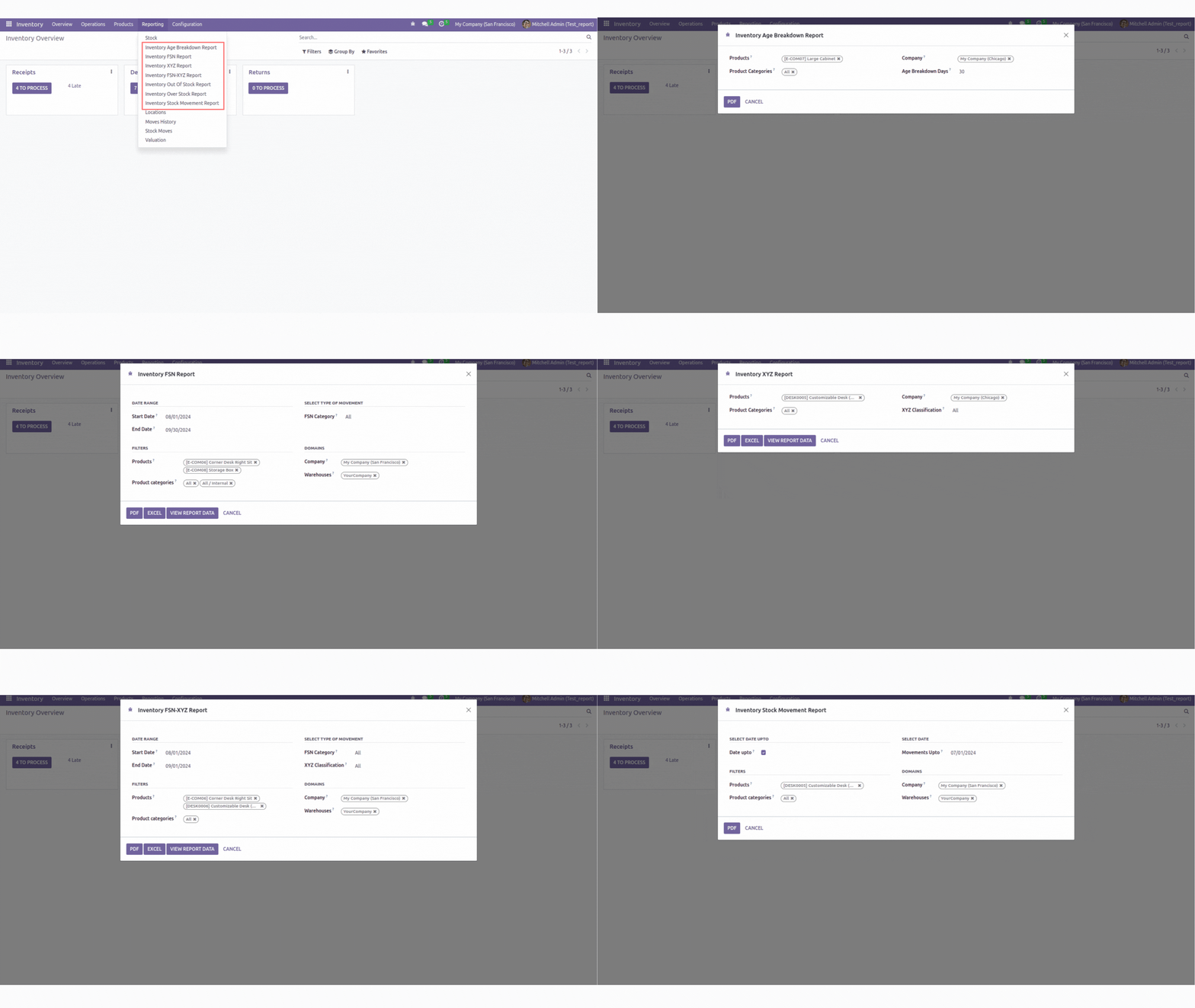
Facilitates the management of various inventory reports, including FSN Reports, Out of Stock Reports, Inventory XYZ Reports, and more.

Explore This Module

Overview
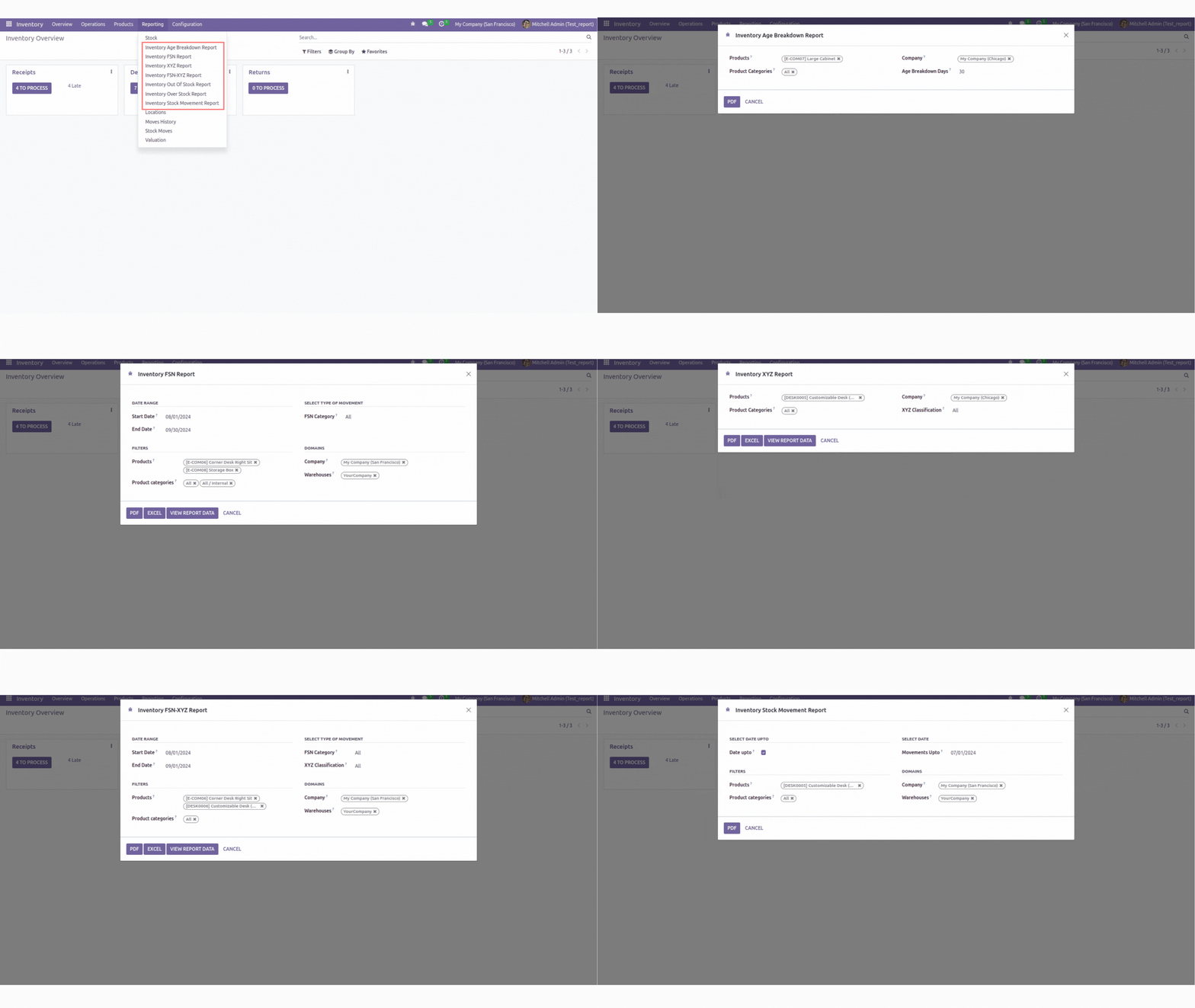
This module enables the generation of comprehensive inventory reports. Users can monitor Aging Analysis, FSN Classification (which categorizes inventory based on movement frequency), and XYZ Classification (which evaluates inventory based on stock value). Additionally, it supports FSN-XYZ Combined Classification to optimize sales strategies. The module also includes features for Overstock Analysis, Out of Stock Analysis, and tracking Stock Movements (inventory rotation).

Features
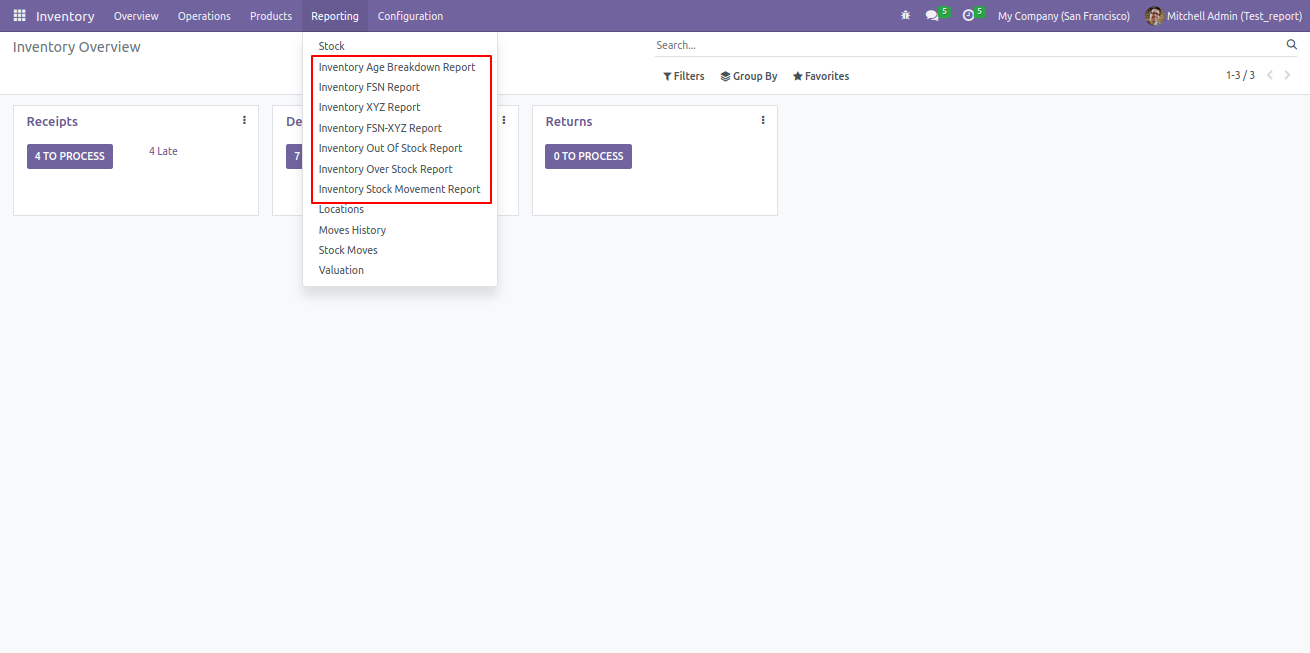
The Inventory Aging Report provides insights into the age of inventory items, helping users identify slow-moving and obsolete stock. This report aids in optimizing inventory management and making informed decisions about stock clearance and reordering.
The Inventory Age Breakdown Report categorizes inventory items based on their age, allowing users to analyze the duration items have been in stock. This report helps identify aging stock, manage inventory turnover, and make data-driven decisions to optimize stock levels and reduce carrying costs.
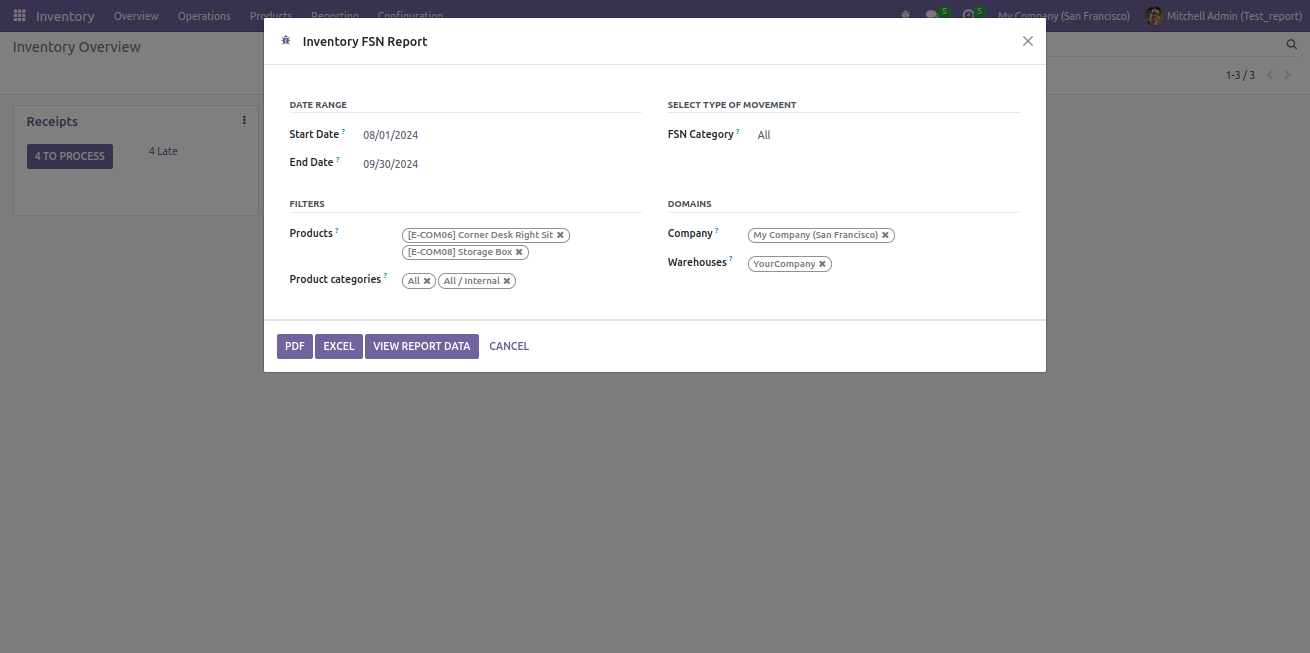
The Inventory FSN Report classifies inventory items based on their frequency of movement, providing insights into fast-moving, slow-moving, and non-moving items. This report aids in inventory management by highlighting items that require attention for reordering, promotional efforts, or clearance.
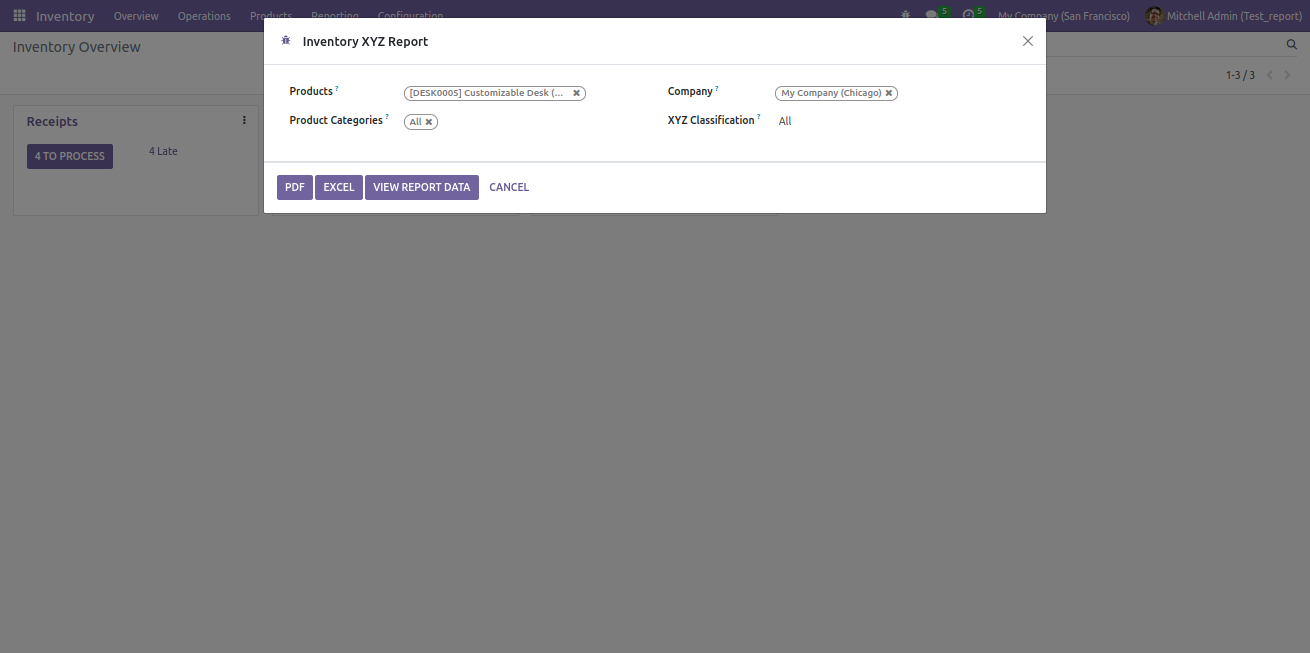
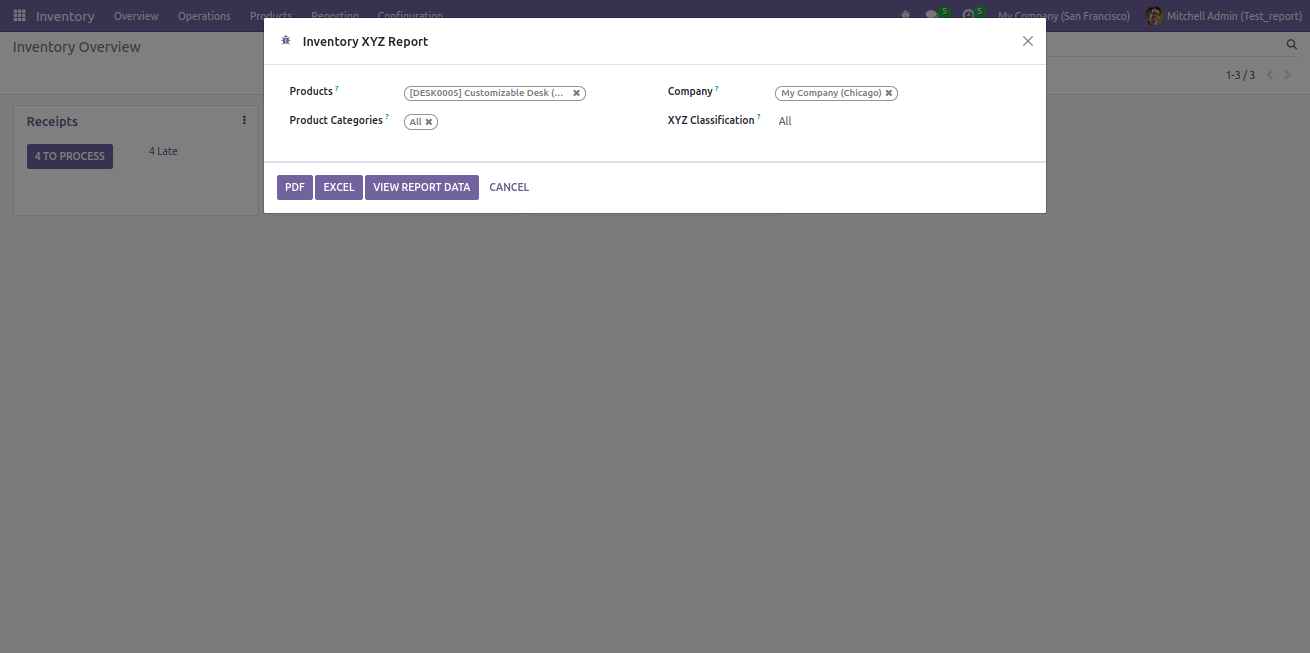
The Inventory XYZ Report categorizes inventory items based on their stock value and variability, helping to identify high-value, moderate-value, and low-value items. This classification assists in prioritizing inventory management and strategic planning based on the value and turnover of items.
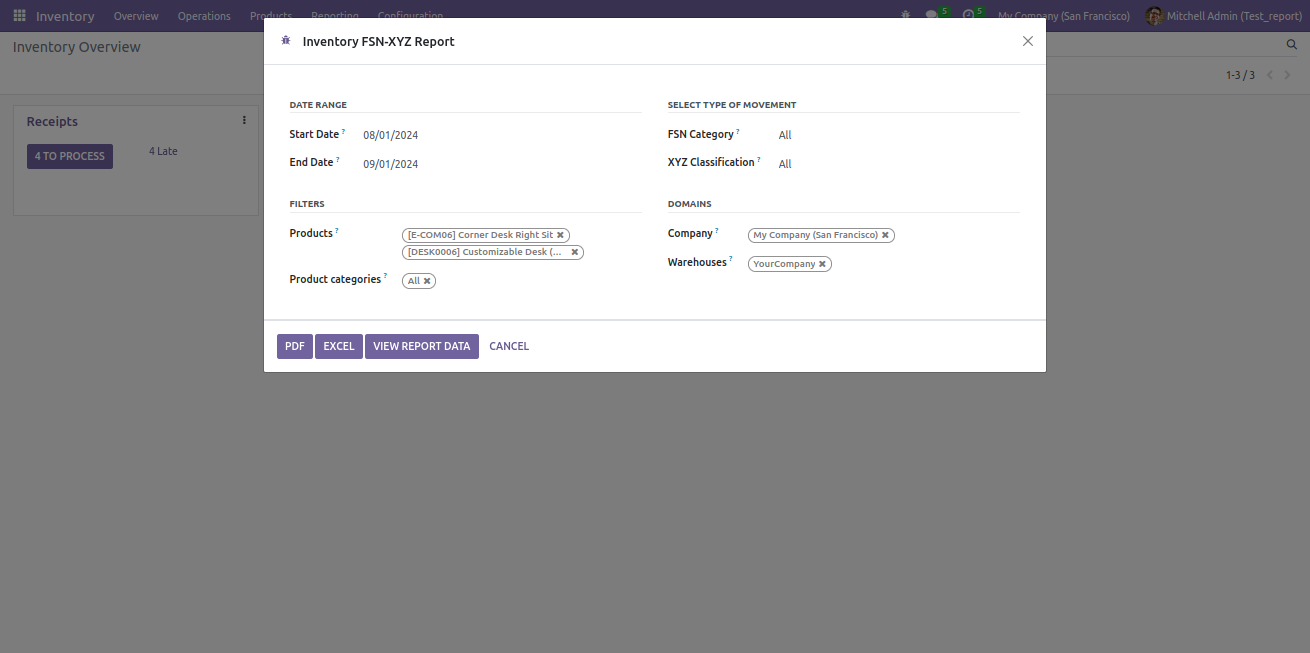
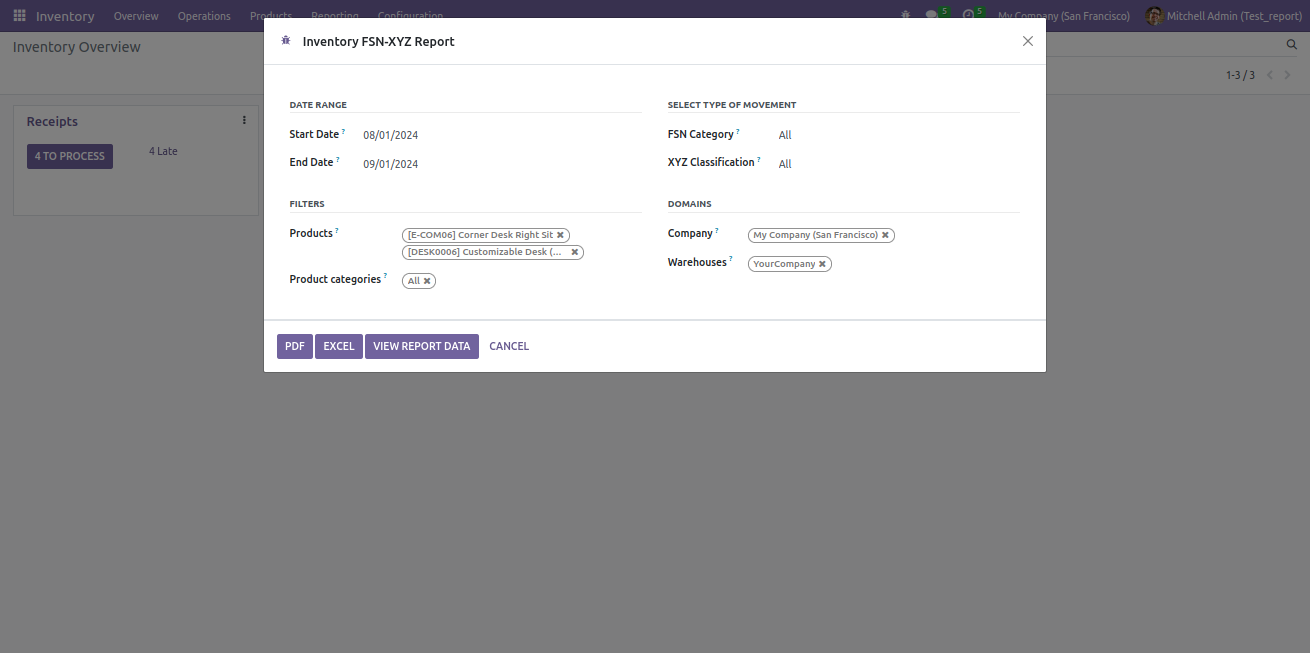
The Inventory FSN-XYZ Report combines FSN (Frequency, Severity, and Nature) and XYZ (value-based) classifications to provide a comprehensive view of inventory. This report helps in analyzing both the movement frequency and value of inventory items, aiding in more effective inventory management and strategic decision-making.
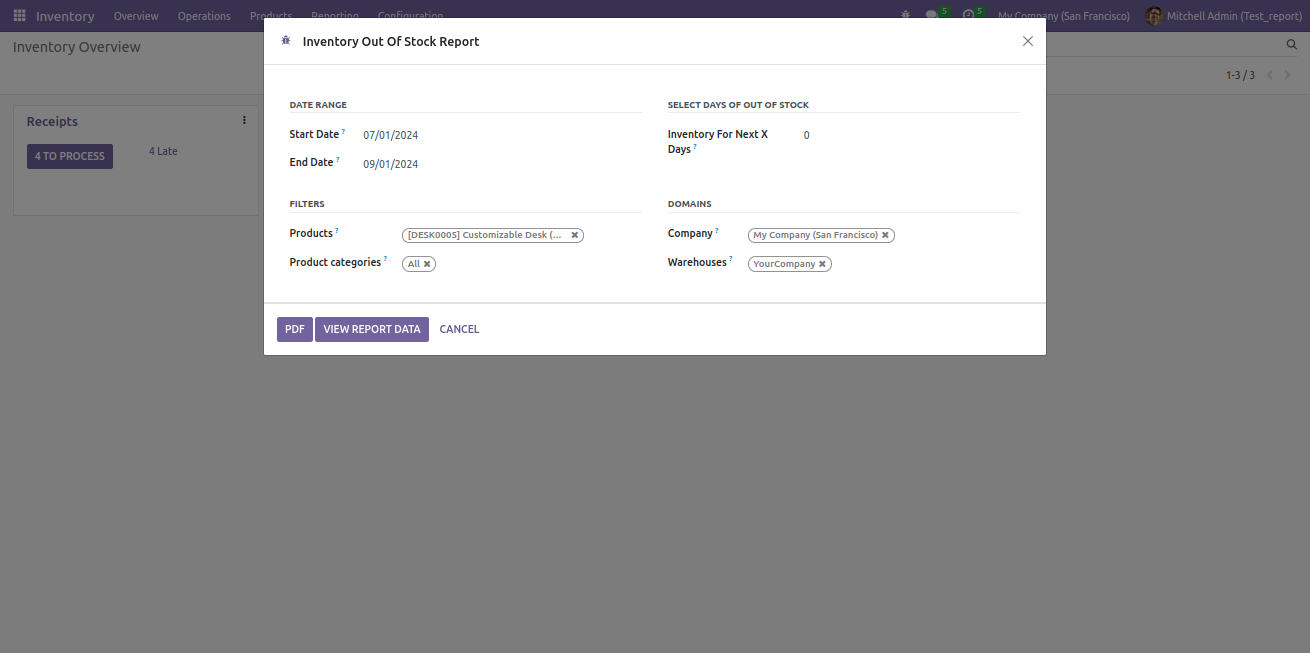
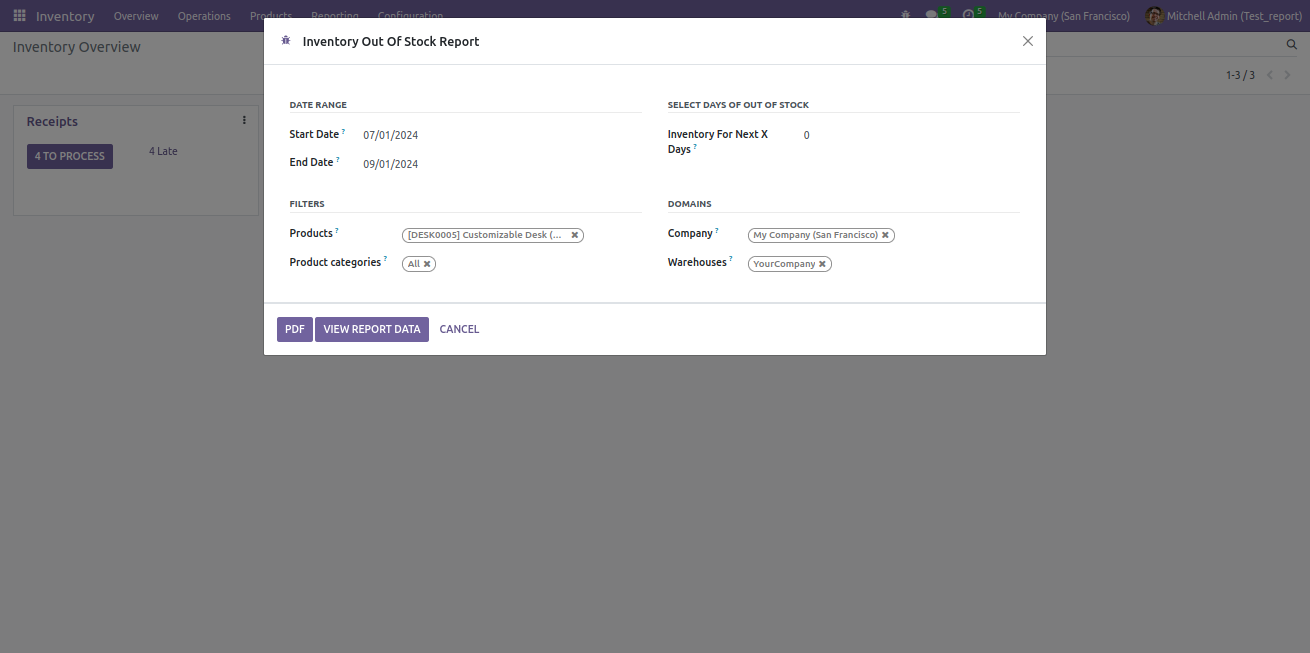
The Inventory Out Of Stock Report identifies items that are currently out of stock. This report helps in tracking shortages and managing inventory levels to ensure timely replenishment and prevent stockouts.
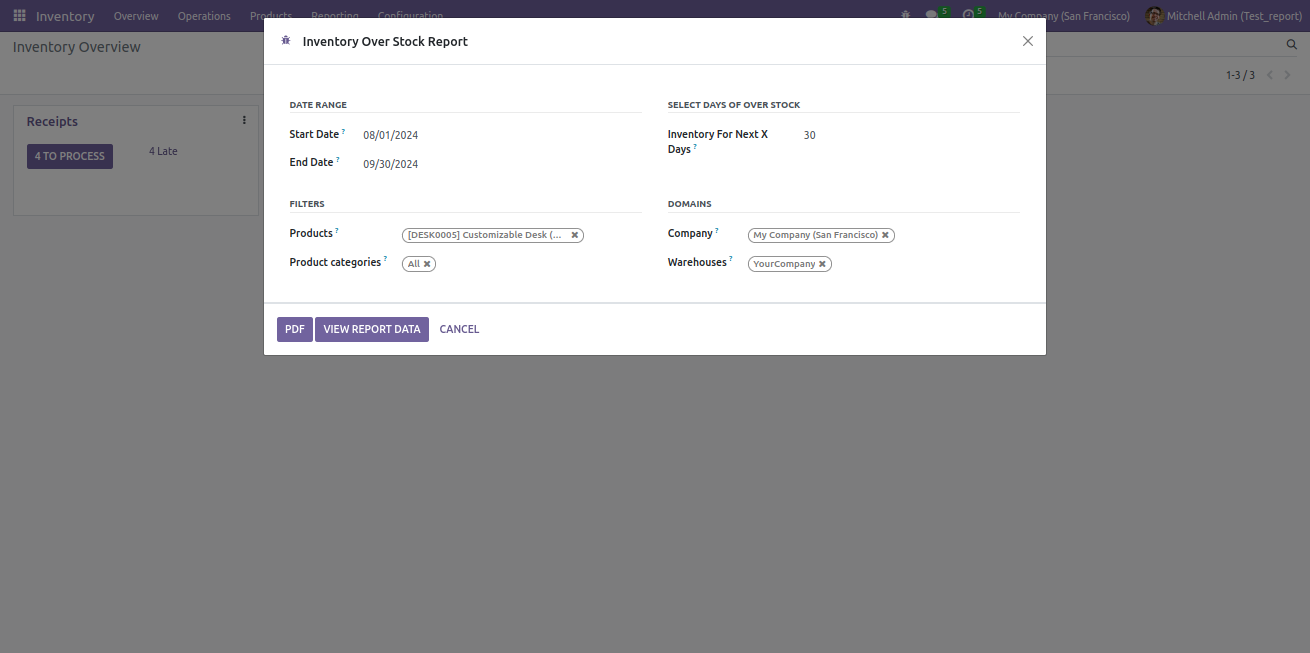
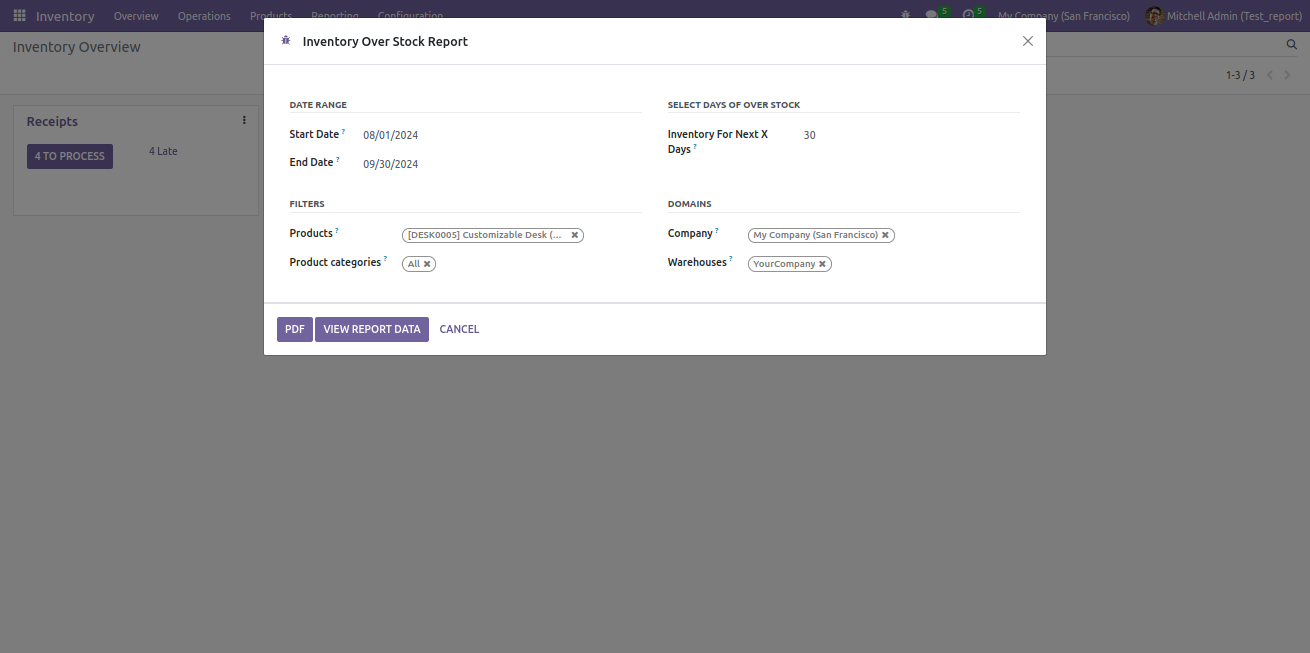
The Inventory Over Stock Report highlights items that are overstocked. This report assists in identifying excess inventory levels, enabling better stock management and optimization to reduce holding costs and prevent overstocking.
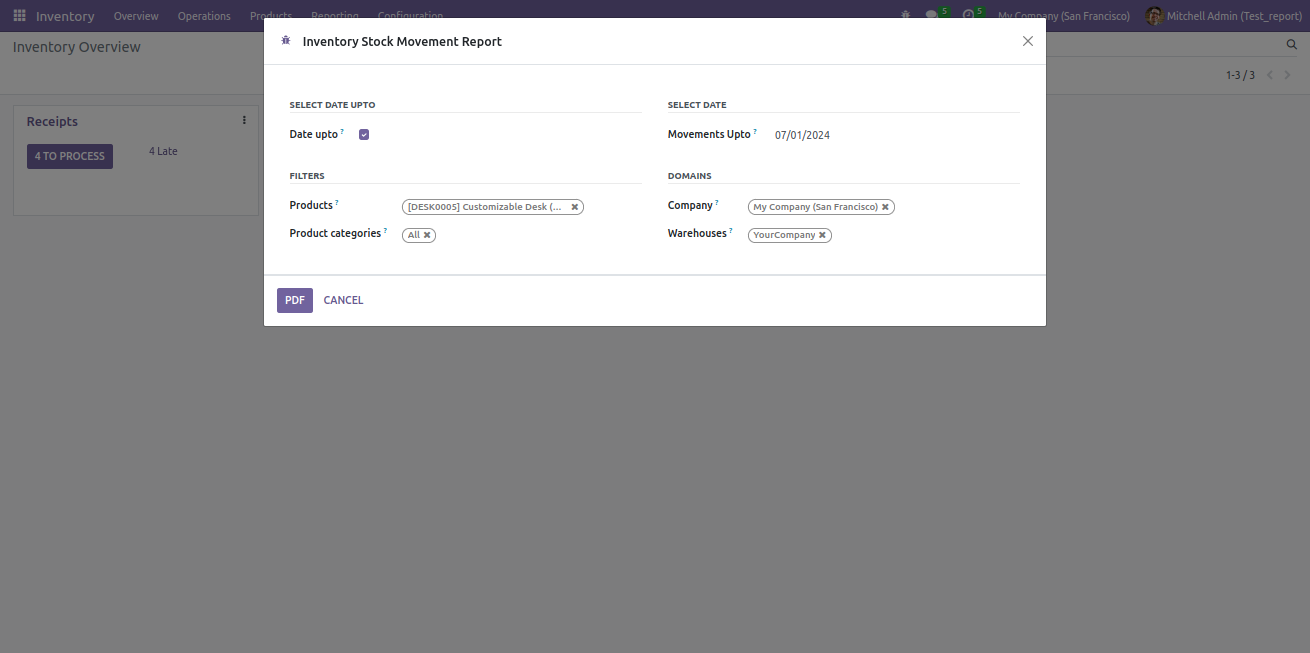
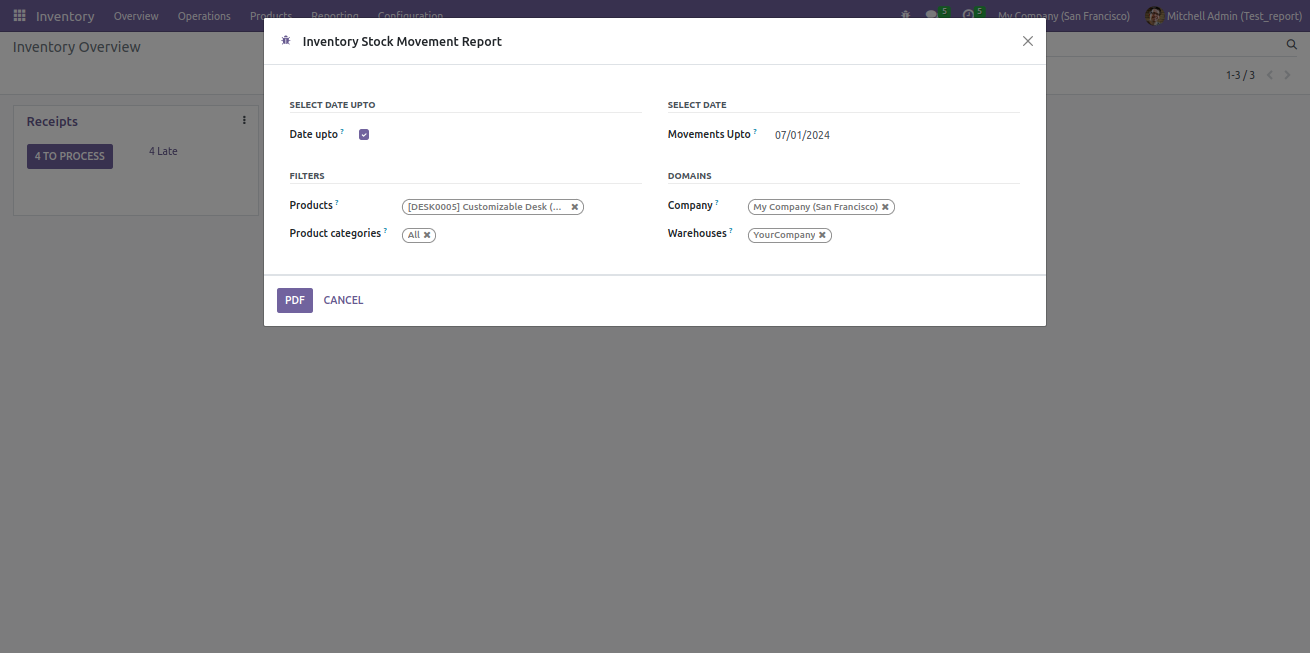
The Inventory Stock Movement Report provides insights into the flow of stock items within the inventory. It details the movements, including incoming and outgoing stock transactions, enabling effective tracking of inventory levels, monitoring of stock rotation, and analysis of inventory trends.

Screenshots
Advanced Inventory Report
The Advanced Inventory Report provides a detailed analysis of stock movements, inventory levels, and item classifications to help businesses manage their inventory more efficiently. This report offers insights into key inventory metrics, including stock availability, reorder points, lead times, and valuation.
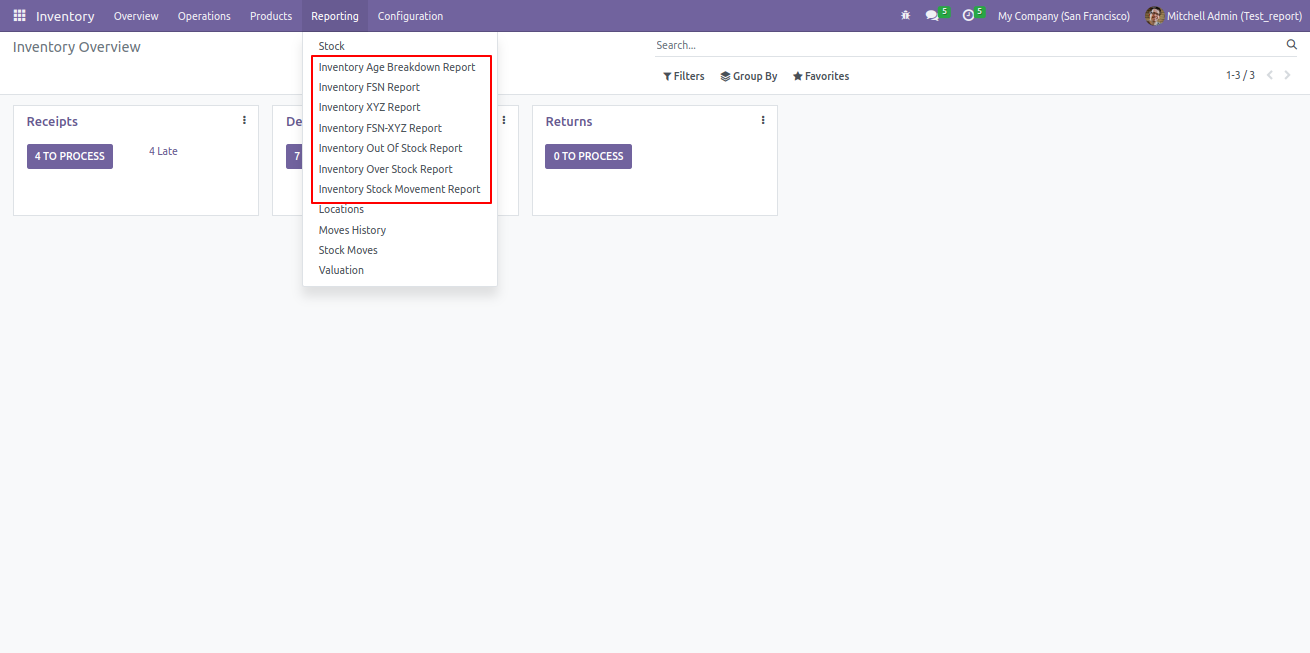
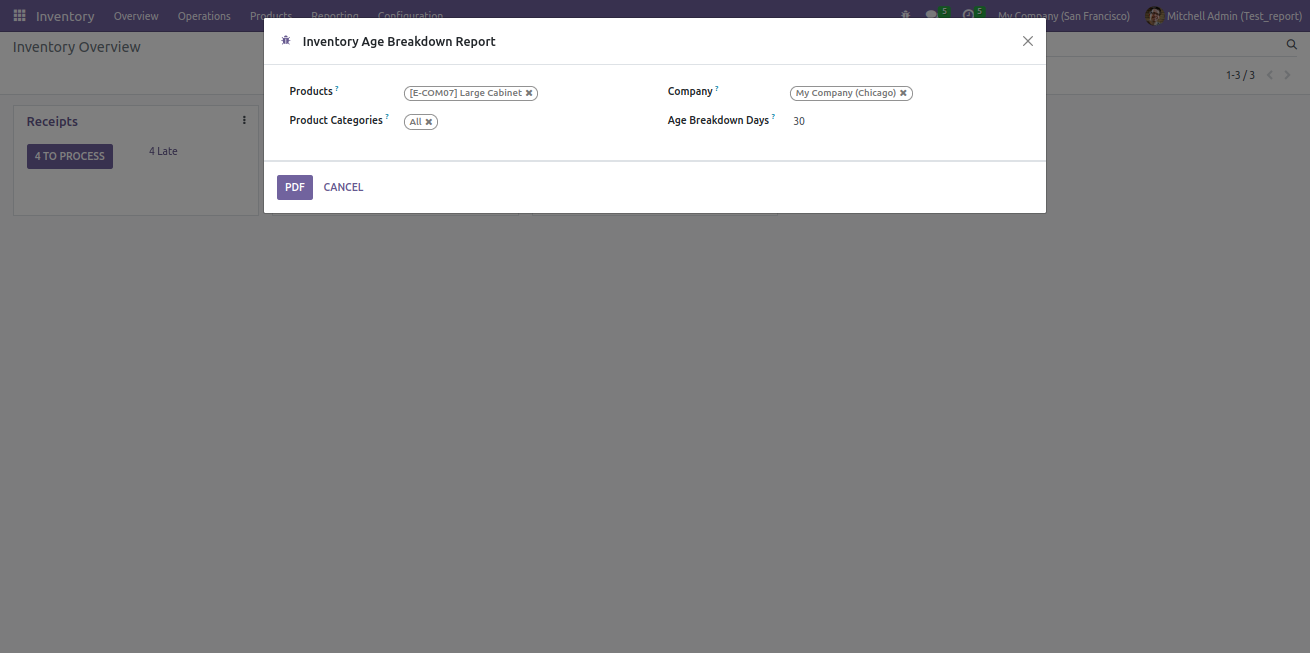
Inventory Aged Report:
The Inventory Aged Report provides a clear overview of how long items have been held in stock, helping businesses manage aging inventory and avoid obsolescence. This report categorizes inventory based on the length of time products have been in storage, allowing for better decision-making in terms of stock rotation, sales, and disposal.
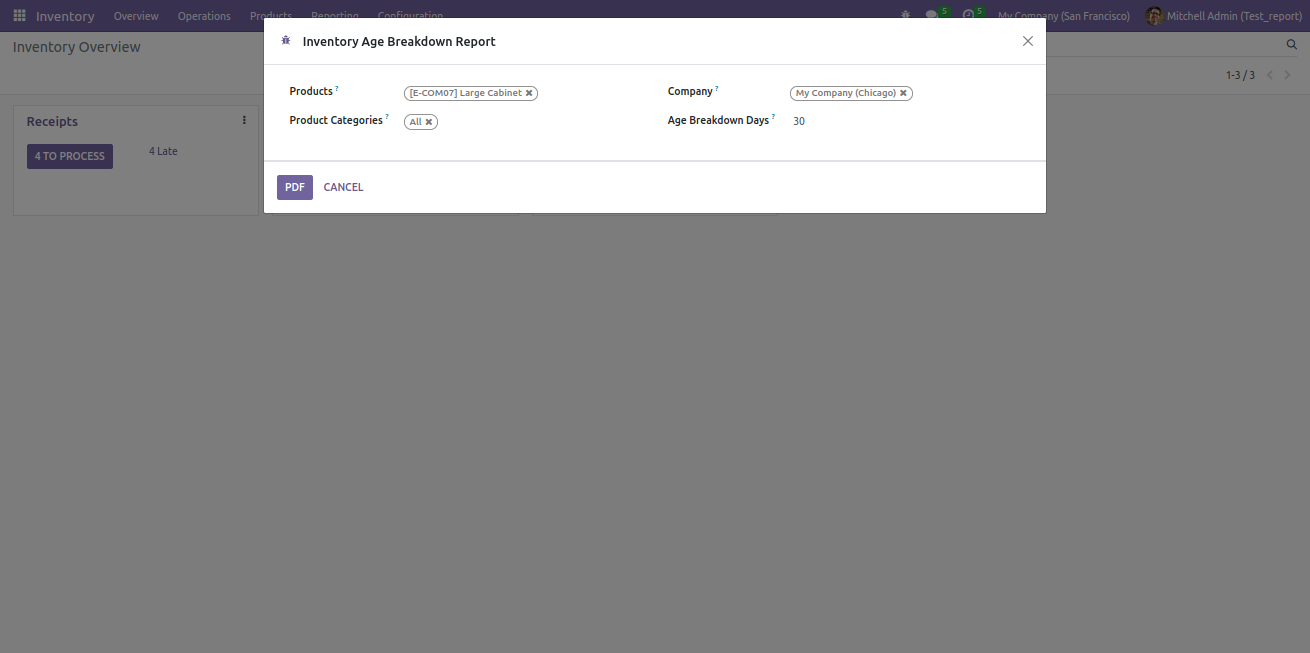
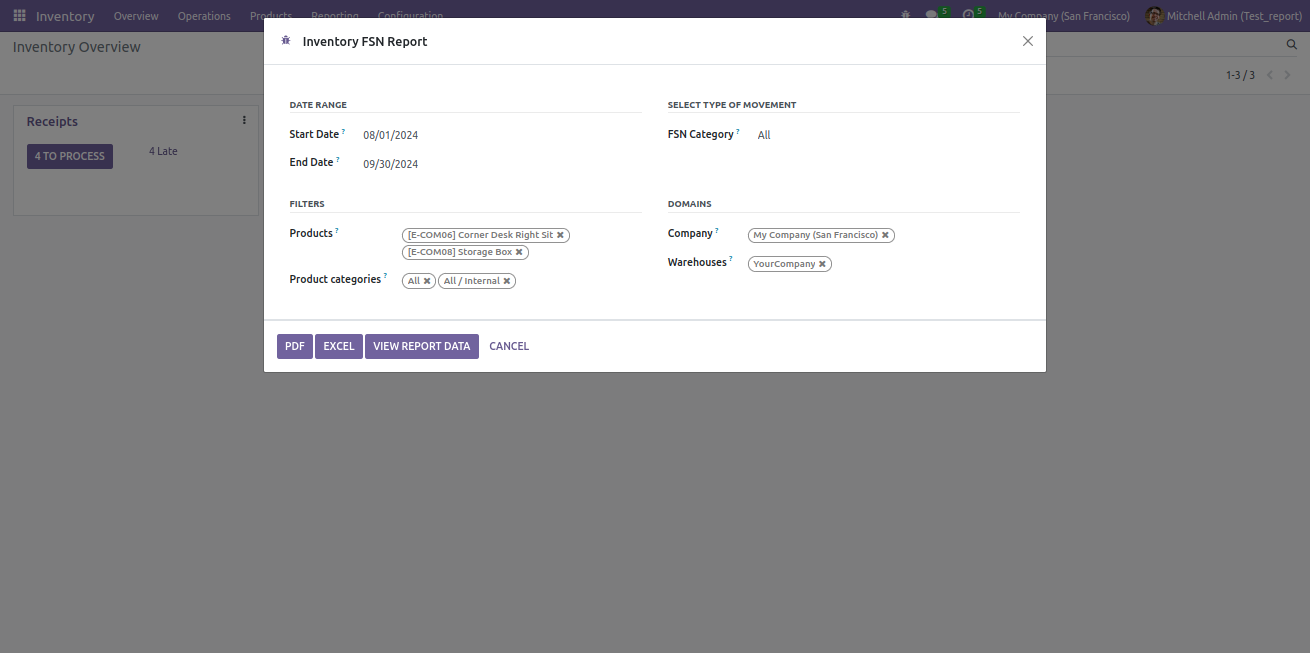
Inventory FSN Report
The Inventory FSN Report provides an in-depth analysis of inventory items based on their movement frequency, categorized into Fast-moving (F), Slow-moving (S), and Non-moving (N) classifications. This report helps businesses optimize stock levels, improve procurement strategies, and reduce holding costs by focusing on product movement trends.
Inventory XYZ Report
The Inventory XYZ Report provides a detailed classification of inventory based on the value and consumption patterns of products, categorized into X, Y, and Z groups. This report helps businesses optimize inventory management by focusing on high-value, high-consumption items and making informed decisions on stock control
Inventory FSN-XYZ Report
The Inventory FSN-XYZ Report provides a comprehensive dual classification of inventory items by both their movement frequency (FSN) and value/consumption importance (XYZ). This combined approach helps businesses efficiently manage inventory by focusing on high-value, high-movement items, while identifying areas for cost reduction with slower-moving, lower-value stock.
Inventory Out of Stock Report
The Inventory Out of Stock Report provides a detailed overview of products that are currently out of stock or nearing stock depletion. This report helps businesses monitor stock levels in real-time, ensuring timely replenishment to avoid stockouts and meet customer demand.
Inventory Overstock Report
The Inventory Overstock Report provides a detailed analysis of items that are overstocked, helping businesses identify excess inventory and optimize storage space and cash flow. This report is essential for minimizing holding costs and ensuring that stock levels align with current demand.
Stock Movement Report
The Stock Movement Report provides a comprehensive overview of all inventory movements within a specific period, including incoming and outgoing stock transactions. This report helps businesses track product flows across warehouses and locations, offering key insights into inventory performance, demand trends, and stock availability.

Our Services

Our Industries

Support



Technical Information
kx_inventory_reports
stock
purchase
sale_management
Supported Versions
17.0.1.0.0
₹ 18,968.63
18.0.1.0.0
₹ 18,968.63