?unique=473c7ed)

























































Community
Enterprise
Odoo.sh
Progressive Web Icon
Customize and manage your Odoo Progressive Web App (PWA) icon to enhance branding and improve the mobile and desktop app experience for users.

Explore This Module

Overview
This module allows administrators to customize the Progressive Web App (PWA) icon of their Odoo instance. It enables easy upload and management of a custom app icon, helping businesses enhance branding when users install Odoo as a PWA on mobile or desktop devices.

Features
Available in Odoo 19.0 Community and Enterprise.

Easily upload and configure a custom Progressive Web App (PWA) icon directly from Odoo settings.

Replace the default Odoo PWA icon with your company logo for a more personalized and professional user experience.

Screenshots
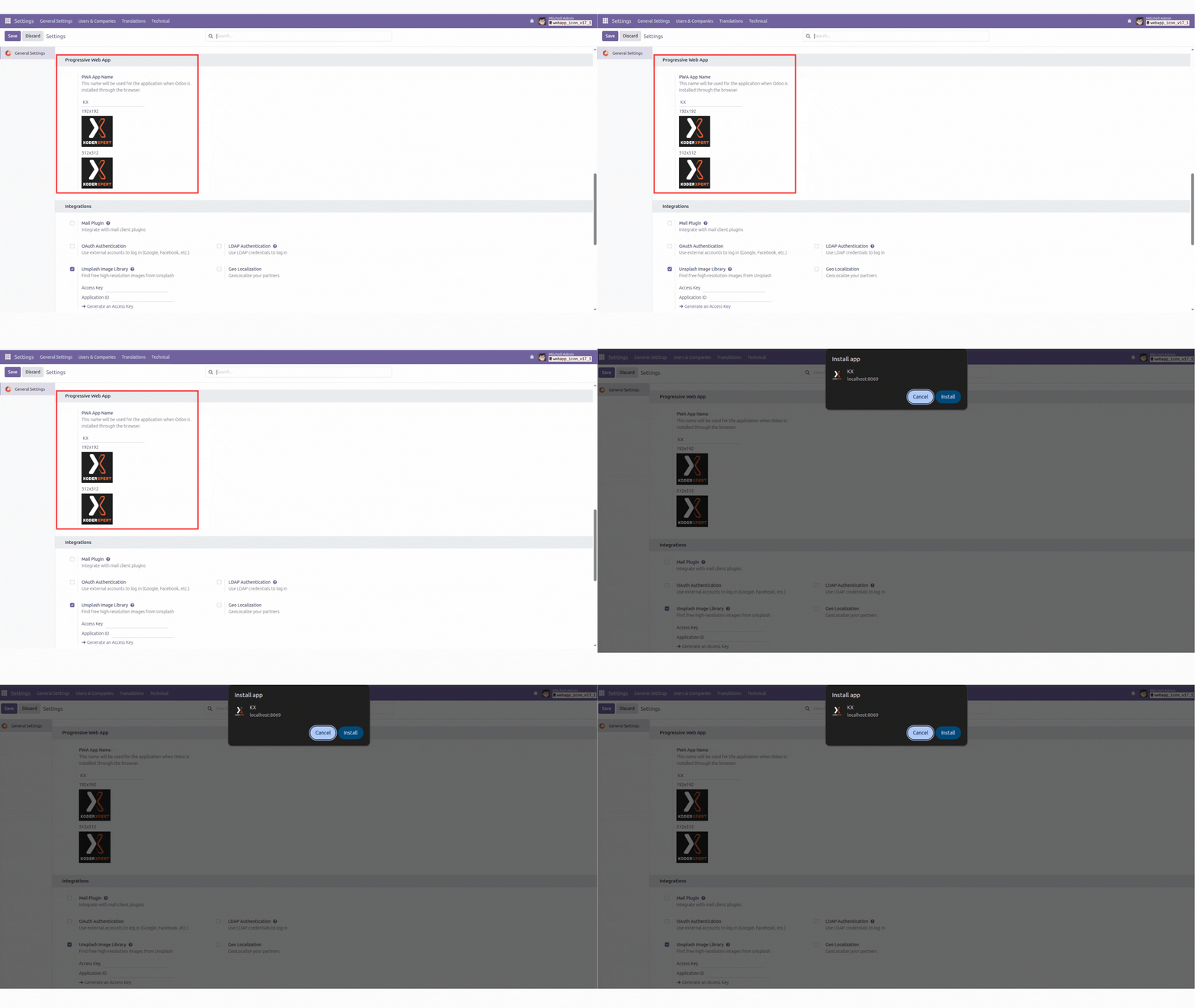
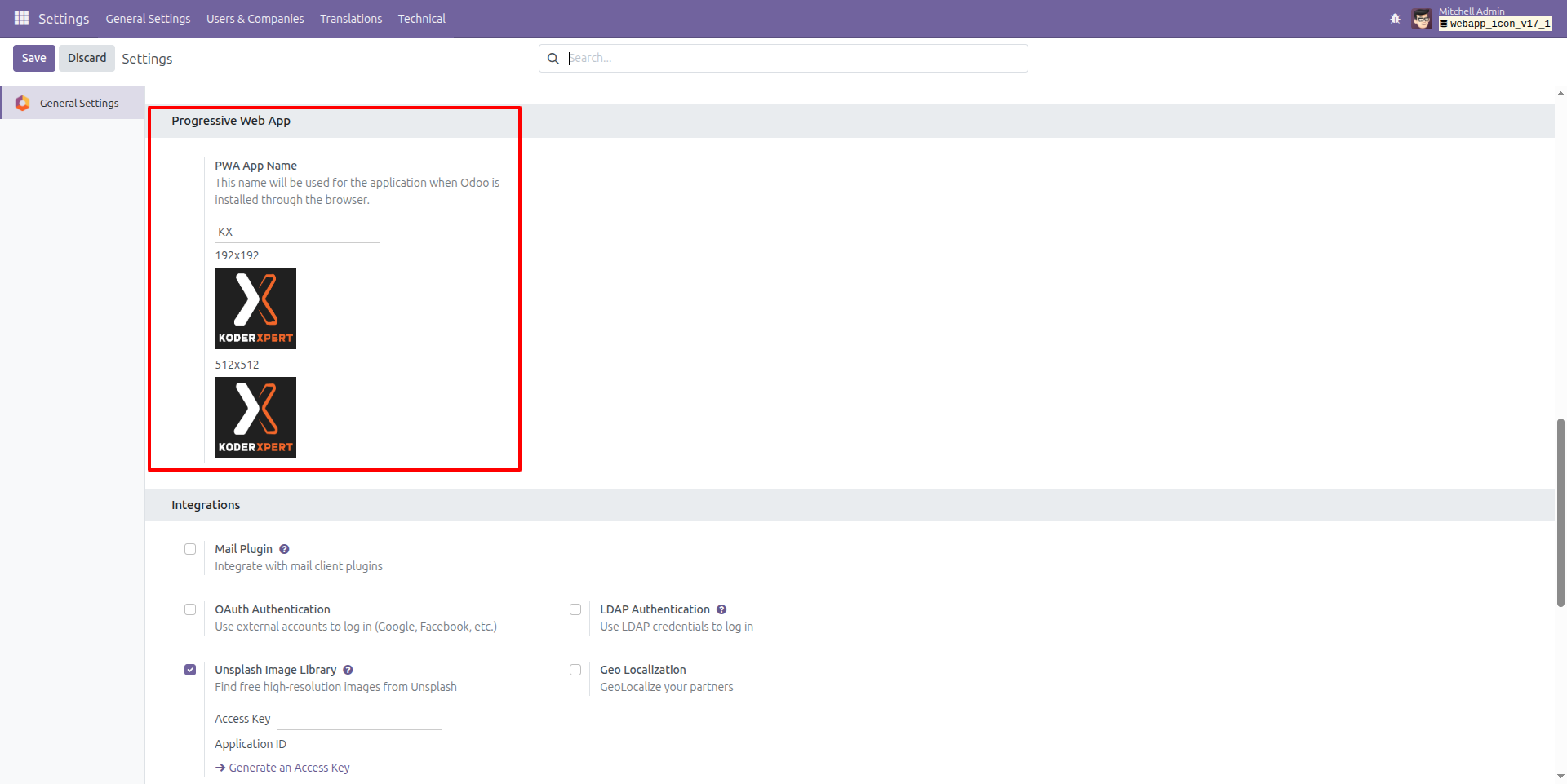
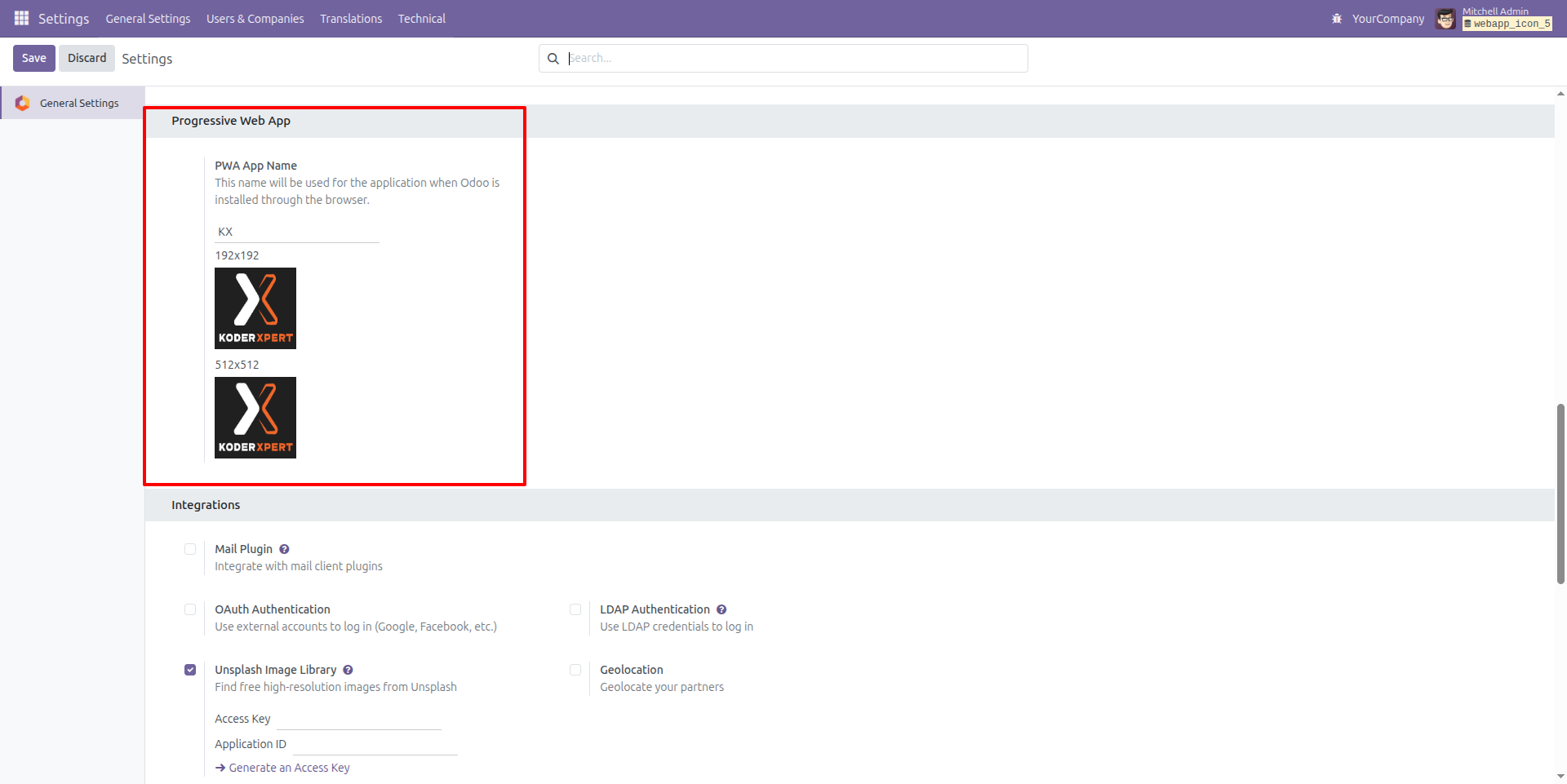
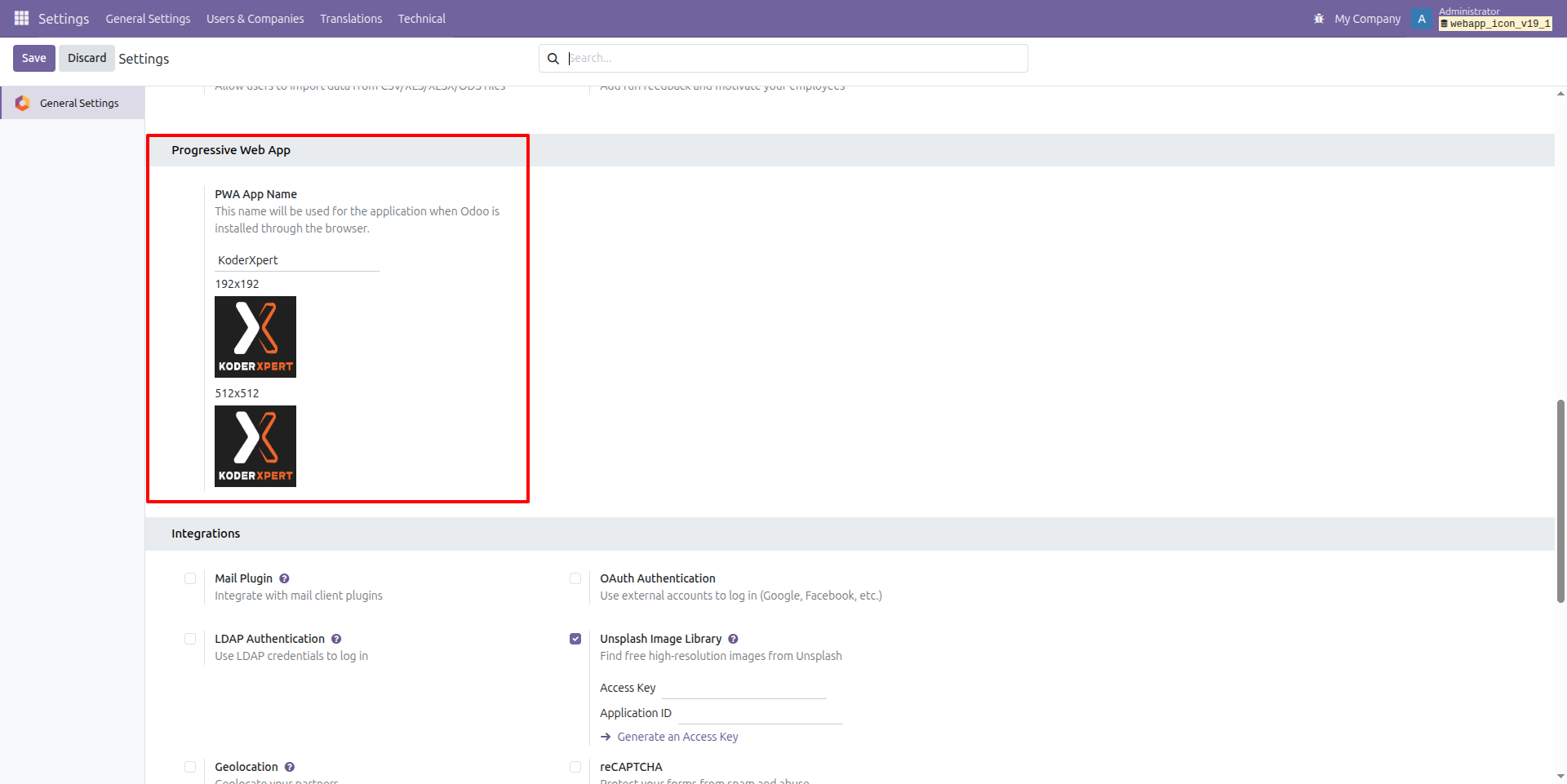
Progressive Web App Icon Configuration
This screenshot shows the PWA settings section where administrators can set the app name and upload custom icons (192×192 and 512×512). These icons are used when the Odoo instance is installed as a Progressive Web App on mobile or desktop devices.
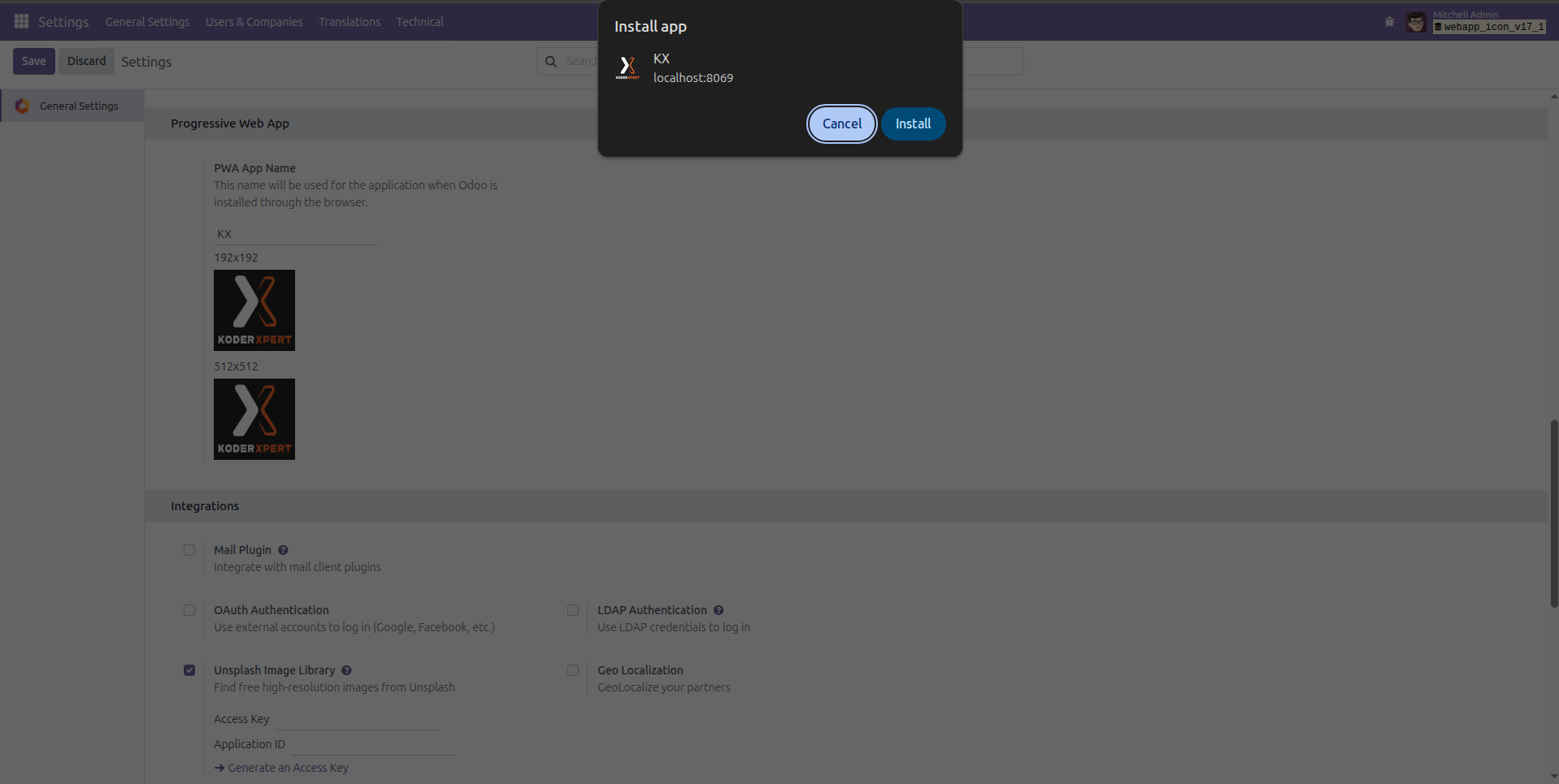
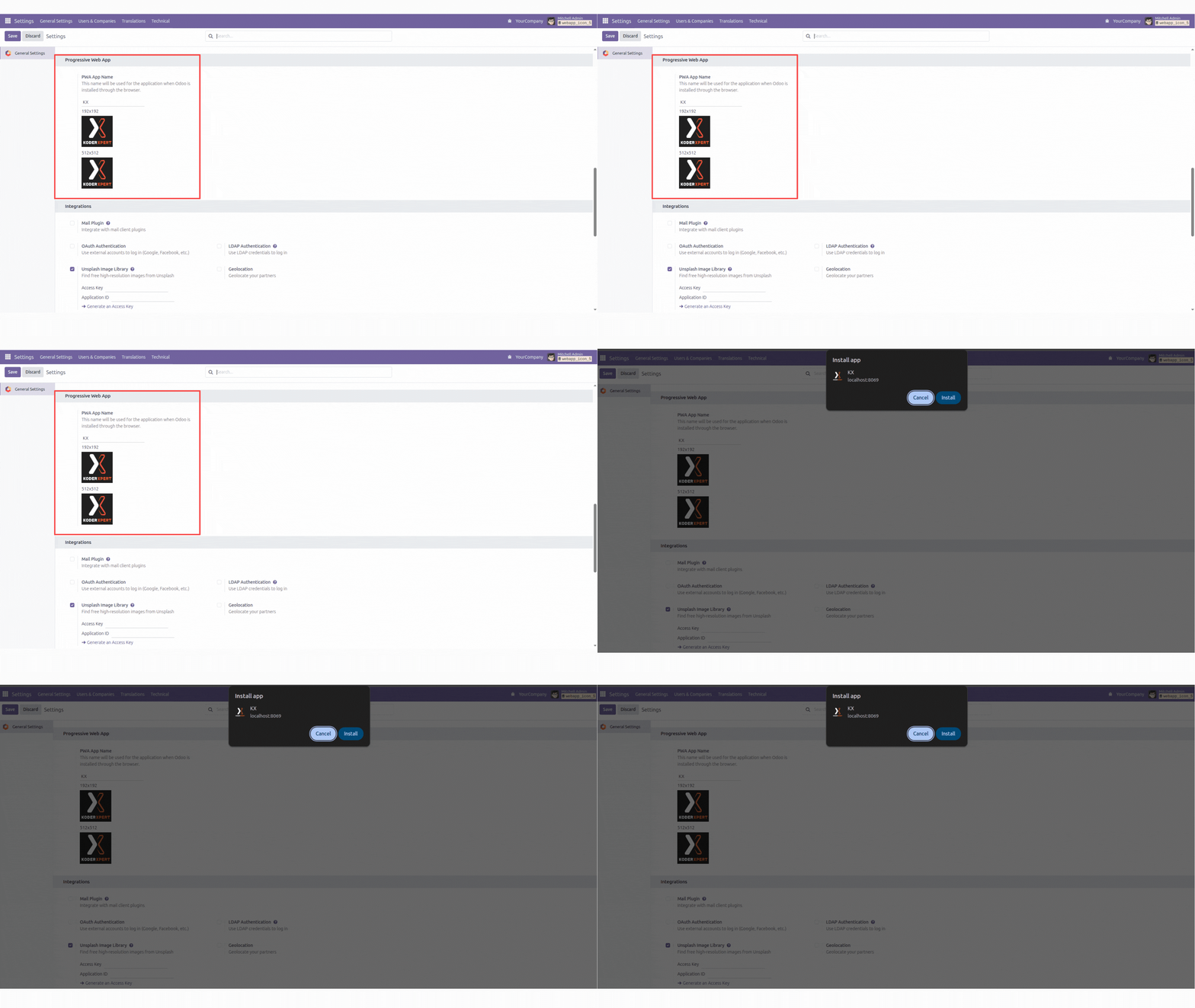
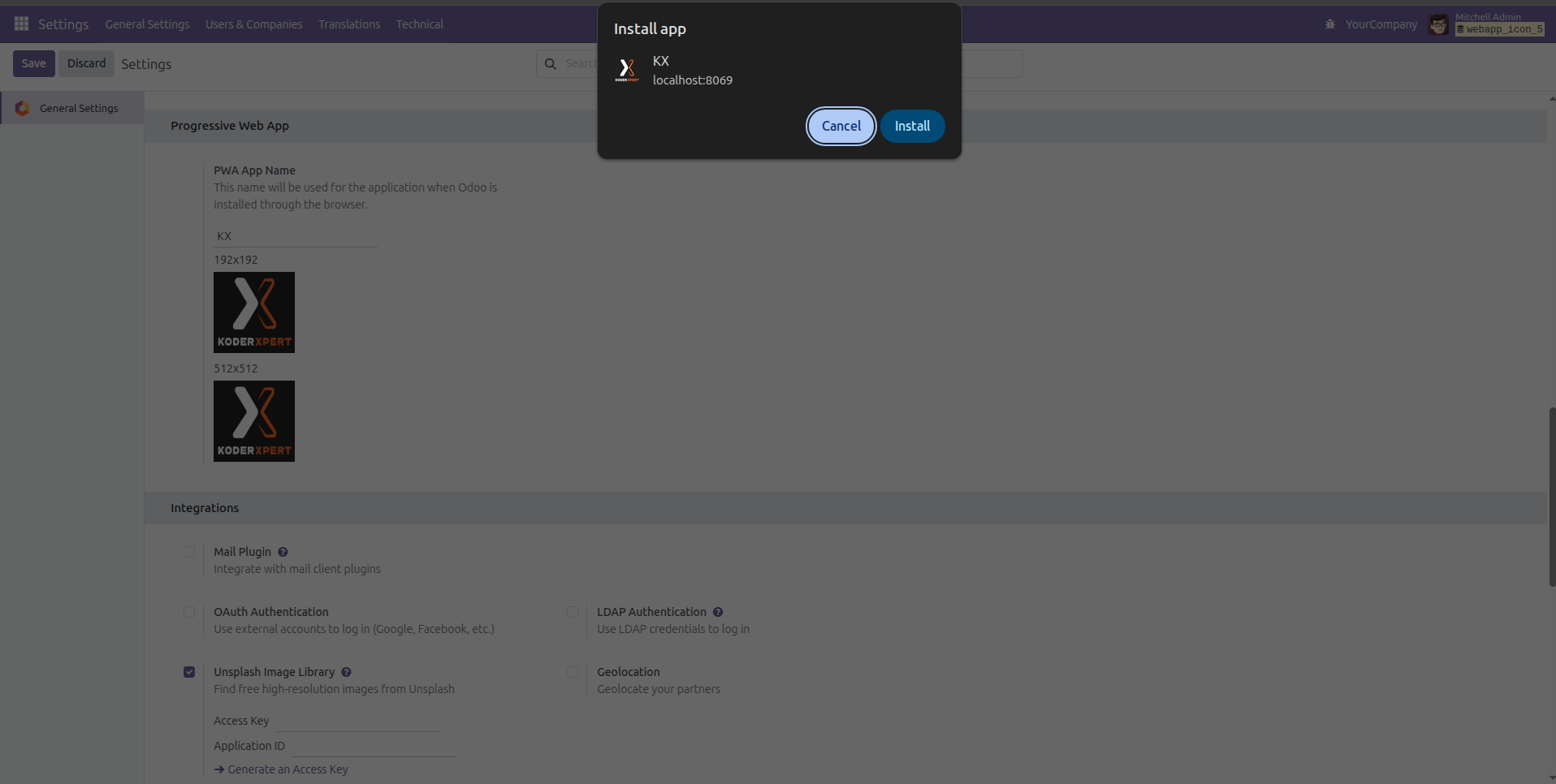
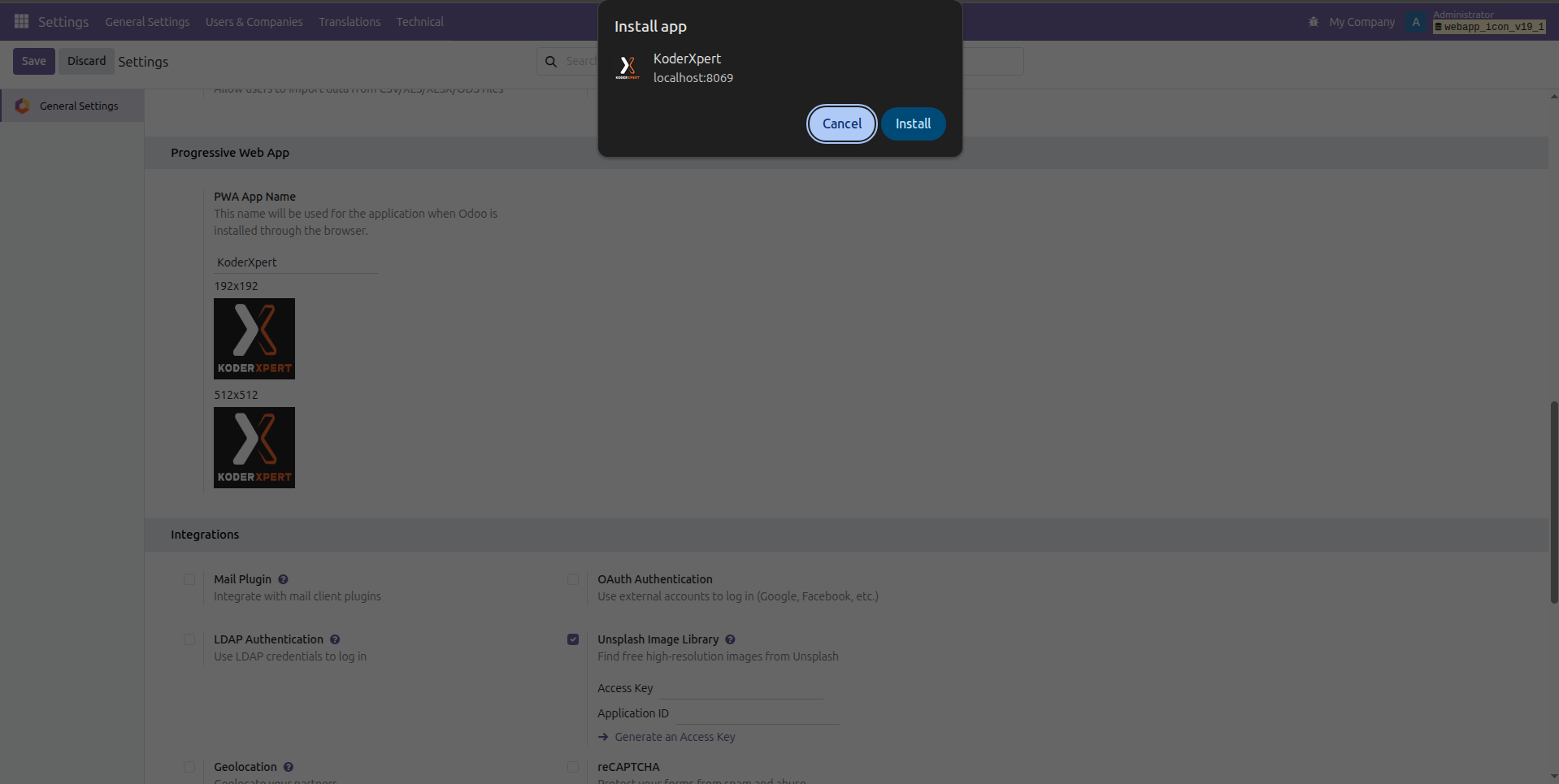
PWA Installation Popup with Custom App Icon
This screenshot shows the browser's PWA installation prompt displaying the customized app name and icon configured from the module. When users install the Odoo instance as a Progressive Web App, the custom logo and app title appear in this installation window.

Our Services

Our Industries

Support



Technical Information
kx_progressive_web_icon
base
base_setup
web
Supported Versions
17.0.1.0
FREE
18.0.1.0
FREE
19.0.1.0
FREE