

Screenshots
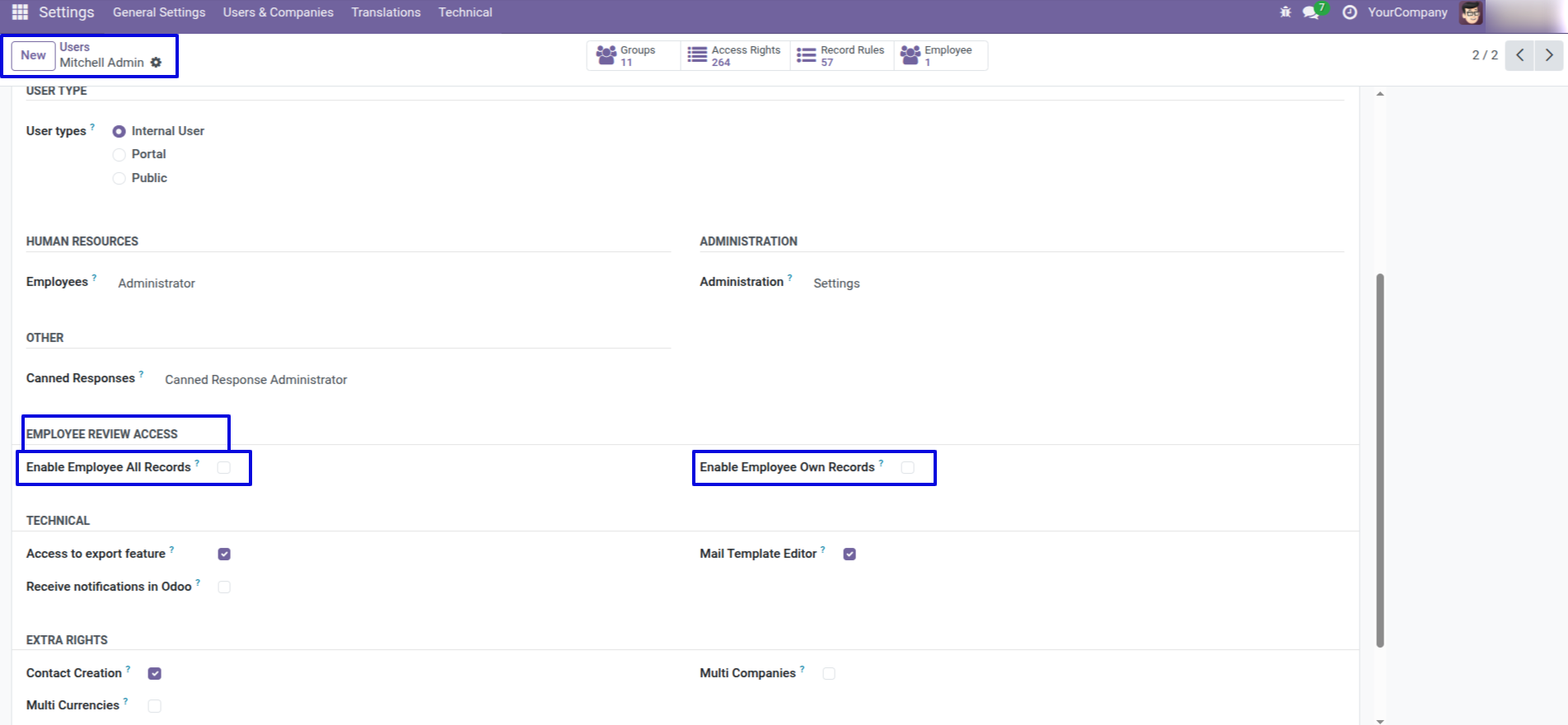
Go to User Settings >> Grant access to 'Employee Review Access'.
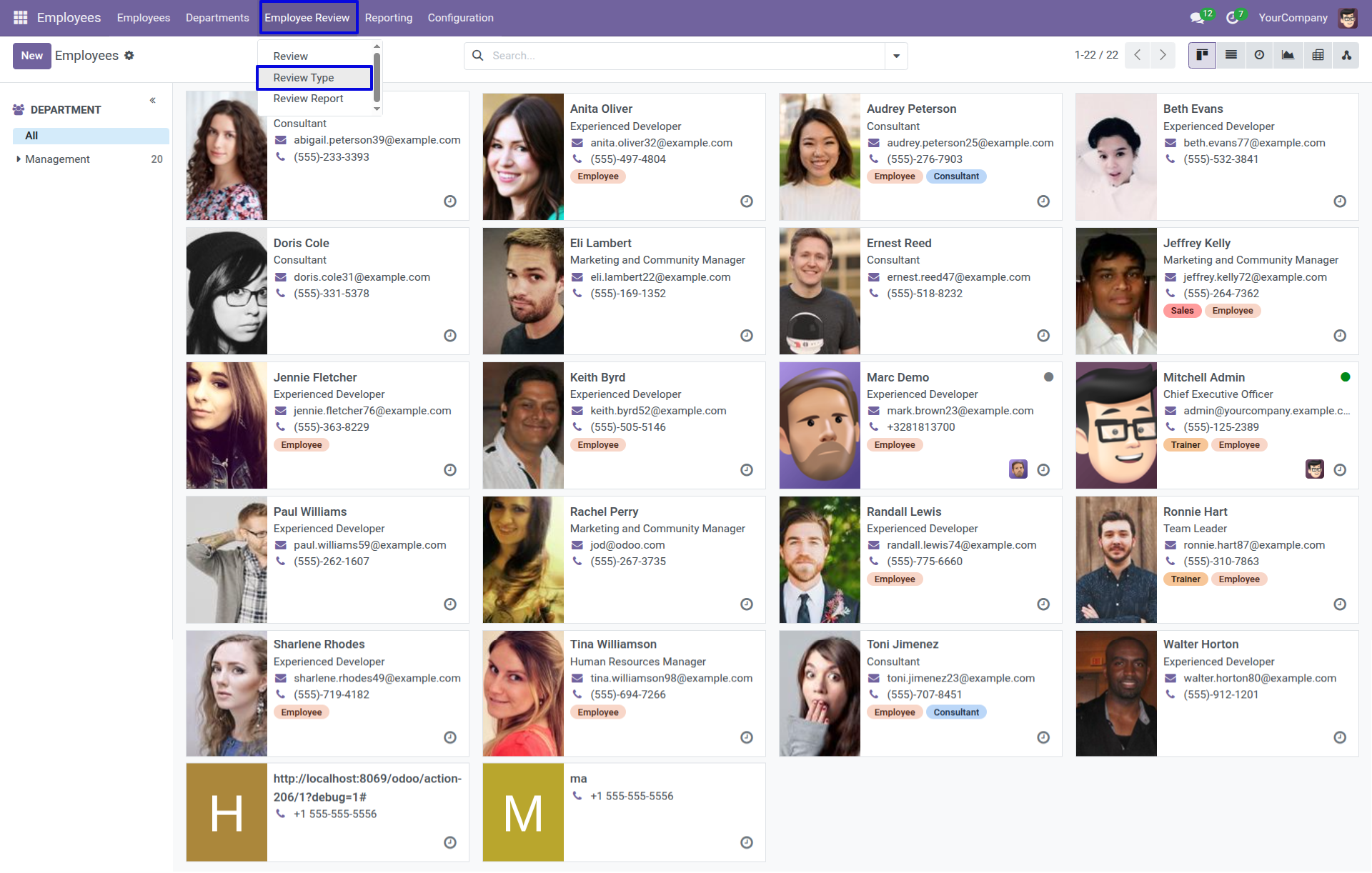
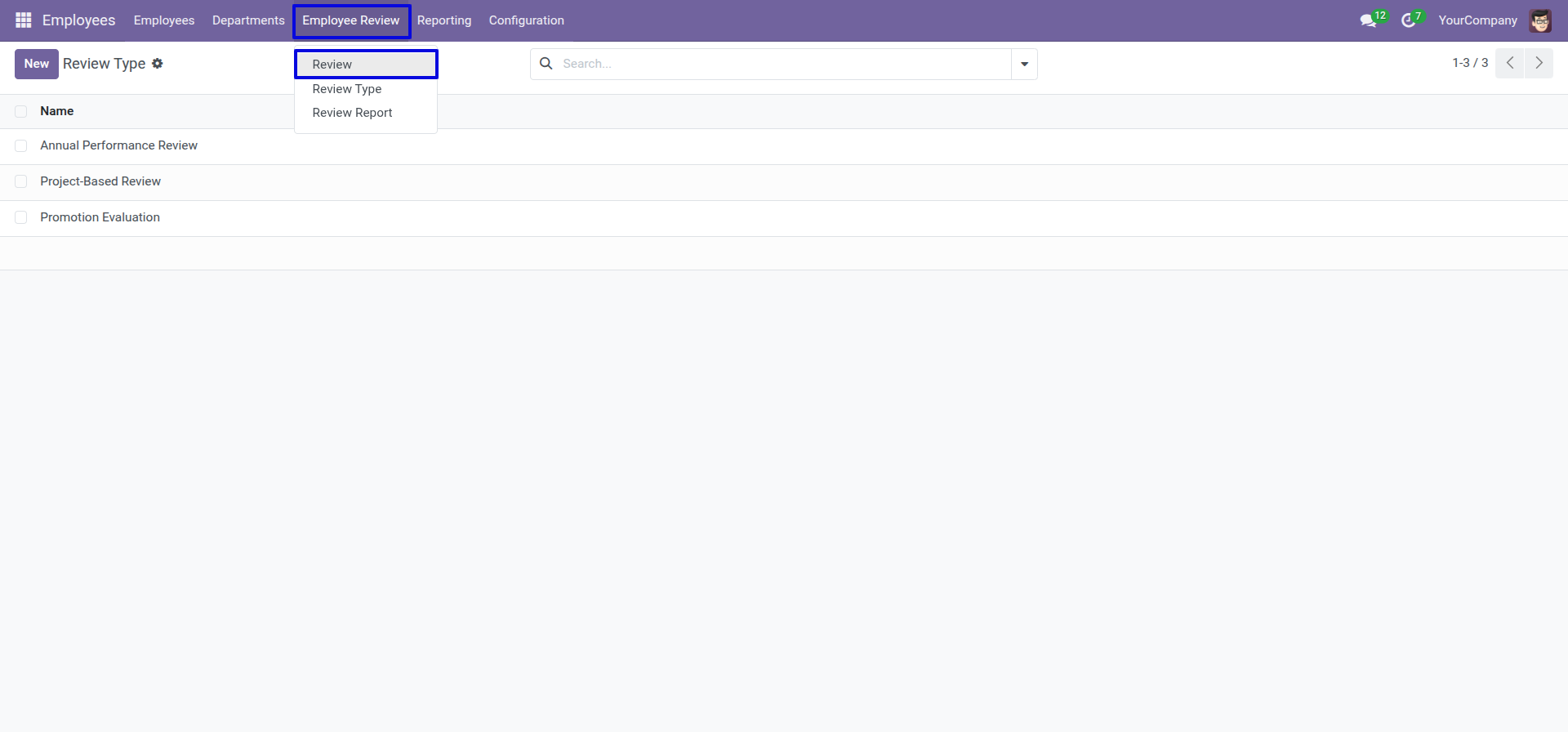
'Review Type' menu.
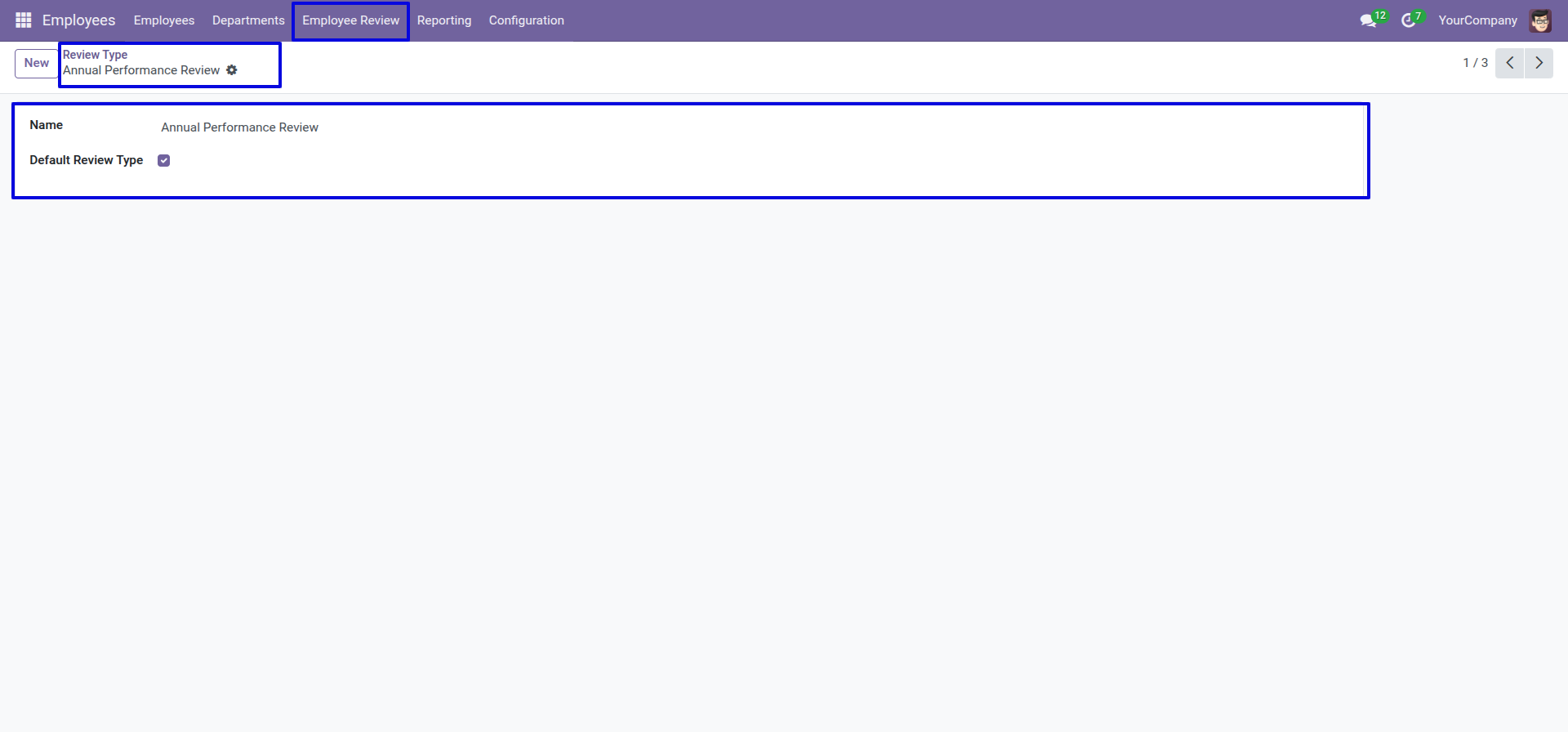
Here, you can configure the review type. To set it as the default review type, tick the 'Default Review Type' boolean.
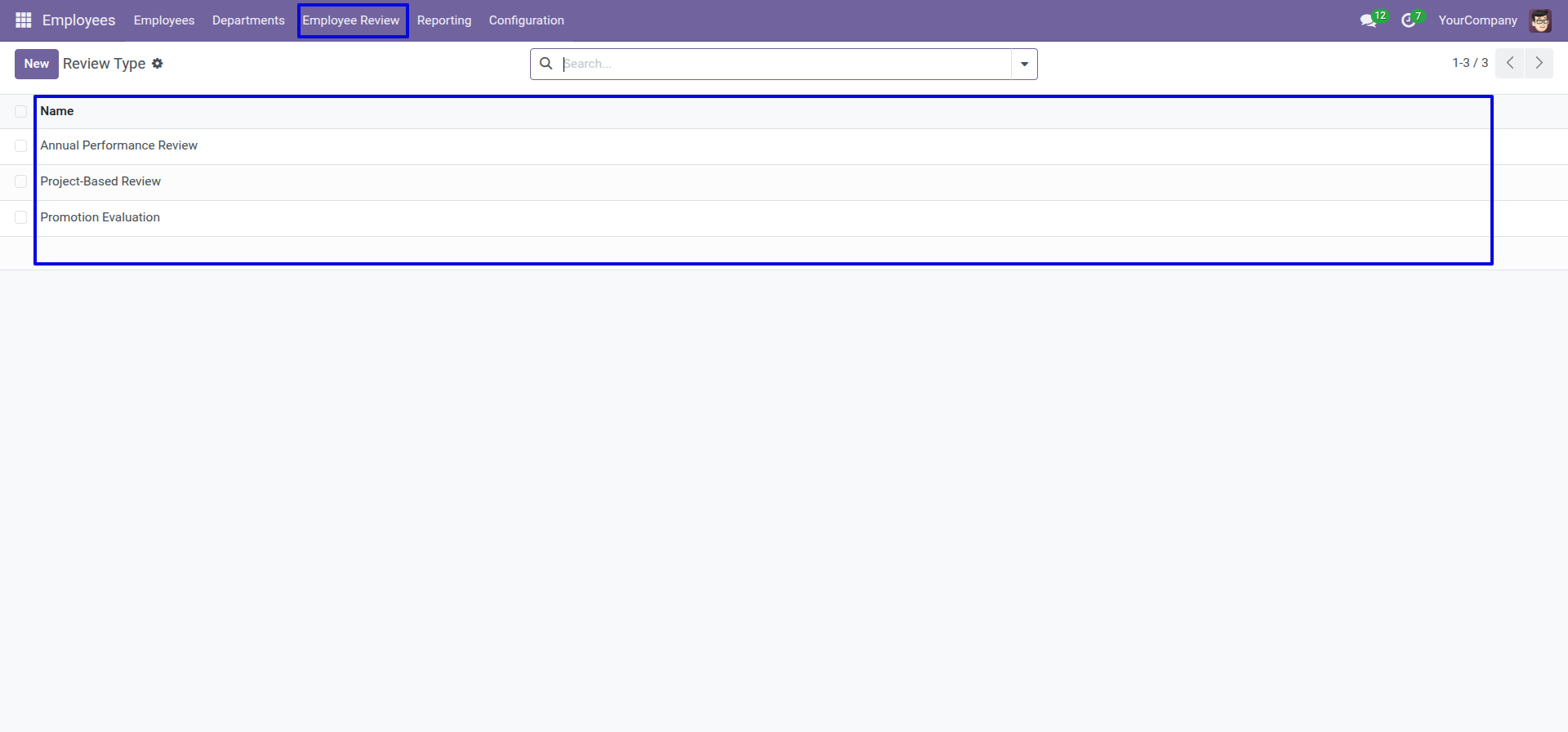
Tree view of the 'Review Type'.
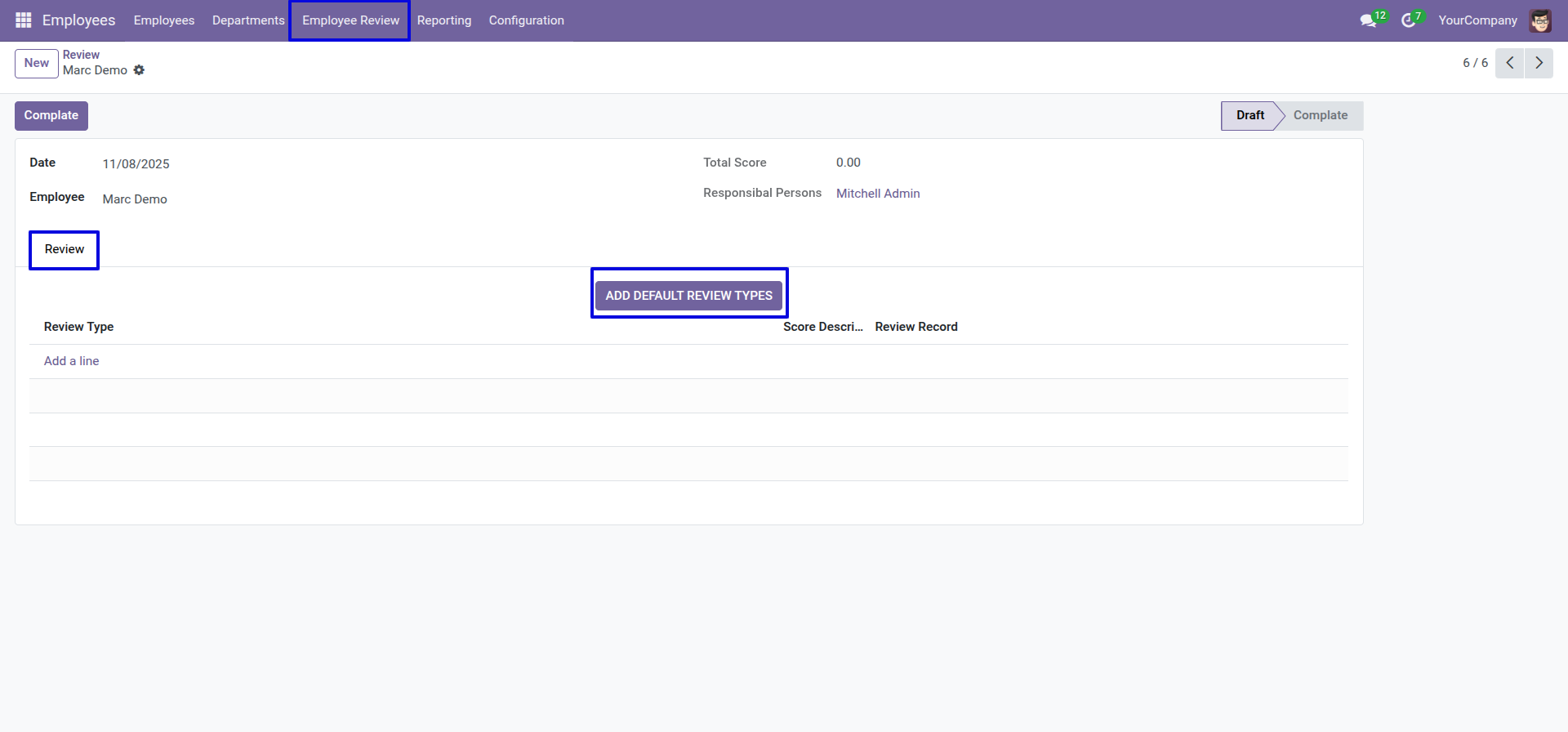
'Review' menu.
Form view of the review. Enter details and click on the 'Add Default Review Types' button.
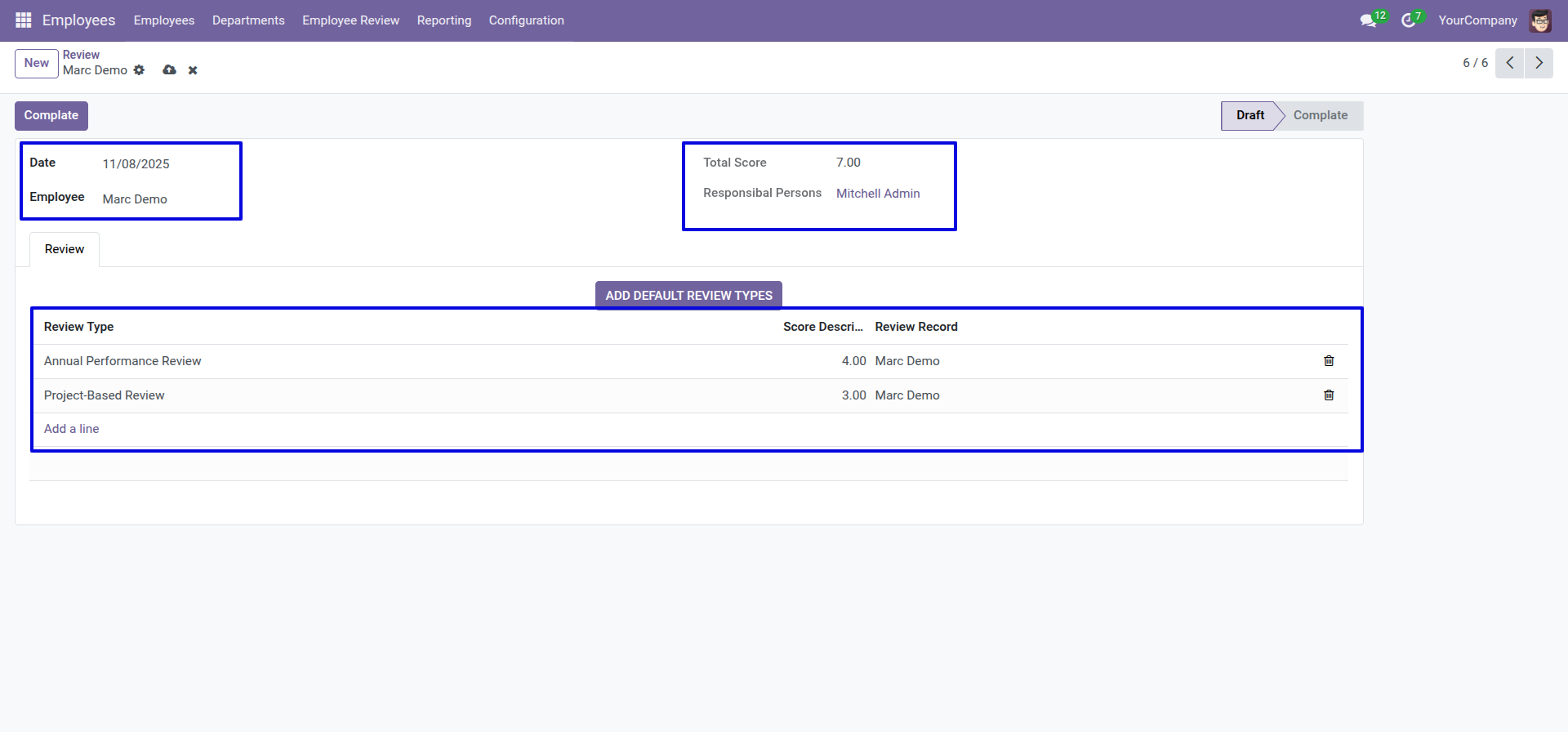
Here, you can see that the default review type has been added.
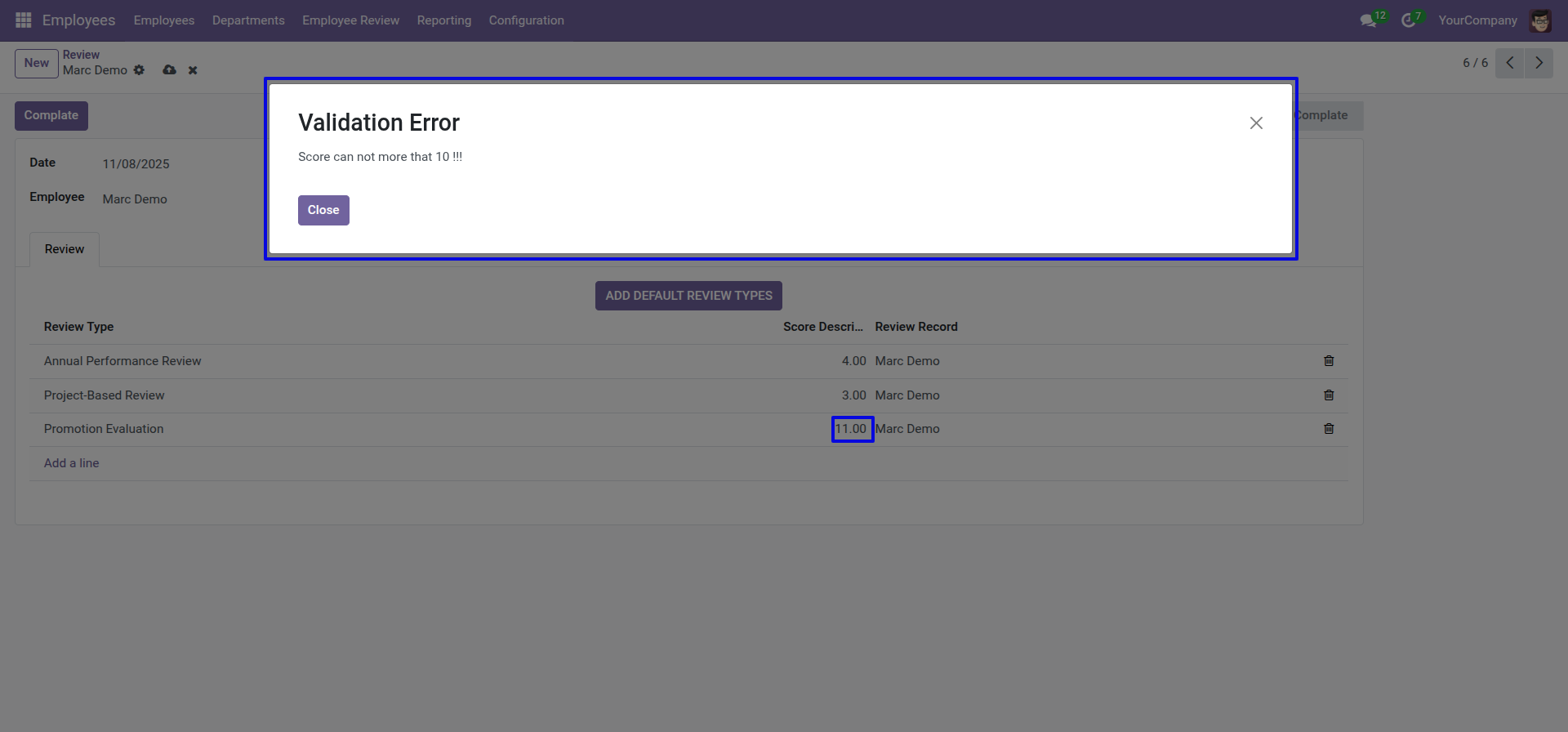
If you enter a score greater than 10, a warning popup will appear.
Tree view of the review.
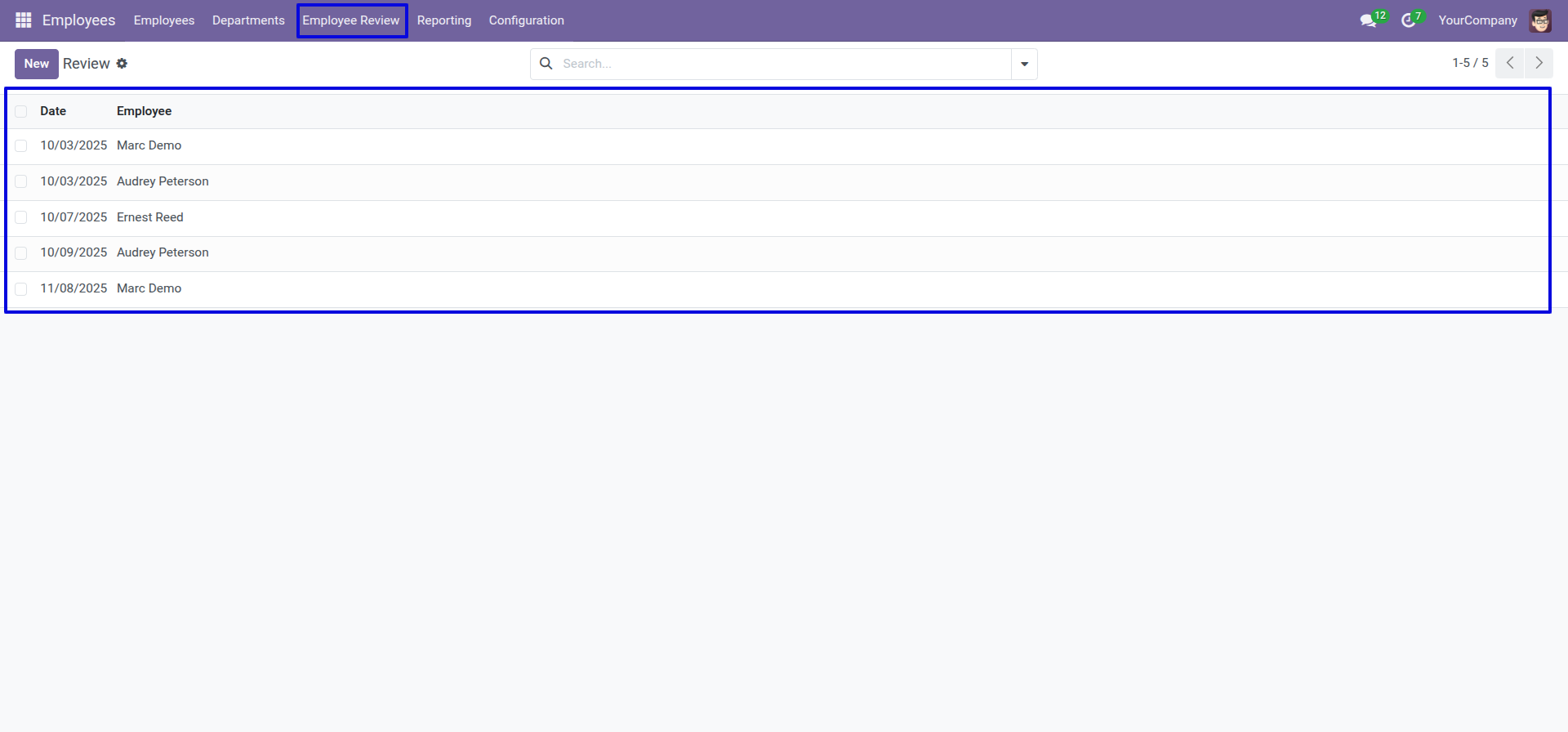
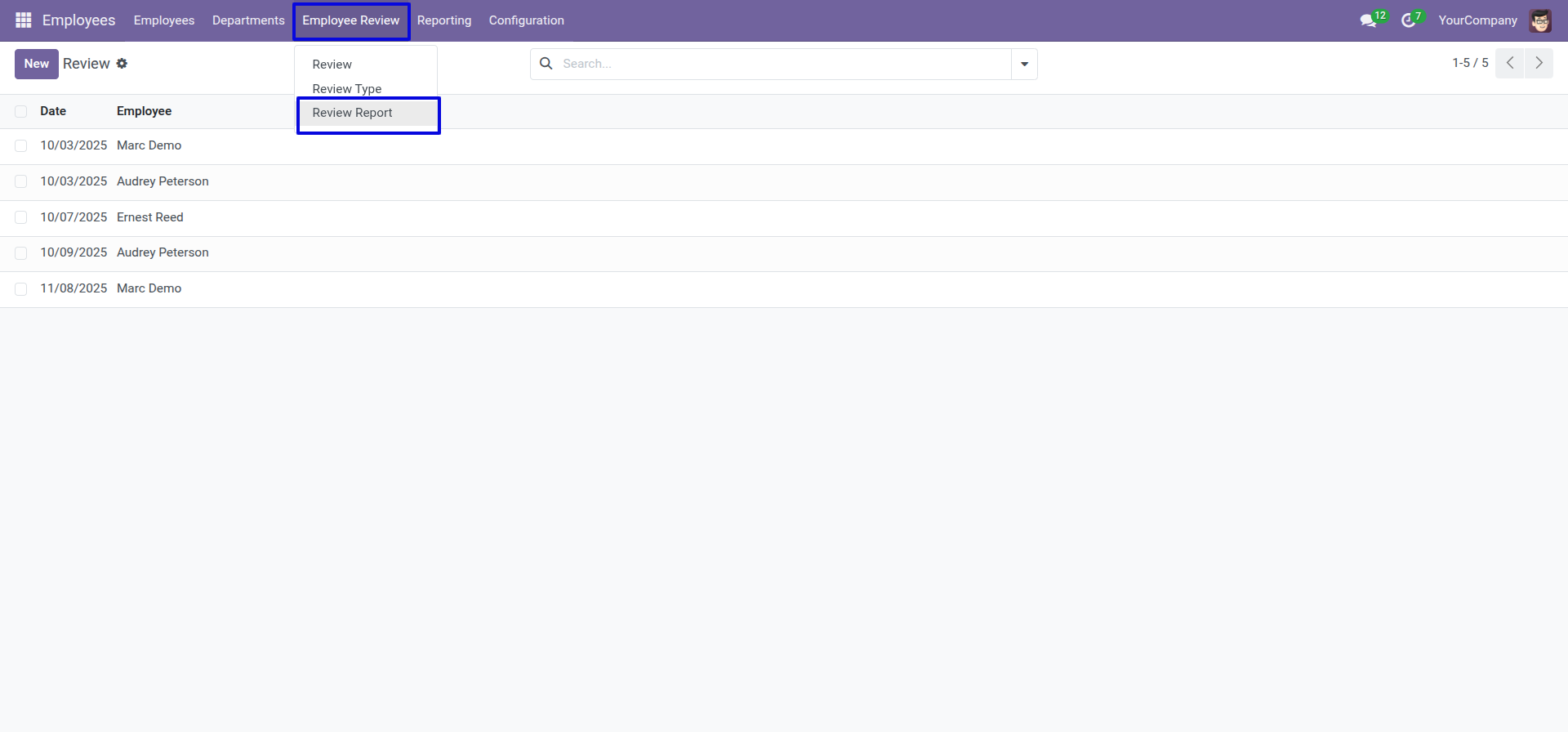
'Review Report' menu.
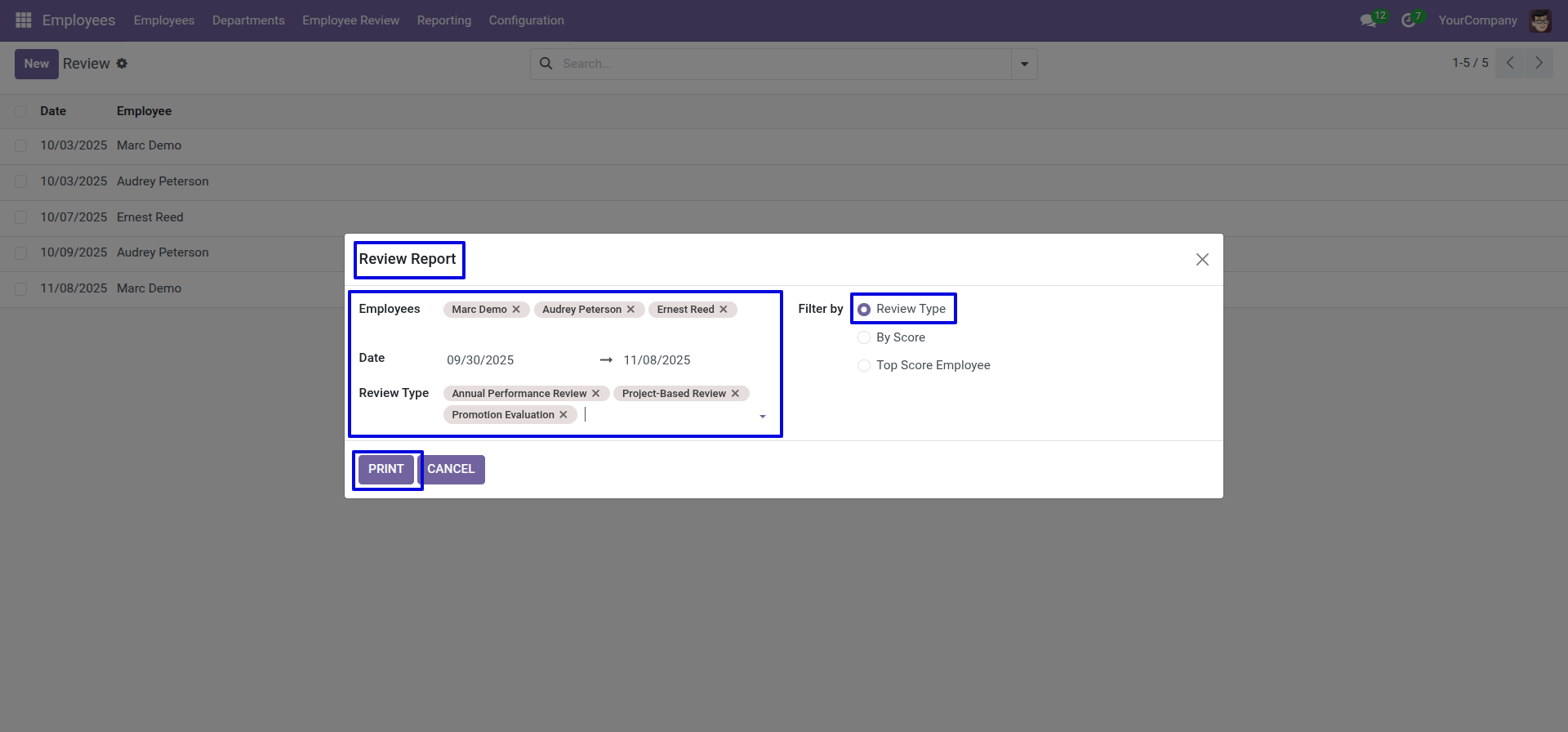
After that, the 'Review Report' wizard will appear. Enter the details, select the "Filter by: Review Type", and click on the 'Print' button.
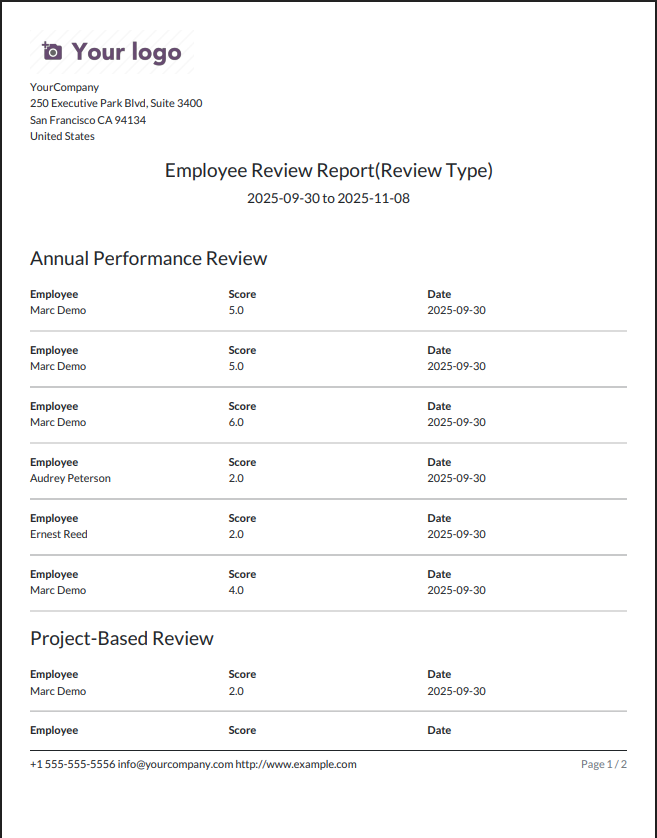
The review report looks like below.
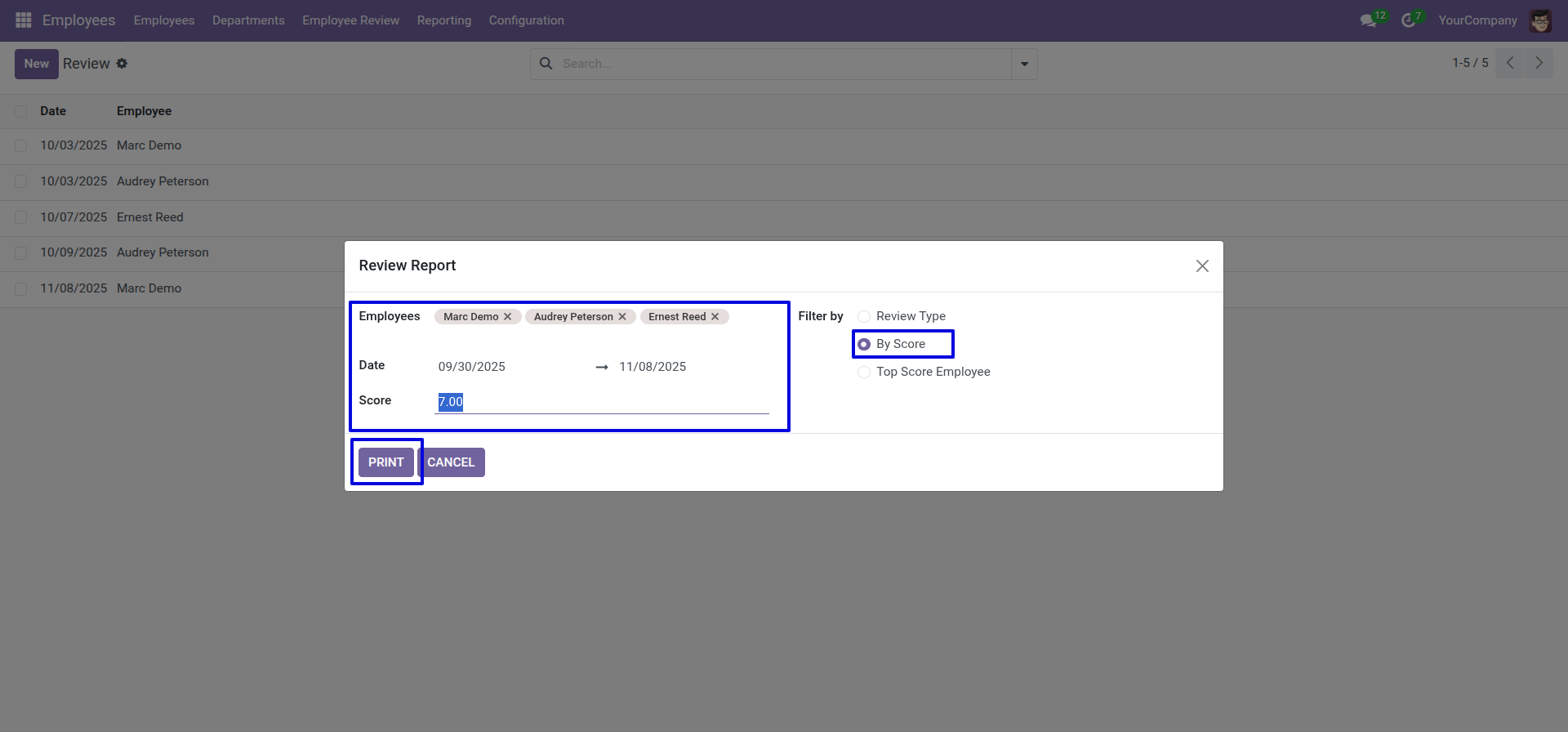
Select the "Filter by: By Score" and click the 'Print' button.
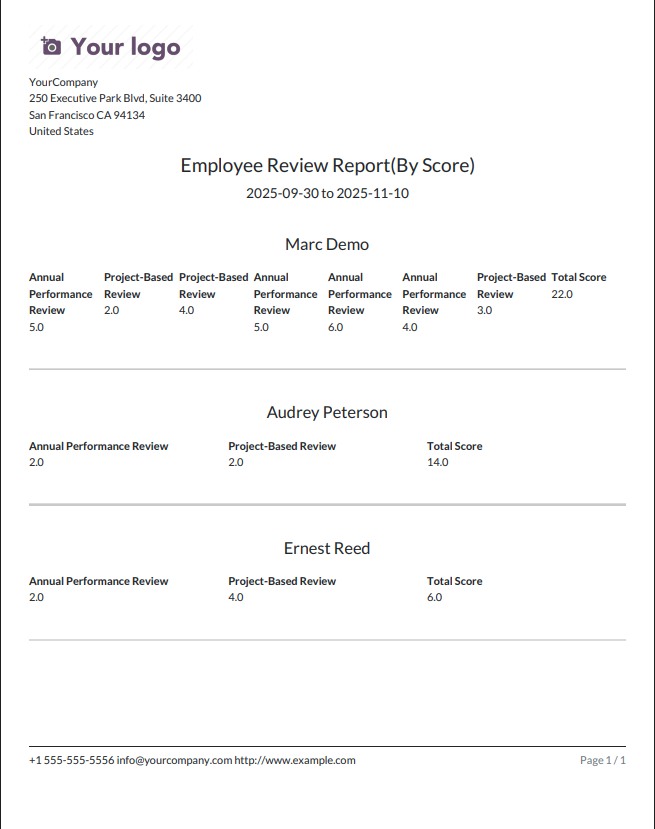
The review report by score is looks like below.
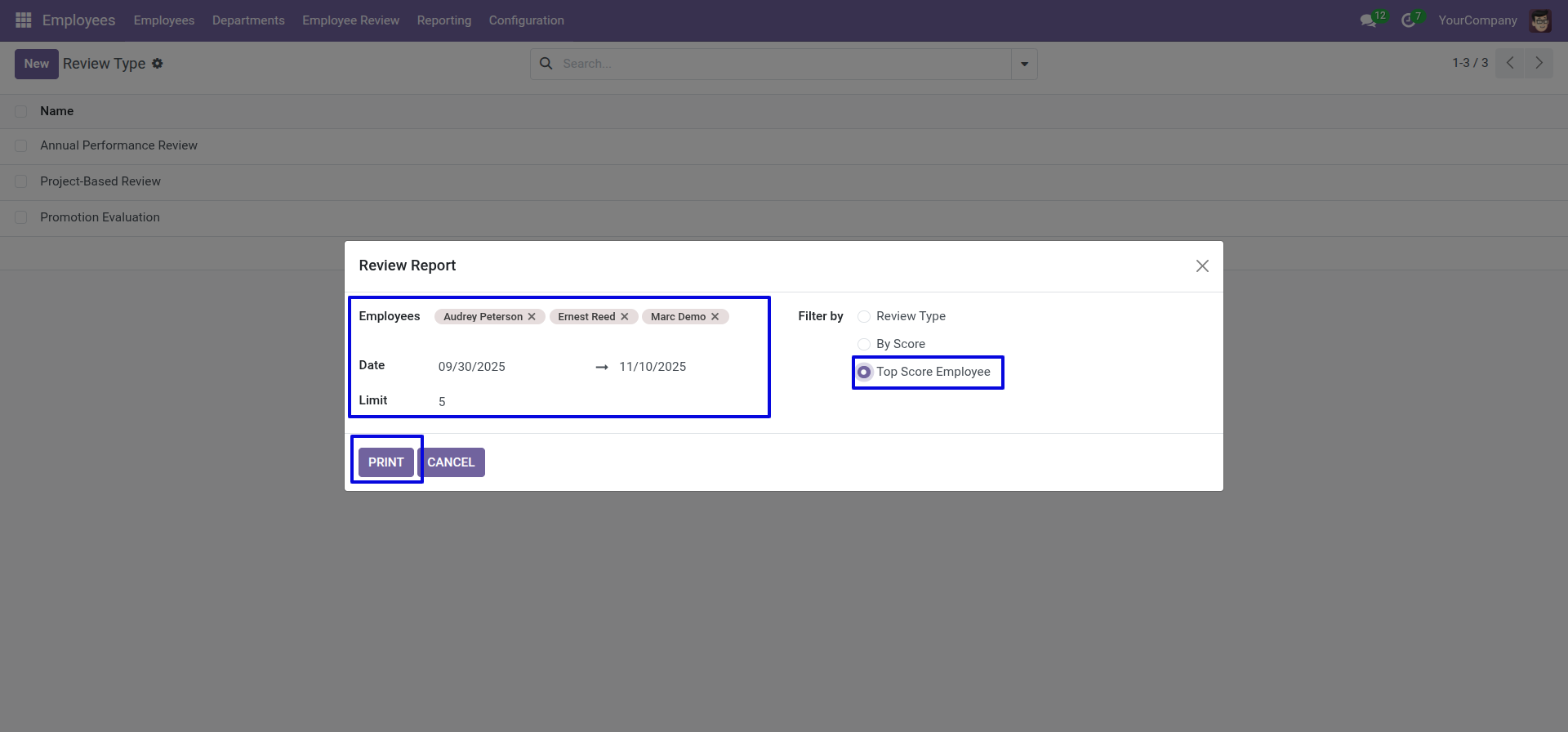
Select the "Filter by: Top Score Employee" and click the 'Print' button.
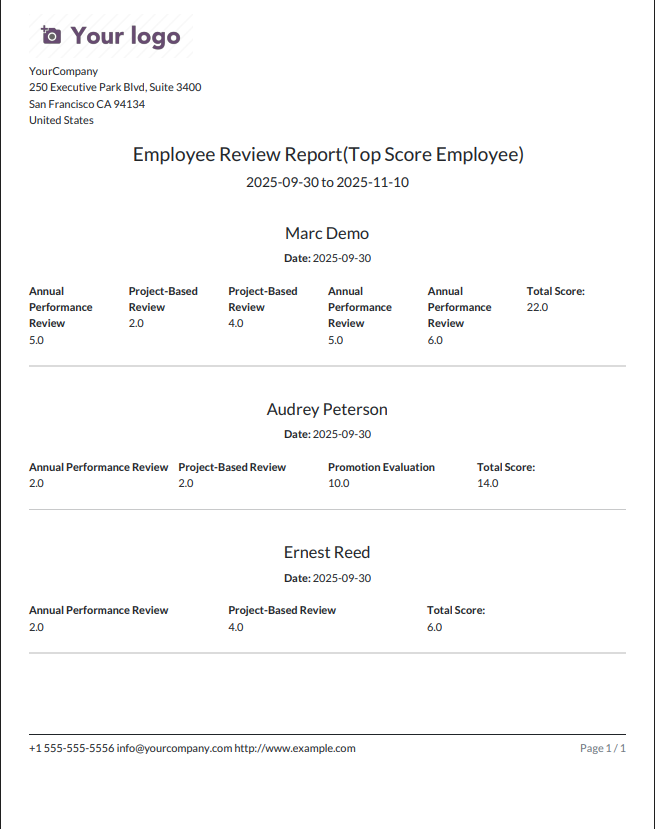
The review report Top Score Employee is looks like below.
Technical Information
kx_employee_review
hr
Supported Versions
18.0.1.0.0
₹ 1,422.65