?unique=1d6fd7c)






































































Discount in Amount for Sales/Invoices
This Module Helps To apply discount in amount.

Explore This Module

Overview
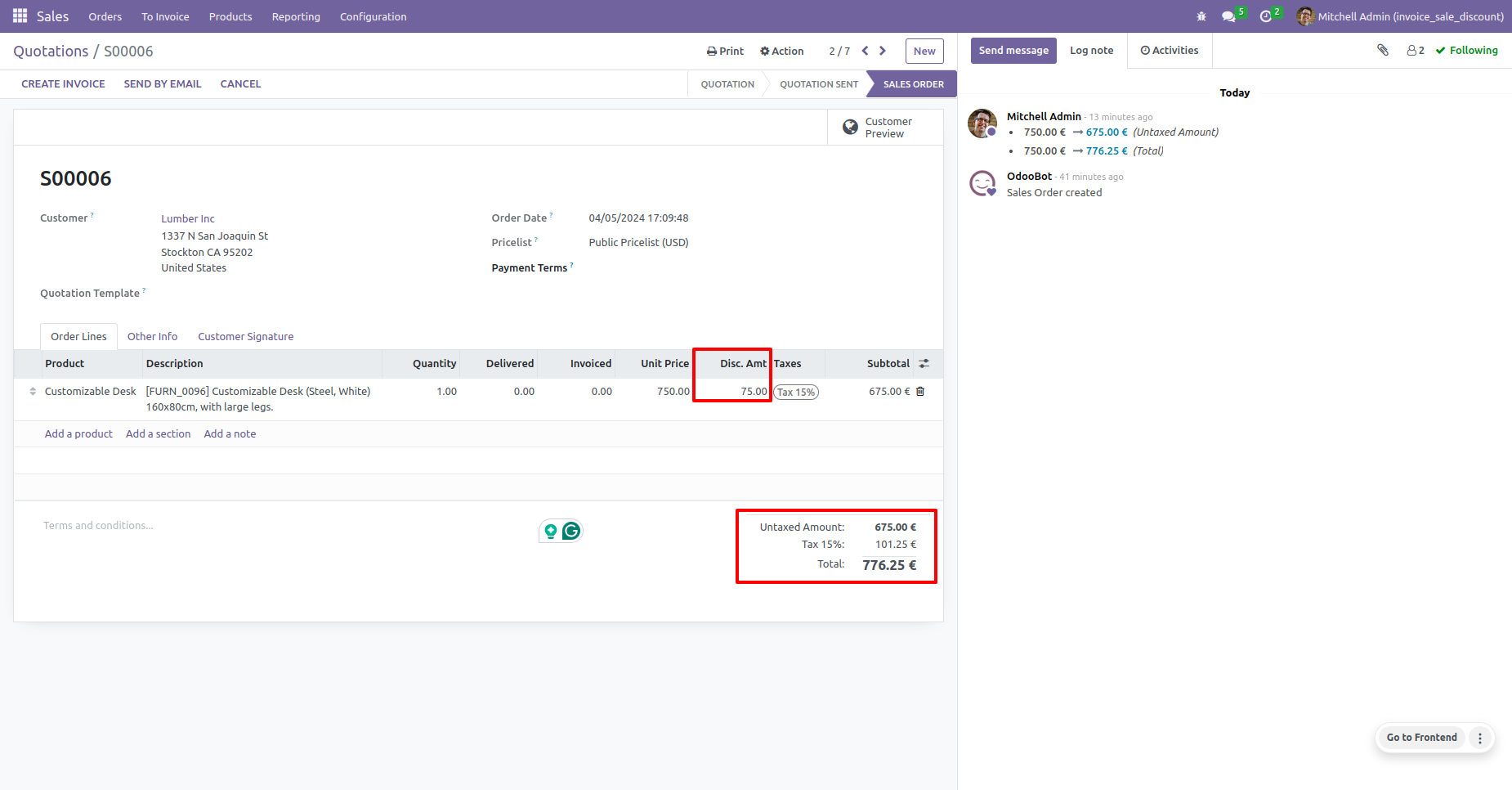
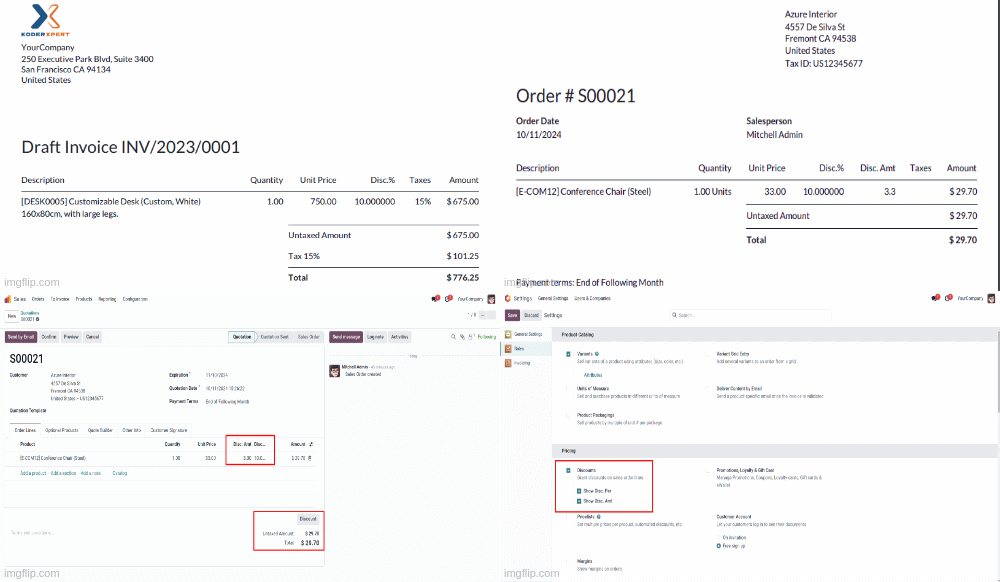
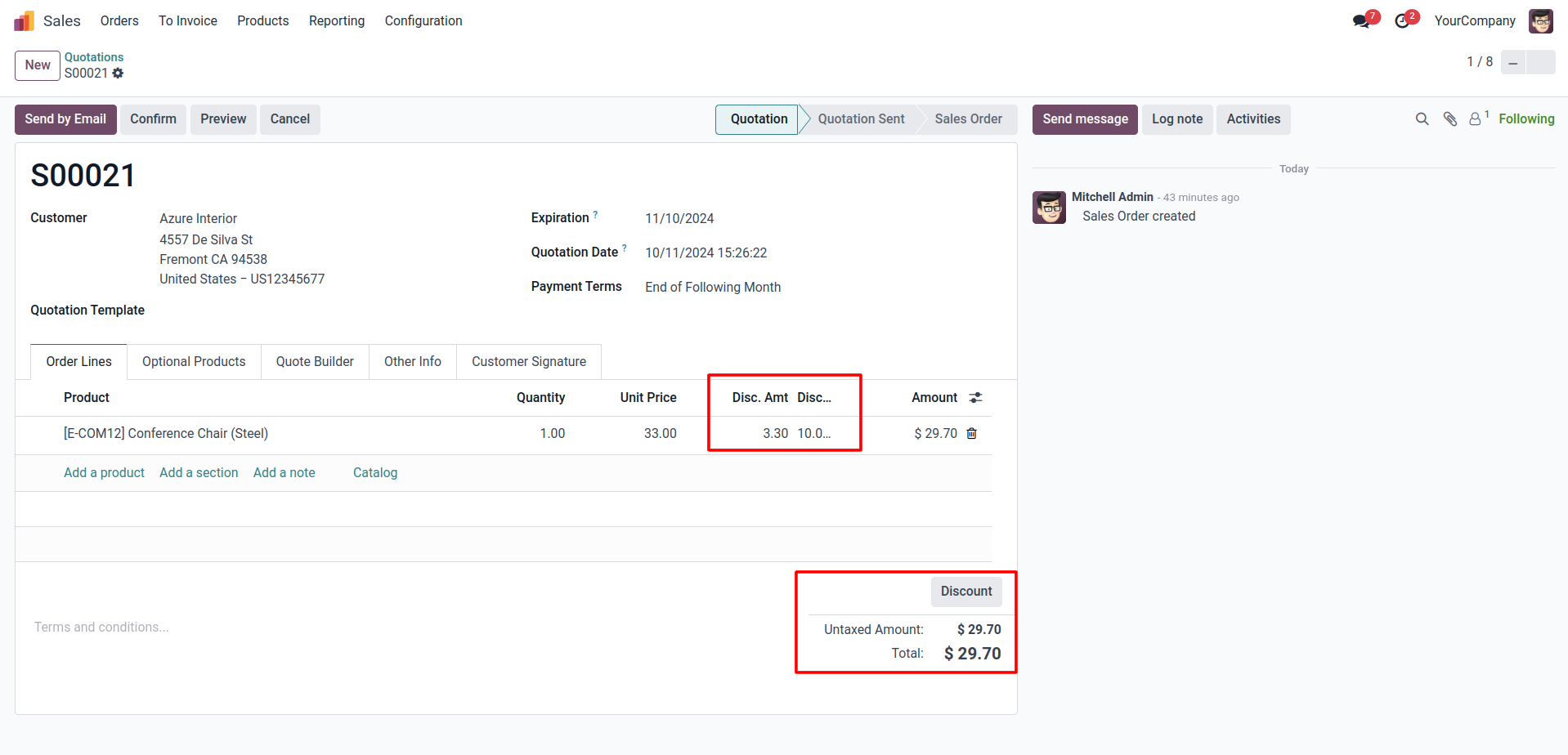
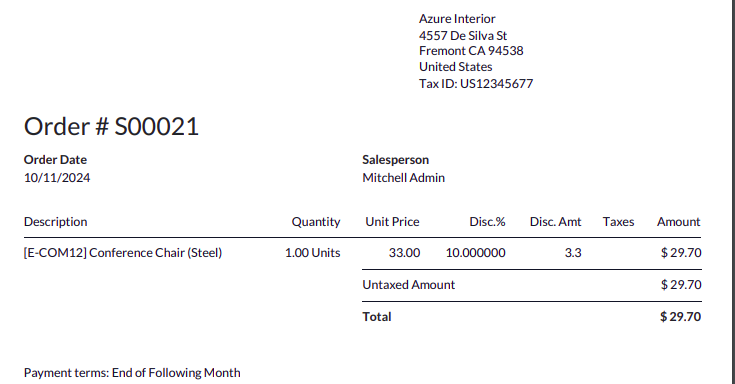
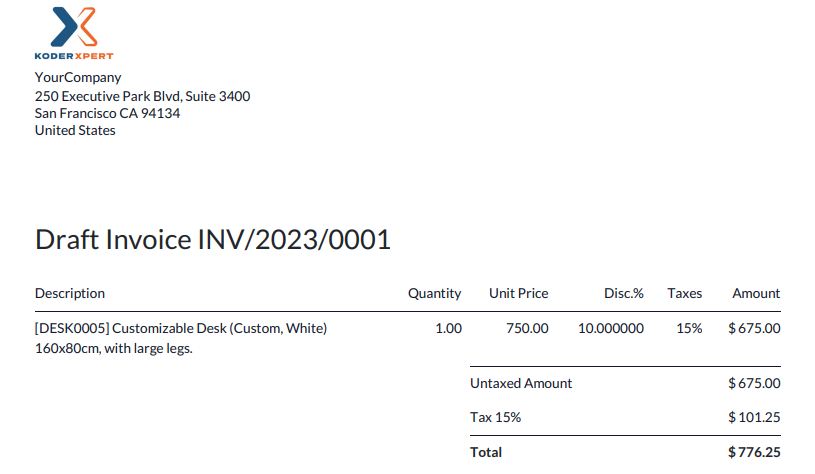
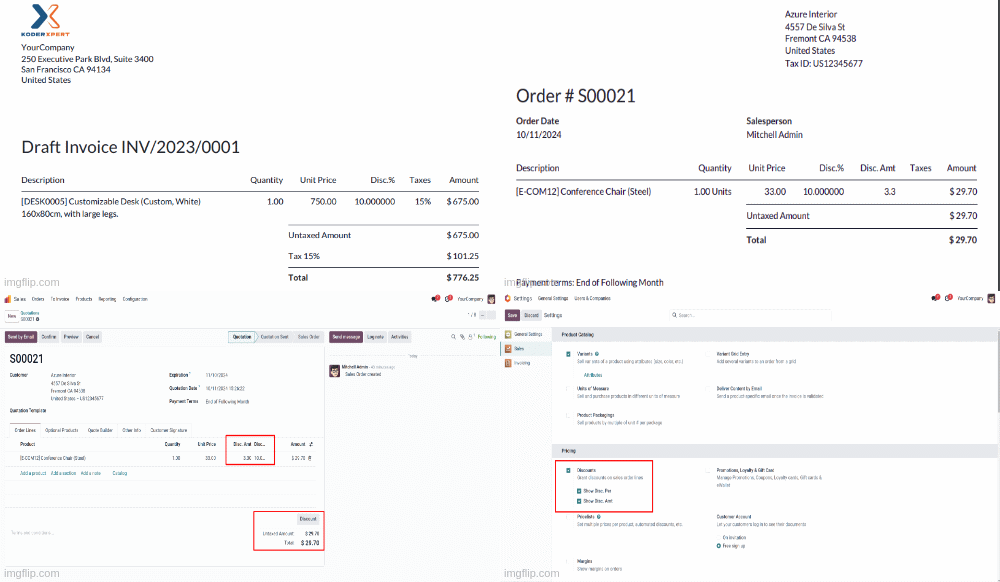
In this module you will be able to use discount amount and discount percentage on sale order and invoice.

Features
Available in Odoo 19.0 Community and Enterprise.

Use Discount amount and percentage based on the requirements.
No additional configuration needed

Screenshots
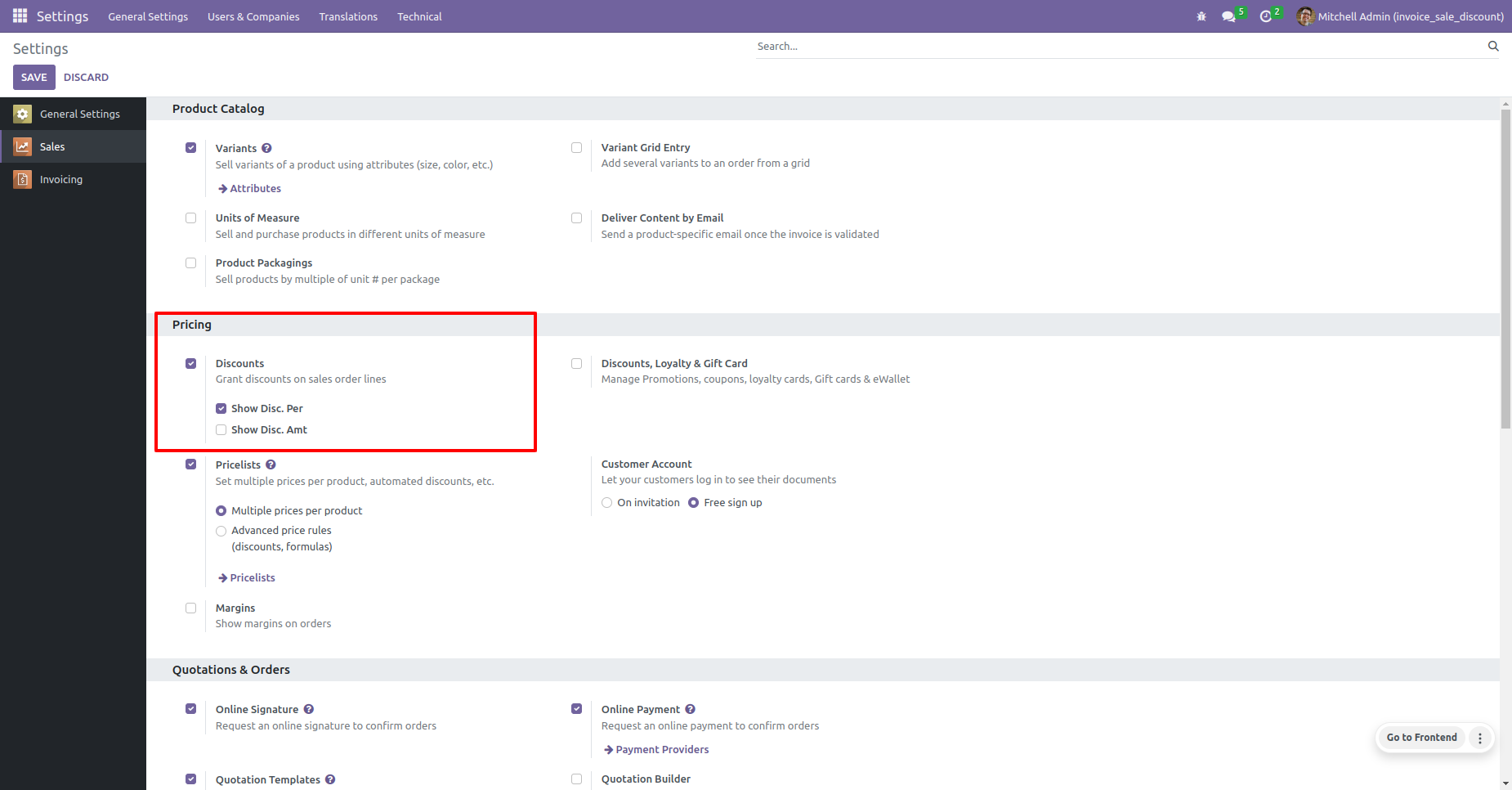
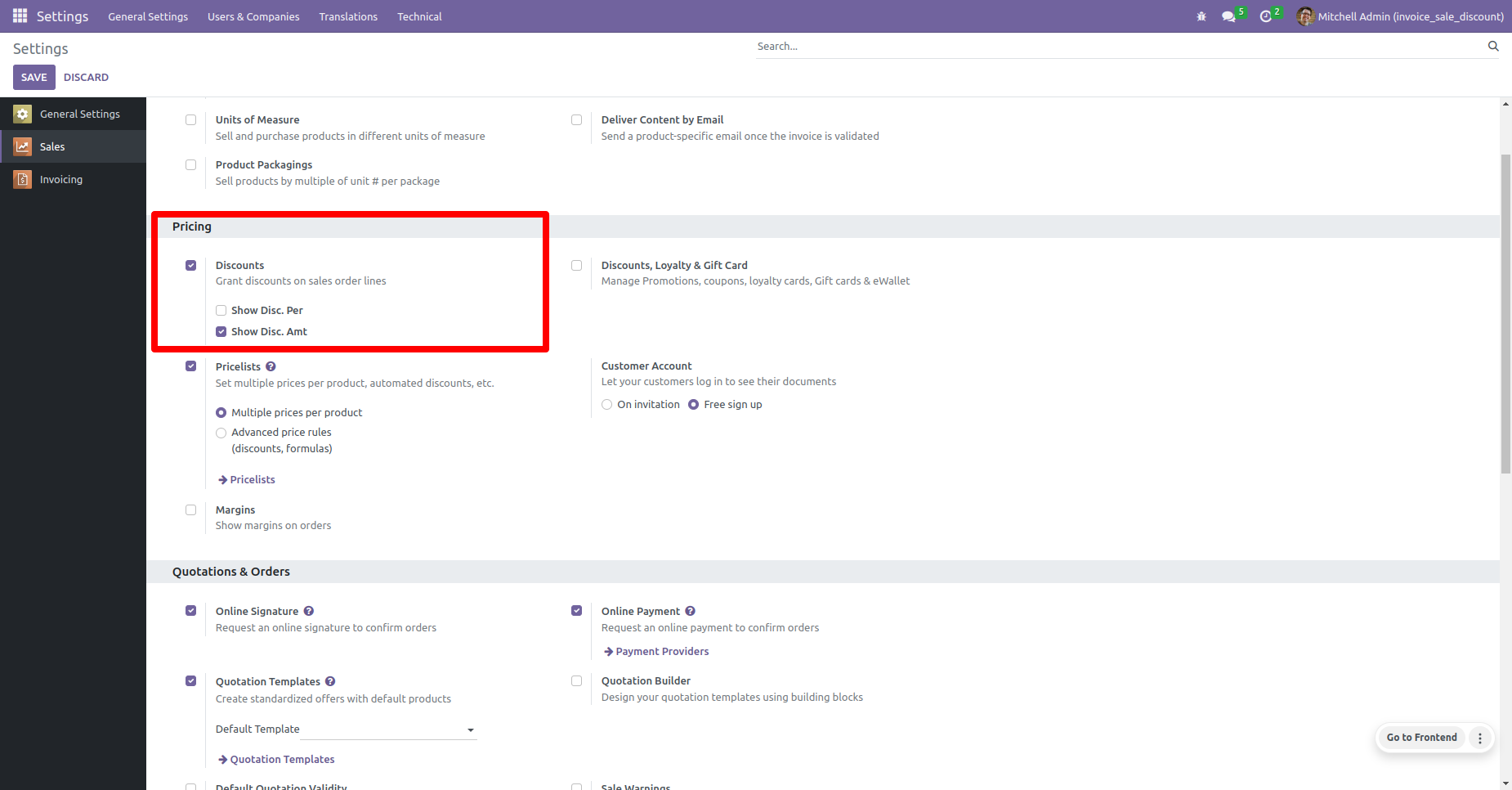
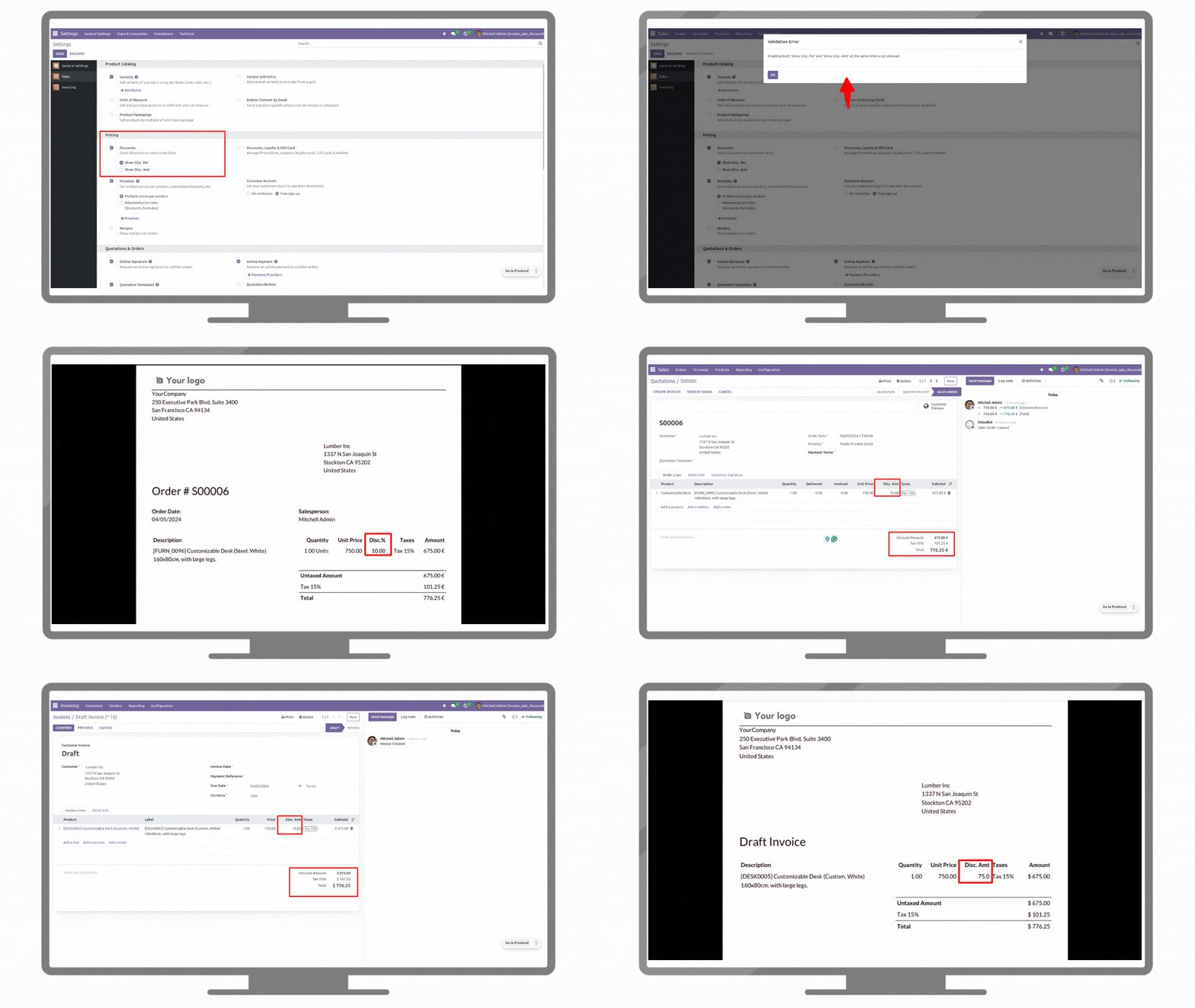
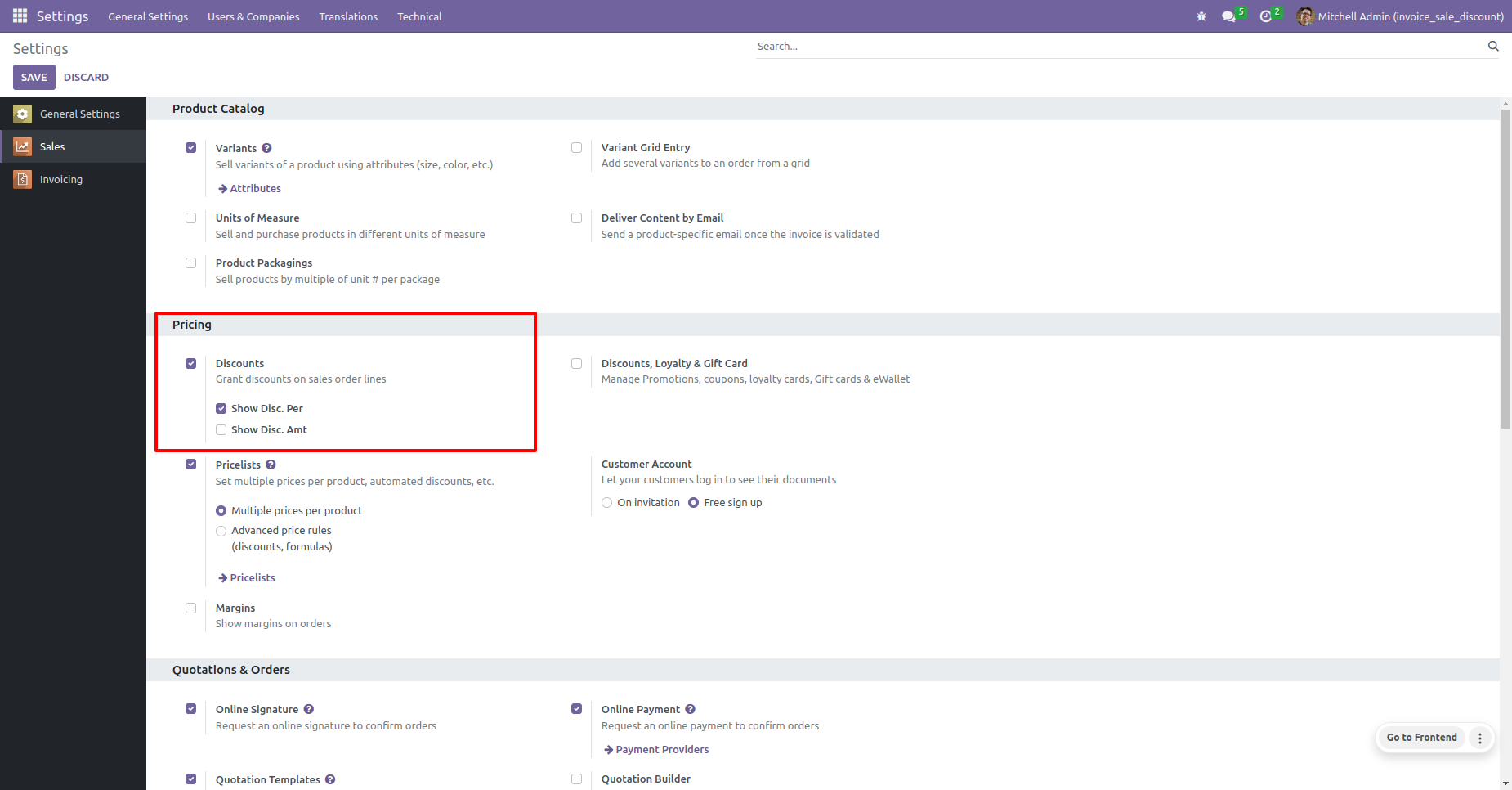
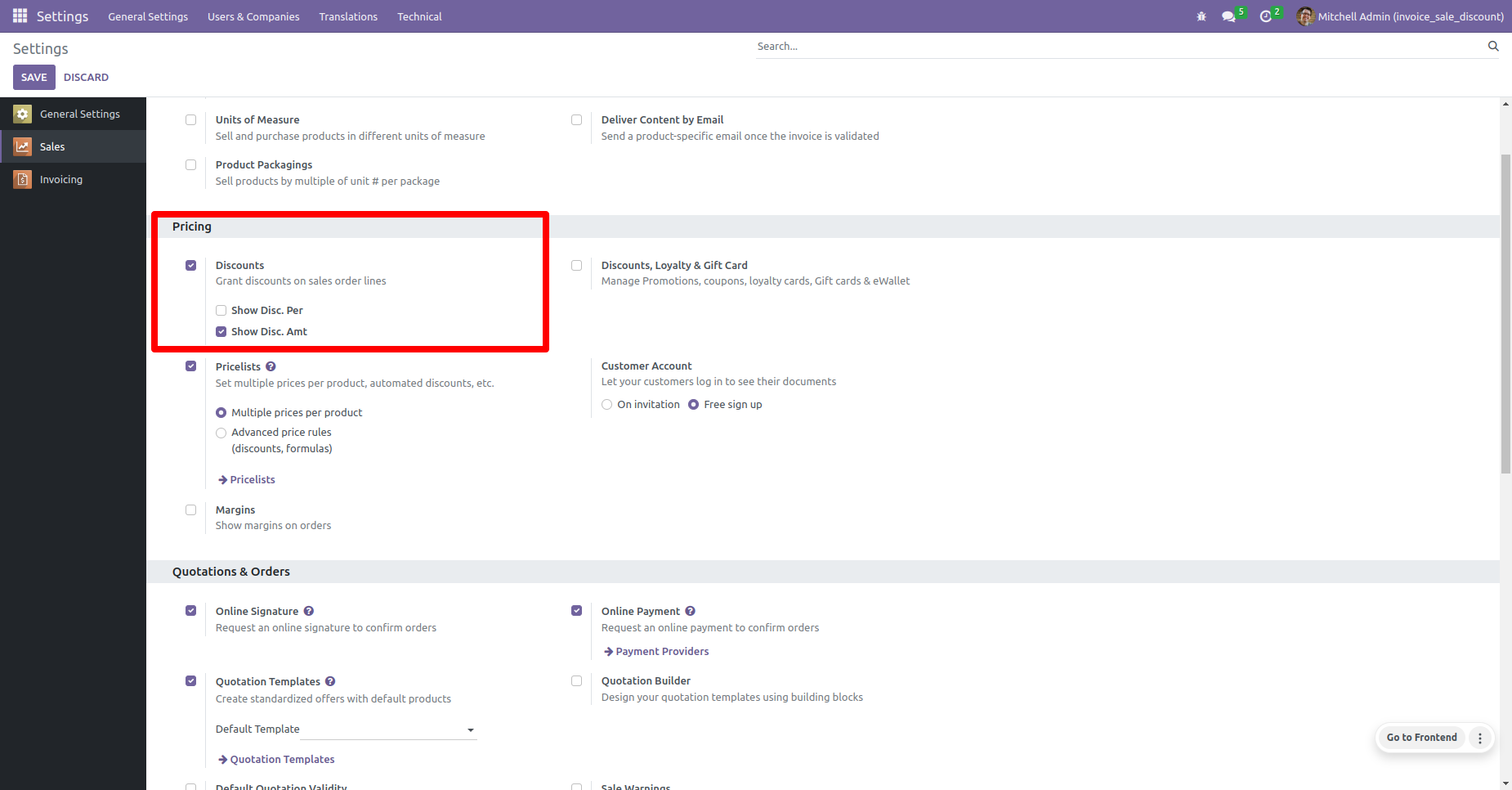
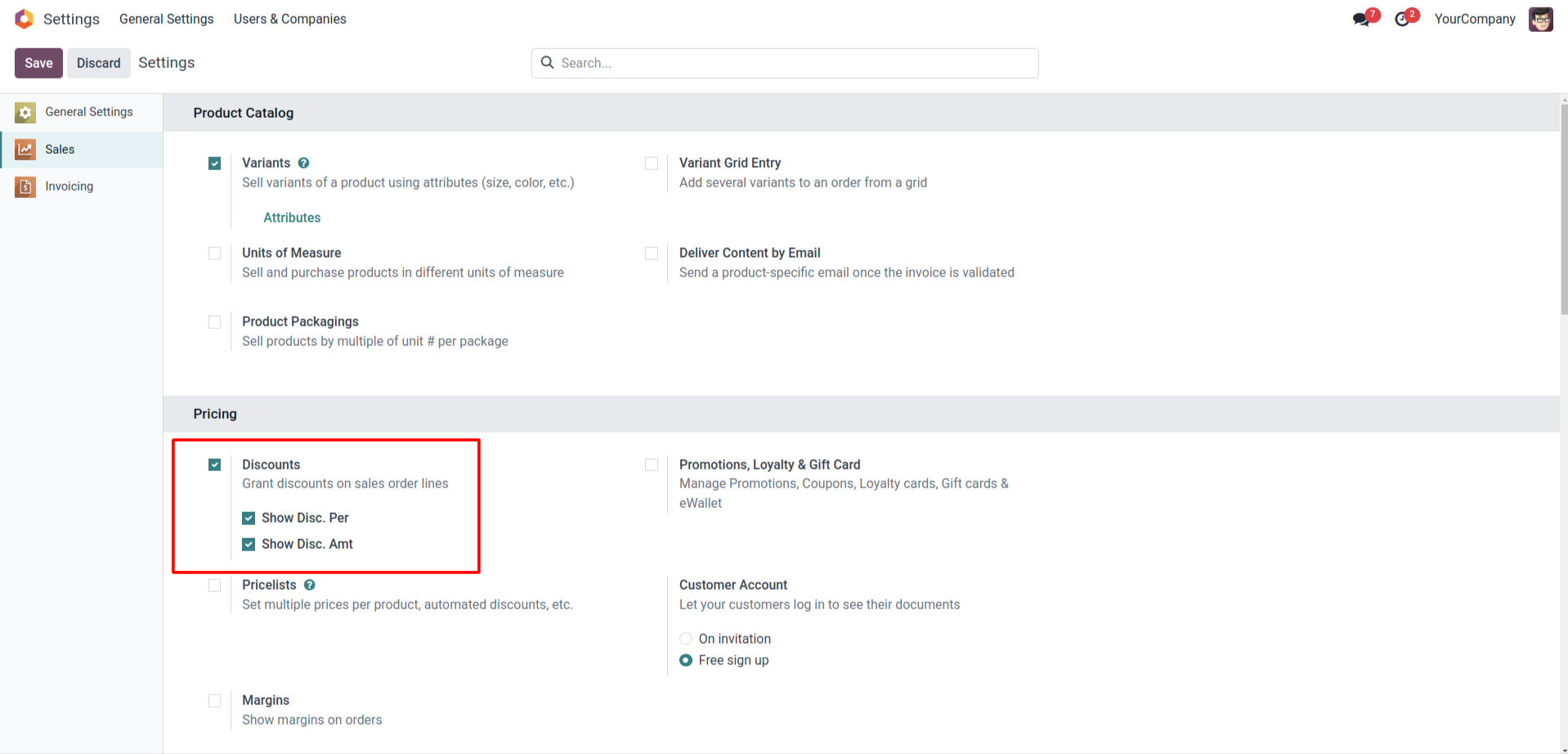
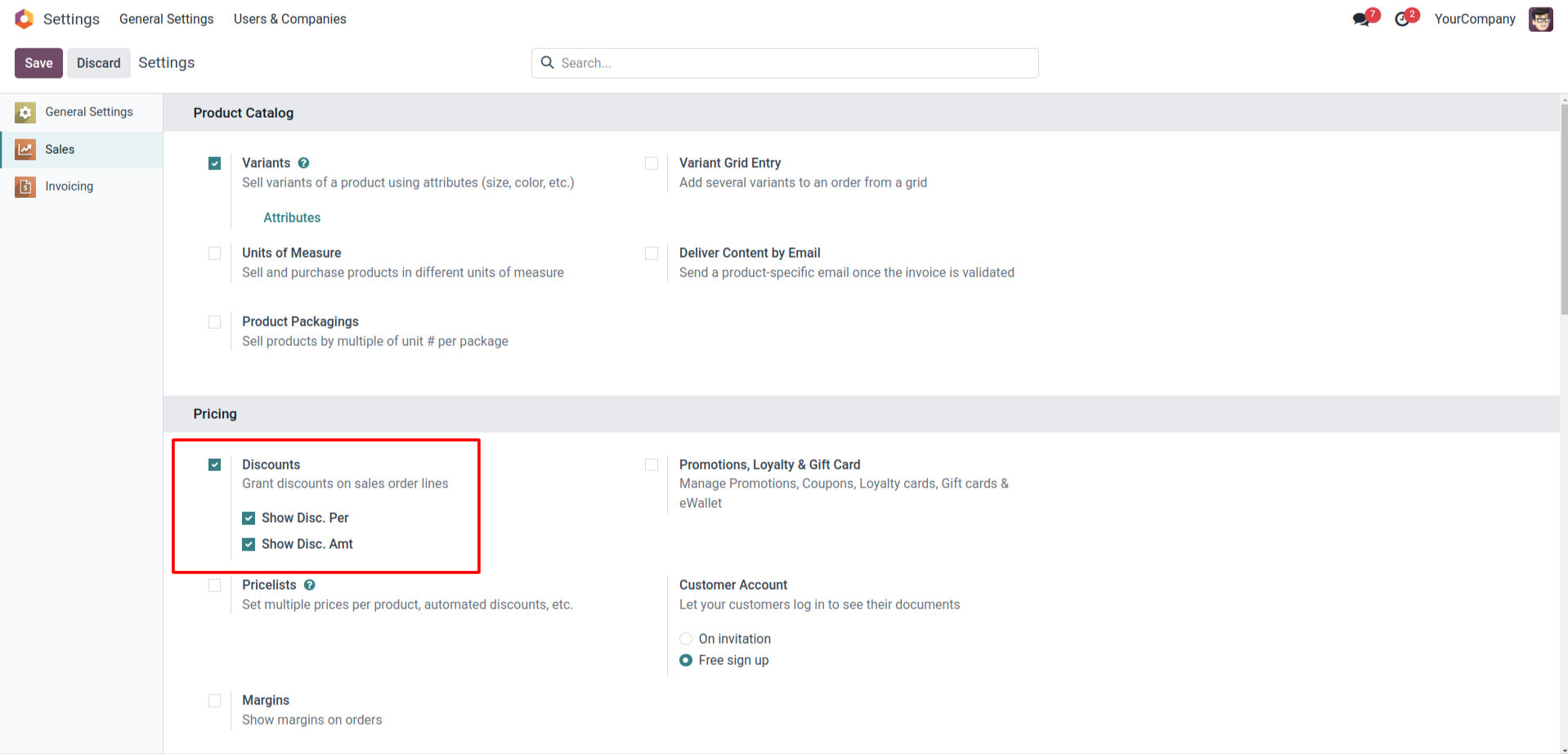
Settings for Discounts in Sales Module
This screenshot shows a section of the settings in a sales module where you can manage pricing options. The 'Pricing' section is highlighted, with options for 'Discounts,' including checkboxes for 'Show Disc. Per' and 'Show Disc. Amt.' These options are meant to customize how discounts are displayed on sales orders.
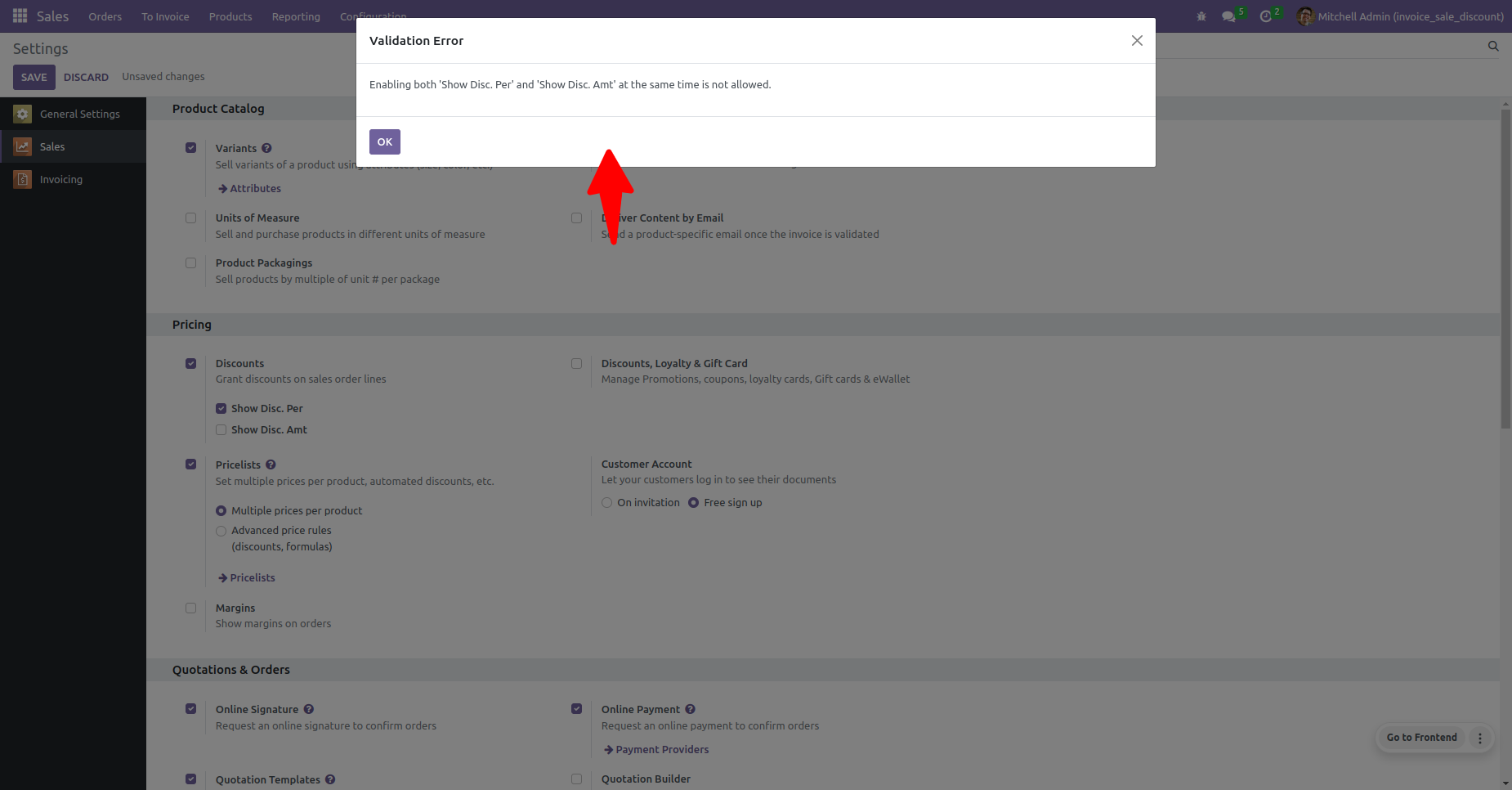
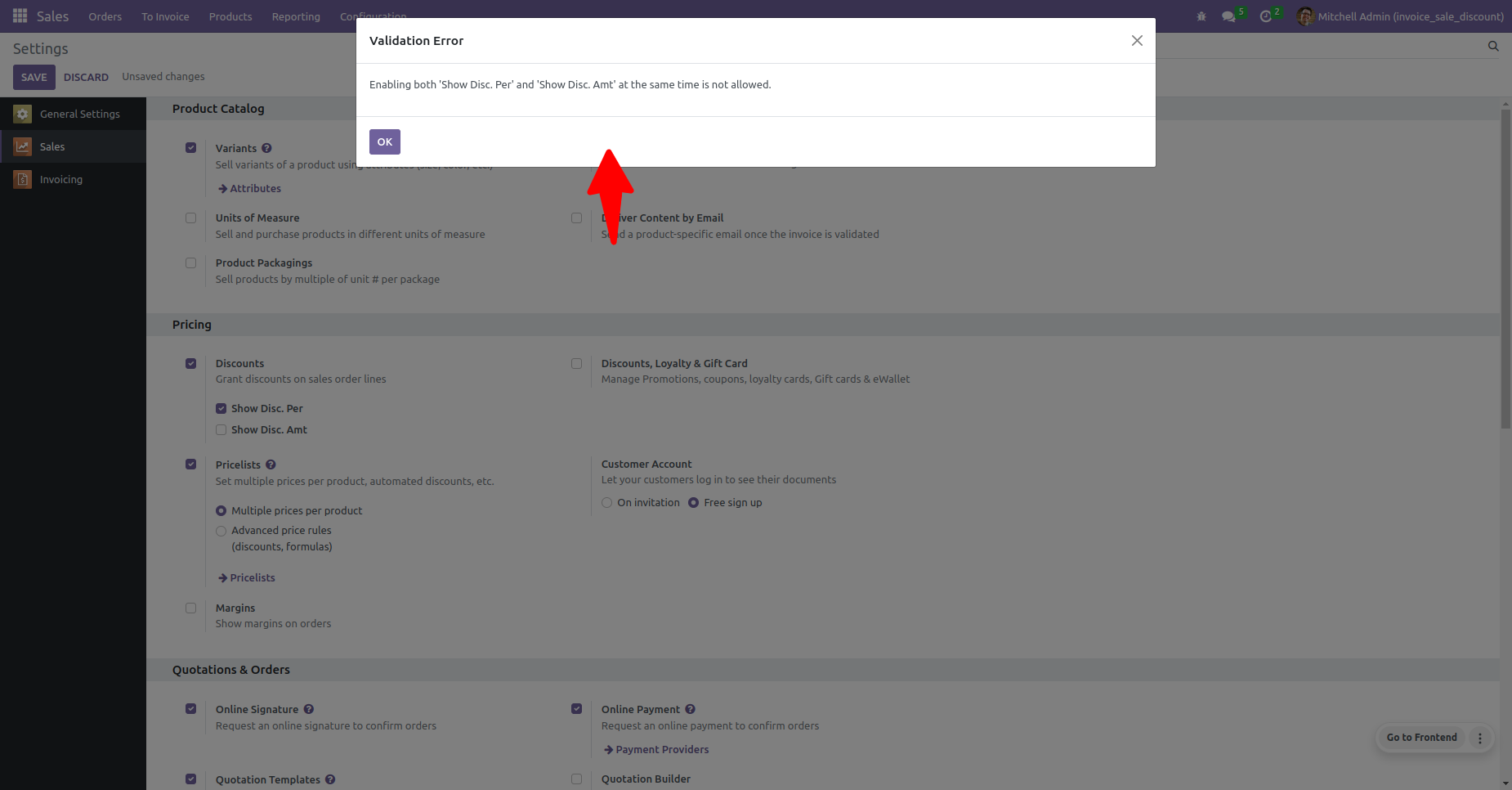
Validation Error for Discount Display
The screenshot captures a pop-up error message stating, "Enabling both 'Show Disc. Per' and 'Show Disc. Amt' at the same time is not allowed." This suggests that the user must choose only one method to display discounts on the sales documents.
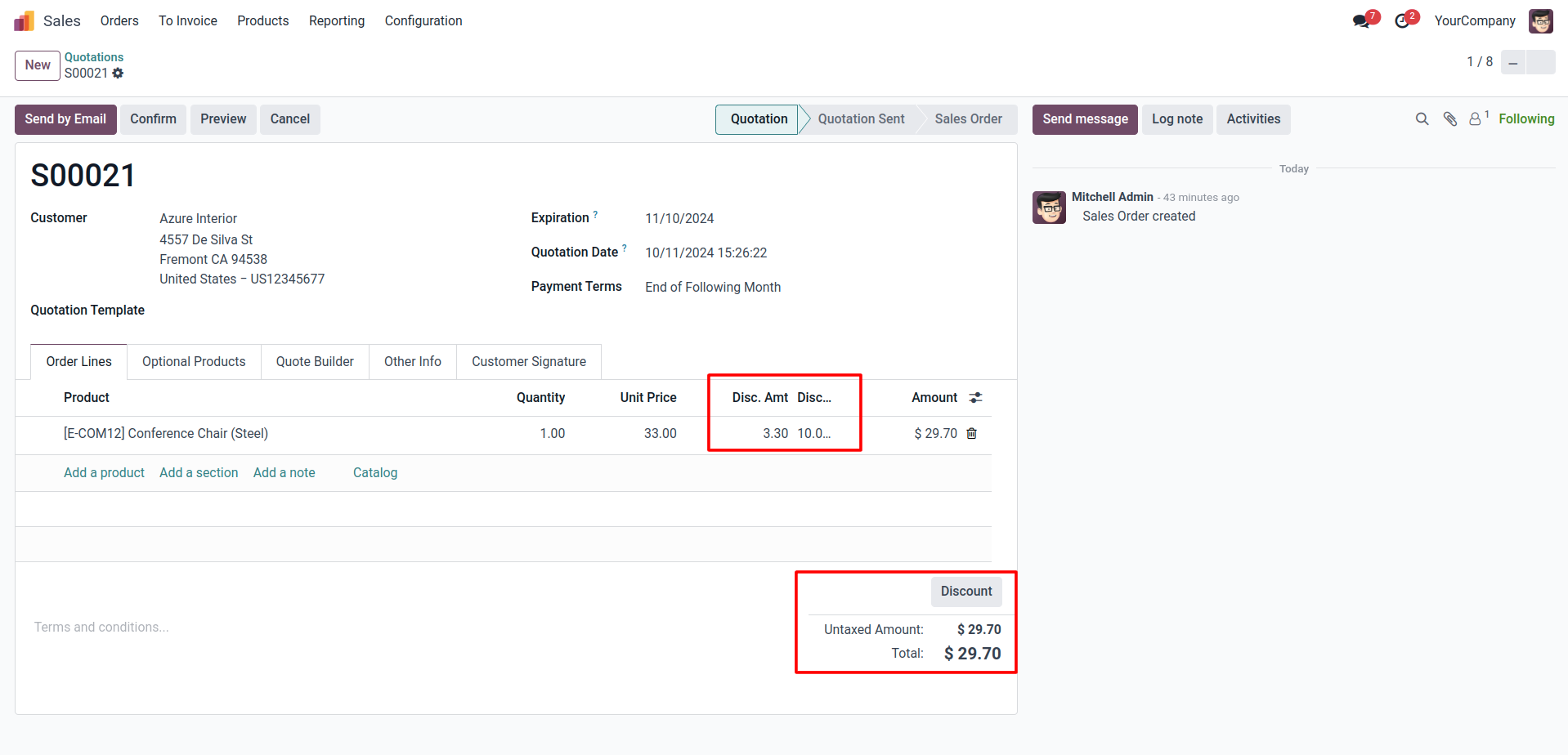
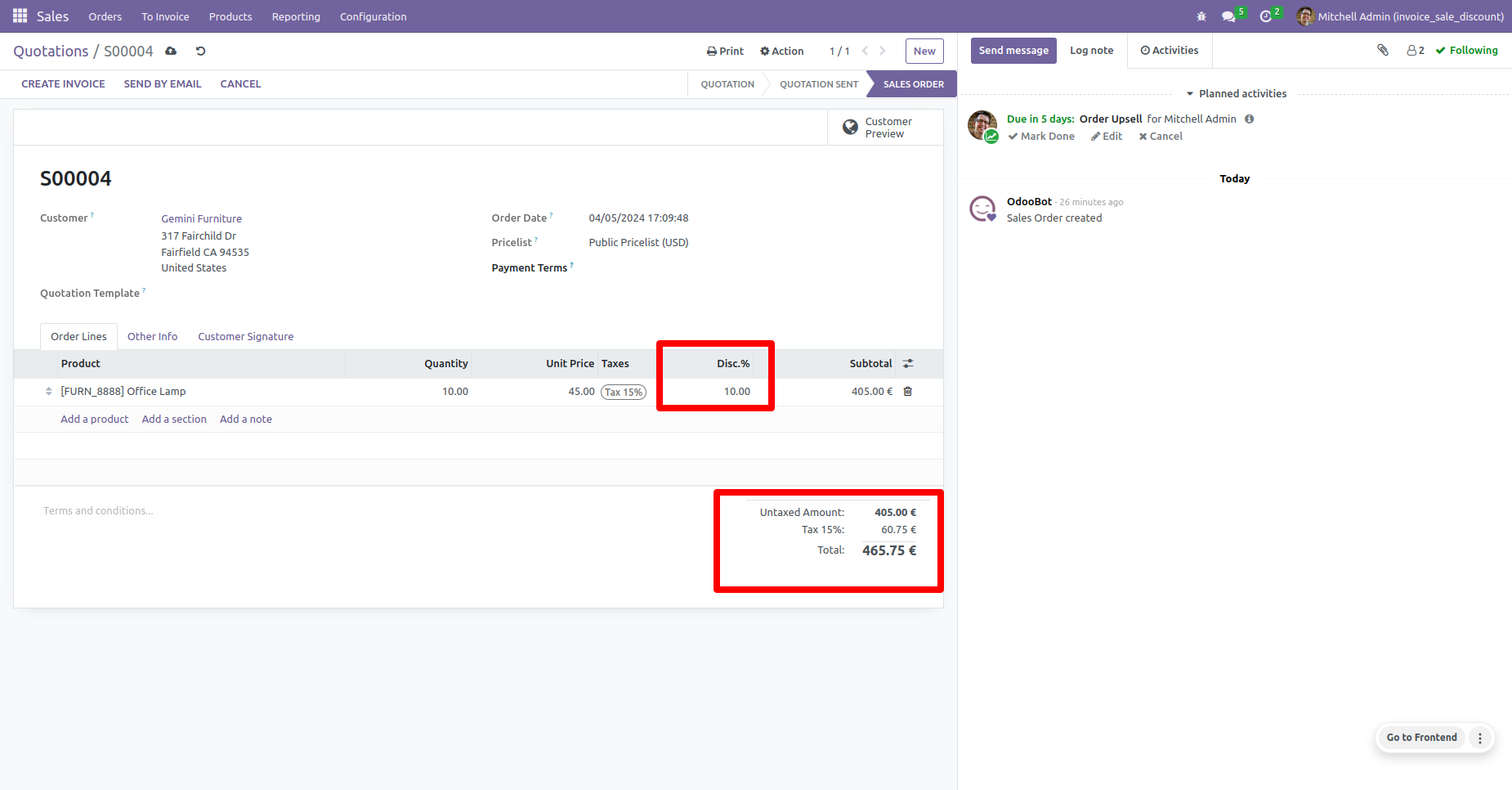
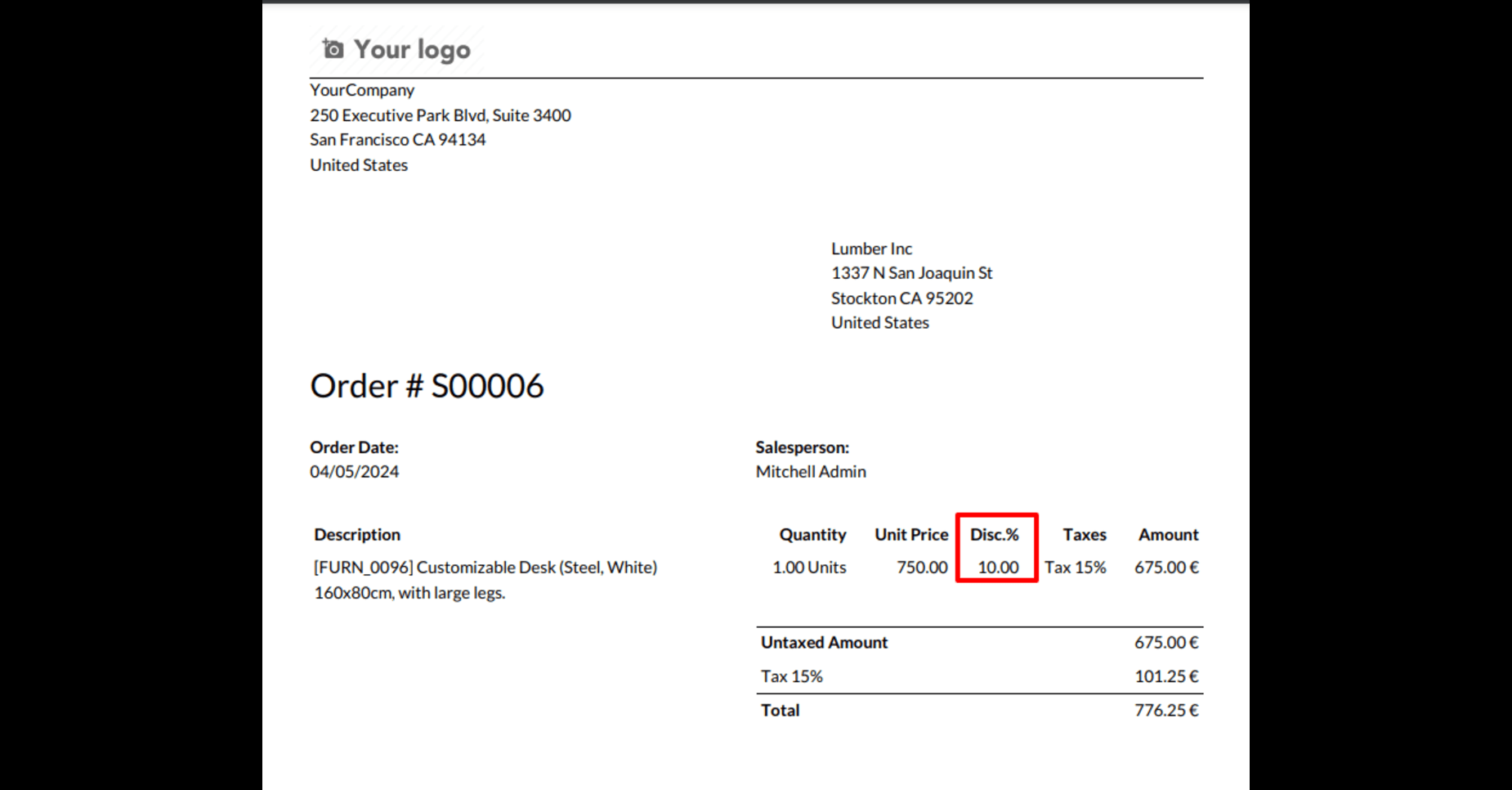
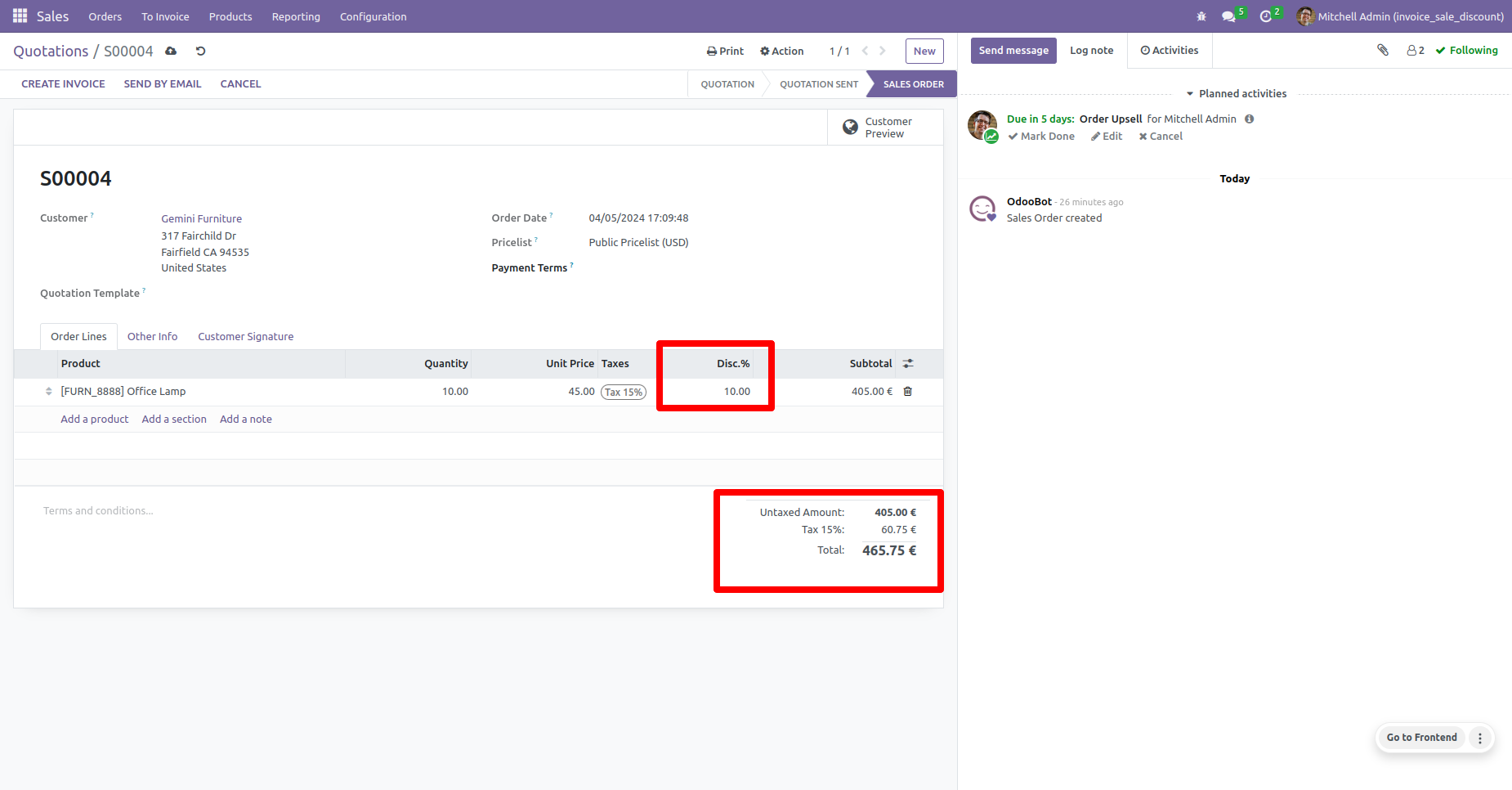
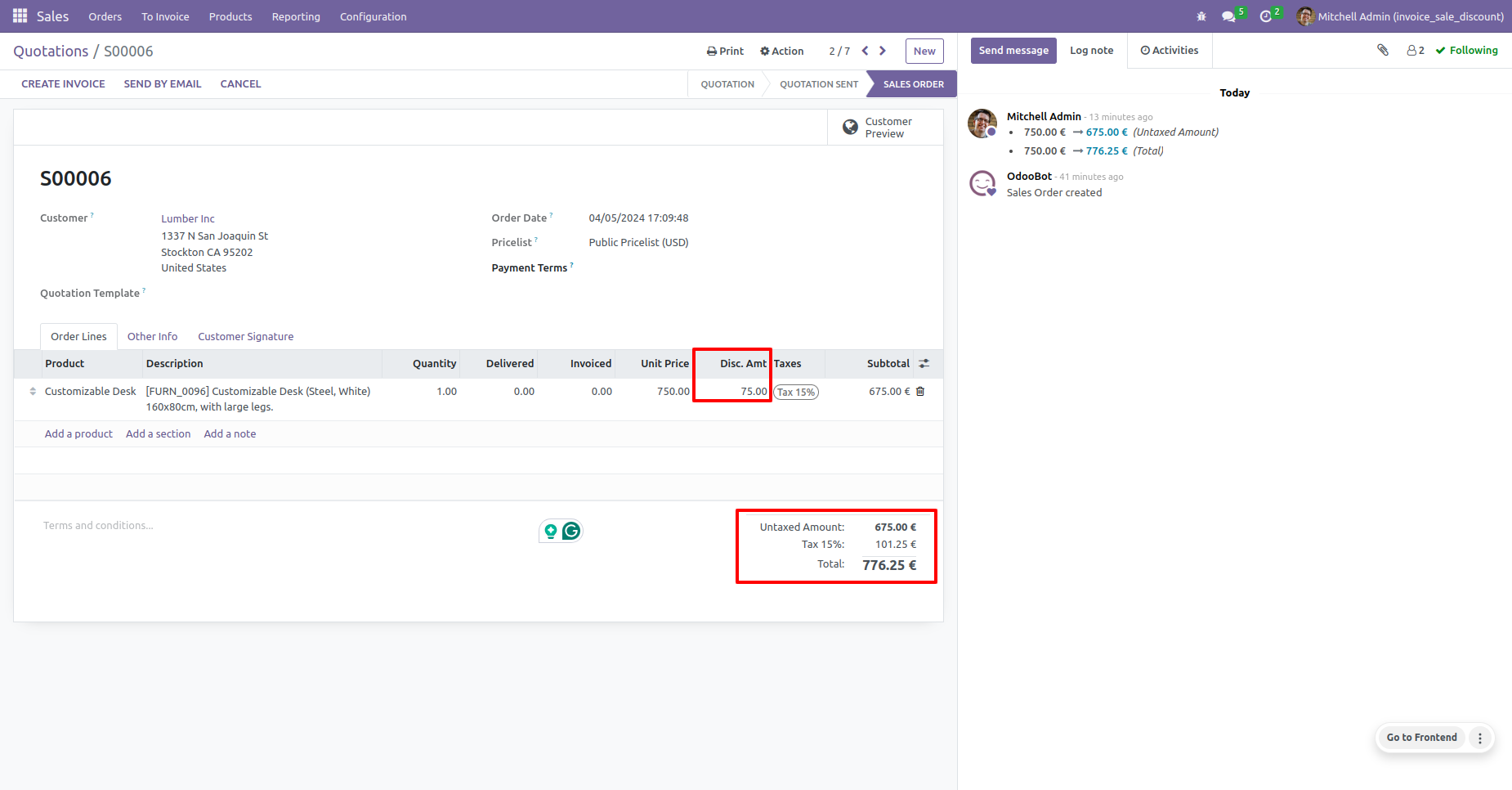
Sales Quotation Showing Discount Percentage
This image displays a sales quotation with the discount shown as a percentage. The discount field is labeled 'Disc.%' and is filled with a value, indicating the discount given on the sale of an office lamp.
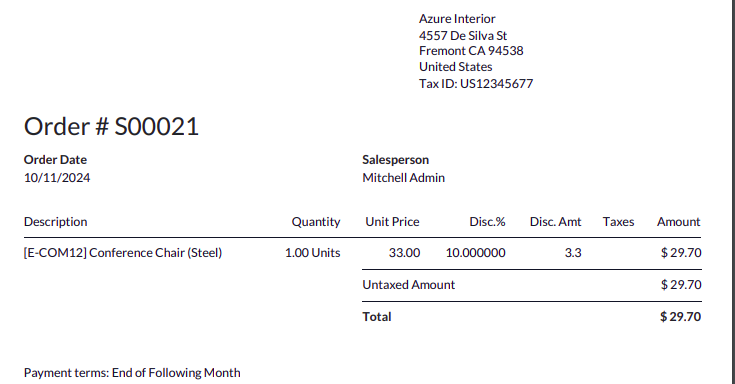
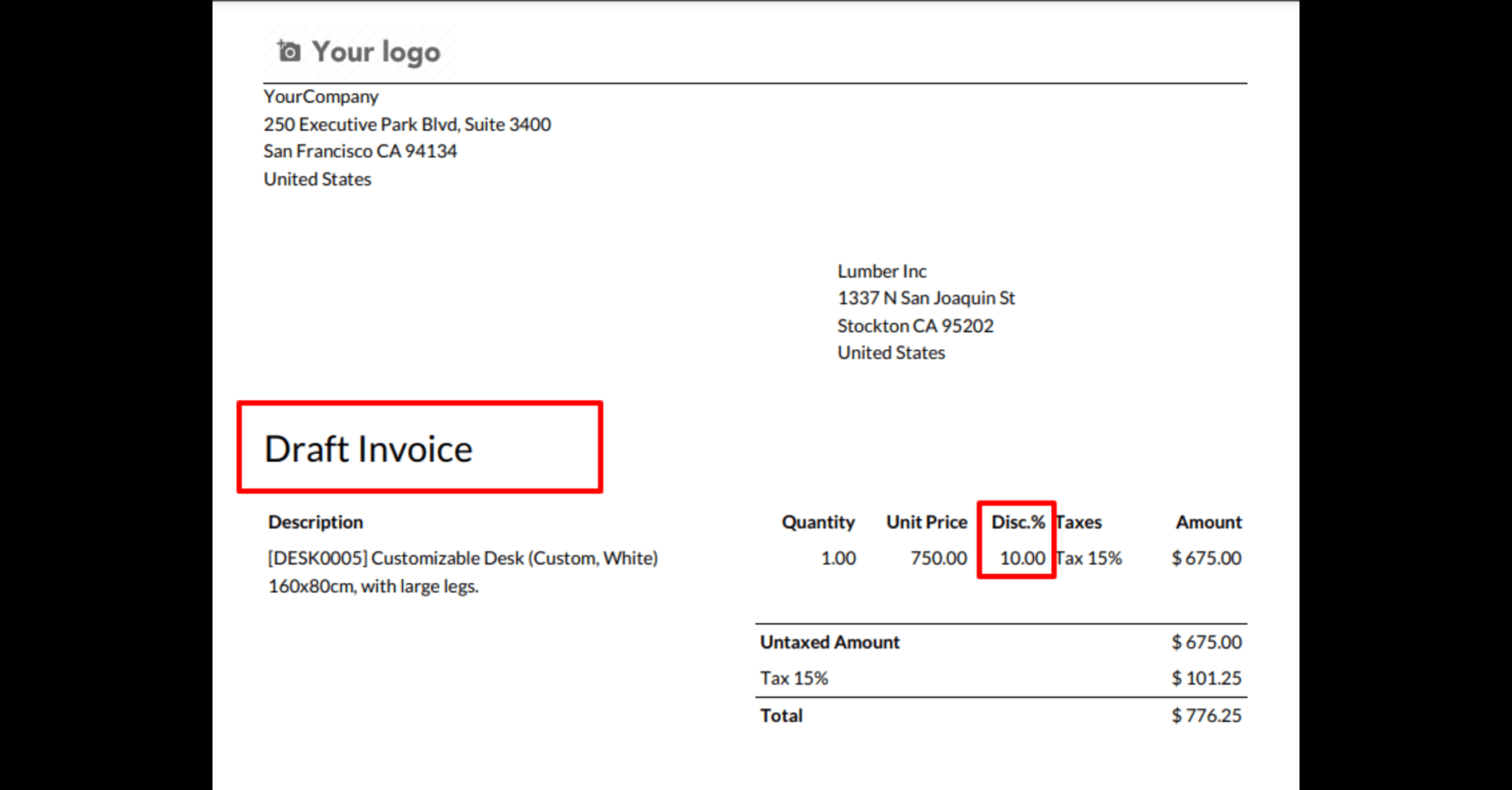
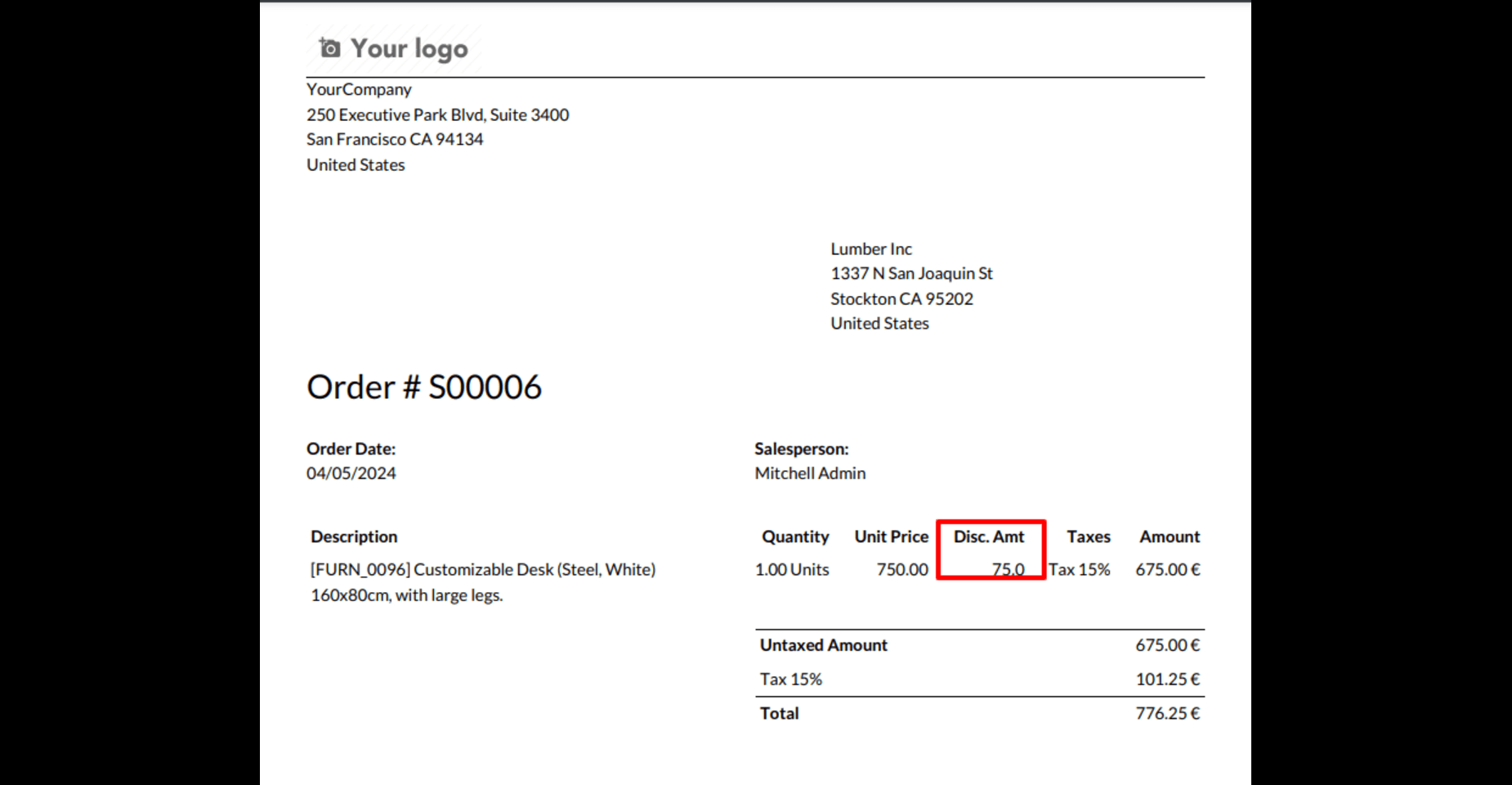
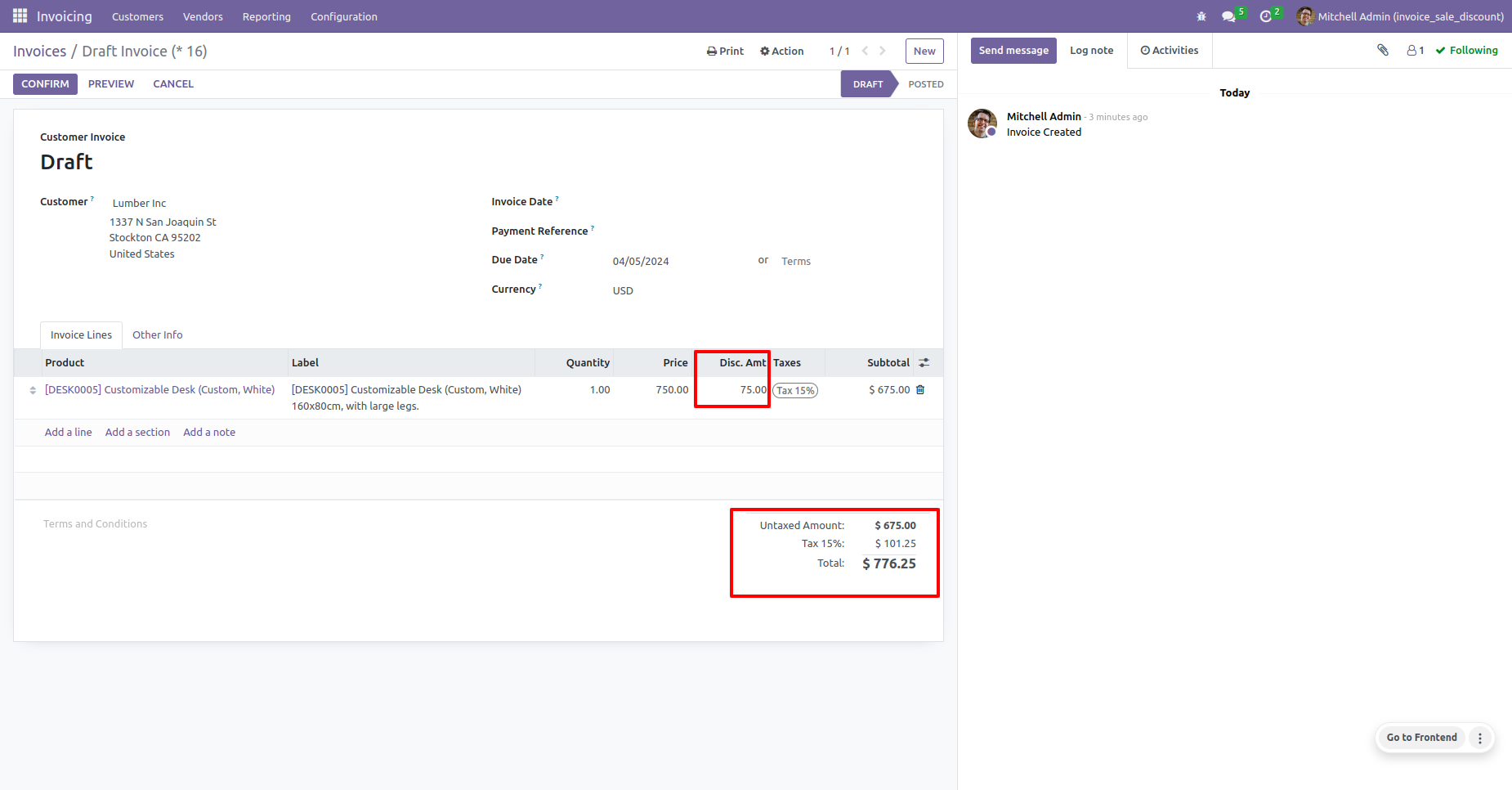
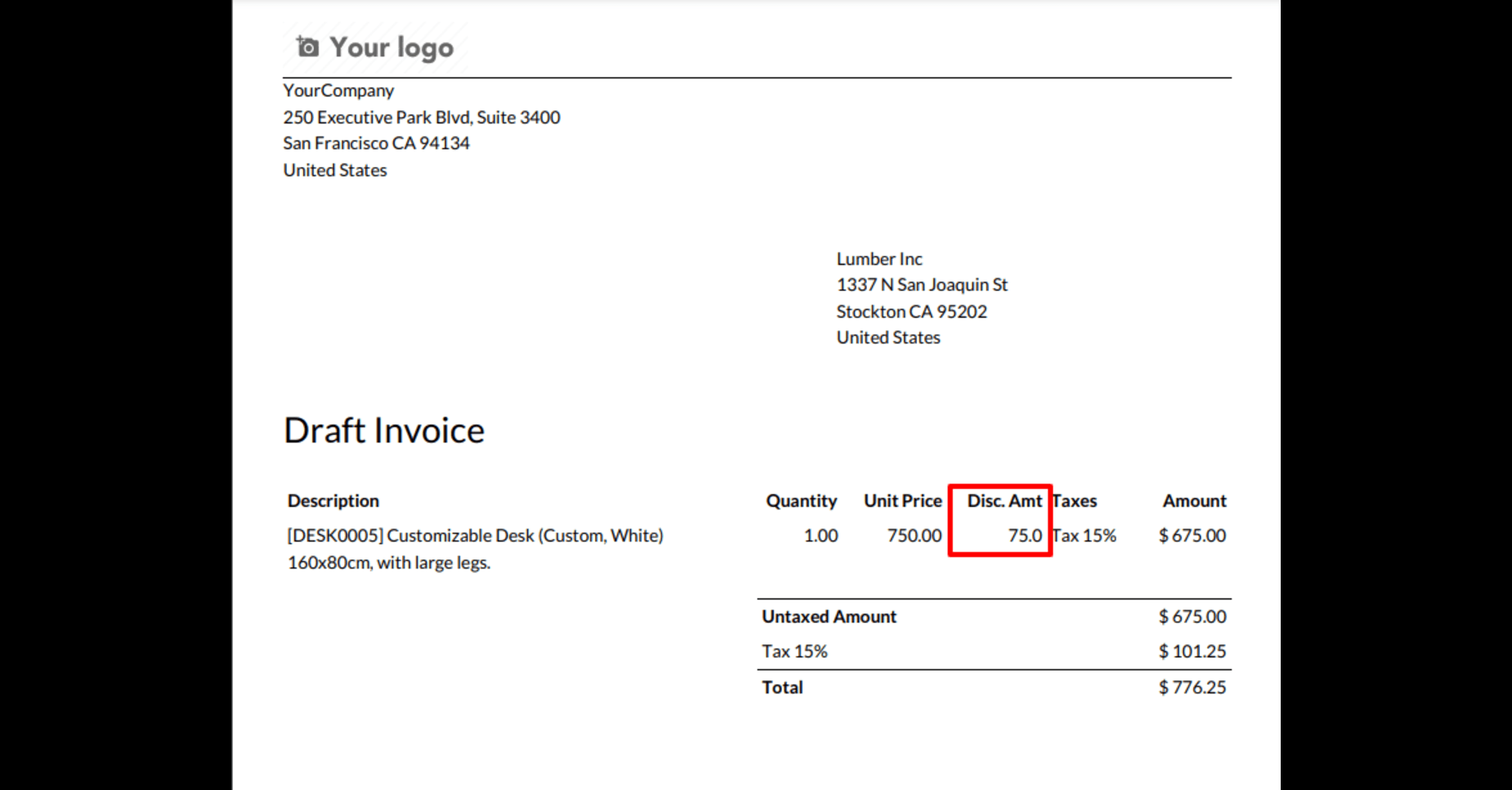
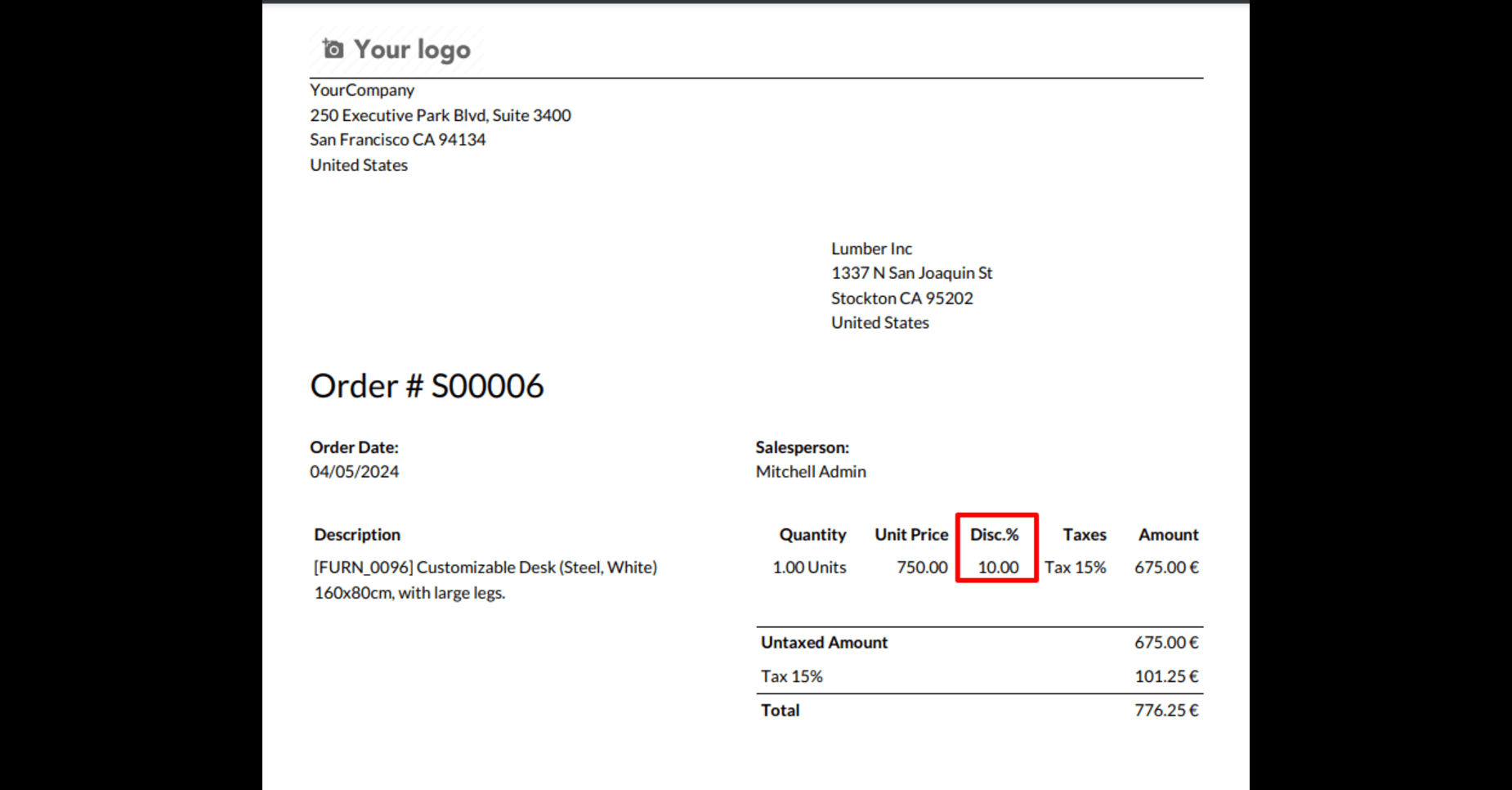
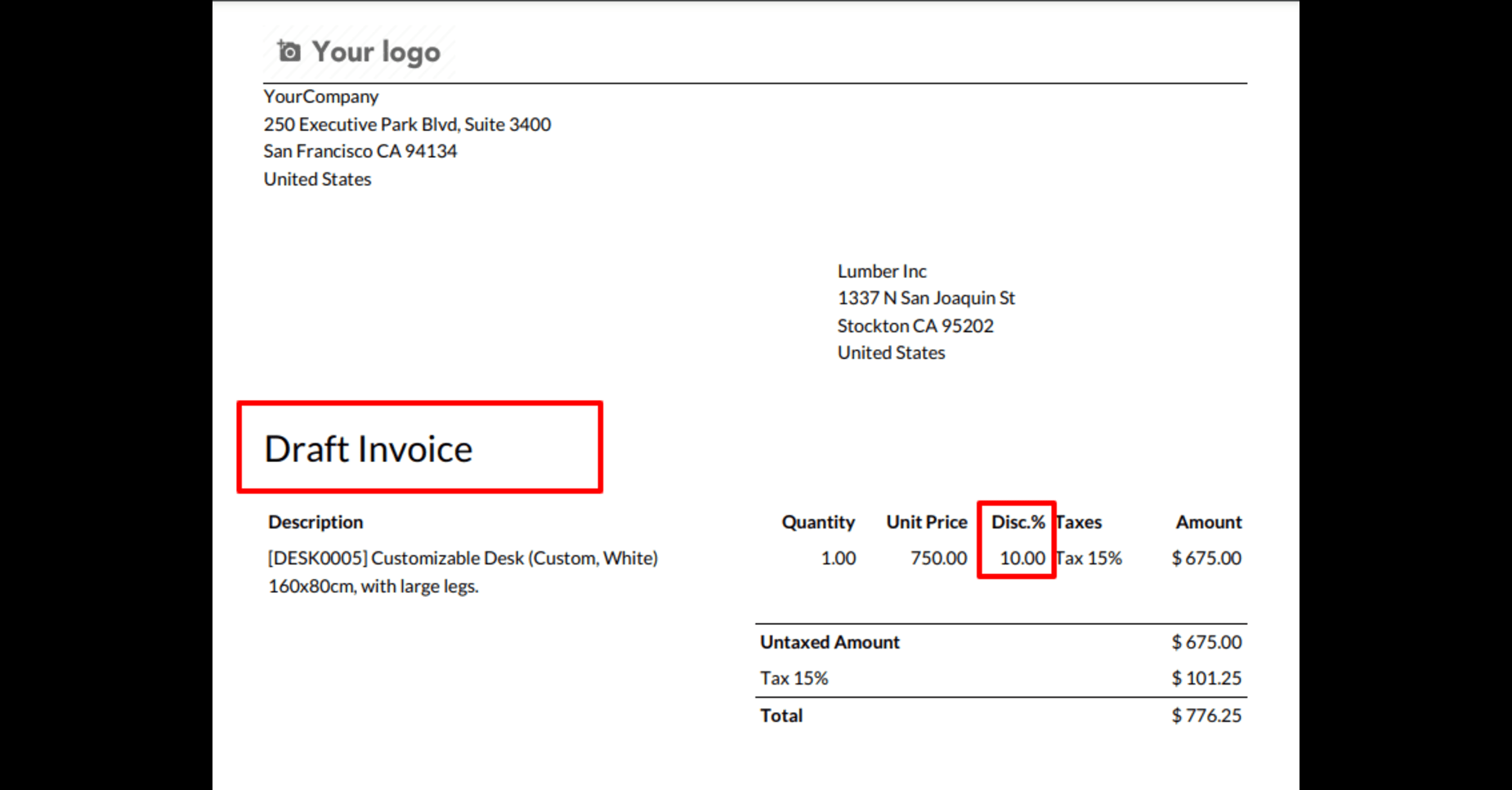
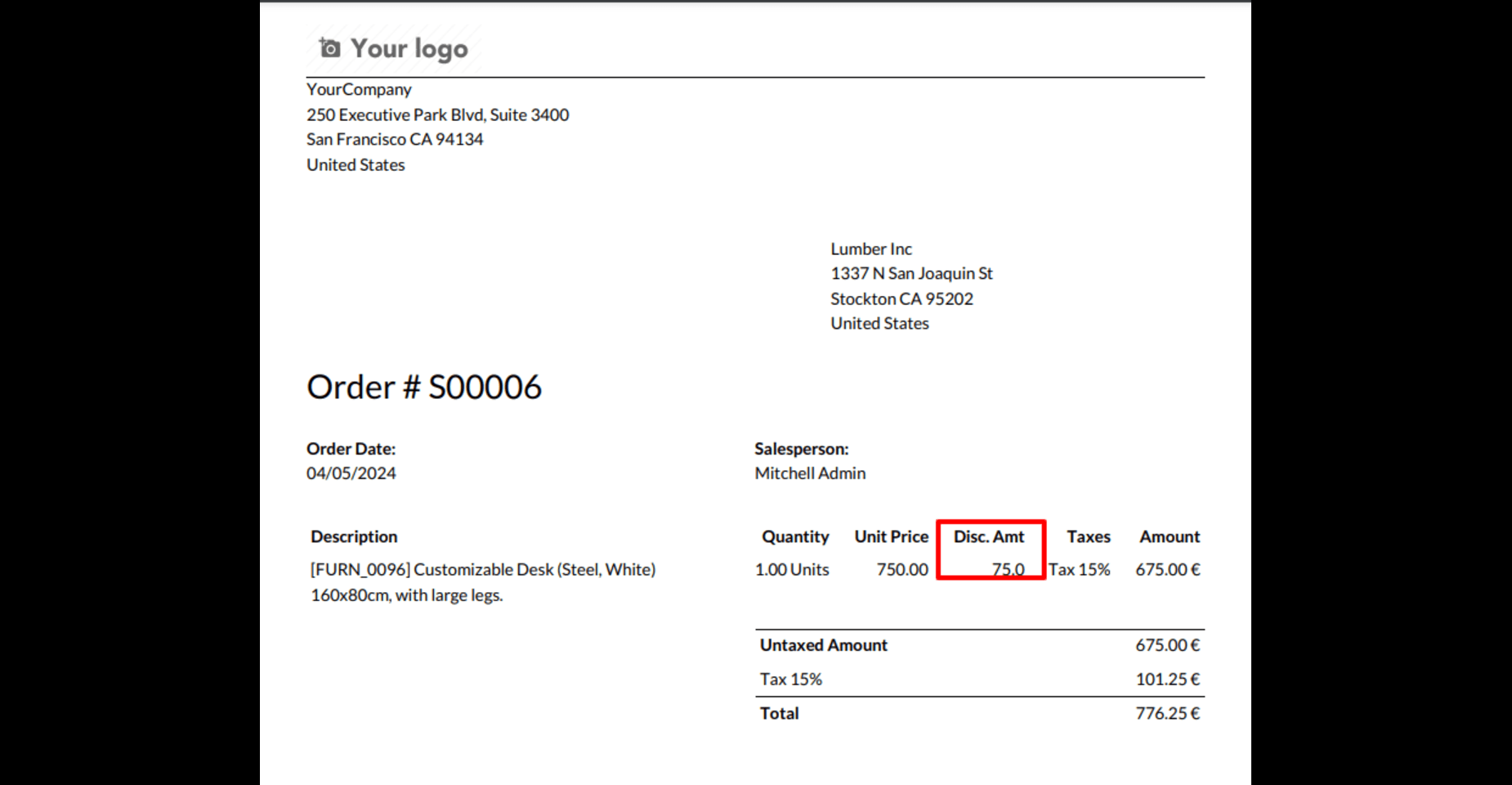
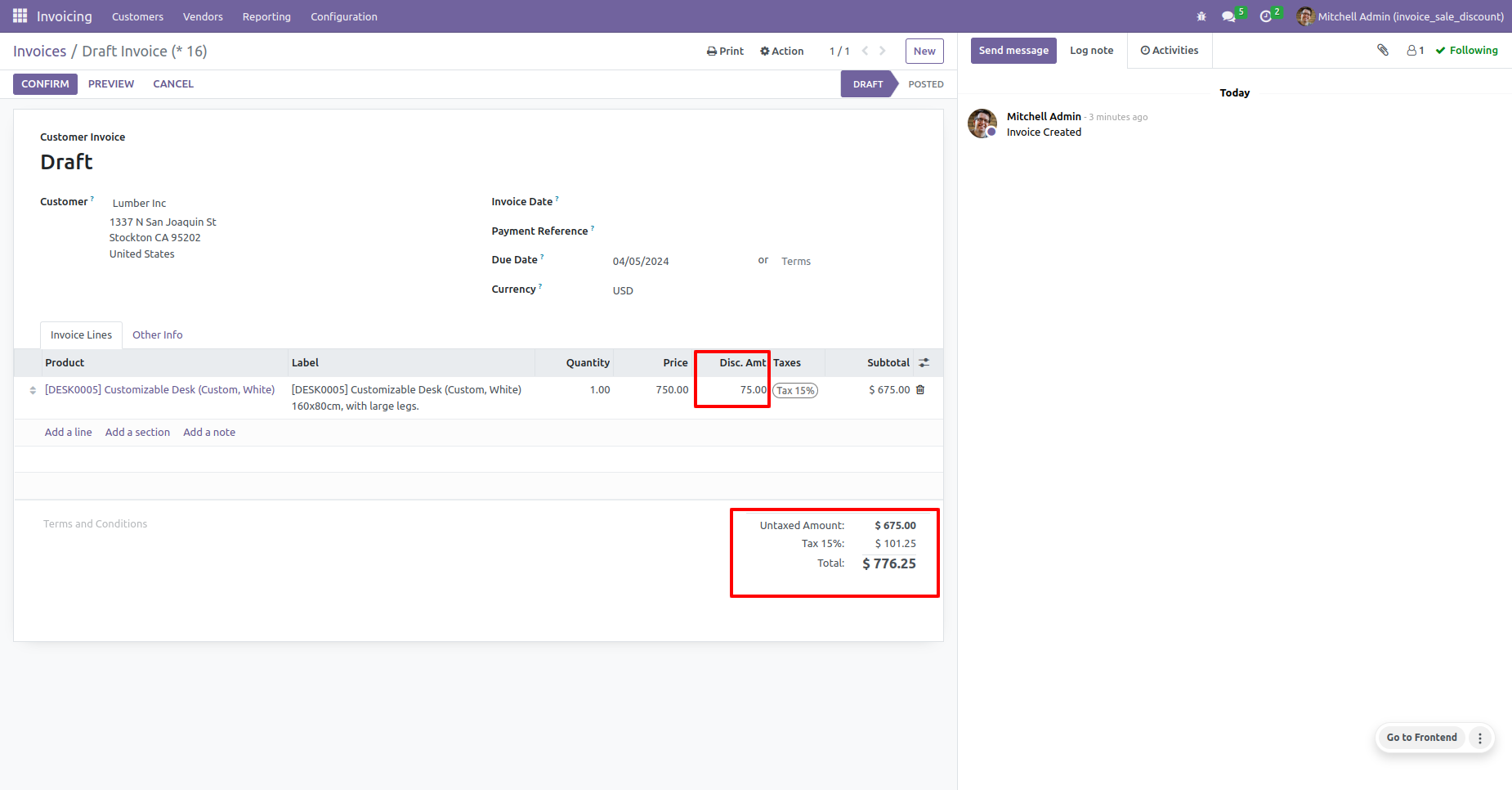
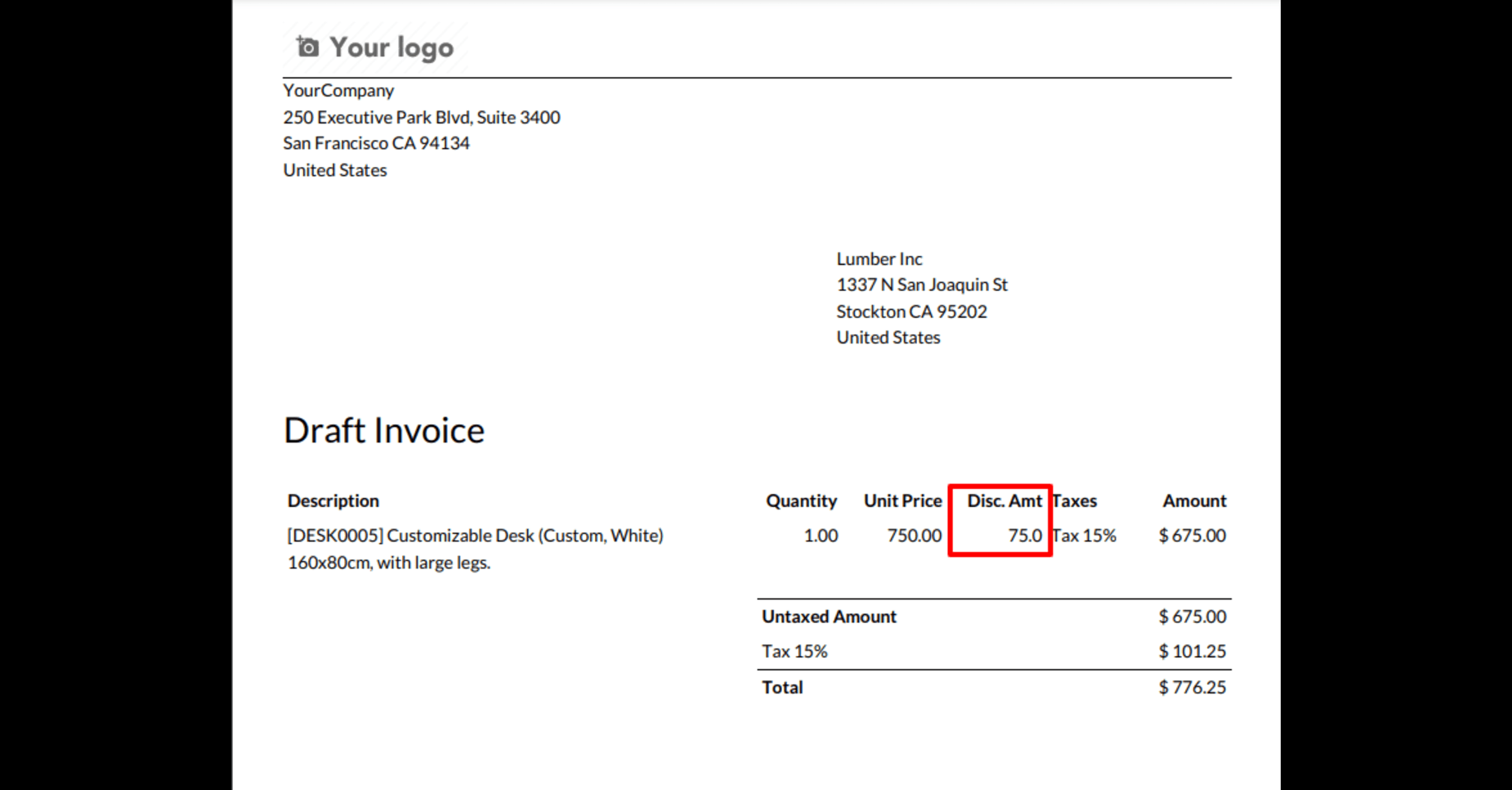
Draft Invoice with Highlighted Discount Amount
Similar to the ninth image, this draft invoice highlights the discount presented as an amount. It clearly shows the reduction in cost applied to the product being invoiced.
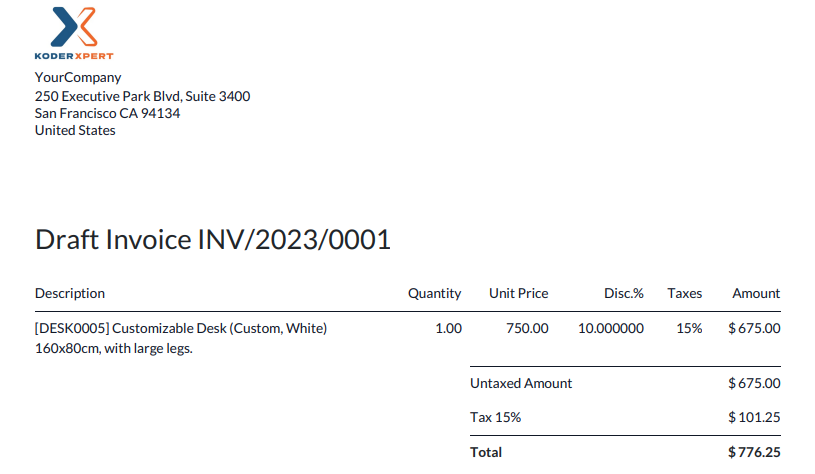

Our Services

Our Industries

Support



Technical Information
kx_invoice_sale_discount
account
sale_management
Supported Versions
16.0.1.0.0
₹ 948.43
17.0
₹ 948.43
18.0.1.0.2
₹ 948.43
19.0.1.0.0
₹ 948.43