WordPress 7.0 is more than a routine platform update for business websites. It is a timely reason to check whether your site is secure, fast, compatible, and ready for growth. For companies using WordPress for lead generation, eCommerce, blogs, or local SEO, the right preparation can prevent broken layouts, plugin errors, slow performance, and missed enquiries.
WordPress 7.0 is scheduled for May 20, 2026, while the WordPress release archive lists 6.9.4 as the latest actively maintained production release. Now is the right time to audit and test. Make WordPress Core and the WordPress release archive are useful official references for release status.
Why WordPress 7.0 Readiness Matters
WordPress powers 42.2% of all websites and 59.6% of websites with a known CMS, according to W3Techs data from April 2026. For growing businesses in the US, Canada, UAE, and India, that popularity brings flexibility, developer availability, and plugins. It also means outdated themes, abandoned plugins and weak maintenance can create real business risk.
A smart wordpress website development plan should treat WordPress 7.0 as a continuity task, not only a technical upgrade. If your website supports sales calls, form submissions, appointment bookings, quote requests, or paid campaigns, compatibility issues can affect revenue.
Checklist 1: Confirm Hosting, PHP, and Server Compatibility
Start with your hosting environment. WordPress 7.0 drops support for PHP 7.2 and 7.3, with PHP 7.4 as the new minimum supported version and PHP 8.3 remaining the recommended version. Businesses on older PHP versions should upgrade carefully because plugins, custom code, and integrations may need testing first.
What to review first
Current PHP version, database version, and server configuration.
Backup availability from the host and your backup plugin.
Staging access for safe testing.
SSL, caching, CDN, firewall, and uptime monitoring settings.
For example, a B2B services company may have a contact form connected to CRM automation. If PHP is upgraded without testing that workflow, leads may stop syncing even when the website looks normal.

Checklist 2: Audit Plugin Compatibility
Plugins are often the biggest reason WordPress updates become risky. Before moving toward WordPress 7.0, create a plugin inventory and classify every plugin as essential, replaceable, inactive, or risky. Check the last update date, support history, compatibility notes, and whether the plugin is still actively maintained.
Focus on form plugins, page builders, SEO plugins, security plugins, caching tools, payment gateways, multilingual plugins, analytics tags, and WooCommerce extensions. One outdated plugin can affect site speed, create admin errors, or expose security gaps. KoderXpert recommends removing unused plugins because leaner websites are easier to secure and maintain.
Checklist 3: Test Block Editor Readiness and
Layouts
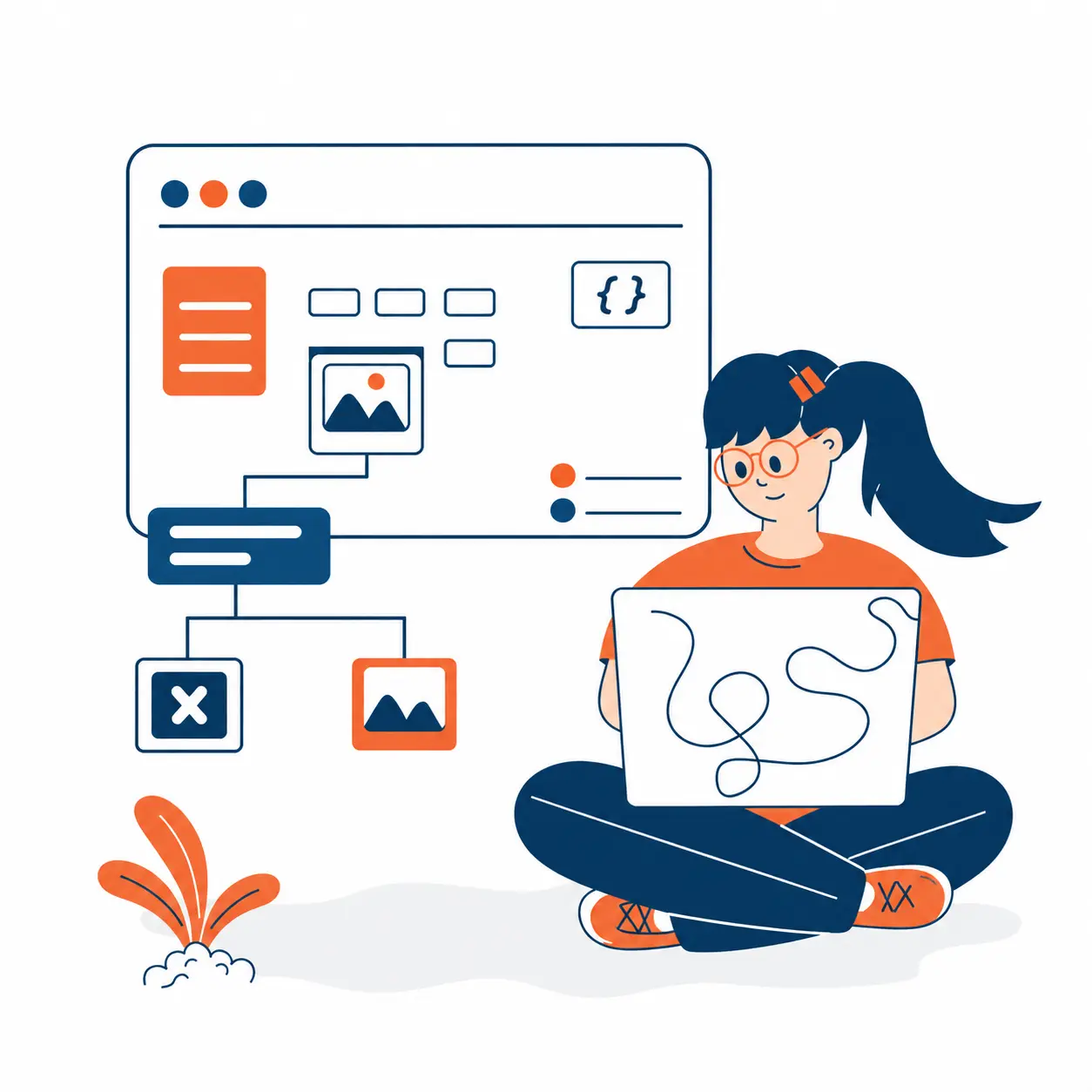
WordPress continues moving deeper into block-based editing, so block editor readiness should be part of every WordPress 7.0 preparation plan. Review theme templates, reusable blocks, custom blocks, landing pages, service pages, blog layouts, headers, footers, and call-to-action sections.
Pages to test carefully
Homepage and high-converting service pages.
Contact, quote request, and demo pages.
Location pages targeting the US, Canada, UAE, or India.
Blog templates and category pages used for SEO traffic.
Checkout or product pages for WooCommerce websites.
Compare desktop and mobile layouts during testing. A button that shifts slightly on desktop may become a conversion problem on mobile. A good wordpress website development services team will test design consistency, forms, schema, internal links, and CTA placement before approval.
Checklist 4: Measure Site Speed Before and After
Site speed affects user experience, paid campaign performance, and SEO. Before upgrading, record baseline performance metrics for core pages. After testing WordPress 7.0 in staging, compare loading speed, image delivery, caching behavior, script loading, and mobile performance.
Practical speed checks include compressing heavy images, reviewing unused CSS, limiting unnecessary plugins, checking hosting response time, and validating caching rules. For startups and SMEs, this is often where the biggest wins appear.
Checklist 5: Strengthen Security, Backups, and Access
Security should be reviewed before every major WordPress update. The official WordPress hardening guide recommends practices such as strict file permissions, careful monitoring, and reducing unnecessary write or execute access. For businesses handling enquiries, customer data, payments, or employee access, these checks support trust and reliability.
Security items to verify
Recent full-site and database backups.
Admin users, roles, and unused accounts.
Two-factor authentication for key users.
Malware scanning and firewall rules.
Plugin, theme, and core update history.
Trustworthy wordpress maintenance services should document what changed, who approved it, and how rollback will happen if issues appear after launch.

Checklist 6: Protect SEO, Tracking, and Lead Generation
A technically successful update is not enough if rankings, tracking, or conversions break afterward. Before updating, review meta titles, meta descriptions, schema markup, XML sitemap, robots.txt file, redirects, analytics tags, conversion tracking, and search console status. Also test phone links, email links, WhatsApp links, demo forms, and downloadable assets.
Long-tail searches such as “WordPress 7.0 compatibility checklist for business websites,” “how to audit a WordPress site before major update,” and “WordPress maintenance services for growing companies” attract decision-makers who want clear guidance before hiring help.
When Should You Hire a WordPress Development Company?
Consider expert support if your site has custom functionality, many plugins, WooCommerce, CRM integrations, multilingual content, complex forms, or high monthly traffic. A reliable wordpress development company can create a staging copy, test the update, fix compatibility issues, review performance, and provide a controlled launch plan.
Conclusion
WordPress 7.0 readiness is about more than pressing the update button. It is a chance to improve hosting, plugin health, block editor readiness, site speed, security checks, SEO tracking, and lead generation flows. Businesses that prepare early reduce risk and create a stronger website foundation for growth.
Make Your WordPress Website
Update-Ready
KoderXpert helps growing businesses, startups, and SMEs plan, audit, and improve WordPress websites with practical development and
maintenance support.
Frequently Asked Questions
It is a practical review of hosting, PHP, plugins, themes, blocks, speed, security, SEO, and lead-generation functions before updating a business website to WordPress 7.0.
Major WordPress updates can affect compatibility, performance, editing workflows, and security. Preparing early helps avoid downtime, broken layouts, and missed leads.
No. Test the update on a staging site first, review plugins and custom code, confirm backups, and only update production after the core functions are verified.
Yes, if your website has important forms, custom features, WooCommerce, CRM integrations, or high traffic. Maintenance helps reduce upgrade risk.
Hire expert help when your website uses complex plugins, custom themes, multilingual content, WooCommerce, integrations, or SEO-critical landing pages.